10 Claude AI Prompts for Freelancers
Land more freelance clients, write better pitches, and build your business faster with these 11 ready-to-use Claude AI prompts made for freelancers.


On this page
- 10 Claude AI Prompts for Freelancers
- Define Your Freelance Niche and Ideal Client
- Write a High-Converting Freelance Profile Bio
- Create a Personalized Cold Outreach Email
- Build a Freelance Services and Pricing Page
- Write a Simple Project Proposal
- Summarize a Past Project for Your Portfolio
- Plan a LinkedIn Content Strategy for Freelancers
- Write a Freelance Client FAQ Section
- Write a Testimonial Request Message
- Create a Referral Request Message
- How to Use These Prompts Effectively
- Conclusion: Use Claude AI to Grow Your Freelance Business
Finding new clients. Writing proposals. Posting on LinkedIn.
Freelancing means doing it all — and it can get overwhelming fast.
Claude AI makes it easier.
Instead of starting from scratch every time, you can use smart prompts to write faster, pitch better, and stay consistent.
In this post, you’ll get 10 ready-to-use Claude AI prompts built to help freelancers like you land more work, save time, and grow your business.
Let’s dive in.
ALSO READ: 10 Claude AI Prompts for Converting Leads

10 Claude AI Prompts for Freelancers
Define Your Freelance Niche and Ideal Client
Claude AI Prompt:
#CONTEXT:
You’re a freelancer offering [insert service type: writing, design, coaching, etc.] services. You need to clearly define who you help and what you specialize in. This will help you target the right clients, write better pitches, and stand out in a crowded market.
#GOAL:
Create a short, clear description of your niche and ideal client so you know exactly who you’re speaking to.
#RESPONSE GUIDELINES:
• Describe your main service focus: [insert service]
• Define your ideal client: [insert audience type: startups, coaches, SaaS companies, etc.]
• Match the tone to your brand: [insert tone: expert, casual, friendly]
#OUTPUT:
A 2–3 sentence niche and ideal client statement you can use in your bio, proposals, and website.
Claude AI Response:

Write a High-Converting Freelance Profile Bio
Claude AI Prompt:
#CONTEXT:
You’re creating a freelance profile on [insert platform: Upwork, Fiverr, LinkedIn]. You need a short bio that makes clients trust you and want to work with you. It should show your skills, results, and personality.
#GOAL:
Write a 3–5 sentence profile that highlights your expertise, results, and what makes you different.
#RESPONSE GUIDELINES:
• Mention your main service: [insert service]
• Talk about your best result: [insert achievement]
• Match the tone: [insert tone: professional, friendly, confident]
#OUTPUT:
A strong freelance bio ready for your profile.
Create a Personalized Cold Outreach Email
Claude AI Prompt:
#CONTEXT:
You’re reaching out to potential clients who might need [insert service]. You want your email to feel natural, not spammy. It should focus on their needs, not just your services.
#GOAL:
Write a short, friendly cold email that starts a conversation and offers clear value.
#RESPONSE GUIDELINES:
• Personalize the first line based on [insert company name or project]
• Mention the problem you can solve: [insert pain point]
• Keep the tone [insert tone: casual, helpful, confident]
#OUTPUT:
A ready-to-send cold email template.
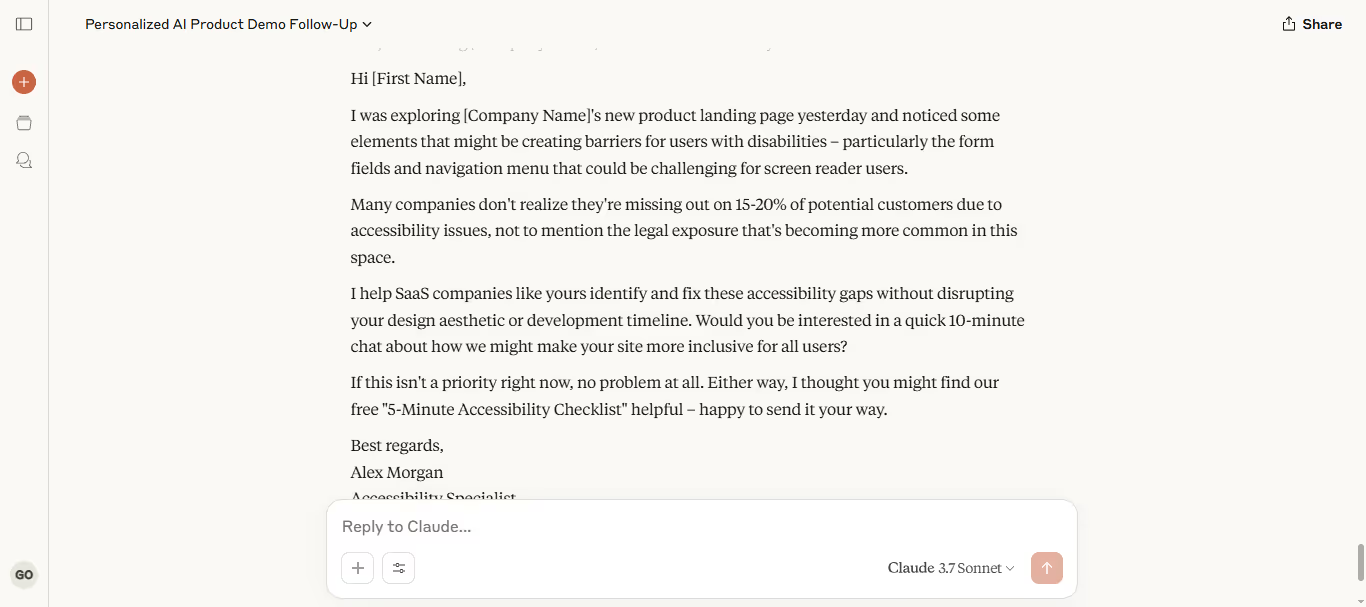
Claude AI Response:
Build a Freelance Services and Pricing Page
Claude AI Prompt:
#CONTEXT:
You’re setting up a simple services and pricing page for your freelance business. It needs to show [insert audience] exactly what you offer and how much it costs.
#GOAL:
Write a clear, easy-to-read services and pricing outline.
#RESPONSE GUIDELINES:
• List your core services: [insert services]
• Include starting prices or packages: [insert pricing structure]
• Match the tone: [insert tone: professional, clear, friendly]
#OUTPUT:
A pricing page draft you can copy into your site or PDF.
Write a Simple Project Proposal
Claude AI Prompt:
#CONTEXT:
You’re sending a proposal to a potential client for a [insert project type: website, blog series, coaching package, etc.]. You need it short, clear, and focused on the client’s needs.
#GOAL:
Write a 3-part proposal: Project Summary, Deliverables, and Pricing.
#RESPONSE GUIDELINES:
• Keep it under 300 words
• Focus on client goals: [insert client goal or problem]
• Match the tone: [insert tone: professional, helpful, confident]
#OUTPUT:
A simple freelance proposal ready to send.
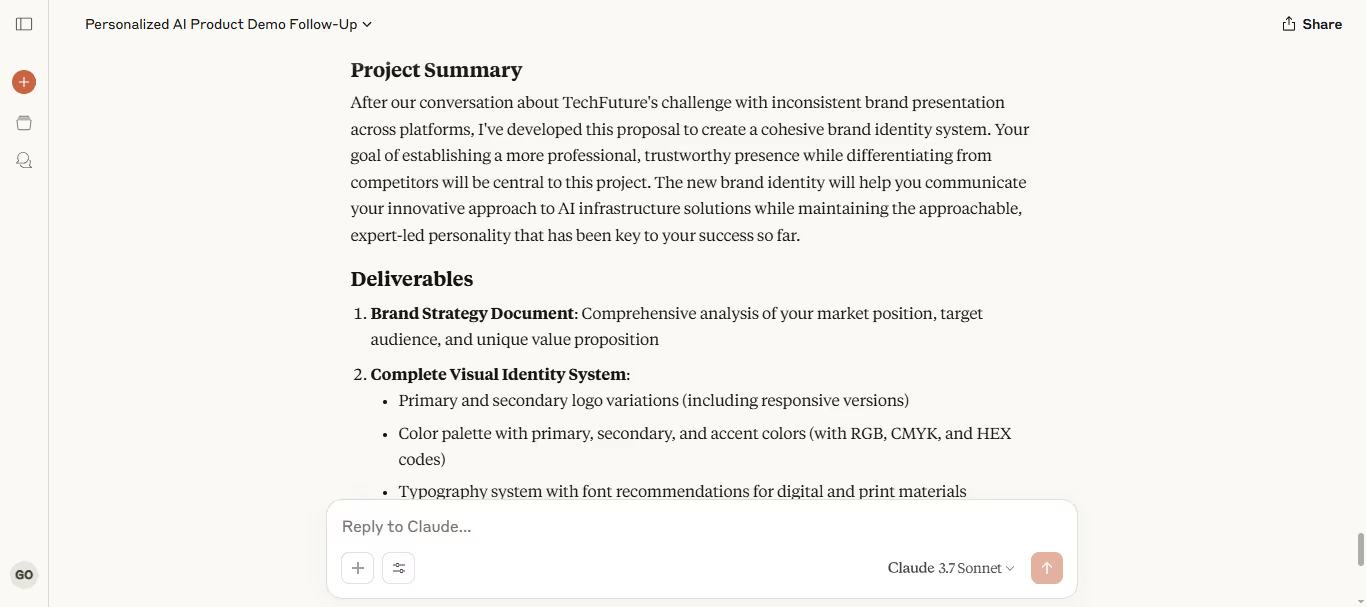
Claude AI Response:
Summarize a Past Project for Your Portfolio
Claude AI Prompt:
#CONTEXT:
You’re creating a short case study for a portfolio project. You want to highlight the challenge, what you did, and the results you delivered for [insert client type].
#GOAL:
Write a 3–4 sentence project summary focused on results.
#RESPONSE GUIDELINES:
• Problem: [insert challenge]
• Solution: [insert what you did]
• Results: [insert result or metric]
• Tone: [insert tone: confident, clear, simple]
#OUTPUT:
A mini-case study you can add to your website or portfolio.
Plan a LinkedIn Content Strategy for Freelancers
Claude AI Prompt:
#CONTEXT:
You want to post regularly on LinkedIn to attract freelance clients in [insert industry]. You need post ideas that show your skills, build trust, and invite conversations.
#GOAL:
Generate 5–7 LinkedIn post ideas you can rotate each month.
#RESPONSE GUIDELINES:
• Mix personal stories, tips, results, and opinions
• Focus on topics relevant to [insert service or audience]
• Match tone: [insert tone: personal, helpful, expert]
#OUTPUT:
A mini LinkedIn content calendar for freelancers.
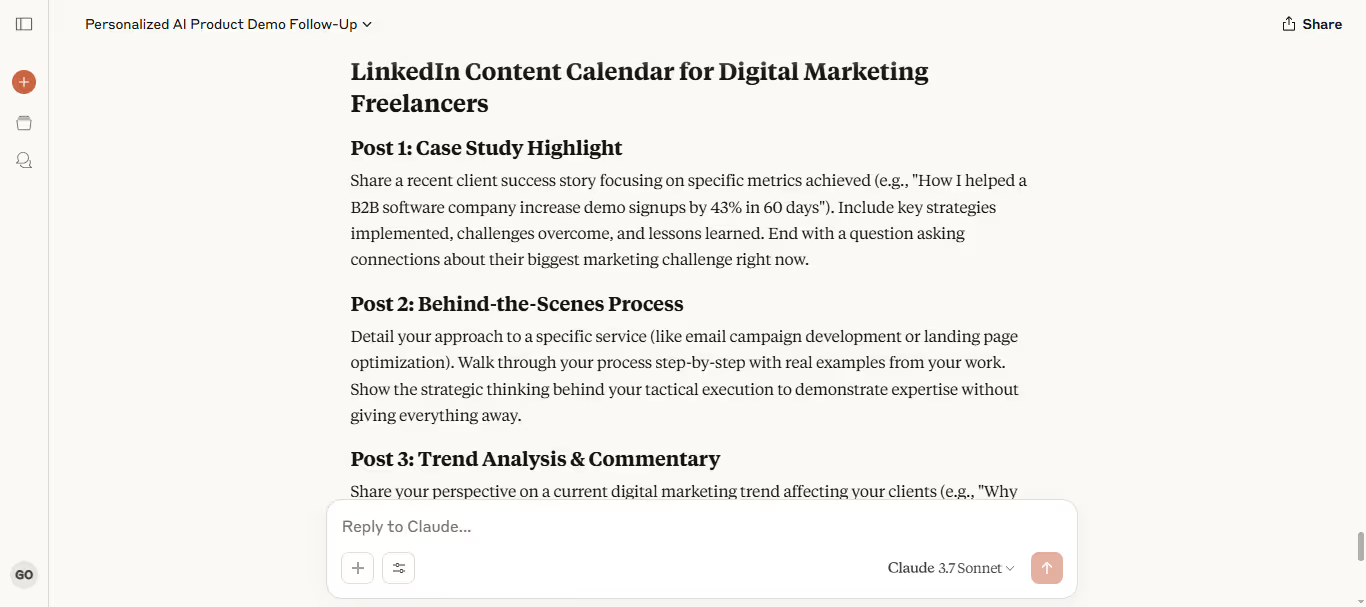
Claude AI Response:
Write a Freelance Client FAQ Section
Claude AI Prompt:
#CONTEXT:
You’re building an FAQ section for your freelance website. You want to answer common client questions about your services, process, and pricing.
#GOAL:
Write 5–7 short FAQ items that build trust and make hiring you easy.
#RESPONSE GUIDELINES:
• Focus on questions like: [insert example questions]
• Keep answers under 50 words each
• Match tone: [insert tone: friendly, helpful, professional]
#OUTPUT:
A client-ready FAQ section you can publish.
Write a Testimonial Request Message
Claude AI Prompt:
#CONTEXT:
You’ve finished a project for a happy client. Now you need a polite, professional message asking them for a short testimonial.
#GOAL:
Write a simple testimonial request message that makes it easy for the client to say yes.
#RESPONSE GUIDELINES:
• Be specific about what you’d like them to highlight: [insert service or result]
• Keep it short and low-pressure
• Match tone: [insert tone: grateful, casual, polite]
#OUTPUT:
A ready-to-send testimonial request email or DM.
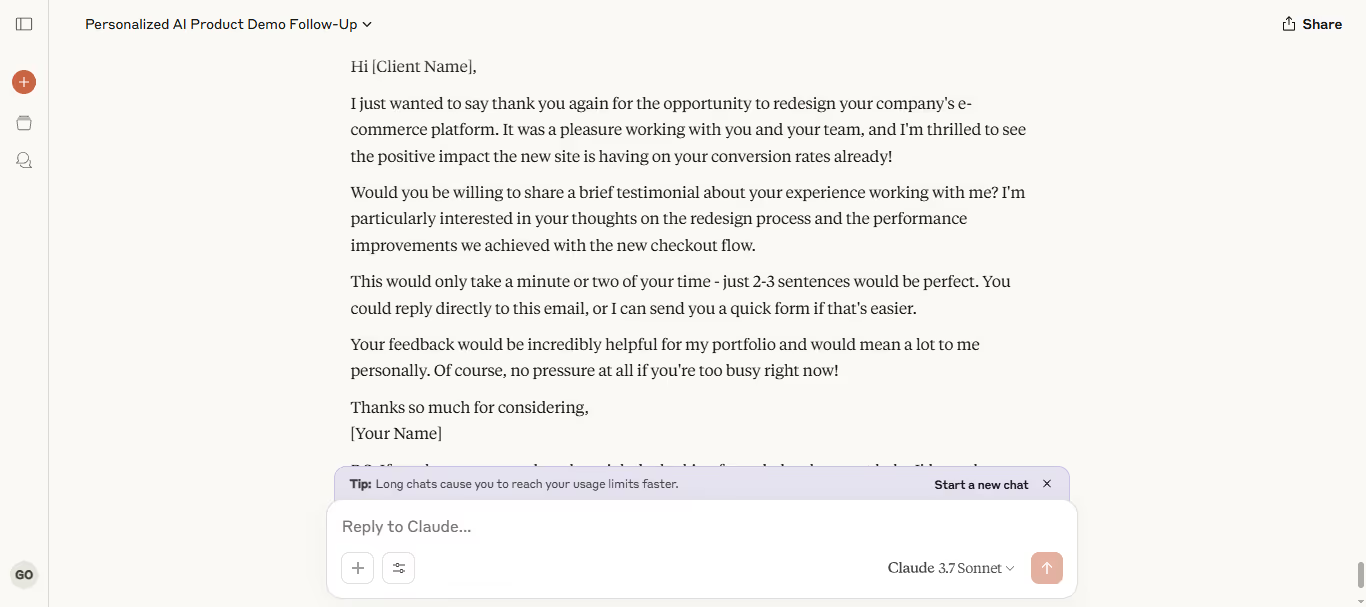
Claude AI Response:
Create a Referral Request Message
Claude AI Prompt:
#CONTEXT:
You want to ask a past or current client for referrals. You need a short, non-pushy message that feels natural and easy for them to forward to others.
#GOAL:
Write a polite referral request that encourages sharing.
#RESPONSE GUIDELINES:
• Thank them for working with you
• Make the referral ask simple and clear
• Match tone: [insert tone: warm, appreciative, confident]
#OUTPUT:
A ready-to-use referral request message you can send by email or DM.
How to Use These Prompts Effectively
Claude is powerful — but only if you give it the right instructions. Here’s how to get the best results from these prompts:
• Be specific
Tell Claude exactly who your audience is, what tone you want, and what you’re trying to create.
• Use placeholders smartly
Fill in all the [insert] parts based on your real service, target clients, or goals.
• Edit after generating
Claude gives you a draft. Make it sound even more like you by tweaking words, adding examples, or tightening sentences.
• Keep your workflow simple
Use one prompt at a time. Stack them together to build full emails, profiles, proposals, and content faster.
Conclusion: Use Claude AI to Grow Your Freelance Business
You don’t need to start every email, proposal, or portfolio piece from scratch.
These 10 Claude AI prompts give you a faster way to pitch better, market smarter, and land more freelance clients.
Pick one prompt today.
Use it. Improve it. Grow your business.
Next step: turn this article into output with business prompts, or go deeper with productivity prompts.
Prompts for this topic
Put this article to work with ready-to-use prompts from the God of Prompt library.
Keep reading
Claude for Business: Complete Guide to AI at Work (2026)
Learn how to use Claude for business with our complete guide. Compare Team vs Enterprise plans, explore 7 real use cases, and set up Claude for your team step by step.


10 Best Claude System Prompts for Business: Ready-to-Use Templates (2026)
Copy these 10 Claude system prompts built for real business functions. Turn Claude into a trained marketing, sales, support, and strategy assistant in minutes.


Top 7 Companies Building Custom Autonomous AI Agents for US Businesses in 2026

The best of the blog, in your inbox
One email when notable prompts, tools, and model updates land. No spam, unsubscribe anytime.
Join 100,000+ subscribers. One email a week, real prompts, tools, and model updates. Unsubscribe anytime.