AI video is exploding. But not all tools are built the same.
If you’ve heard about Google’s Veo 3 or used Pika Labs, you know both are pushing the limits of text-to-video.
One looks like Hollywood.
The other moves fast and gets creative.
So which one’s better for your workflow?
This guide breaks it down — side by side — so you don’t waste time guessing.
Just the facts. No fluff.
Let’s get into it.
ALSO READ: Google Veo 3: Everything you need to know

Veo 3
Invite-only for now. You can’t use it unless you’re in a demo group or part of Google Labs.
Pika Labs
Public. Anyone can sign up and start creating in minutes.
Verdict:
If you want to use something today, Pika wins.
Veo 3
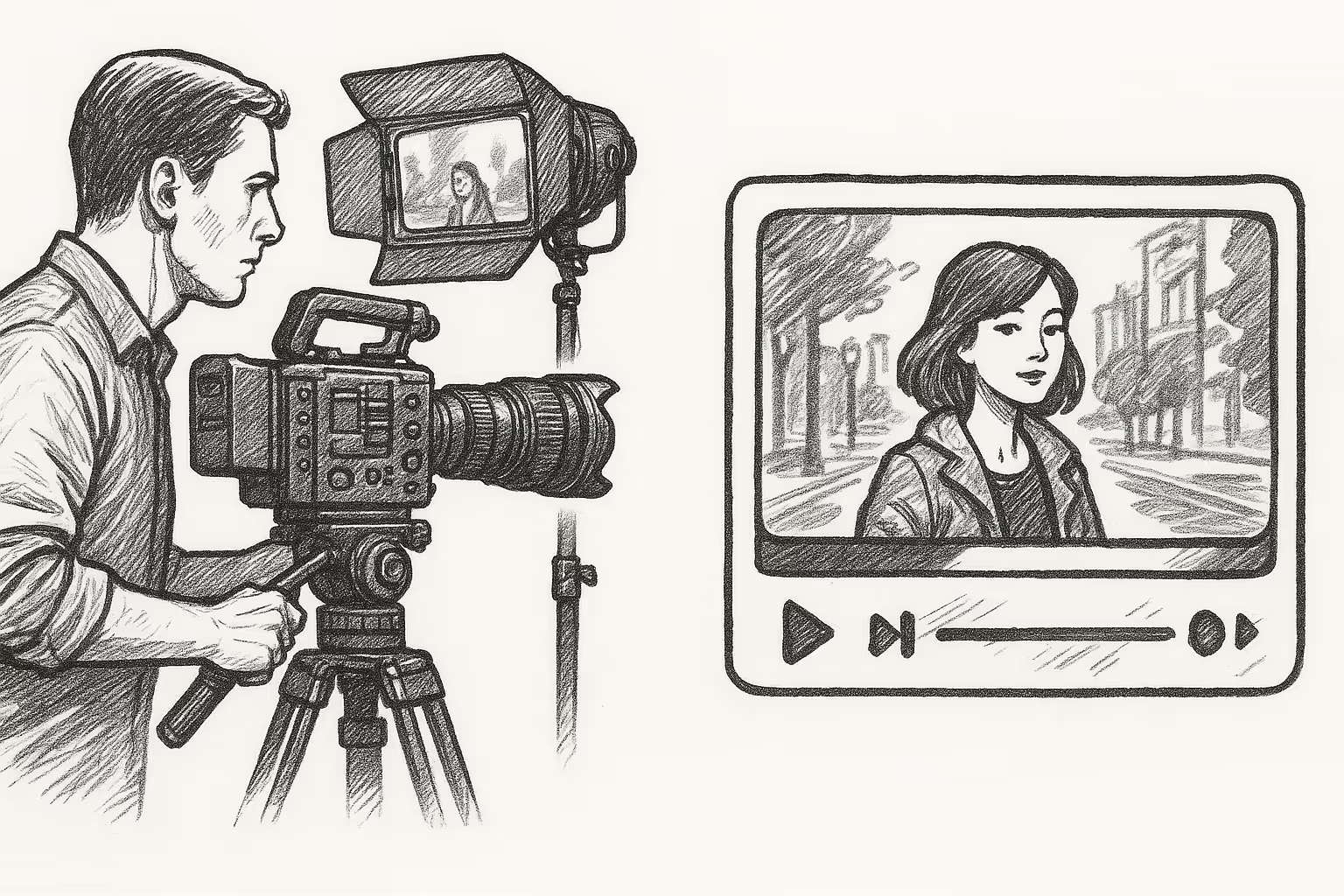
High-end. Outputs cinematic 1080p videos with strong detail and camera motion. Looks like real footage.
Pika Labs
Good quality, but more stylized. Lower resolution by default. Great for social visuals, not full films.
Verdict:
Veo 3 if you want movie-level visuals. Pika for fast, trendy content.
Veo 3
Can generate videos up to 60 seconds. Longer, coherent storytelling.
Pika Labs
Default clips are 3–6 seconds. You can stitch scenes together, but long videos take effort.
Verdict:
Veo 3 is built for full scenes. Pika is better for short bursts.
Veo 3
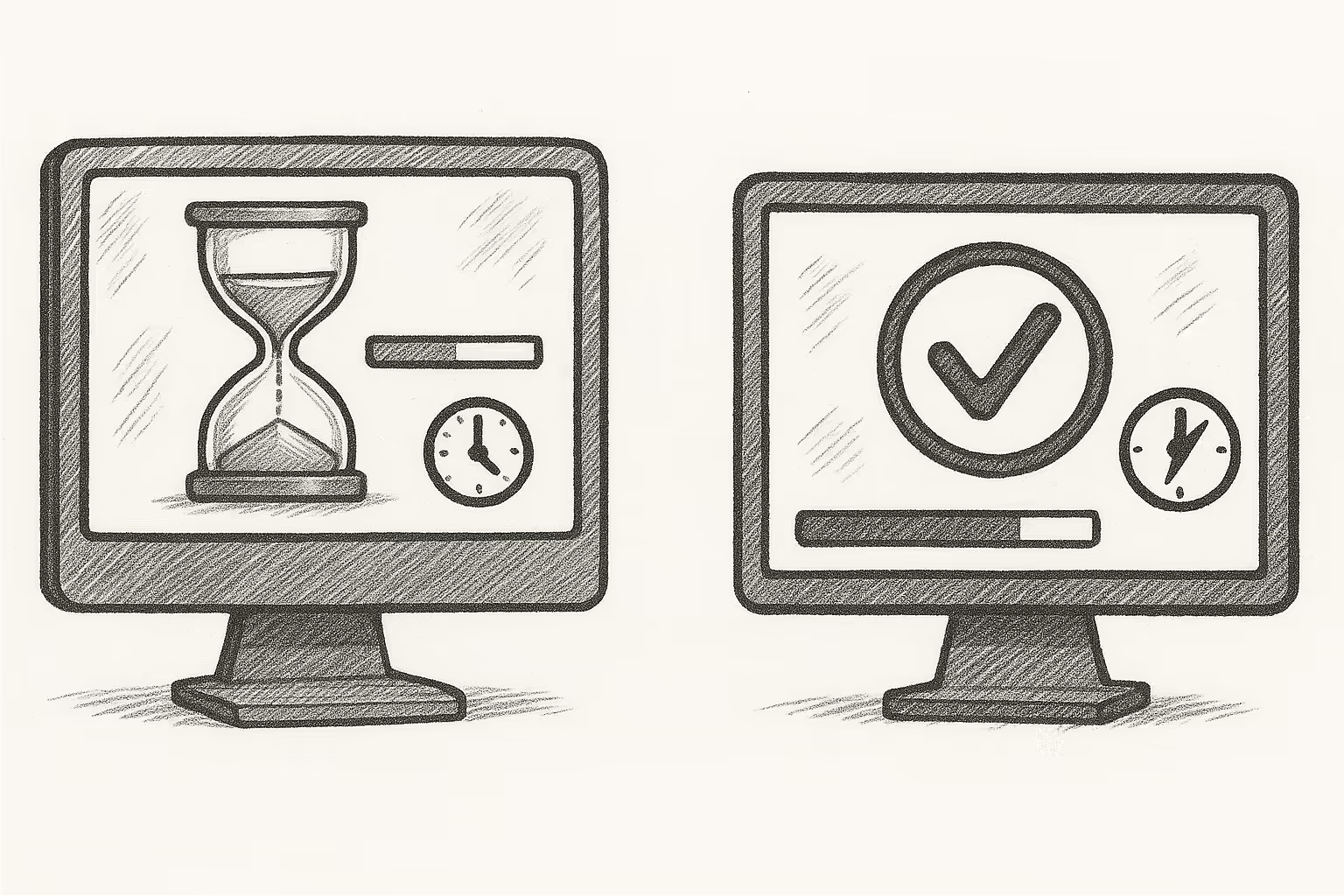
Slower. Heavy processing. May take a few minutes or longer depending on complexity.
Pika Labs
Fast. Most generations are ready in under a minute.
Verdict:
Pika wins for speed and experimentation. Veo trades speed for quality.
Veo 3
Understands details well. You can describe complex scenes and it stays consistent.
Pika Labs
Good, but sometimes misses small prompt details. May need retries or tweaks.
Verdict:
Veo 3 gives more control. Pika is hit-or-miss with fine details.
Veo 3
Top-tier motion. Walking, running, dancing — it looks real. Handles camera angles and physics well.
Pika Labs
Decent motion, but often floaty or exaggerated. Great for creative looks, not realism.
Verdict:
Veo is more natural. Pika is more fun.
Veo 3
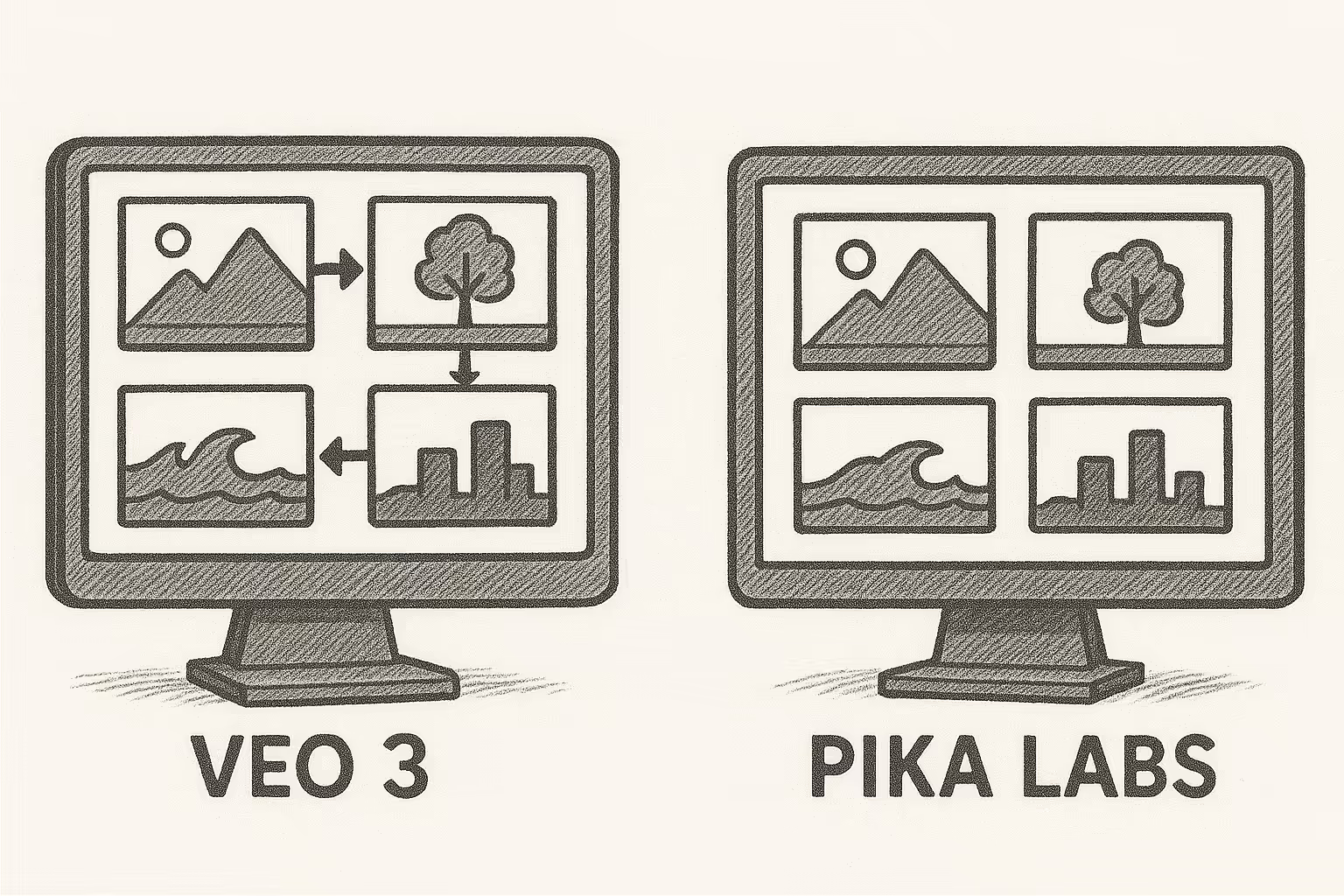
Handles transitions smoothly. Camera pans, cuts, zooms — all feel like film editing.
Pika Labs
Static scenes with few transitions. You can animate movement, but it’s limited.
Verdict:
Veo feels like real video. Pika feels like looping clips.
Veo 3
Realistic, cinematic. Good for serious stories, ads, or concept films.
Pika Labs
Stylized, artistic, sometimes surreal. Great for social media, music visuals, or playful edits.
Verdict:
Choose Veo for realism. Pika for creativity.
Veo 3
No built-in audio right now. You’ll need to add sound manually.
Pika Labs
Supports adding audio, including voice, music, and lip sync.
Verdict:
Pika makes it easier to pair visuals with sound.
Veo 3
Best with detailed text prompts. Excels at building scenes from scratch.
Pika Labs
Strong at animating images. You can upload a photo and bring it to life.
Verdict:
Use Veo for full scene generation. Use Pika to animate existing art.
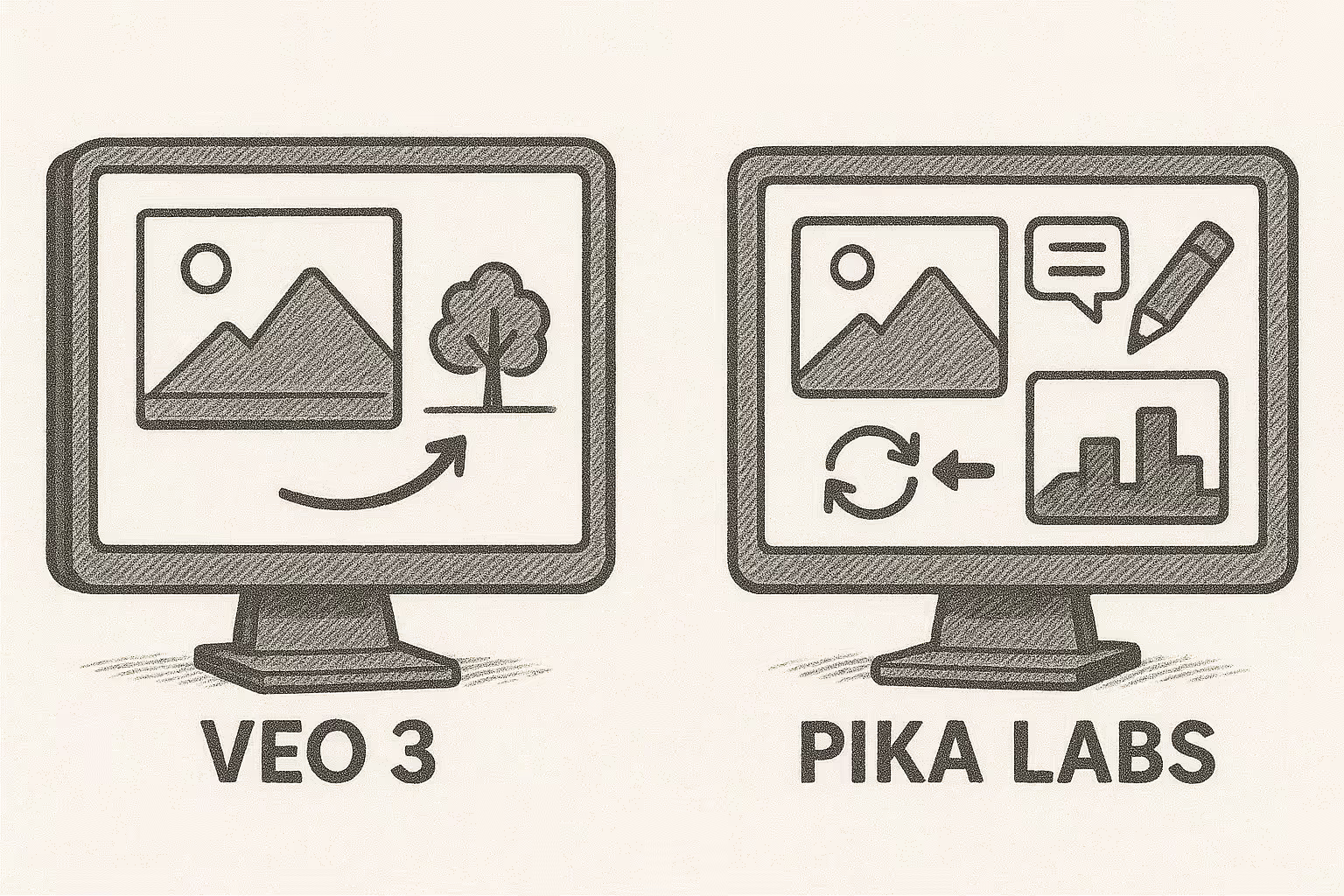
Veo 3
Still limited. You get a final result, but can’t tweak scenes easily (yet).
Pika Labs
You can re-run generations, change prompts, and test variations quickly.
Verdict:
Pika gives you more creative room to experiment.
Veo 3
Subtle and cinematic. Less flashy, more polished.
Pika Labs
Offers trending effects, AI filters, anime styles, surreal overlays.
Verdict:
Veo is grounded. Pika is expressive.
Veo 3
Filmmakers, ad creators, brands, and serious video professionals.
Pika Labs
Content creators, marketers, meme makers, musicians, and creatives.
Verdict:
Veo for polished output. Pika for speed and style.
Veo 3
Takes time. You’ll get better results if you understand film language and write specific prompts.
Pika Labs
Easy. Great for beginners. Just describe your idea and watch it come to life.
Verdict:
Pika is simpler to start with. Veo rewards skill and detail.
Use Veo 3 if you want realism, depth, and film-quality results — and you’re okay waiting or applying for access.
Use Pika Labs if you want fast videos, creative freedom, and a tool you can use right now.
They’re built for different goals. Pick the one that fits your workflow.



.webp)