78 AI Prompts for Icon & UI Design

The best Icon & UI Design prompts in the Art and Design library. Tested on ChatGPT, Claude, Gemini and every major model.

Browse the prompts

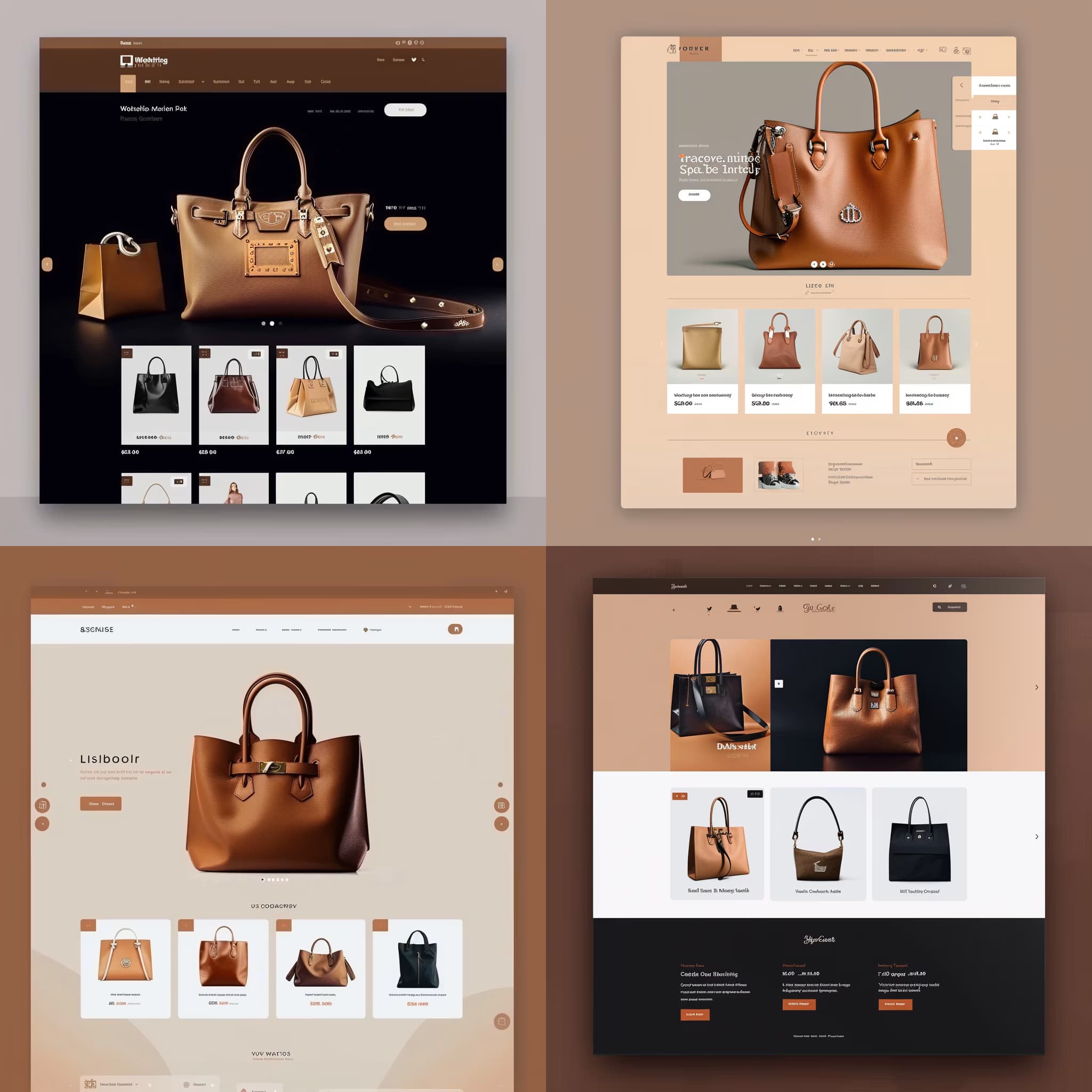
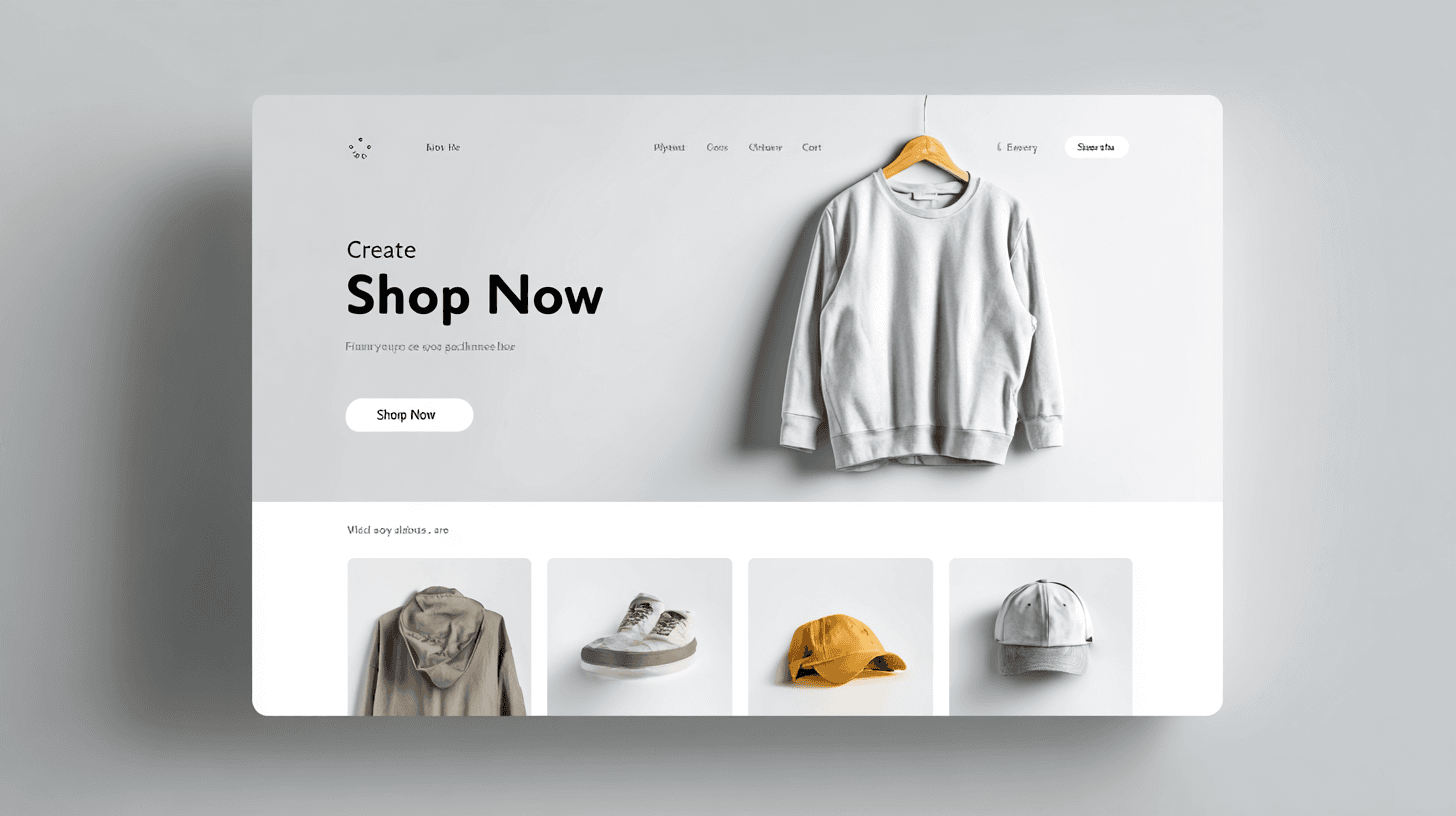
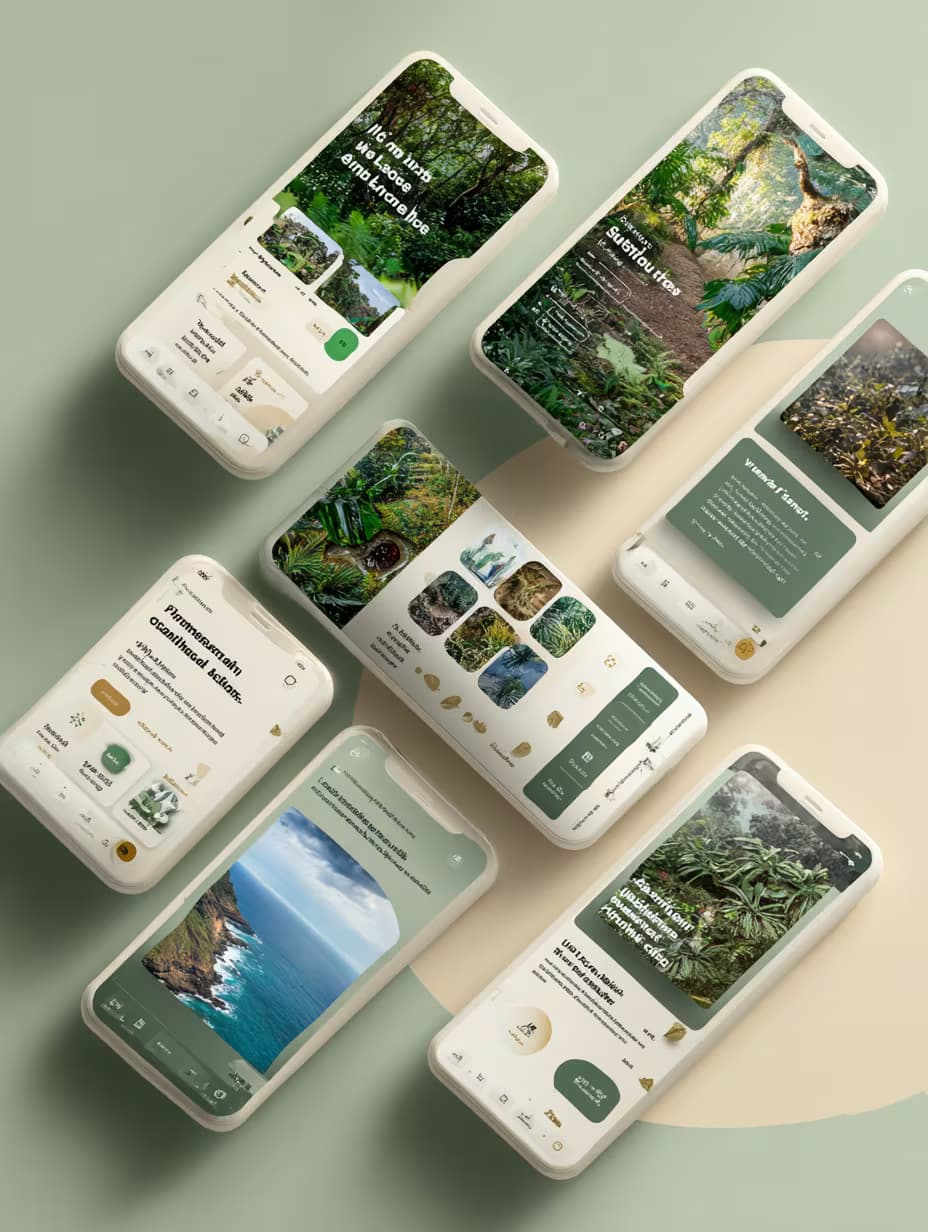
UI design of a {{app-type}}, {{platform}}, flat UI, clean UI/UX design, {{color-palette}} color palette, minimalist modern style, high resolution, white background --no device --ar 16:9 --style raw

Clean UI Design Concept Generator for Apps and Web

Generates flat, minimalist UI design mockups for websites and mobile applications with custom color palettes on a white background. Runs on Midjourney, Flux, and other AI image generators.
225
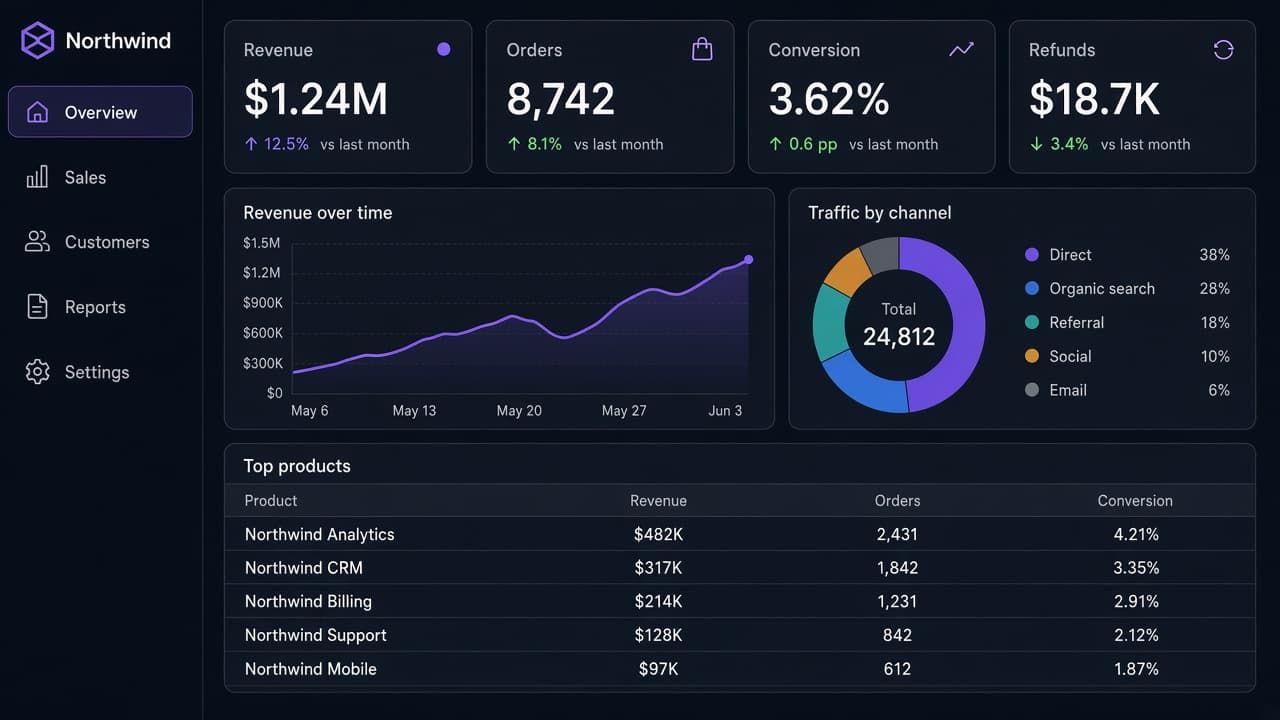
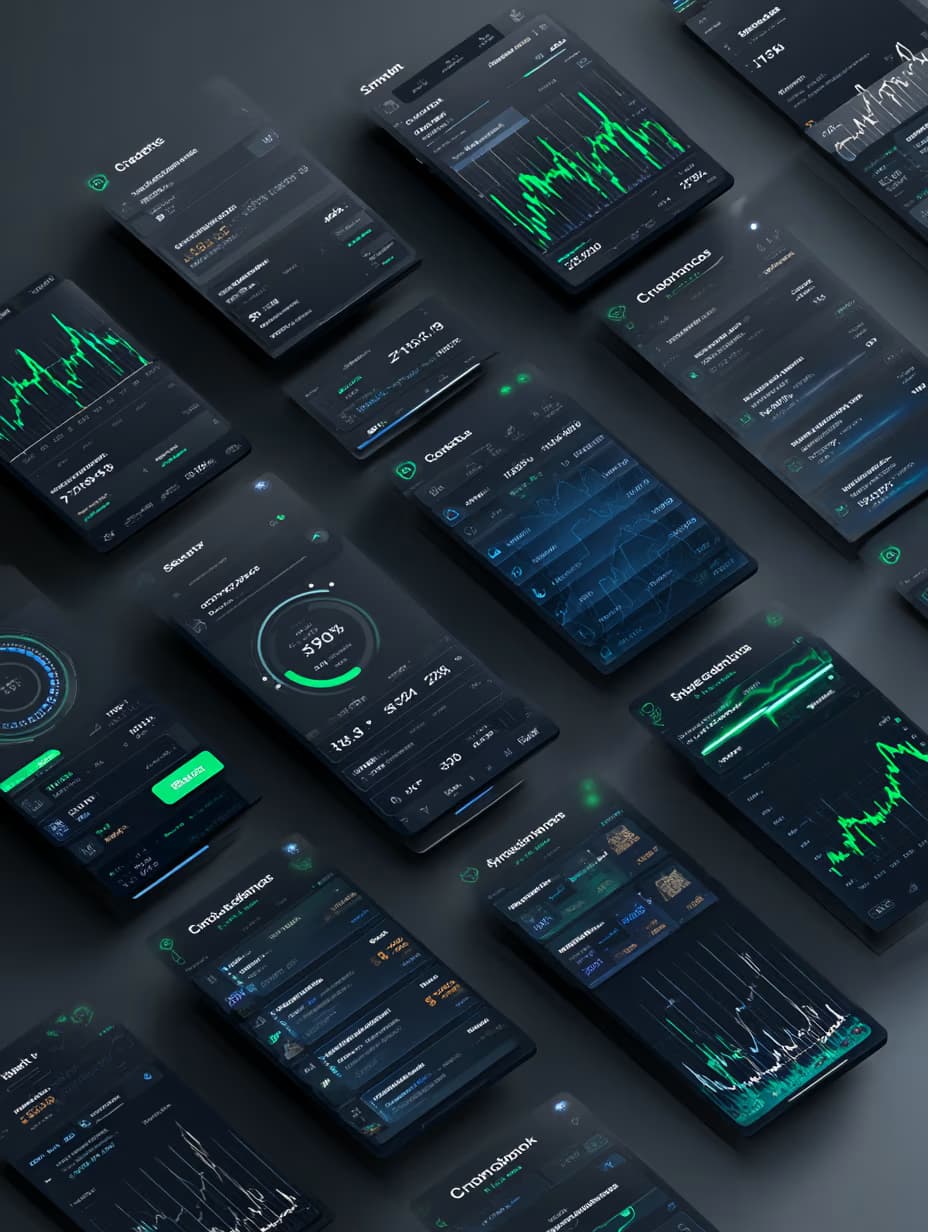
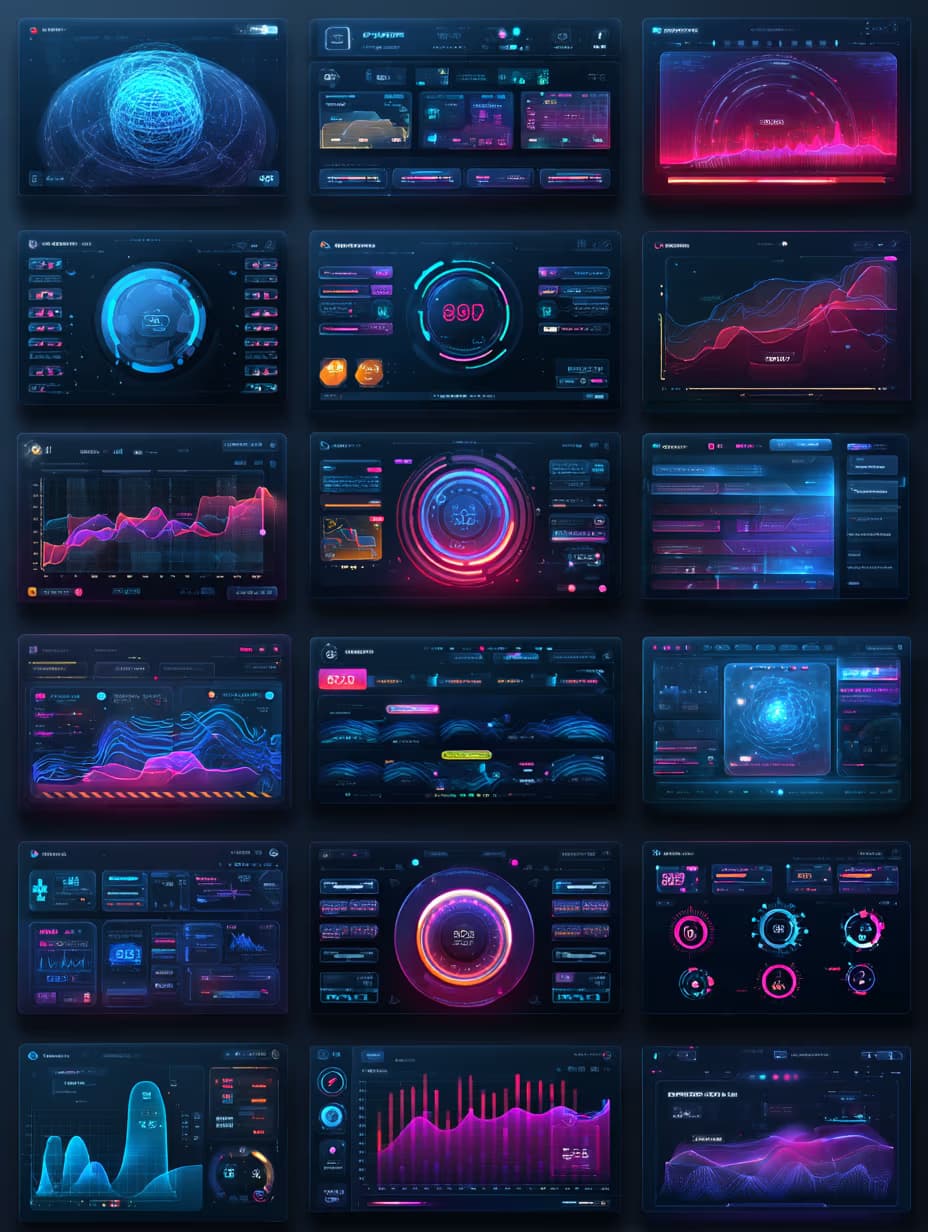
Design Tool Dashboard UI/UX with modular panel layout, drag-and-drop interface, minimal iconography, smooth gradient accents, intuitive and creative workspace experience, {{design-focus}}, clean typography, organized sidebar navigation, responsive grid system, modern flat design aesthetic --ar 3:4 --style raw

Modular Dashboard UI Design Prompt

Generates a modern dashboard interface with modular panels, drag-and-drop layout, and minimal iconography. Runs on Midjourney, Flux, and Nano Banana to produce clean, responsive UI/UX mockups.

116

User Journey Mapping Prompt for Digital Platforms

Generates a comprehensive user journey map tracing each stage from initial engagement through post-completion for any website or app action. Runs on ChatGPT, Claude, Gemini, and Grok.

86
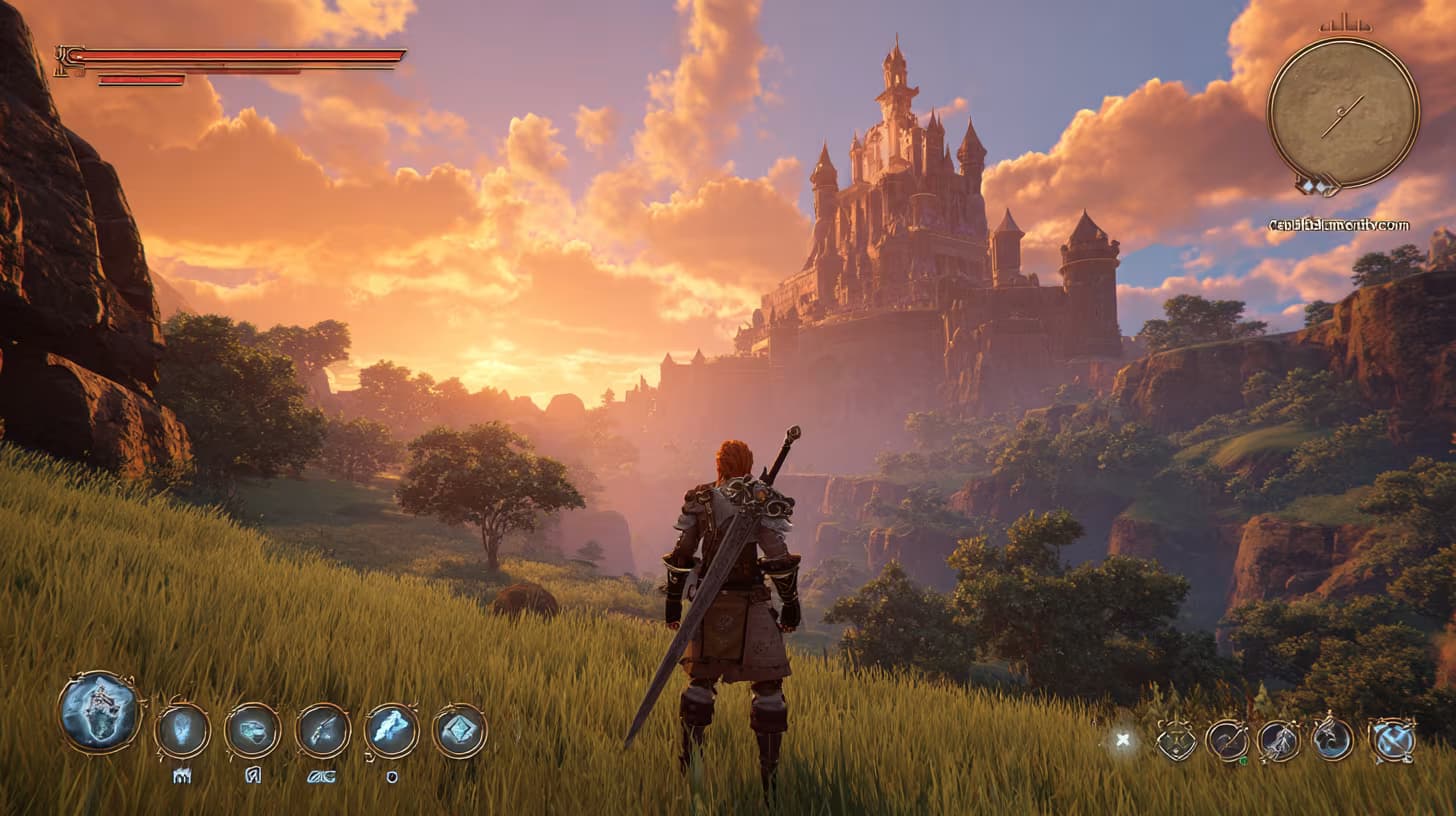
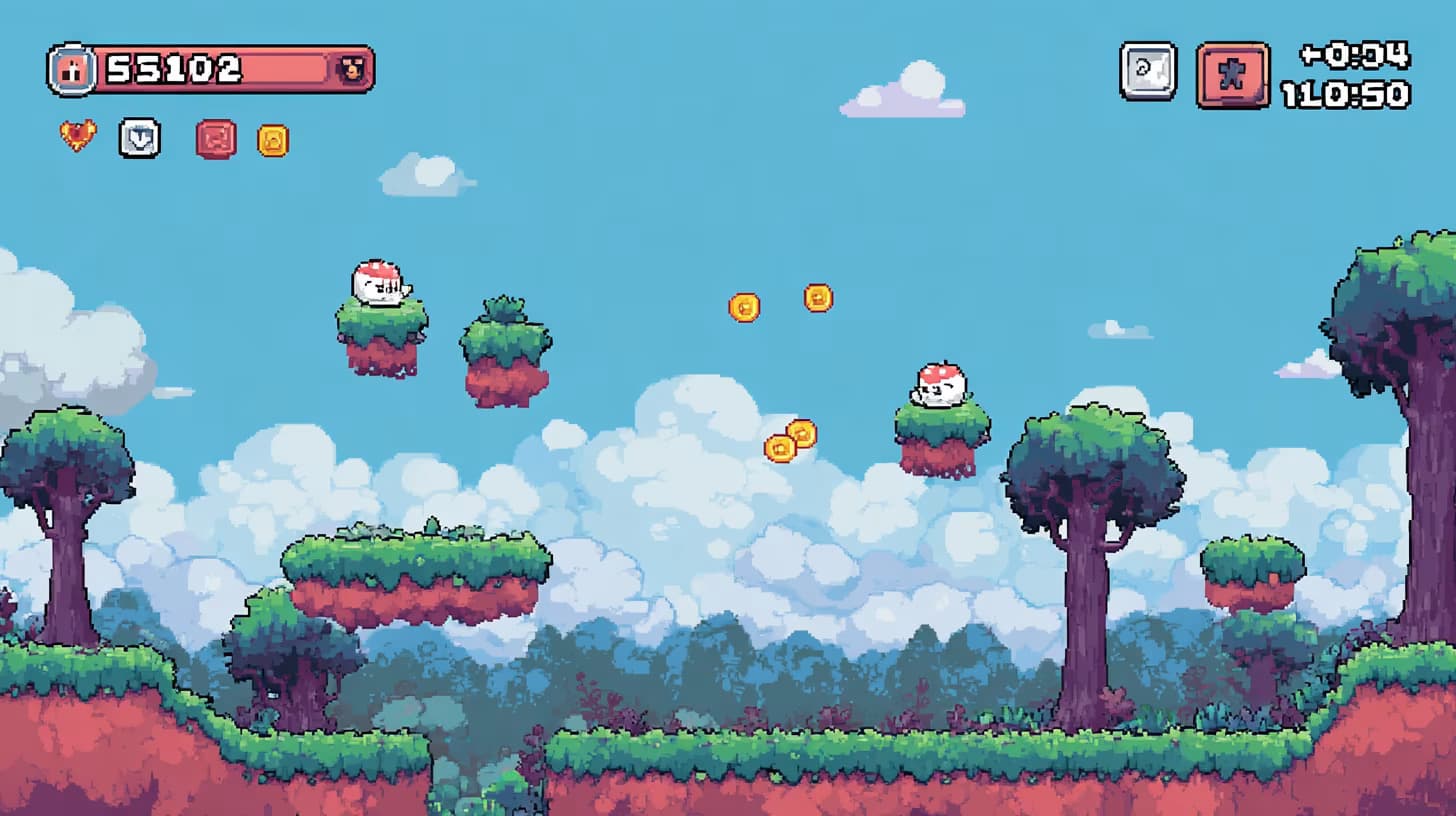
Screenshot of game UI design for {{game-type}}, featuring {{ui-elements}}, simple minimalist interface, clean modern effects, modular grid layout --ar 16:9

Game UI Design Screenshot Generator

Generates clean, minimalist game interface screenshots with modular grid layouts for Midjourney, Flux, and other AI image models. Specify your game type and UI elements to create modern, professional mockups.

64
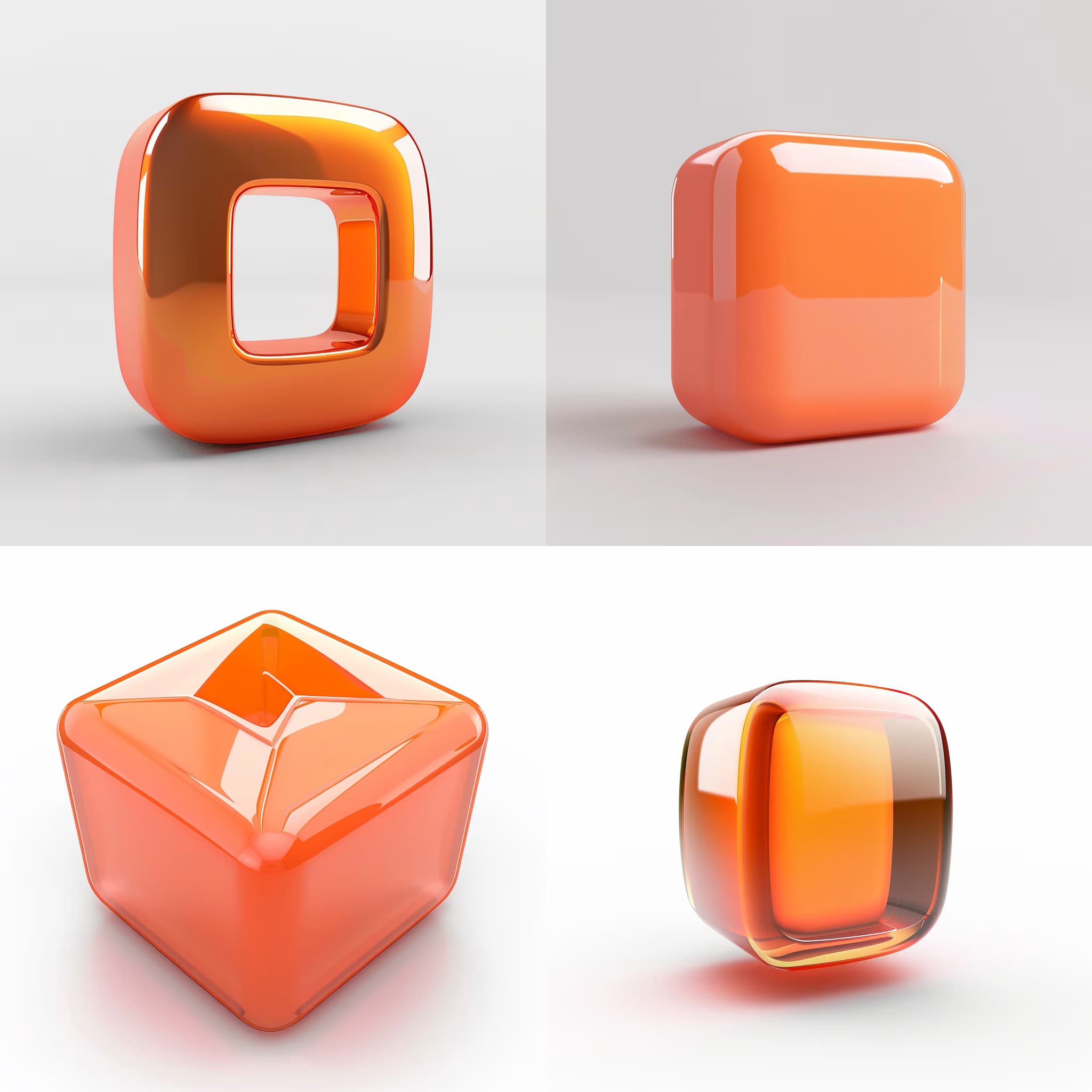
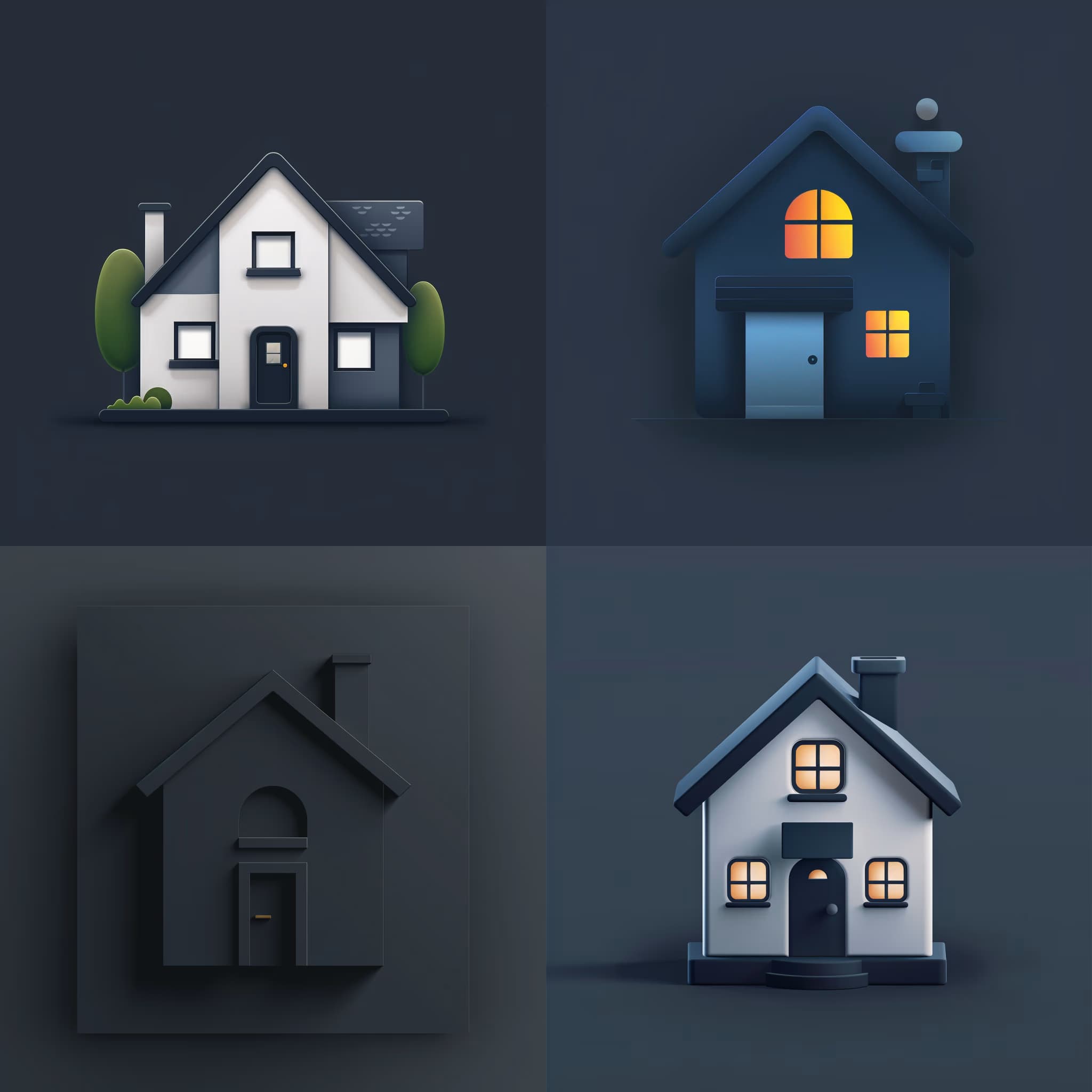
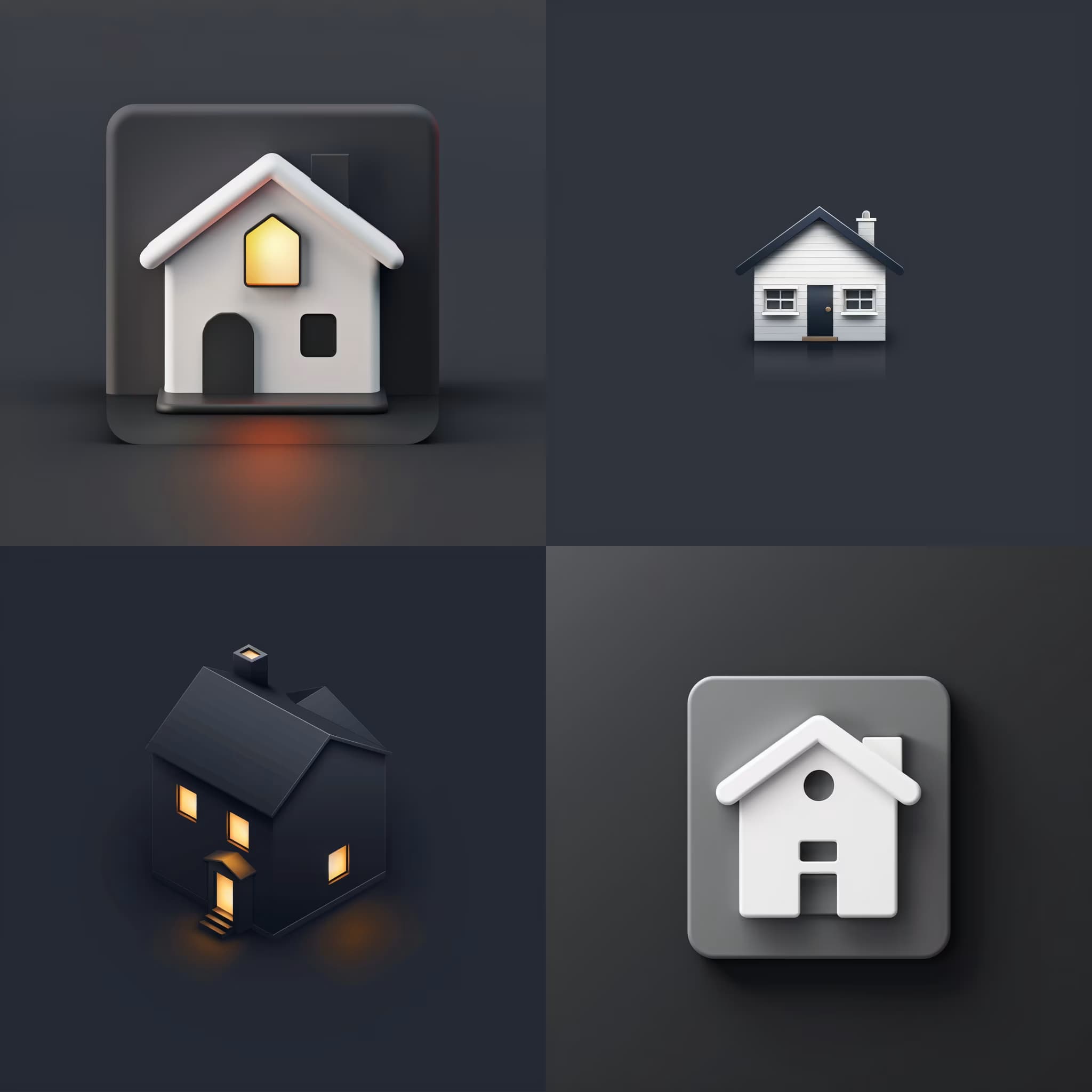
{{subject}} icon design, minimalist flat style, {{primary-color}} and {{secondary-color}}, white background, --ar 1:1

Icon Design Generator for Minimalist Flat Style

Generates minimalist flat-style icon designs with custom subject and two-color palettes on a white background. Runs on Midjourney, Flux, and other AI image models.

62

UI/UX Concept Generator for Digital Products

Generates five innovative UI/UX design concepts tailored to your product type and brand context. Runs on ChatGPT, Claude, and similar text models to produce trend-informed, user-centered design proposals.

59
## Role
You are a UX interface architect specializing in search functionality design, applying e-commerce UX research principles and proven usability patterns.

## Task
Create a comprehensive search bar implementation guide that balances sophisticated functionality with intuitive simplicity, helping users find content quickly without frustration.

## Context
Poor search experiences lead to abandoned searches and lost conversions. This design must follow proven UX patterns for {{search-context}}, ensuring the search bar is visible, accessible, and optimized across devices while adapting to user behaviors and content types.

## Implementation Process

### Discovery
- Analyze the content types being searched and their characteristics
- Determine autocomplete requirements and suggestion logic
- Identify user search patterns and behaviors
- Document technical constraints and platform limitati

Search Bar Interface Design Prompt

Generates a comprehensive implementation guide for designing search bars that follow e-commerce UX research principles and proven usability patterns. Runs on ChatGPT, Claude, Gemini, and Grok to produce detailed specifications, markup examples, and interaction patterns.

59
## Role
You are a UI/UX designer creating a data-backed user persona for a website or app design project.

## Task
Develop a comprehensive user persona that represents the primary user base. The persona will guide design decisions by capturing demographics, behaviors, needs, motivations, and pain points in an accessible, actionable format.

## Context
{{product-details}}

Include in your product details: the type of website/app, its key features, the target user's primary goals, known pain points, and any available data sources for user research (surveys, interviews, analytics, reports).

## Process
1. **Research Foundation**: Synthesize quantitative and qualitative data from the sources provided to understand user demographics, preferences, and technological proficiency
2. **Goals and Pain Points**: Identify what motivates users and what barriers they face when trying to accomplish thei

User Persona Document Generator for UI/UX Design

Generates a structured, data-backed user persona document that guides website and app design decisions. Runs on ChatGPT, Claude, and Gemini to produce research-grounded profiles with demographics, goals, pain points, and behavioral traits.

59
Retexture {{subject}} in monochrome 3D minimalism, matte plastic base with ultra-smooth texture and low gloss finish, studio soft directional lighting at medium-low intensity casting long soft shadows and muted highlights, color palette #d8d8d8 #aaaaaa #f0f0f0 with black and white accents and low contrast, rounded shapes with minimal detail and clean edges, centered isolated single subject on flat mid-gray background #b0b0b0, Octane-style smooth 3D rendering with high resolution and minimal detail with realistic depth --ar 1:1 --v 6 --style raw --no busy details, complex textures, bright colors

Monochrome 3D Icon Retexture Prompt

Retextures any uploaded image into a monochrome 3D minimalist icon with matte plastic finish, soft studio lighting, and centered composition. Runs on Midjourney, Flux, and other image generation models that support image-to-image prompting.

54
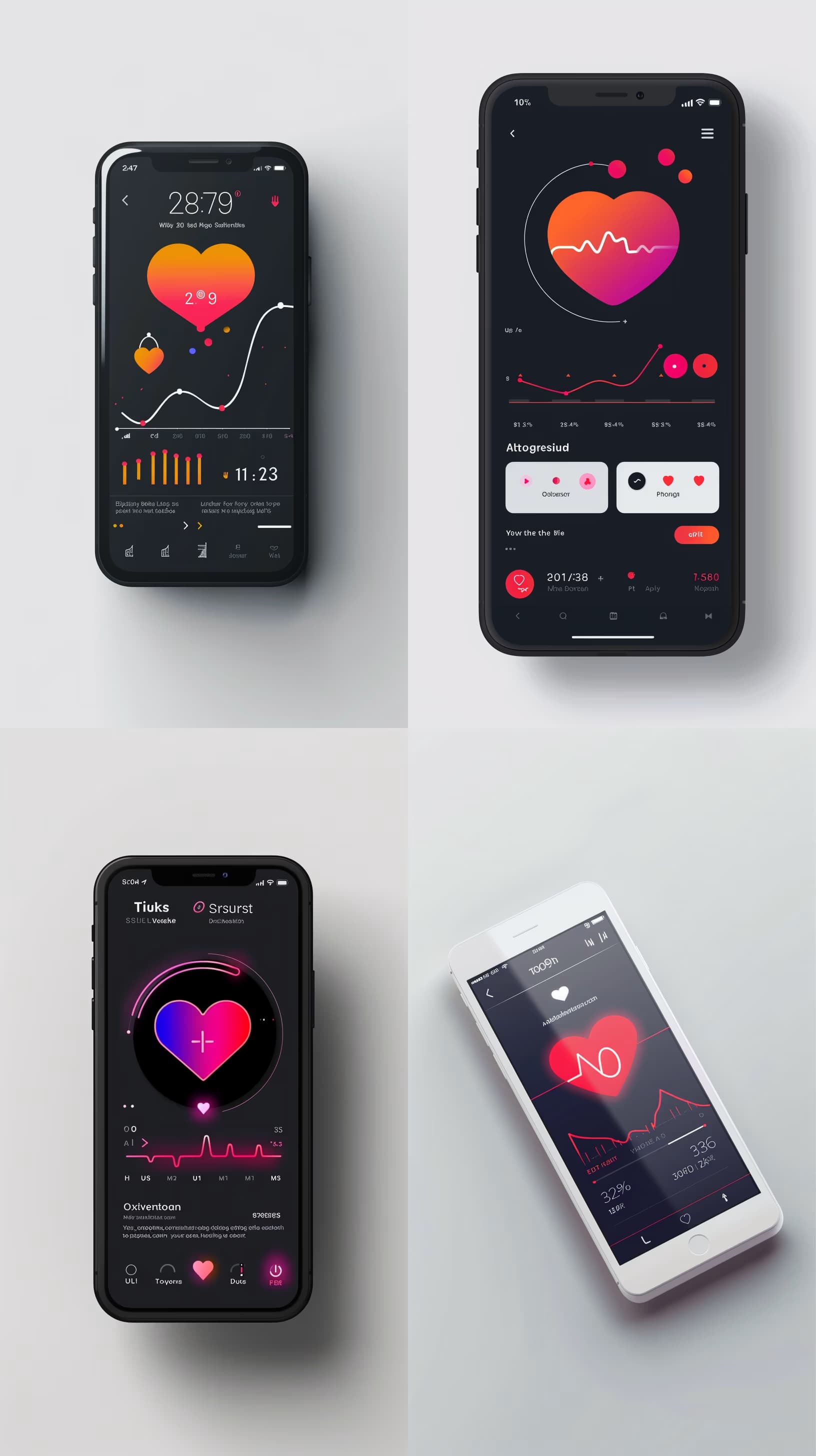
A realistic mobile app UI mockup for {{app-purpose}}, displayed inside a modern iPhone frame on a plain light background, 4:5 portrait orientation.

Screen content: {{screen-contents}}. The interface is practical and easy to use, with clear visual hierarchy and realistic placeholder content appropriate to the app's function.

Design specifications: white app background, one subtle accent color, clean typography scaled correctly for mobile screens, consistent 8-point spacing grid, professional icon set. The mockup should appear as a polished, production-ready application, not a wireframe or prototype.

Text requirements: all UI labels, buttons, and content must use real words with correct spelling and remain fully readable at screen size.

Exclusions: no lorem ipsum placeholder text, no blurred or illegible text, no additional devices in frame, no hands or human elements, no watermarks or

Mobile App Screen Mockup in Phone Frame

Generate a mobile app UI mockup inside an iPhone frame with accurate screen details and design specifications.

53

Wireframe Design Plan Generator for User Flows

Generates a complete wireframe design plan that maps user journeys, specifies layouts, component placement, and interaction patterns for websites and apps. Runs on ChatGPT, Claude, and Gemini.

51

What are AI prompts for Icon & UI Design?

AI prompts for Icon & UI Design are engineered instructions that already work. These are not one-line questions. Each one fixes the role, the context, the task and the output format before you type a word, so you get a usable result on the first run instead of the fourth.

They cover the work Icon & UI Design actually get asked for: research and briefs, copy and content, analysis and reporting, planning, outreach and the admin that eats the day. Open a card to see the full prompt and the output it returns.

Popular on this page right now: "Clean UI Design Concept Generator for Apps and Web", "Modular Dashboard UI Design Prompt", "Icon Design Concept Generator".

78 on this page, every one scoped to Icon & UI Design. Free to read, free to copy.

Why these prompts work for Icon & UI Design

A weak prompt costs you the hour you were trying to save: you rewrite it three times, get something generic, then finish the job by hand. An engineered prompt front-loads that thinking once.

In Icon & UI Design that means first drafts you can send, analysis you can act on, and the repetitive work handed off, so the time goes into judgement instead of typing.

Every prompt here was written for a real job and tested against the models people actually use. Nothing scraped from a thread.

How to use these prompts

Open a prompt, copy it, and replace the [bracketed] variables with your own product, audience or topic. The structure around them stays as is. That structure is the part doing the work.

Paste it into ChatGPT, Claude, Gemini, Grok or the model you already use. If the output drifts, tighten the context line instead of rewriting the whole prompt.

No account needed to copy one. No setup, no extension, nothing to install.

Which AI tool works best for Icon & UI Design prompts?

Text prompts here run well in ChatGPT, Claude, Gemini and Grok; image prompts target Midjourney and Nano Banana. Each card lists the models it was tested with.

Are these AI prompts free to use?

A big part of the library is free: open a prompt, copy it, use it. Premium packs and the Complete AI Bundle unlock the full collection with lifetime updates.

How do I adapt these prompts to my use case?

Start with the [variables]: niche, audience, constraints. If the result still misses, add one example of the output you want. A single good example beats three extra instructions.

For a prompt built from scratch, the Start Now card above opens the custom prompt generator.

Related resources

Get smarter on AI every week

One email a week with the best new prompts, tools, and model updates. Unsubscribe anytime.

Join 100,000+ subscribers. One email a week, real prompts, tools, and model updates. Unsubscribe anytime.