


Top 10 AI Chrome Extensions You Should Try In 2026 and Beyound




Last April, I had seventeen AI Chrome extensions installed.
My browser was so slow I could make coffee while waiting for tabs to load.
Hundreds of hours wasted.
So I spent time documenting what worked, what didn't, and what was straight-up snake oil.
The result? I uninstalled thirty-seven extensions.
Canceled three subscriptions.
And discovered ten tools that fundamentally changed how I work with AI.
Let me show you what made the cut.
ALSO READ: How to Upscale Images to 4K with Nano Banana Pro: A Step-by-Step Guide

1. Prompt Copilot
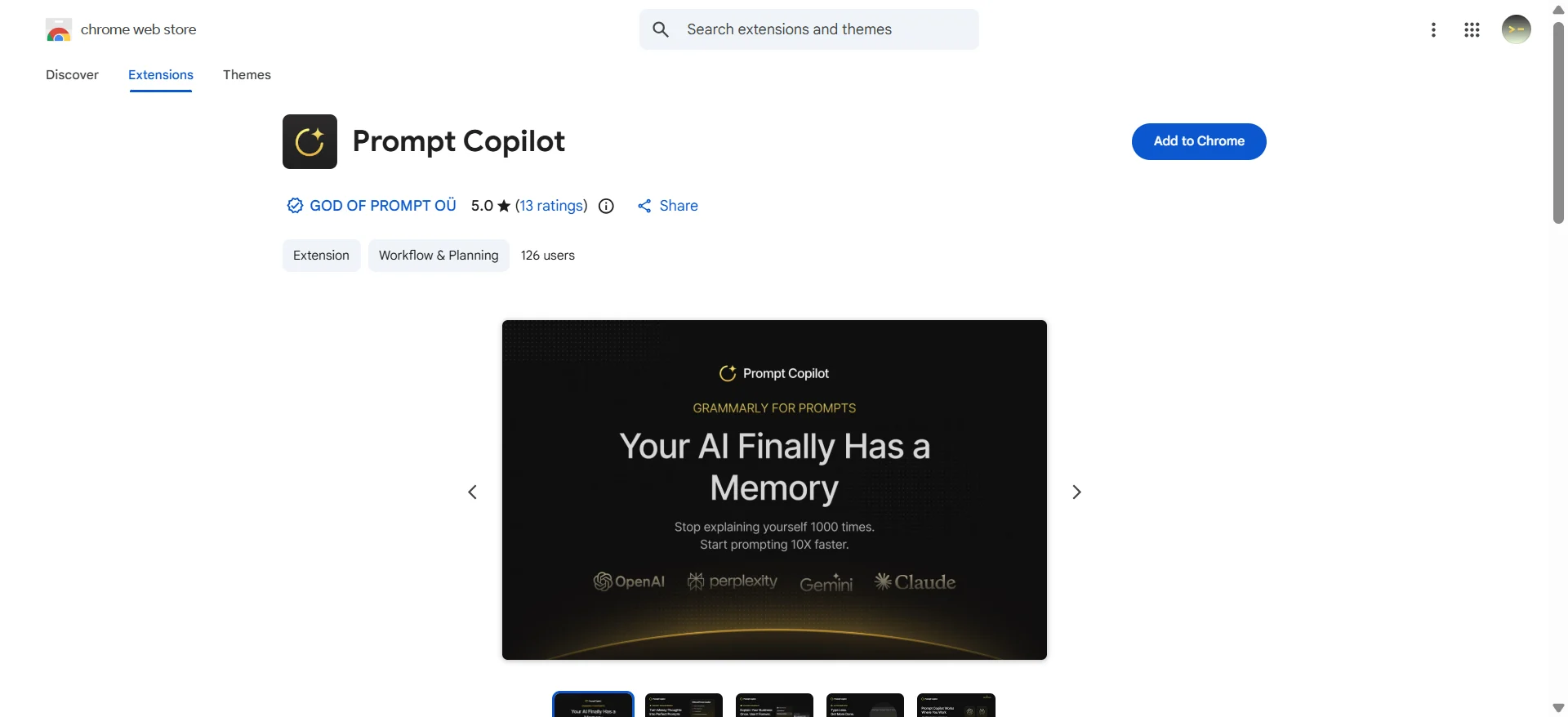
The Extension That 10x'd Everything Else
Here’s the dirty secret nobody tells you about AI: the model you use matters way less than how you talk to it.
I learned this the hard way.
For months, I blamed ChatGPT for giving me bland, repetitive advice.
Then I installed Prompt Copilot and realized the problem wasn't the AI—it was me.
My prompts were lazy.
Prompt Copilot acts as a middleware between your brain and the AI.
It intercepts your half-baked requests and structures them into engineering-grade prompts.
You type "Write a blog post about email marketing," and it expands it into a detailed brief with context, persona, tone guidelines, and structural requirements.
Here is the link to download the extension.
What you can use it for
- Prompt Engineering: Turning one-sentence requests into detailed, effective prompts.
- Context Management: Creating "Profiles" for different clients or projects so you don't have to repeat "I am a marketing consultant..." every single time.
- Learning: Watching how it rewrites your requests teaches you how to speak "AI" natively over time.
Price
- Free Plan: Available (limited features).
- Pro: ~$20/month.
2. Monica AI
Monica acts as an "all-in-one" wrapper that sits in your sidebar.
Instead of tab-switching between three different websites, I just press Cmd+
Need creative writing? I select Claude. Need speed? GPT-4o. Need live web search? Gemini or Perplexity.
It brings every major model into a single interface that lives on top of whatever website I'm browsing.
What you can use it for
- Model Aggregation: Accessing GPT-4, Claude 3.5 Sonnet, Gemini Pro, and Llama from one chat window.
- Web Summarization: summarizing long articles or PDFs instantly without leaving the tab.
- "Chat with Page": Asking specific questions about the content of the website you are currently viewing.
Price
- Free Plan: Daily usage limits.
- Monica Pro: ~$8.30/month (billed annually).
- Monica Unlimited: ~$24.90/month.
3. Perplexity AI
I have trust issues with AI. We all should.
I spent an embarrassing afternoon last year chasing down a study ChatGPT "quoted," only to realize it was a complete hallucination.
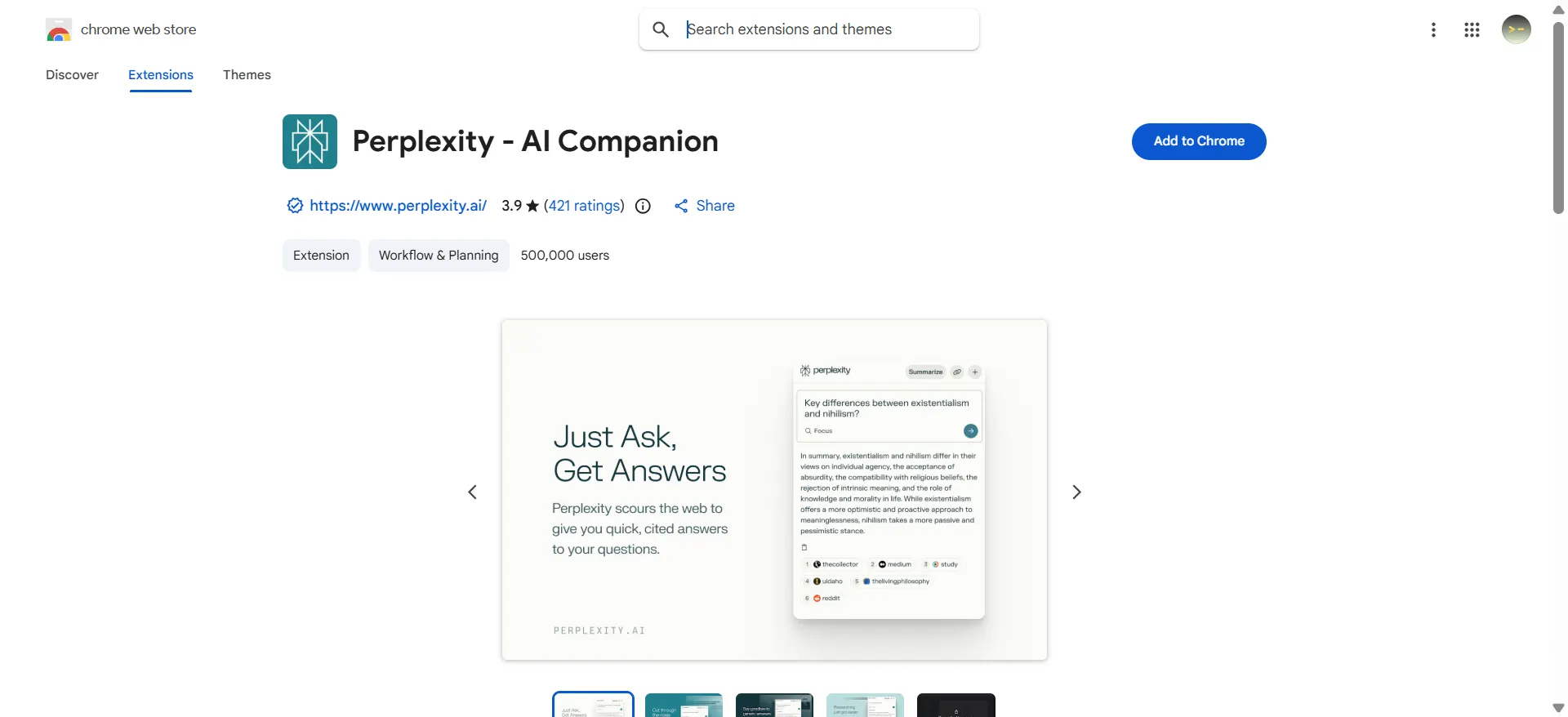
Perplexity fixed that anxiety for me. It is a search engine first and an AI second.
When you ask it a question, it doesn't just guess based on training data; it searches the live internet, reads the top results, and synthesizes an answer with clickable footnotes.
If it says "54% of users prefer dark mode," there is a tiny number next to it that links directly to the study.
What you can use it for
- Fact-Checking: Verifying claims in articles you are reading.
- Academic Research: Finding real studies and citations for papers or reports.
- Competitor Analysis: digging up pricing and features of competitors without clicking through twenty SEO-spam blogs.
Price
- Free Plan: Generous standard search.
- Pro: $20/month (Unlocks "Pro Search" with deeper reasoning and file uploads).
4. AI Blaze
The Email Tool That Gave Me Back 40 Minutes Every Day
I send about 80 emails a day. Most are variations of the same five things: follow-ups, meeting requests, project updates, etc.
Before AI Blaze, I was typing these out manually or copy-pasting from a messy Google Doc.
AI Blaze combines text expansion (shortcuts) with dynamic AI variables. I can type /meeting and it doesn't just paste a static template; it reads the recipient's name from the page, checks my calendar context, and generates a personalized invite. It feels like magic, but it's just really smart automation.
What you can use it for
- Smart Templates: Creating dynamic email responses that auto-fill details.
- Form Filling: automating repetitive data entry on web forms.
- LinkedIn Outreach: Generating personalized connection requests based on the profile you are viewing.
Price
- Free Plan: "Free Forever" basic tier.
- Pro: ~$3.00/month (billed annually).
- Business: ~$7.00/user/month.
5. Grammarly
Not Your High School English Teacher Anymore
I almost didn't include Grammarly because it feels too obvious.
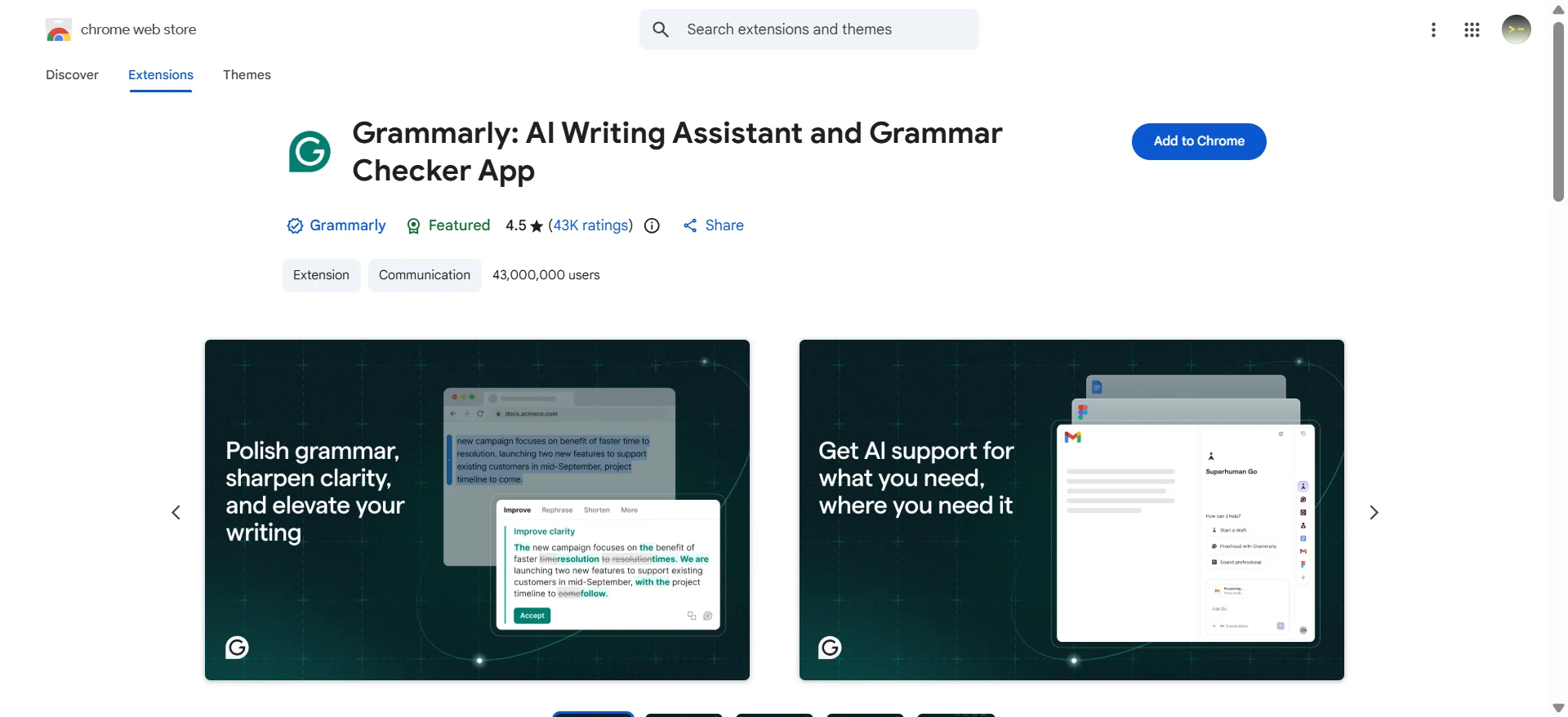
Everyone knows it. But the 2026 version has evolved from a simple spell-checker into a genuine writing partner.
The "tone detector" is what keeps me subscribed. I write for executives (formal), developers (technical), and marketers (casual).
Switching gears mentally is exhausting.
Now, I just write in my natural voice and let Grammarly flag if I'm sounding too passive-aggressive or too casual for a serious report.
What you can use it for
- Tone Adjustment: ensuring your email doesn't sound rude when you're actually just busy.
- Clarity: Rewriting clunky sentences that make you sound unsure of yourself.
- Plagiarism Checking: Essential if you hire freelancers or use other AI tools to draft content.
Price
- Free Plan: Basic grammar and spelling.
- Premium: $12/month (billed annually) or $30/month (billed monthly).
6. HARPA AI
The Robot Assistant Living in Your Browser
Most AI extensions just read text and answer questions.
HARPA is different—it actually does things. It combines AI logic with browser automation (macros).
I use it to monitor competitor pricing pages. Instead of checking them manually every morning, I set up a HARPA automation.
It visits the sites, extracts the price, compares it to yesterday's number, and only alerts me if there’s a change.
It’s like having a digital intern who never sleeps.
What you can use it for
- Web Monitoring: Tracking price drops, stock availability, or visual changes on websites.
- Data Extraction: Scaping data from websites into a table/CSV automatically.
- IFTTT Chains: Creating "If this, then that" workflows directly in your browser.
Price
- Free Plan: Solid demo/basic plan.
- S1 Plan: $12/month (billed annually).
- S2 Plan: $19/month (billed annually).
7. YouTube Summary with ChatGPT & Claude

My Weapon Against 45-Minute Videos
You know those YouTube videos that have 3 minutes of value hidden inside 42 minutes of fluff? This extension is my revenge.
One click, and I get a timestamped summary of the entire video.
I can see exactly where the speaker talks about the specific topic I care about and click to jump right there.
It has saved me literally hours of watching people ramble "before we get started..."
What you can use it for
- Rapid Learning: Digesting tutorials, conference talks, and podcasts in seconds.
- Transcript Extraction: One-click copying of the full video transcript for use elsewhere.
- Translation: Summarizing videos in foreign languages into your native language.
Price
- Free: Completely free to use.
8. Glasp
The Highlighter That Taught Me How Smart People Read
Glasp is technically a web highlighter, but the "social" aspect is the killer feature.
When you highlight an interesting paragraph in an article, it’s saved to your profile.
But you can also see what other smart people in your industry are highlighting.
It turns the solitary act of reading into a community filter. I follow about 30 experts in my field on Glasp; my feed is now a curated list of the most important paragraphs from the most important articles on the internet, vetted by humans I trust.
What you can use it for
- Knowledge Management: Centralizing your highlights from across the web.
- Content Curation: Discovering high-quality articles based on what industry leaders are reading.
- Exporting: Syncing all your highlights directly to Notion or Obsidian.
Price
- Free Plan: Basic highlighting and social features.
- Pro: $10/month.
9. Compose AI
The Email Autocomplete That Reads Your Mind
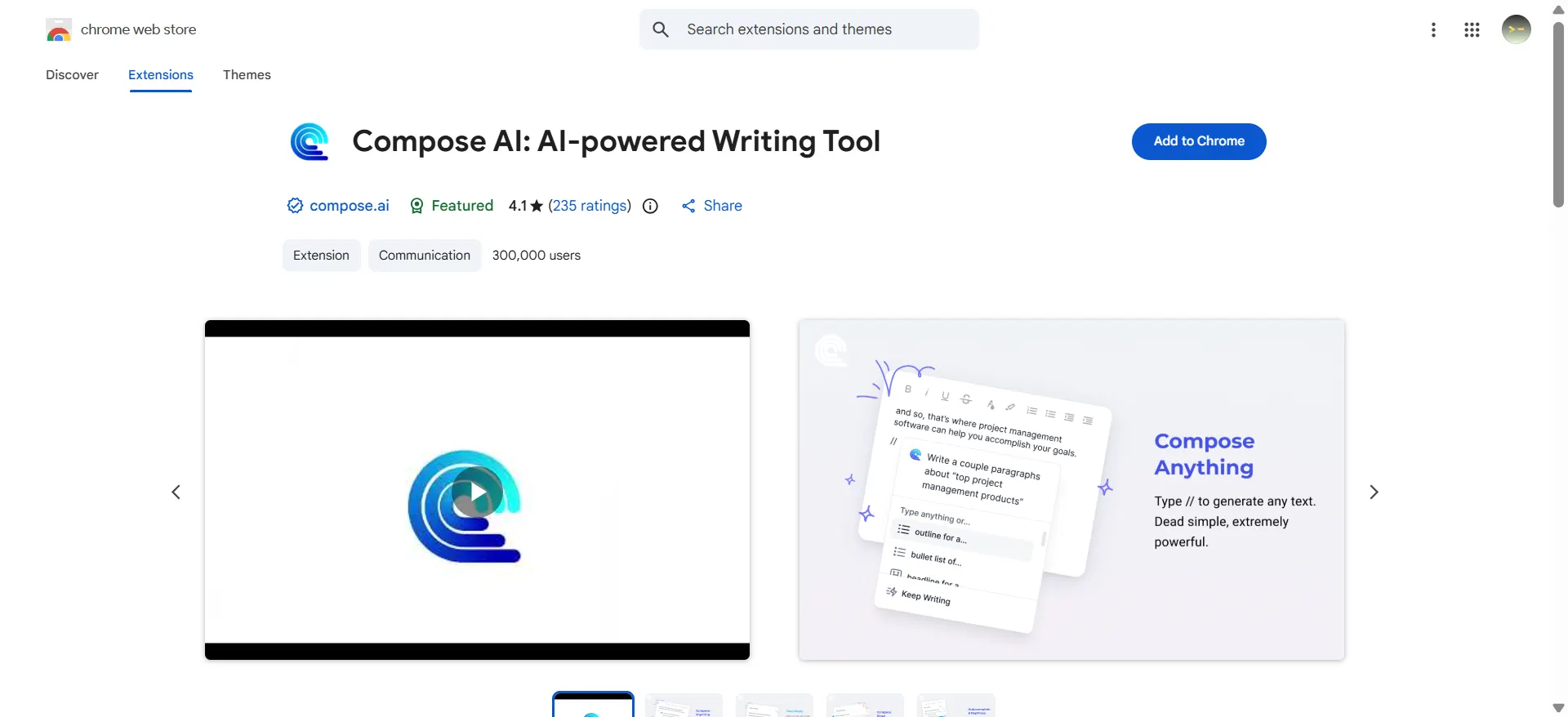
This one is high on the "creepy but useful" scale. Compose AI is an autocomplete engine that learns your writing style.
You know how Gmail suggests the next three words? Compose AI suggests the next three sentences. If I type "Decline politely," it generates a full, soft-letdown email that sounds exactly like something I would write—referencing specific details from the thread so it doesn't look automated.
What you can use it for
- Speed Drafting: writing routine emails by just hitting the "Tab" key repeatedly.
- Style Matching: It learns your vocabulary so you don't sound like a robot.
- Contextual Replies: One-click "Yes", "No", or "Thanks" buttons that generate full, context-aware replies.
Price
- Free Plan: 1,000 words/month.
- Premium: $9.99/month.
- Ultimate: $29.99/month.
10. PromptStorm
The Prompt Library That Taught Me Prompt Engineering
I installed PromptStorm as "training wheels" for ChatGPT.
It is essentially a massive library of proven, community-vetted prompts that lives in your browser toolbar.
Instead of guessing how to ask for a marketing strategy, you click the PromptStorm icon, navigate to Marketing > Strategy, and fill in the blanks. It showed me the structure of a good prompt.
After a few weeks of using it, I started absorbing the patterns and didn't need it as much—which is exactly why I recommend it.
What you can use it for
- Learning: Understanding the syntax of complex, effective prompts.
- Speed: Quickly accessing tested prompts for coding, writing, or productivity.
- Troubleshooting: Finding prompts to unblock you when the AI just isn't understanding what you want.
Price
- Free: Basic access.
- Premium: ~$4.00/month.
How to Actually Use This List (Without Going Crazy)
Please, for the love of your RAM, do not install all ten of these today.
You will be overwhelmed, and your browser will crash.
Here is my recommended 3-Week Implementation Plan:
Week 1: The Foundation
- Install Prompt Copilot. Focus solely on learning how to ask better questions. This skill transfers to every other tool you will ever use.
Week 2: The Workflow
- Pick one writing tool based on your pain point.
- Drowning in email? → AI Blaze or Compose AI.
- Worried about quality? → Grammarly.
- Need multiple models? → Monica AI.
Week 3: The Deep Dive
- Add one research tool.
- Need strict facts/citations? → Perplexity AI.
- Building a knowledge base? → Glasp.
- Love automation? → HARPA AI.
Test each for a full week.
If it doesn't save you at least an hour, uninstall it.
The goal isn't to have the most tools; it's to have the ones that actually work.

Loved by Business Owners


Based on 1K reviews
Get smarter on AI every week.
Ready to transform your business?


