ChatGPT Agent vs Traditional AI Assistants(Key Differences)
Curious how ChatGPT Agent compares to traditional AI assistants like Siri or Alexa? Discover the key differences in capability, control, and real-world performance — and find out which one’s right for you.


On this page
- What Is a Traditional AI Assistant?
- What Is ChatGPT Agent?
- Key Differences Between ChatGPT Agent and Traditional AI Assistants
- Real-World Example Comparison
- Task Ownership — Passive vs Active AI
- Use Case Deep Dive: What ChatGPT Agent Can Do That Others Can’t
- Privacy and Control: Who’s in Charge?
- Who Should Use What?
- Final Verdict: It’s Not a Step Forward — It’s a Leap
We’ve all used AI assistants before — Siri, Alexa, Google Assistant.
They’re helpful for quick tasks: setting timers, checking the weather, or playing a playlist.
But that’s about where they stop.
Now there’s a new kind of AI on the block: ChatGPT Agent — and it doesn’t just answer questions.
It actually does the work.
Imagine: planning trips, building slide decks, analyzing data, and interacting with websites — all from a single prompt.
In this guide, we’ll break down exactly how ChatGPT Agent compares to traditional AI assistants, where it stands out, and when it’s the better choice.
ALSO READ: Introducing ChatGPT Agent: Here’s Everything You Need TO Know

What Is a Traditional AI Assistant?
Traditional AI assistants — like Siri, Alexa, or Google Assistant — are built for simple, one-command tasks.
They’re useful for things like:
• Setting alarms and timers
• Controlling smart home devices
• Answering quick questions
• Giving weather updates
• Playing music or podcasts
But they’re limited by design:
• They can’t follow multi-step instructions
• They don’t adapt mid-task
• They can’t create or deliver complex work
They’re great for convenience — not for getting real work done.
What Is ChatGPT Agent?
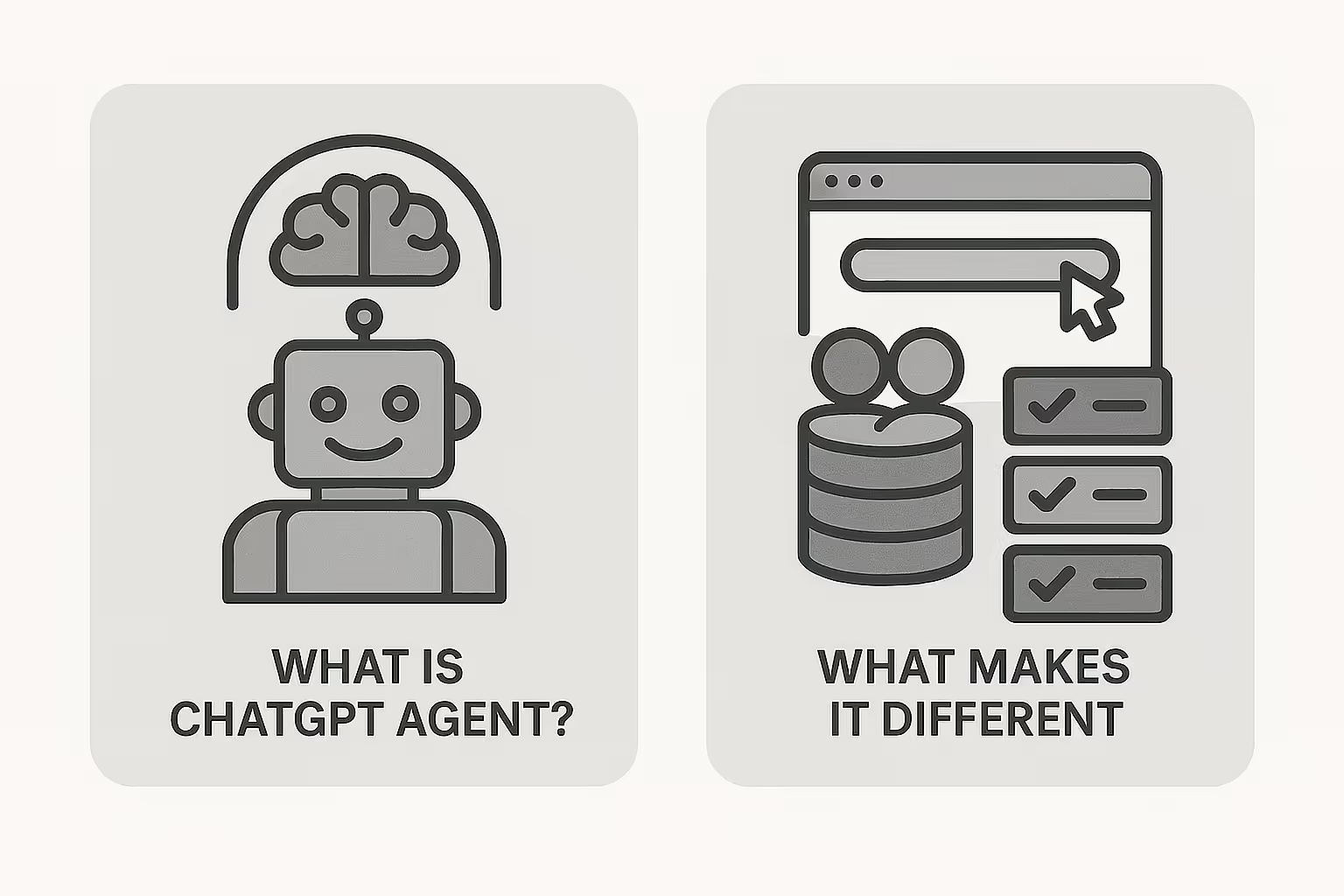
ChatGPT Agent is a different kind of AI.
It’s built to think, act, and deliver — not just reply.
What makes it different:
• Runs on its own virtual computer
• Uses real tools: browser, terminal, apps, APIs
• Handles multi-step tasks from start to finish
• Follows up, adapts, and asks smart questions
• Creates real outputs — slides, spreadsheets, reports, and more
It’s not just smart — it’s capable.
Key Differences Between ChatGPT Agent and Traditional AI Assistants
ChatGPT Agent can do things that traditional assistants simply can’t:
• Understand and break down complex tasks
• Move through multi-step workflows without stopping
• Browse websites, click, log in, and gather data
• Use your connected apps like Gmail or Calendar
• Run live code or analyze large amounts of text
• Ask for clarification mid-task to stay on track
• Deliver actual work — slides, spreadsheets, summaries
• Let you step in anytime to pause or take over
In short:
Traditional AI assistants react. ChatGPT Agent executes.
Real-World Example Comparison
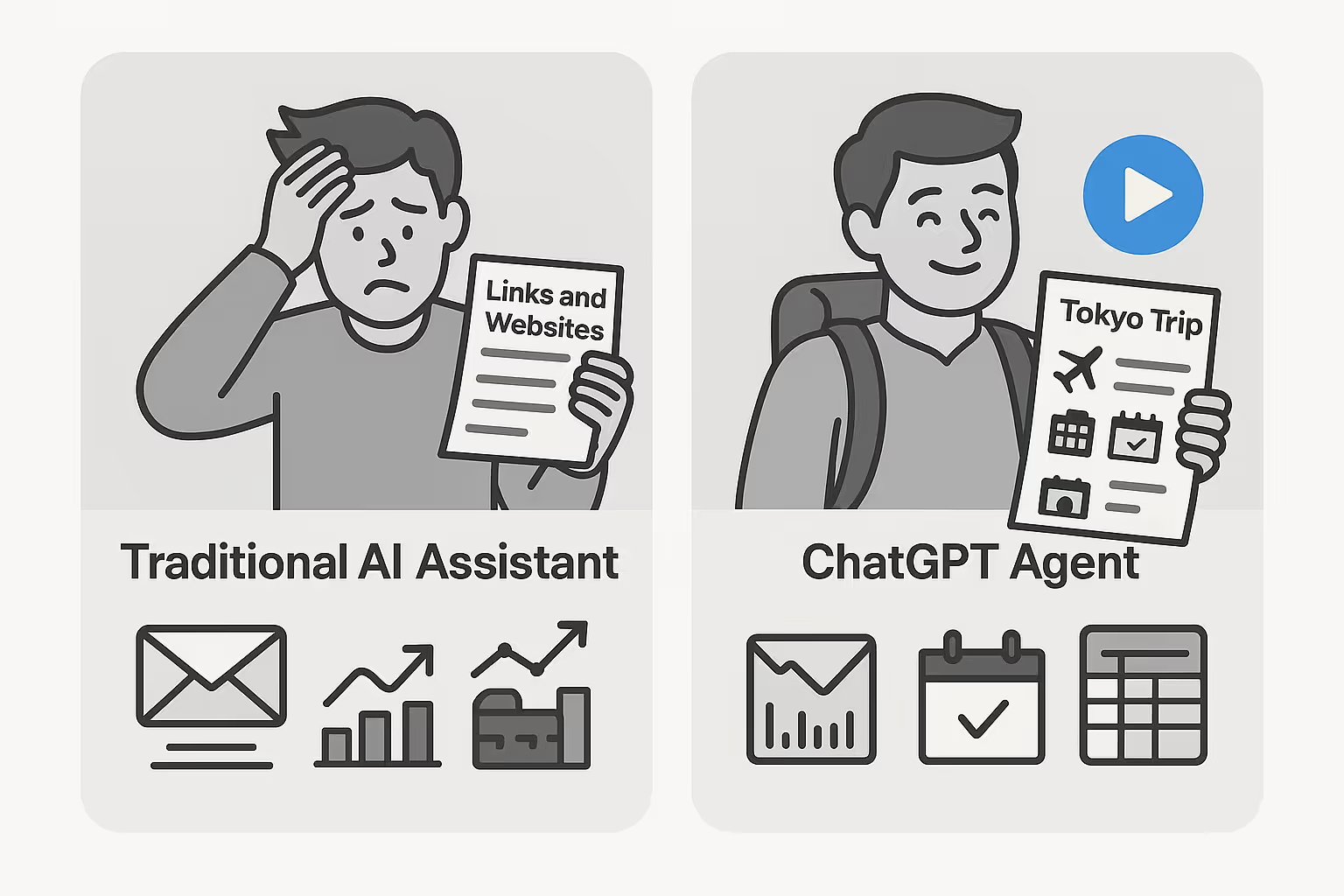
Task:
“Plan a 3-day trip to Tokyo and book everything.”
• Traditional AI Assistant:
Gives a list of websites or a generic search result
(you still have to do the rest yourself)
• ChatGPT Agent:
• Searches flights and hotels
• Checks availability
• Suggests the best options
• Organizes the itinerary
• Prompts you to log in when needed
• Prepares a summary you can actually use
Other examples it handles better:
• Summarize 10 emails and prep notes for a client call”
• “Compare top 3 competitors and turn it into a deck”
• “Clean this spreadsheet and reformat it for reporting”
Task Ownership — Passive vs Active AI
Traditional assistants wait for you to tell them what to do. They follow one step, then stop.
ChatGPT Agent doesn’t just wait — it works.
• It plans the task
• Picks the right tools
• Checks in if something’s unclear
• Keeps going until the job is done
• Delivers a real output (not just a suggestion)
It feels less like using a tool — and more like working with a teammate.
Use Case Deep Dive: What ChatGPT Agent Can Do That Others Can’t
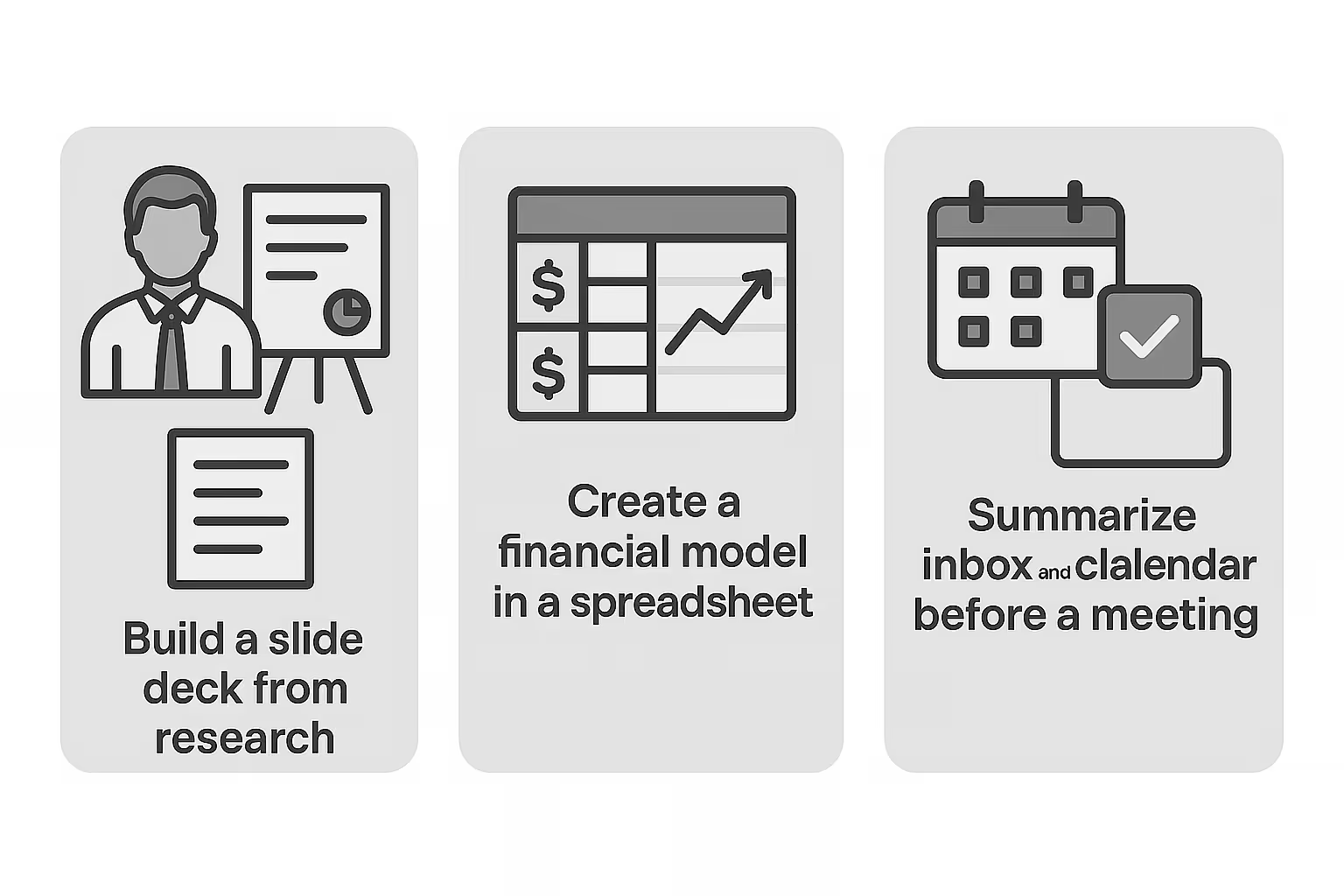
Here’s what only ChatGPT Agent can handle — all in one workflow:
• Build a full slide deck from raw research
• Create a financial model in a spreadsheet
• Summarize your inbox + calendar before a meeting
• Run code in a terminal and report back
• Pull data from your apps, organize it, and export it cleanly
• Plan events, order supplies, and prepare invites
It doesn’t just answer questions.
It checks boxes.
Privacy and Control: Who’s in Charge?
ChatGPT Agent is powerful — but you’re still in control.
Here’s how safety is built in:
• It always asks before taking important actions (like purchases or logins)
• You can pause or stop a task anytime
• Secure browser sessions protect sensitive info
• It doesn’t see passwords or personal data — even during logins
• You can clear browsing data or log it out in one click
It’s built to act like an assistant — not an overstepper.
Who Should Use What?
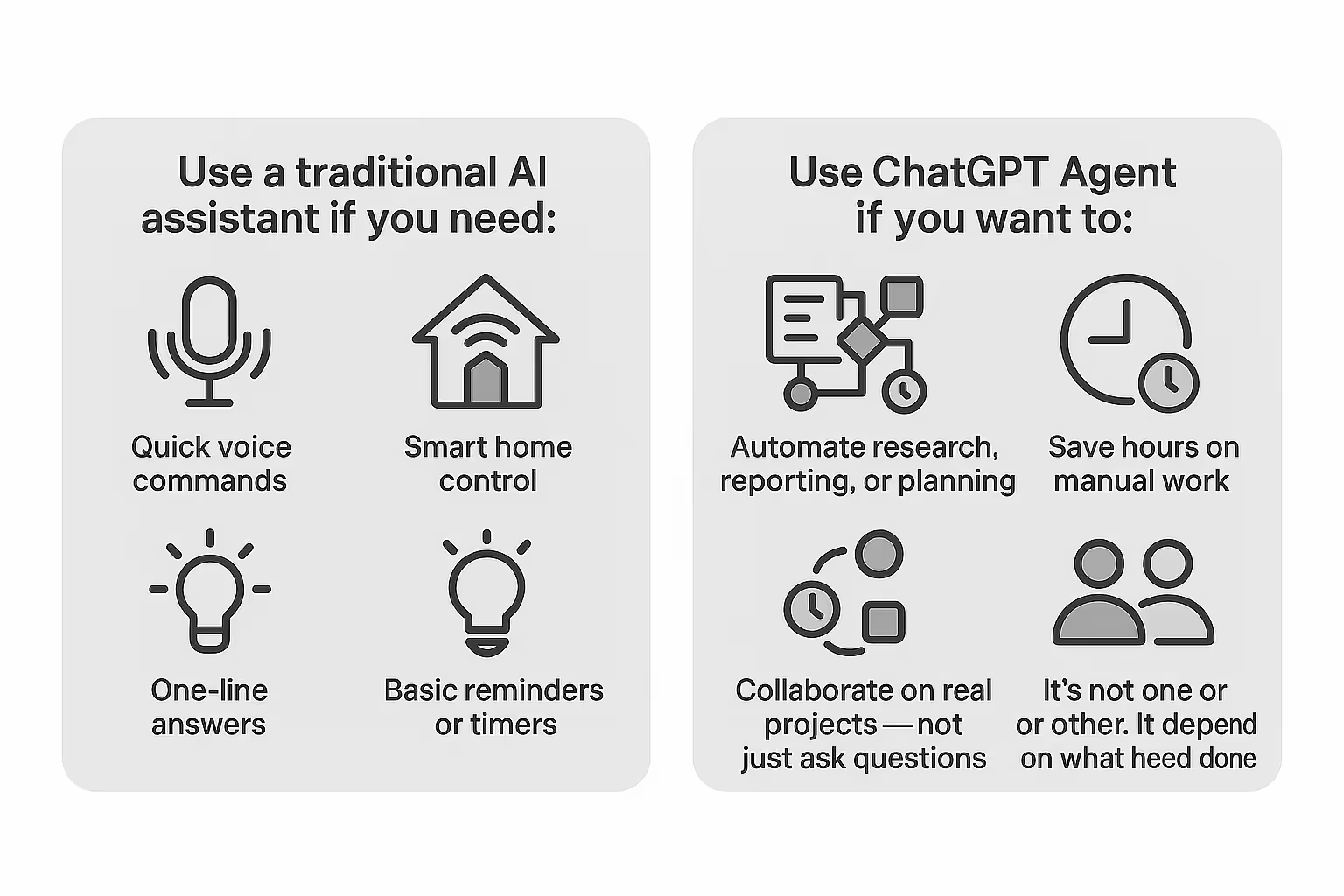
Use a traditional AI assistant if you need:
• Quick voice commands
• Smart home control
• One-line answers
• Basic reminders or timers
Use ChatGPT Agent if you want to:
• Automate research, reporting, or planning
• Handle multi-tool workflows
• Save hours on manual work
• Collaborate on real projects — not just ask questions
It’s not one or the other. It depends on what you need done.
Final Verdict: It’s Not a Step Forward — It’s a Leap
ChatGPT Agent doesn’t replace traditional assistants.
It redefines what an assistant can do.
It doesn’t just respond — it reasons, adapts, and finishes the job.
If you’re looking for speed, quality, and real output — not just voice answers — this is the kind of AI worth learning.
And it’s only getting started.
Put this into practice: browse AI coding prompts and Claude prompts in the God of Prompt library — copy, paste, and run.
Prompts for this topic
Put this article to work with ready-to-use prompts from the God of Prompt library.
Keep reading

10+ Best Use Cases for ChatGPT Agent in Small Teams
Discover the top 10 ways small teams can use ChatGPT Agent to save time, automate work, and boost productivity. Real use cases, practical prompts, and smart workarounds included.


Introducing ChatGPT Agent: Here’s Everything You Need TO Know
ChatGPT Agent is here — an AI that doesn’t just answer your questions but completes real-world tasks for you. Learn what it does, how it works, and why it’s a major step forward in productivity.


How to Build an AI Agent to Automate SEO & Content
Learn how to create an AI agent for automating SEO tasks, keyword research, competitor analysis, and content creation using N8n and v0.dev.

The best of the blog, in your inbox
One email when notable prompts, tools, and model updates land. No spam, unsubscribe anytime.
Join 100,000+ subscribers. One email a week, real prompts, tools, and model updates. Unsubscribe anytime.