Image to Prompt: Generate AI Prompts from Any Photo



You see an image with the exact style you want. The lighting, composition, mood—everything works. Now you need to recreate that look with DALL-E, Midjourney, or Stable Diffusion. But how do you describe it?
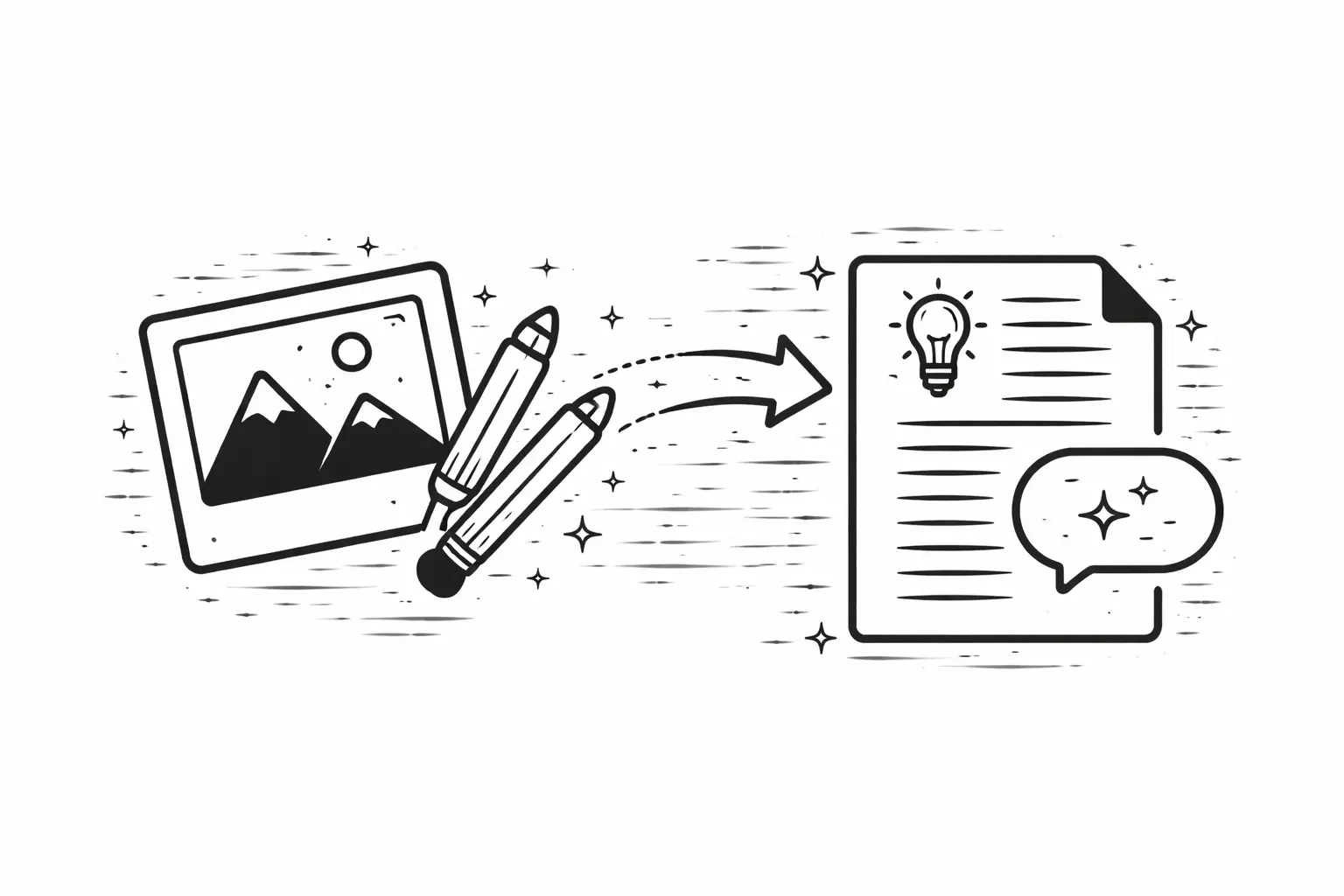
Writing prompts from scratch is slow and often misses the mark. You spend twenty minutes trying to describe a cinematic lighting setup that you could identify instantly by sight but struggle to articulate in words. Image to Prompt tools solve this by reverse-engineering any photo into a detailed text description you can use directly with AI generators.
How It Works
The underlying process is straightforward. Upload a photo. The AI analyzes everything— subject, colors, lighting, composition, atmosphere, artistic style. It outputs a structured prompt capturing these elements in language AI image generators understand.
A landscape photo might produce something like: misty mountain valley at golden hour, soft diffused light, layered silhouettes, muted earth tones with warm highlights, atmospheric perspective, serene mood
A portrait might return: close-up studio portrait, dramatic Rembrandt lighting, deep shadows on left side, warm skin tones, shallow depth of field, dark neutral background, contemplative expression
That prompt becomes your starting point. Use it as-is, tweak specific elements, or remix it entirely. The important thing is you are no longer starting from a blank page—you are starting from a structured description that already captures the essence of what you are trying to create.
2/16/26, 5:36 PM Image to Prompt: Generate AI Prompts from Any Photo
What the AI Actually Detects
Understanding what these tools analyze helps you get more from them. A good image-to prompt tool breaks down a visual into several layers:
Subject and composition: What is in the frame, where it sits, the camera angle and framing choices
Lighting: Direction, quality (hard vs. soft), color temperature, time of day cues
Color palette: Dominant hues, accent colors, saturation levels, tonal range
Artistic style: Whether the image reads as photographic, illustrated, painterly, 3D rendered, or something else entirely
Mood and atmosphere: The emotional register—calm, dramatic, eerie, joyful—derived from the combination of all other elements
Technical qualities: Depth of field, grain or noise texture, sharpness, resolution characteristics
The best tools layer these observations into a prompt that is both comprehensive and usable. Not just a list of attributes, but a description that flows in the way AI models expect to receive instructions.
Why This Beats Manual Prompting
Faster iteration: Skip the guesswork of describing what you see
Better vocabulary: Learn terminology that AI models respond to well
Consistent results: Capture specific styles you want to replicate
Creative springboard: Modify extracted prompts to explore variations
Even experienced prompt engineers use this technique. When you generate an image you love, extracting its prompt gives you a reusable recipe. When you see someone else's work that inspires you, reverse-engineering the prompt reveals the building blocks you can adapt.
Practical Use Cases
Image to Prompt: Generate AI Prompts from Any Photo
Style matching: Found a photo with perfect lighting? Extract the prompt and apply that lighting description to different subjects. You can isolate just the lighting and mood language, then pair it with entirely new content. This is how you build a consistent visual style across dozens of images without manually writing each prompt from scratch.
Learning prompt structure: One of the fastest ways to improve your prompting is studying how AI describes professional photography. The extracted prompts teach you which terms carry weight—words like "volumetric lighting" or "split toning" that produce dramatic changes in output. Over time, this vocabulary becomes second nature.
Client work: Client sends a reference image and says "I want something like this." Instead of guessing what specifically they like about it, extract the prompt. Now you can see whether it is the color grading, the composition, the mood, or the style that defines the look. Generate variations that preserve those elements while adapting the content to the client's needs.
Remixing concepts: Take a cityscape prompt, swap "urban architecture" for "ancient ruins"— keep the mood and lighting while changing the subject. This is where image-to-prompt becomes a genuine creative tool rather than just a copying mechanism. You are deconstructing images into modular components and reassembling them in new configurations.
Building prompt libraries: If you generate AI images regularly, maintaining a library of proven prompts saves enormous time. Image-to-prompt tools let you catalog visual styles systematically. See a sunset that works? Extract it. A product shot with ideal composition? Extract it. Over weeks, you accumulate a collection of tested descriptions organized by style, mood, or use case.
Pro tip: After extracting a prompt, use AI editing to transform it. Move a forest scene to a lunar landscape. Change day to night. Keep composition, shift context. The extracted prompt gives you a scaffold—the creative decisions happen in what you choose to change.
Getting Started
The workflow takes seconds:
1. Find an image with the style or mood you want to capture
2. Upload it to an image to prompt tool
3. Copy the generated prompt
4. Paste into your preferred AI image generator
5. Refine and iterate from there
Works with photographs, illustrations, renders, or any visual reference. The AI extracts what matters regardless of the source.
Tips for Better Extracted Prompts
Not all images produce equally useful prompts. A few practices help you get cleaner, more actionable results:
Use high-quality source images. Blurry, low-resolution, or heavily compressed images give the AI less to work with. The clearer the visual information, the more precise the extracted description.
Crop to what matters. If you care about the lighting in a portrait, crop out the busy background before uploading. The AI analyzes the entire frame—removing irrelevant elements focuses the output on what you actually want to capture.
Compare extractions across tools. Different image-to-prompt tools emphasize different aspects. One might focus heavily on artistic style while another captures technical photographic details more accurately. Running the same image through two or three tools and combining the best parts of each output often produces the strongest prompt.
Edit after extraction. Treat the extracted prompt as a first draft, not a final product. Remove elements you do not care about.
Strengthen the descriptions of elements that matter most. Add specific details the tool might have missed—a particular color hex code, a named artistic movement, a specific camera lens effect you want.
Better Prompts, Less Guessing
Most prompt crafting is trial and error—adjusting words until the output matches your vision. Image to Prompt flips this process. Start with a visual reference, get a working prompt, then refine. You move from "I know it when I see it" to "I can describe it precisely."
The skill compounds over time. Every extracted prompt teaches you something about how AI interprets visual information. After a few dozen extractions, you start writing better prompts from scratch too—because you have internalized the vocabulary and structure that generators respond to.
For anyone working with AI image generation regularly, it is one of the most practical shortcuts available. Not because it replaces creative thinking, but because it eliminates the translation gap between what you see in your mind and what you type into the prompt box. Instead of wrestling with language to approximate a visual idea, you point at a reference and say "like this, but different." The AI handles the description. You handle the creative direction. That is the real workflow.

Loved by Business Owners


Based on 1K reviews
Get smarter on AI every week.
Ready to transform your business?