Best Prompts for Project Knowledge Management



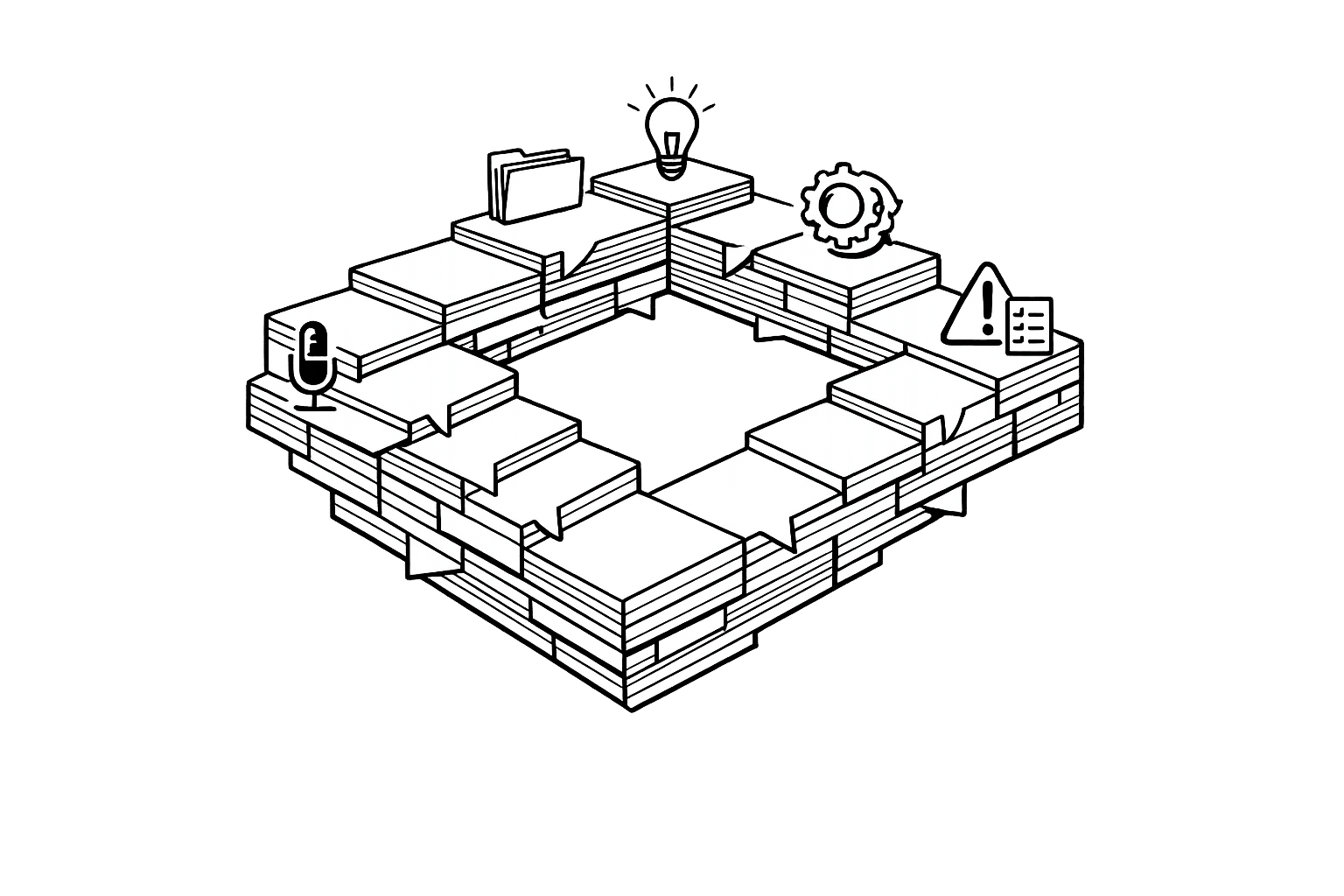
Project knowledge management can be complicated, with teams often losing track of critical information. AI-powered prompts simplify this process by automating tasks like meeting documentation, data organization, and insight generation. Here's how AI helps:
- Save Time: Reduce hours spent on repetitive tasks like summarizing meetings or searching for files.
- Improve Accuracy: AI ensures clear, actionable outputs, avoiding vague or incomplete information.
- Boost Collaboration: Shared, structured tools keep everyone aligned and informed.
Key solutions include:
- Meeting documentation prompts for clear summaries and action items.
- Retrieval systems using AI for quick access to project data.
- Tools for synthesizing insights, improving decision-making.
- Automated updates to keep stakeholders informed.
- Risk registers and retrospective prompts for better planning.
- AI-powered research notebooks for seamless team collaboration.
For detailed examples and tools, visit God of Prompt.

6-Step AI-Powered Project Knowledge Management Framework
1. Knowledge Capture and Documentation
Meeting Documentation Mega-Prompt
Meeting notes often get lost in cluttered transcripts, vague decisions, or buried emails. But with a structured AI prompt, you can turn this chaos into clear, actionable documentation. Here's how structured prompts can streamline meeting capture and documentation.
The RISEN framework - Role, Instructions, Steps, End Goal, and Narrowing - is key to crafting effective prompts. Start by assigning the AI a role, like "Expert Project Manager", to establish a professional tone. Then, include negative constraints, such as: "Avoid vague phrases like 'The team discussed'; instead, specify exact decisions."
"AI often confuses 'We should do X' (Discussion) with 'We will do X' (Decision)." - aiqnahub
For outputs, request clear sections like these:
- Executive Abstract: A concise three-sentence summary.
- Key Decisions: A bulleted list of what was finalized.
- Action Items: A table with columns for Task, Owner, and Deadline.
- Open Issues: Any unresolved points.
- Next Steps: What comes next.
This "Universal Master" format can save project managers up to 5 hours a week. Teams using AI-driven meeting documentation have reported up to a 40% increase in project completion rates.
Before running AI tools, make sure to redact sensitive information, such as names or financial data. For long strategy sessions, Claude 3.5 Sonnet handles up to 200,000 tokens. For quicker summaries or formatted tables, ChatGPT (GPT-4o) works well within 128,000 tokens. Choose your tool based on the complexity of the meeting and the type of output you need.
sbb-itb-58f115e
2. Knowledge Organization and Retrieval
The RAG-Ready Index Prompt
Once you've gathered your information, the next step is making sure it’s easy to organize and retrieve. Without a clear system, navigating a large project repository can feel like searching for a needle in a haystack.
A well-designed prompt can create a Master Index for your knowledge base, including key details like titles, dates, tags, and summaries for every document. This index streamlines retrieval processes, optimizing tools like RAG (Retrieval-Augmented Generation) to help you find files faster. Adopting standardized naming conventions - such as [Type]–[Topic]–[YYYY-MM-DD]–vX - makes it easier for both humans and AI to sort and locate documents.
"The gap is usually organization. If your 'research notebook' starts tidy - with the right structure, instructions, knowledge base, and collaboration rules - you'll spend your energy analyzing insights instead of hunting files." - Richard Ketelsen
To keep things efficient, your retrieval system should balance structure (like folders) with flexibility (such as tags) that match the way your team naturally searches for information. The PARA framework - Projects, Areas, Resources, Archives - is a great way to categorize information based on its purpose rather than just its topic. This approach ensures every piece of data remains actionable. When using AI tools like ChatGPT or Claude, remember to isolate project memory to avoid mixing personal chat data with shared workspaces.
File formats also matter. For example, in Claude Projects, Markdown, Word, or PDF files use only 3% of the knowledge base's space, while HTML files of the same length take up 6%. Choosing compact formats not only saves space but also speeds up retrieval. By organizing your knowledge base effectively, you set the stage for smoother analysis and easier collaboration as your project progresses.
3. Knowledge Synthesis and Analysis
The Chief of Staff Synthesis Prompt
Once your data is well-organized, the next step is turning that information into actionable insights. This is where synthesis comes into play. Without a clear process, teams often waste time combing through meeting notes, status updates, and documentation, struggling to pinpoint what truly matters.
A targeted synthesis prompt can make all the difference. Assigning the AI a specific role - like a Chief of Staff or Strategic Advisor - ensures it filters information effectively, highlighting critical insights and risks while skipping over routine operational details. Using the RISEN Framework, you can guide the AI to deliver precise and structured analysis. For instance, you might direct it to create an Executive Abstract summarizing key decisions, an Action Items Table (with columns for Task, Owner, and Deadline/Priority), and a section outlining Open Issues and Next Steps.
To improve accuracy, include clear negative constraints in your instructions. For example, specify: "Avoid vague phrases like 'the team discussed'" to ensure the AI focuses on concrete facts. This helps avoid a common pitfall where AI misinterprets tentative discussions (e.g., "We should do X") as firm decisions (e.g., "We will do X"). Using a Bottom Line Up Front (BLUF) strategy also ensures that the most critical information is presented first, offering immediate clarity for stakeholders.
For deeper analysis, you can refine prompts further. Ask the AI to evaluate information from specific angles, such as a risk-mitigation perspective or by identifying technical blockers. The ultimate aim is to shift from information gathering to insight generation. With clear, synthesized insights at hand, teams can streamline knowledge sharing and focus on driving projects forward effectively.
4. Knowledge Transfer and Communication
The Stakeholder Status Update Generator
Clear and timely communication is the backbone of keeping stakeholders aligned and projects on track. When project details are scattered across meeting notes or buried in endless chat threads, it’s easy for teams to lose focus and for stakeholders to feel out of the loop. That’s where AI-driven project management prompts come in - these updates turn raw project data into clear, actionable insights.
With a well-designed prompt, you can create status templates that cover all the essentials: key accomplishments, current challenges, top priorities for the next week, project goals, technical architecture details, repository links, and data management policies. These templates ensure that critical information stays accessible, even when team members leave or new stakeholders join mid-project.
To keep communication consistent, use standardized templates for Research Notes and Decision Memos. These templates should include links to evidence, confidence scores, and a uniform format. This approach not only saves time but also ensures everyone is on the same page. For escalations, AI can draft emails that outline the issue, its impact, proposed solutions, and a timeline for resolution.
Another smart move? Address uncertainties head-on. You can instruct AI to add an "Assumptions & Unknowns" section to reports, complete with confidence ratings (High/Medium/Low). This gives stakeholders a realistic picture of how reliable the data is. For onboarding, AI-generated "Getting Started" checklists and "Team Operating Agreements" can give new team members the context they need to hit the ground running.
Using AI systematically in these ways can boost productivity by up to 30%. By integrating these communication tools into your knowledge management strategy, you create a seamless and automated workflow that keeps everyone informed and aligned.
For even more templates and expert advice, check out the resources available on God of Prompt.
5. Risk and Lessons Learned Documentation
The Risk Register and Retrospective Generator
Effective risk documentation is about more than just recording issues - it’s about transforming observations into strategies that can guide future projects. When risks arise or projects conclude, capturing actionable insights becomes essential. Unfortunately, many teams either skip this step or produce reports that lack depth. With the right AI prompts, scattered observations can be turned into meaningful, actionable intelligence.
Start with a risk register prompt designed to generate a clear, organized table. This table should include columns for Risk ID, Description, Impact (1–5), Probability (1–5), Priority Level, Mitigation Strategies, and Owner. To dig deeper into the causes of risks, use prompts incorporating the 5 Whys technique. This method helps uncover root causes instead of stopping at surface-level issues.
Organizations that integrate AI into their project management practices have reported improvements of 20–30% in delivery times and cost savings. To ensure critical insights are preserved, schedule moments during project milestones to synthesize lessons learned. This proactive approach prevents valuable knowledge from being forgotten or overlooked.
AI can also be used to analyze historical data for recurring patterns. For example, you could prompt it to review risk register entries from the last three projects to identify common bottlenecks. Similarly, instruct the AI to examine past incident reports and extract the top three lessons for improving safety protocols. This transforms your project history into a predictive tool for smarter planning.
To make these insights accessible for future teams, create standardized, RAG-ready documentation. Include metadata such as tags, dates, and confidence scores to ensure quick retrieval of relevant lessons when planning similar projects. For even more ideas and templates, check out the resources available on God of Prompt.
6. Team Collaboration and Knowledge Sharing
The Collaborative Research Notebook
AI prompts can transform isolated knowledge into a shared, easily accessible resource. This method not only enhances documentation and organization but also ensures smooth knowledge sharing throughout every stage of a project. Unlike a traditional storage tool, AI actively processes raw data and turns it into actionable insights.
Using AI, you can create a Project Operating Agreement to define team roles - like Lead, Curator, Contributor, and Reviewer - and set permissions (e.g., Leads have "Can Edit" access, while Contributors can "Chat"). This framework protects content integrity while promoting open access for the entire team.
"A shared AI 'Research Notebook' isn't just a chat; it's a structured, centralized brain for your entire team." - Richard Ketelsen
To strengthen collaboration, assign roles using custom instructions clearly and maintain regular updates. A helpful practice is to implement a Weekly Context Refresh Ritual. With AI prompts, you can compile all new documents and meeting notes into a concise "Weekly Digest." This prevents knowledge gaps and ensures everyone stays aligned. By automating this process, teams save time otherwise spent searching for scattered information.
Another effective strategy is requiring citations in every AI prompt. This creates a traceable evidence trail, allowing team members to verify details instantly and link insights back to original sources. To further enhance accuracy, include instructions for the AI to identify missing information or contradictions within team contributions. This helps pinpoint areas needing further research and ensures clarity.
Lastly, when using tools like ChatGPT, always enable the "Project-Only" memory setting. This prevents personal chat data from blending into shared team workspaces, maintaining privacy and focus.
7 tips to ACTUALLY use AI for knowledge Management
Conclusion
AI-powered prompts transform scattered project data into actionable insights that drive measurable business outcomes. By automating processes like data categorization, extracting insights from unstructured information, and safeguarding institutional knowledge, these tools serve as invaluable collaborators, reducing the maintenance challenges of traditional systems.
"AI becomes a collaborative partner in managing an organization's knowledge." - Stan Garfield, KM Practitioner
Moving beyond simple data storage to active synthesis enables project teams to thrive. AI bridges gaps between seemingly unrelated ideas, uncovers hidden patterns, and encourages innovation by connecting concepts that might otherwise go unnoticed during manual reviews. These advancements are made possible through the targeted prompts mentioned earlier - ranging from structured meeting notes to risk analysis and collaborative research tools.
To get started, focus on reducing the friction of data capture with automated workflows that seamlessly gather information from meetings and emails. Use progressive summarization techniques to transform lengthy documents into concise, actionable summaries. For teams looking to expand these capabilities, platforms like God of Prompt provide access to over 30,000 specialized AI prompts for tools like ChatGPT, Claude, and more.
FAQs
How do I prevent AI from turning discussions into decisions?
To prevent AI from shifting conversations into decision-making territory, it's important to share your decision-making process with it. This means explaining your experience, preferences, and reasoning behind your choices. By doing so, you help the AI align with your thought process instead of acting on its own.
The key here is to provide context, not just detailed instructions. Help the AI understand the "why" behind your decisions. This way, it can assist in supporting your choices rather than attempting to take control or make decisions independently.
What’s the fastest way to make my project docs RAG-ready?
The fastest way to prepare your project documents for RAG (retrieval-augmented generation) is by focusing on a few key strategies. Start by creating a well-organized knowledge base and refining your information structure with carefully designed prompts. Tools like Langbase or Claude can be game-changers here. They’re built to handle extensive content efficiently while keeping response times quick. Plus, these tools can automatically shift into RAG mode, making it easier to manage large volumes of documentation without any hassle.
How can I use AI without exposing sensitive project data?
To use AI securely, it's important to stick to a few key practices. For starters, avoid sharing confidential or sensitive information directly with AI tools. Many platforms, like Claude by Anthropic, emphasize data privacy. For instance, Claude doesn’t use your prompts for training unless you explicitly opt in.
Another way to manage your data is by adjusting memory settings on the platform. This can help control how long your data is retained. Always take a moment to review the platform’s privacy policies and data retention settings to make sure your information stays secure.
Related Blog Posts

Loved by Business Owners


Based on 1K reviews
Get smarter on AI every week.
Ready to transform your business?