Transform Any Website Into AI Knowledge Base Fast




Converting your website into an AI knowledge base can help you provide instant, accurate, and context-aware answers to users. AI knowledge bases use advanced tools like machine learning and natural language processing (NLP) to make static content interactive and responsive. Here's what you can expect:
- Instant Answers: Unlike traditional systems, AI knowledge bases deliver direct, contextually relevant responses.
- Automatic Updates: Content dynamically updates and reorganizes based on usage patterns.
- Improved User Experience: Users can interact with your content in a conversational, intuitive way.
Quick Overview: Tools You Need
- God of Prompt: Access 30,000+ AI prompts to simplify content integration.
- BurstyAI: Automate website content extraction and organization.
- Scribe: Create clear documentation for seamless workflows.
5 Simple Steps to Build Your AI Knowledge Base
- Plan: Define goals, structure, and key content areas.
- Choose Tools: Use AI tools like God of Prompt and BurstyAI.
- Process Content: Extract, clean, and organize your website's data.
- Set Up AI: Train the system for accurate, contextual responses.
- Launch & Test: Test with users, gather feedback, and refine.
By following these steps, you can streamline support, improve accessibility, and future-proof your website for AI-driven engagement.
| Feature | Traditional Knowledge Base | AI Knowledge Base |
|---|---|---|
| Response Time | Slow, keyword-based searches | Instant, context-aware |
| Content Updates | Manual updates | Automatic, dynamic updates |
| User Interaction | Limited | Conversational, intuitive |
| Scalability | Resource-heavy | Easily handles growth |
Ready to enhance your website? Follow these steps to create a smarter, more efficient knowledge base today.
How To Create An Accurate AI Knowledge Base
Required Tools and Software
Building an AI knowledge base involves using specific tools that turn website content into a smart, organized system.
God of Prompt
God of Prompt provides access to over 30,000 AI prompts and guides, simplifying content extraction and processing. It's designed to make AI integration easier for users.
Key features include:
- A categorized library of prompts and how-to guides
- Resources compatible with tools like ChatGPT, Claude, Midjourney, and Gemini AI
- Potential time savings of up to 20 hours per week
"Our mission is to revolutionise the way people work and live, empowering them to unlock new levels of efficiency and success." - God of Prompt
BurstyAI
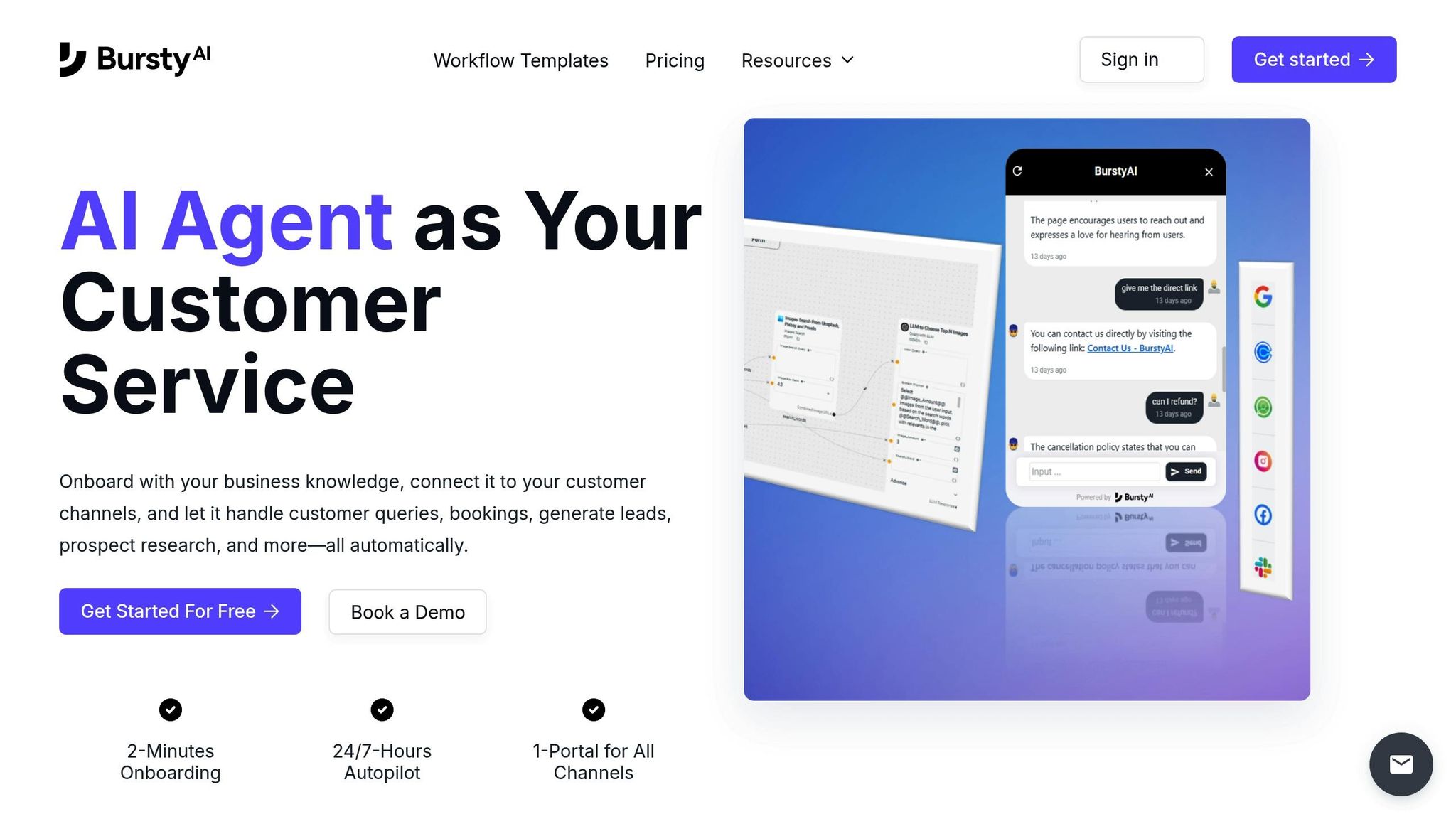
BurstyAI focuses on automating the extraction of website content. It organizes raw web data into structured formats, making it ready for AI knowledge base integration.
Scribe
Scribe simplifies the creation of system documentation. It generates clear setup guides, ensuring consistent workflows and providing effective training materials for users.
These tools form the foundation for the step-by-step process that follows.
5 Steps to Build Your AI Knowledge Base
Creating an AI knowledge base takes careful planning and execution. Here's a step-by-step guide to turning your website content into a smart, user-friendly system.
Step 1: Plan Your Project
Start by setting clear goals for your AI knowledge base. Identify the specific information you want to include and how users will interact with it. Review your website content and prioritize sections that offer the most value.
Your plan should cover:
- Categories and structure of your content
- User access needs
- Common query types
- Performance benchmarks
- Project timeline
Once your plan is ready, choose the right tools to bring it to life.
Step 2: Choose Your Tools
Using tools like God of Prompt can simplify the process. Its pre-built instructions and prompt library are designed to improve accuracy and streamline content handling.
Step 3: Process Website Content
Organize your website content systematically with automated tools. Keep the structure clear and logical while ensuring all content is categorized properly.
Steps to process content:
- Extract text from HTML
- Clean and format the text
- Organize metadata
- Categorize documents
- Structure the knowledge base
This step ensures your content is ready for AI integration.
Step 4: Set Up AI Processing
Set up your AI system to provide accurate and helpful responses. Start by defining its role and choosing a search method that fits your needs:
| Search Type | Best For | Example Use Case |
|---|---|---|
| Index Search | Exact matches | Technical documentation |
| AI Search | Contextual answers | Customer support |
| Hybrid Search | Balanced approach | General knowledge base |
Next, connect your processed content and train the AI to understand relationships between different pieces of information. This step ensures your system can process queries effectively.
Step 5: Launch Your System
Before going live, test your system thoroughly. Start with a small group of users to gather feedback and identify any issues. Monitor performance and fine-tune the system as needed.
Key factors to focus on:
- Easy-to-use interface
- Accurate responses
- Fast processing
- Robust error handling
- Feedback collection tools
sbb-itb-58f115e
Writing Effective AI Prompts
Precise prompts can transform website content into a functional AI-driven knowledge base.
Clear Prompt Writing
Start by crafting direct, specific instructions. Focus on a single task per prompt, using clear language to avoid confusion.
Here’s a helpful structure for prompts:
| Component | Description | Example |
|---|---|---|
| Context | Background information | "Processing technical documentation from a SaaS website" |
| Task | Specific action required | "Extract key product features and specifications" |
| Format | Desired output structure | "List features with their benefits and use cases" |
| Constraints | Limitations or specific requirements | "Focus only on enterprise-level features" |
Adding relevant context to your instructions can further improve the results.
Adding Context to Prompts
Providing detailed context ensures the AI understands the purpose and background of the query, leading to more accurate responses. When adding context, think about:
- Specifying the type and purpose of the content.
- Including industry-specific terminology.
- Defining the target audience.
- Setting clear quality and formatting expectations.
Once you’ve established clear prompts and added context, the next step is to test and refine them.
Testing and Improving Prompts
Testing and refining your prompts systematically is key to optimizing AI performance. Breaking down complex tasks into simpler steps can make responses more accurate and focused.
Here’s a simple framework for testing and improving your prompts:
-
Initial Testing:
Start with a small sample of content to see how well the prompt works. Experiment with different variations to find the most effective approach. -
Refinement Process:
Adjust prompts based on the following criteria:- How accurate the extracted information is
- Whether the results are relevant to user needs
- Consistency in responses
- Processing efficiency
-
Implementation:
Once you’ve identified the best-performing prompts, apply them across your website content. Keep a record of what works best for different types of content for future reference.
Results and Common Issues
Business Results
Turning static content into dynamic AI-driven responses has shown measurable benefits in efficiency and user interaction. Initial data highlights the following improvements:
| Metric | Impact |
|---|---|
| User Engagement | Longer session durations |
| Response Time | Quicker, more direct answers |
| Content Accessibility | Automated responses to queries |
| Resource Utilization | Fewer support tickets |
These changes bring several key benefits:
- Improved User Experience: Users receive instant, relevant answers.
- Scalable Support: The system manages increasing query volumes without needing additional staff.
- Future-Ready Systems: According to Messaging Improved, "By making your content available to AI models as quickly as possible, you plant the seed for organic AI-driven traffic that will overshadow search and social media in coming years".
However, implementing these changes isn't without its hurdles.
Common Problems
While the benefits are clear, organizations often encounter challenges during implementation:
-
Content Quality Issues:
- Inconsistent formatting across web pages
- Outdated or conflicting information
- Technical documentation lacking necessary context
-
Technical Challenges:
- Difficulty integrating with current systems
- Slower processing speeds on large websites
- Concerns around security and privacy
- AI Response Accuracy: The reliability of AI responses depends heavily on the quality of the input data and how prompts are designed. Messaging Improved emphasizes this point: "Adding AI & chat to your site turns reading static content into a conversation with an expert. This will only grow as an engagement channel as AI models become more capable".
To tackle these challenges:
- Regularly review and update your content to ensure accuracy.
- Use strong data validation methods to maintain quality.
- Continuously monitor AI responses to identify and fix errors.
- Set clear processes for updating and maintaining content.
While some organizations achieve quick deployment, keeping these systems efficient and accurate requires ongoing effort and attention.
Conclusion: Next Steps
To move forward with effective prompt strategies, focus on creating an AI-driven knowledge base for your website.
Transform your website into an AI-powered resource using God of Prompt's extensive library of over 30,000 AI prompts and industry-specific bundles.
- Start Small and Scale: Begin with a specific content area and test its performance using the tools provided by God of Prompt.
-
Implement Quality Control:
- Conduct regular reviews and updates of your content.
- Monitor how well your prompts perform.
- Gather feedback from users to identify improvements.
- Track versions of your prompts to ensure consistency.
-
Build a Prompt Library:
- Include the actual prompt text and its versions.
- Organize by use cases and categories.
- Track performance metrics to measure success.
- Use status indicators to manage updates effectively.
Keep refining your prompts and updating your system to align with your business goals. By using the resources from God of Prompt and following these steps, you can create a reliable AI knowledge base that benefits your users while reducing the need for manual updates. Regularly assess performance to ensure your system stays relevant and effective.
Related posts

Loved by Business Owners


Based on 1K reviews
Get smarter on AI every week.
Ready to transform your business?