Best AI Prompt Libraries for Beginners Starting with ChatGPT



Ever feel stuck figuring out what to type in ChatGPT? AI prompt libraries can save you time and frustration. These collections of ready-to-use templates help you get better results without needing advanced skills. From writing and marketing to coding and business tasks, they’re designed to simplify your workflow.
Here’s a quick look at five popular options for beginners:
- God of Prompt: Offers 30,000+ prompts for ChatGPT, Midjourney, Claude, and more. Free tier available, with premium plans starting at $37. Includes lifetime updates.
- AIPRM: A Chrome extension with prompts focused on SEO and content marketing. Free and paid plans ($20–$79/month).
- ChatGPT Native Library: Built directly into ChatGPT, it’s free for all users and covers various tasks like writing, coding, and productivity.
- Content at Scale: Focuses on creating tailored prompts for specific needs, though it has a steeper learning curve.
- PromptHero: Specializes in AI image creation with free prompts for tools like Midjourney and DALL·E.
Quick Comparison
| Platform | Focus | Free Options | Paid Plans | Best For |
|---|---|---|---|---|
| God of Prompt | Text + multi-AI tools | Yes (1,000+ prompts) | $37–$150 (one-time) | Beginners, multi-tool users |
| AIPRM | SEO + content marketing | Yes | $20–$79/month | Marketing professionals |
| ChatGPT Native | General tasks | Yes | $20/month (GPT-4 access) | All-around beginners |
| Content at Scale | Custom content generation | No | Varies | Advanced users |
| PromptHero | AI image creation | Yes | Free | Visual content creators |
Start with free options like God of Prompt or ChatGPT Native Library to test what works for you. Paid plans can help expand your capabilities as you grow more comfortable with AI tools.
Top 7 Prompt Libraries for Unlimited Prompts
1. God of Prompt
God of Prompt is designed to help beginners get the most out of ChatGPT and other AI tools by simplifying the art of creating effective prompts. With a collection of over 30,000 AI prompts neatly categorized for practical use, it eliminates the trial-and-error process of prompt crafting. Delivered via Notion, the platform makes it easy to browse, copy, and apply prompts directly into ChatGPT. Here’s a closer look at what makes it stand out.
Prompt Variety
God of Prompt offers an extensive library that covers a wide range of applications, all thoughtfully organized. Categories include business, marketing, SEO, writing, productivity, finance, e-commerce, education, and sales. This means you can find prompts for nearly any task - whether you’re drafting a business proposal, creating social media posts, or diving into data analysis - all in one place.
A unique feature for beginners is the inclusion of "Mega-Prompts" - detailed, structured prompts designed to guide you through complex tasks step by step. These are particularly useful for producing professional-quality results without needing advanced prompt engineering skills. With over 2,000 Mega-Prompts included in the premium collections, even challenging projects become manageable.
But God of Prompt doesn’t stop at ChatGPT. It also supports other AI tools like Claude, Gemini AI, Midjourney, Grok, Veo, and Sora. This multi-tool approach equips users with prompt techniques that are transferable across different platforms, making it easier to adapt as you explore new AI technologies.
Pricing and Accessibility
For beginners, God of Prompt offers a generous free tier, which provides access to 1,000+ ChatGPT prompts, 100+ Midjourney prompts, and 10 Mega-Prompts. The free plan includes lifetime updates, giving you a chance to evaluate the platform's quality and organization before making a purchase.
For more advanced users, the pricing options are straightforward:
- The Writing Pack ($37.00) includes 200+ Mega-Prompts tailored specifically for writing tasks.
- The ChatGPT Bundle ($97.00) unlocks 2,000+ Mega-Prompts and all premium prompts for ChatGPT.
- The Complete AI Bundle ($150.00) provides full access to all 30,000+ prompts, unlimited custom prompts, and lifetime updates across every AI model.
Each paid plan comes with a 7-day money-back guarantee, so you can try it without much risk. The promise of lifetime updates is especially appealing - you pay once and continue to receive new prompts and improvements without any recurring fees.
Ease of Customization
God of Prompt templates are designed with simplicity in mind. They include placeholders like [product], [audience], [tone], and [topic], which you can quickly replace with your specific details. This eliminates the need to rewrite prompts entirely, saving you time while ensuring clarity.
To help users grow their skills, the platform also provides how-to guides and prompt engineering tips. These resources explain the principles of effective prompt creation, such as setting context, adding the right level of detail, and guiding AI responses. Over time, this approach helps you move beyond simply copying prompts to crafting your own with confidence.
The platform’s workspace is flexible, allowing you to duplicate prompts, organize favorites, add notes, and create custom collections. This personalization makes it easy to build a library tailored to your unique needs and workflows.
Multi-Model Support
Unlike many prompt libraries that focus solely on ChatGPT, God of Prompt embraces a broader approach. It includes dedicated prompt collections for tools like Midjourney (with 10,000+ prompts for visual content creation), Claude (Anthropic’s AI assistant), Gemini AI (Google’s AI model), and newer tools like Grok, Veo, and Sora. This versatility allows users to experiment with various AI tools without juggling multiple subscriptions or resources.
For example, you might use ChatGPT for writing, Midjourney for generating images, and Claude for data analysis - all while relying on prompts from a single library. Additionally, the platform features a custom GPTs toolkit and an AI tools directory, helping users discover and utilize specialized AI applications as their needs expand.
This multi-model approach ensures you’re not limited to one tool, giving you the flexibility to explore and tackle a wide range of tasks with ease.
2. AIPRM
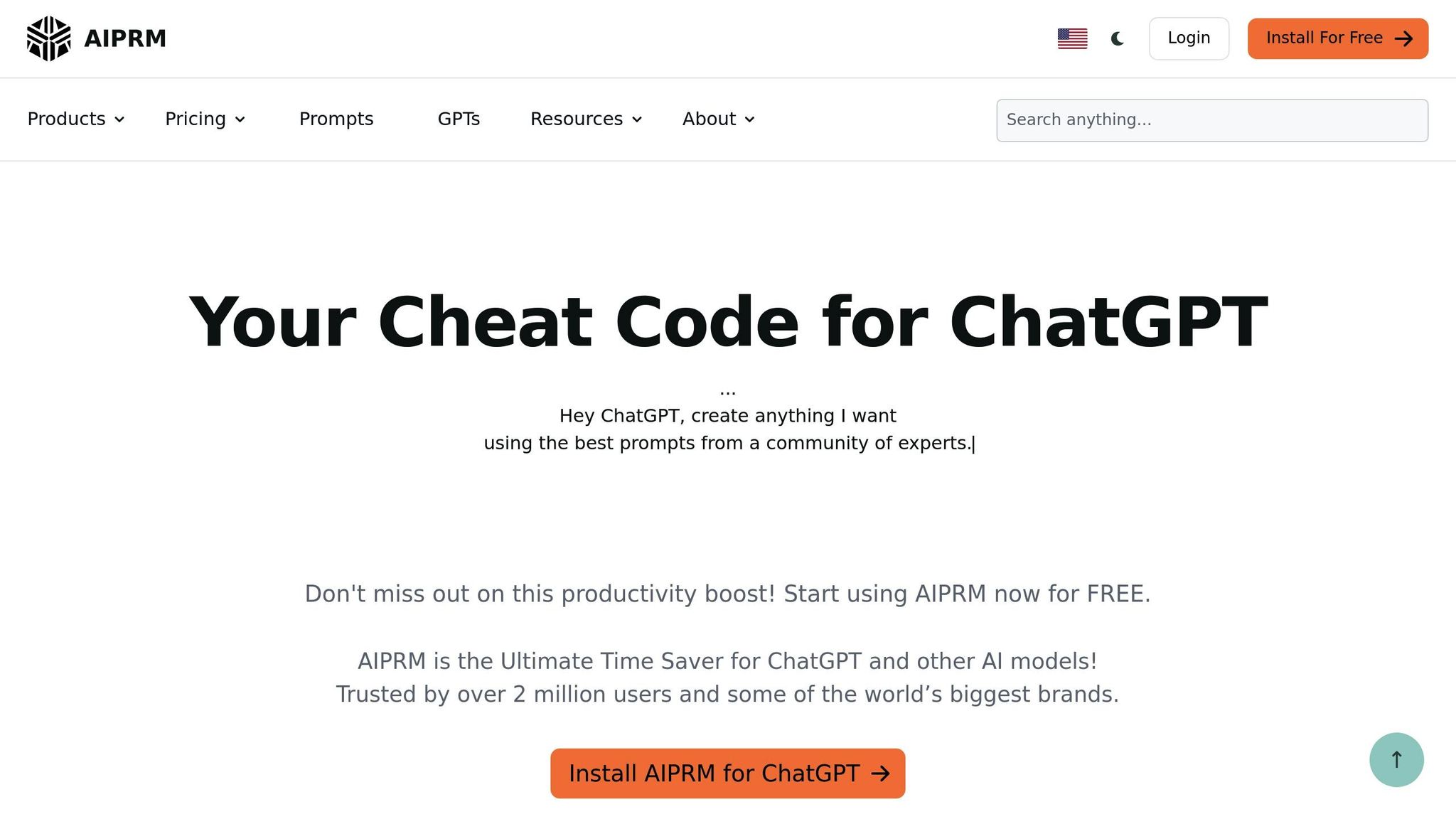
AIPRM is a well-known Chrome extension that integrates ChatGPT prompt templates directly into its interface, saving users from the hassle of switching between tabs.
Prompt Variety
The extension’s library is tailored mainly for SEO and content marketing tasks. It includes categorized templates for activities like writing blog posts, crafting meta descriptions, generating keyword lists, and creating social media content.
Pricing and Accessibility
AIPRM offers a free version with basic features and a limited number of prompts. For users looking for more, there are paid plans: Plus at $20/month, Pro at $39/month, and Elite at $79/month. Installing the extension in Chrome is straightforward, allowing users to access and use prompts directly within ChatGPT. It also supports easy customization, making it user-friendly.
Ease of Customization
Whether you're just starting out or have advanced needs, AIPRM caters to users across all skill levels.
3. ChatGPT Native Library
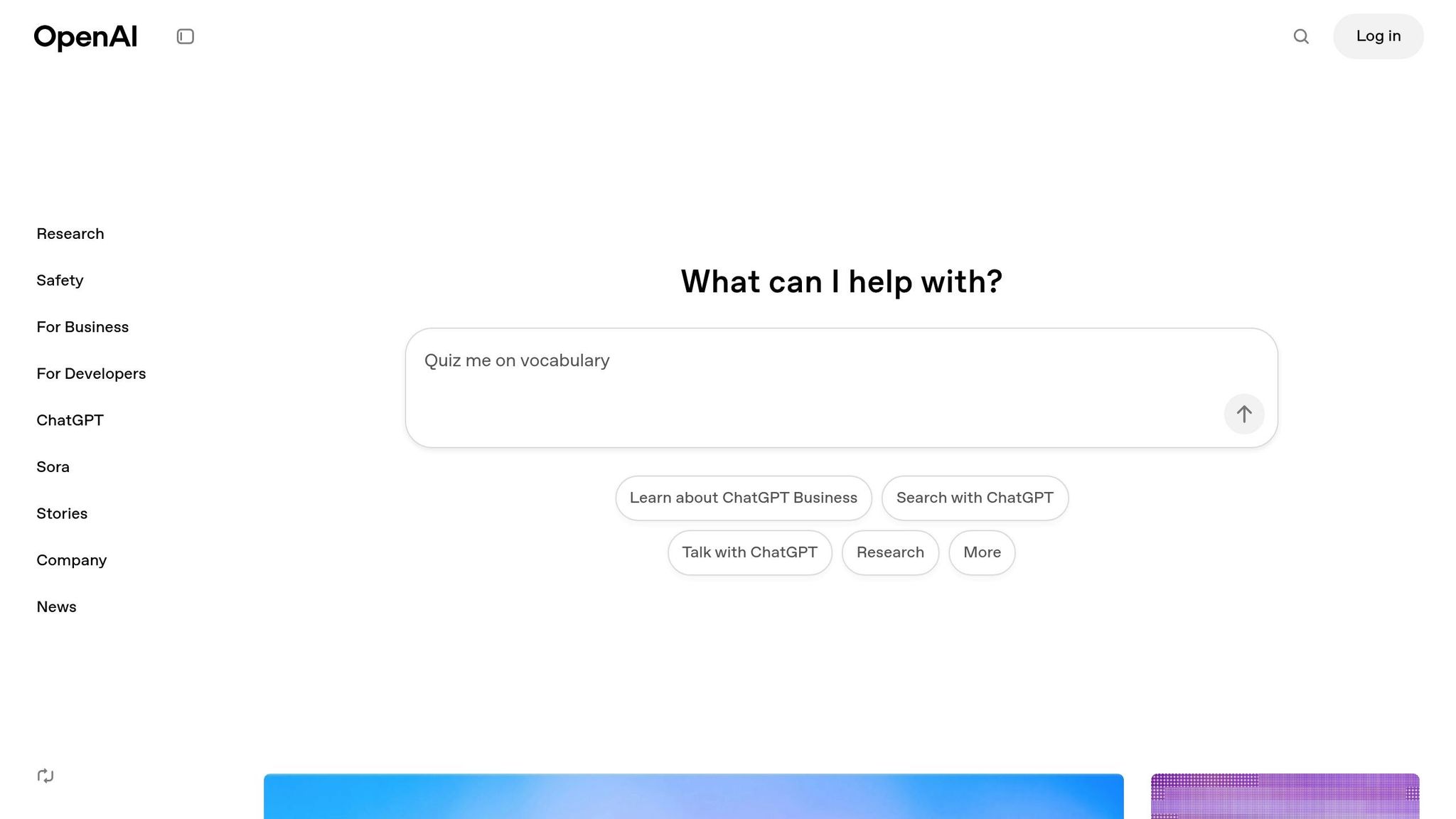
ChatGPT's native library serves as a practical starting point for anyone diving into AI prompting. Built directly into OpenAI's interface, it offers an easy way to explore AI prompts without needing to rely on external tools or third-party integrations. This makes it especially appealing for beginners looking to get their feet wet.
Prompt Variety
The native library includes a growing collection of prompts designed for a wide range of tasks. Whether you're tackling creative writing, coding, data analysis, brainstorming, or even day-to-day chores like drafting emails or planning meals, there's something here for everyone. Unlike tools that cater to specific niches, this library provides a broad range of examples to showcase the versatility of AI assistance.
Prompts are neatly organized into categories, making it simple to find what you need. Want to outline a story? Debug some Python code? Or maybe you’re looking for tips to boost productivity? The native library offers clear examples that demonstrate how to structure prompts effectively. This variety makes it an excellent resource for learning the basics while keeping things accessible and cost-effective.
Pricing and Accessibility
One of the standout features of ChatGPT's native library is that it’s completely free for all users, even those on the basic plan. There’s no need for extra downloads, sign-ups, or hidden fees - just open ChatGPT and start exploring the built-in prompt suggestions.
For those subscribed to the Plus plan at $20 per month, you gain access to GPT-4 and GPT-4 Turbo, offering more advanced and nuanced responses. The pricing is straightforward, and you don’t need to adjust how you use the library - everything works seamlessly across models. This combination of accessibility and simplicity makes it an excellent tool for users honing their prompting skills.
Ease of Customization
The native library is not just a static set of examples - it’s a hands-on learning tool. While it doesn’t allow you to save templates, it’s easy to tweak any of the provided prompts to better suit your needs. You can modify topics, add specific constraints, or request different output formats, giving you the freedom to experiment.
This approach is perfect for beginners who are still figuring out how to craft effective prompts. By adjusting the examples in real time, you can quickly learn what works best for different scenarios without feeling bogged down by overly complex customization options.
Multi-Model Support
The native library works across all ChatGPT models, from GPT-3.5 for free users to GPT-4 and GPT-4 Turbo for Plus subscribers. This allows you to compare how different models handle the same prompt, offering valuable insights into their strengths and weaknesses.
For instance, you might notice that GPT-4 provides more detailed and nuanced responses, while GPT-3.5 handles simpler tasks efficiently. This flexibility gives you the opportunity to experiment and discover which model is best suited for specific tasks, making it an invaluable resource for both beginners and experienced users alike.
sbb-itb-58f115e
4. Content at Scale
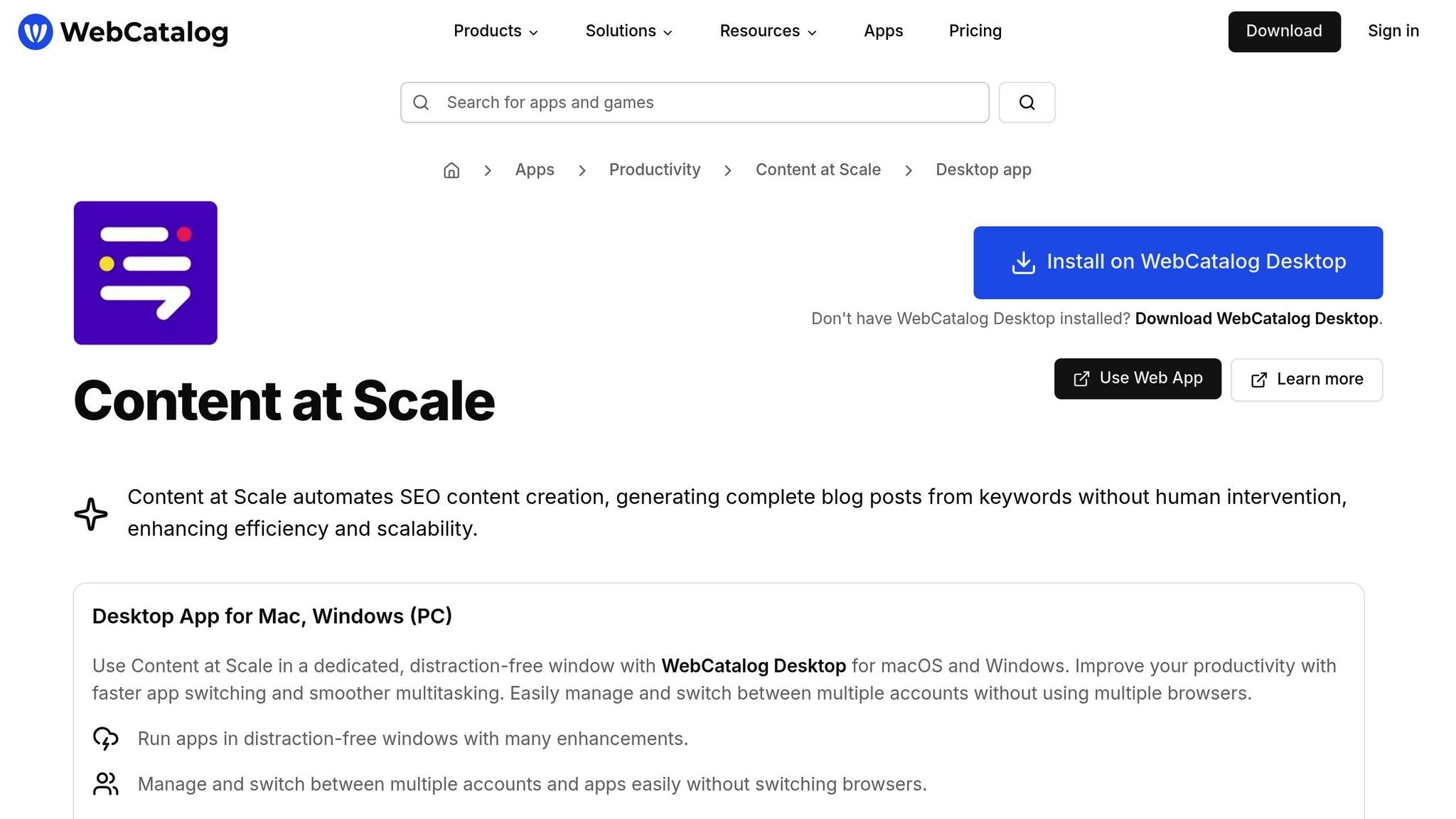
Content at Scale gives users the ability to tailor prompts to suit their specific requirements. You can tweak elements like tone, target audience, and content length to create material that fits your goals. However, if you're new to the platform, the interface might feel a bit tricky at first. With some practice, though, you can refine your prompts to generate content that matches your exact needs. Much like other tools, Content at Scale offers powerful features but comes with a bit of a learning curve for beginners.
5. PromptHero
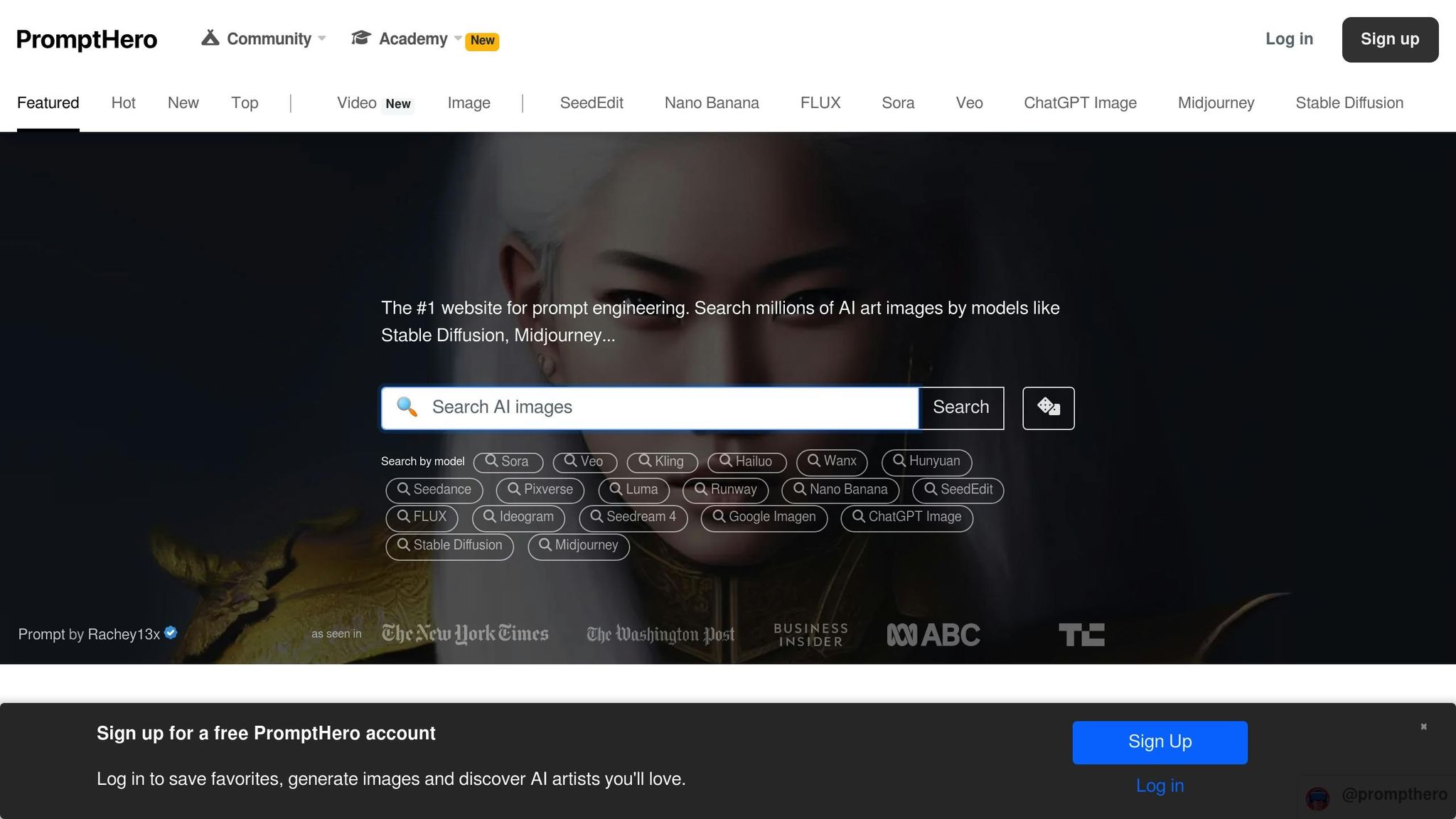
PromptHero is a platform dedicated to AI image generation, providing tailored prompts for tools like Midjourney and DALL·E.
Prompt Variety
This platform serves as a practical starting point for anyone interested in creating AI-generated artworks and graphics. It's worth noting that PromptHero focuses exclusively on visual content creation, making it a specialized tool for this purpose.
Pricing and Accessibility
One of the standout features of PromptHero is its accessibility. The platform offers a wide range of free prompts, giving beginners the chance to explore AI image generation without spending a dime. This free access eliminates financial hurdles, making it easier for newcomers to dive in and experiment at their own pace. By combining free-to-use prompts with its multi-model capabilities, PromptHero creates a welcoming environment for users of all experience levels.
Multi-Model Support
PromptHero doesn’t just stop at affordability - it also supports multiple AI image generation tools, including Midjourney and DALL·E. This multi-model compatibility gives users the flexibility to test prompts across different platforms and see how each AI interprets the same visual instructions. It’s a great way to explore the unique strengths of various tools while honing your creative skills.
Advantages and Disadvantages
When choosing an AI prompt library, it's essential to weigh its strengths and limitations. Here's a closer look at the offerings of three popular platforms:
| Platform | Advantages | Disadvantages |
|---|---|---|
| God of Prompt | - Extensive library with over 30,000 prompts for ChatGPT, Claude, Midjourney, and Gemini AI - Prompts are categorized for practical use, including marketing, SEO, and productivity - Lifetime updates included - Accessible via Notion for easy organization - Offers 1,000+ free prompts to test before purchasing - 7-day money-back guarantee |
- Premium bundles require upfront payment, ranging from $37.00 to $150.00 - Delivered primarily through Notion, which may require some familiarity with the platform |
| AIPRM | - Simple setup as a Chrome extension - Prompts are neatly organized into categories for easy navigation - Works directly within the ChatGPT interface - Intuitive design ideal for beginners |
- Only available for Chrome browser users - Requires installing a browser extension, which some users may avoid - Performance depends on regular extension updates |
| PromptHero | - Offers a wide range of free prompts, making it accessible without cost barriers - Supports various AI image generation tools like Midjourney and DALL·E - Great for experimenting with visual content |
- Focuses solely on image generation, limiting its use for text-based tasks like ChatGPT - Does not cater to business writing, productivity, or conversational AI needs |
This breakdown highlights the unique strengths and limitations of each platform. If your focus is on text-based tasks like business, marketing, or productivity, you'll benefit from libraries that are both comprehensive and well-organized. On the other hand, platforms specializing in image generation are ideal for visual projects.
When deciding, consider the pricing structure and how the tool fits into your workflow. For instance, browser extensions like AIPRM integrate seamlessly with ChatGPT, while Notion-based platforms like God of Prompt may require minimal adjustment. Ultimately, your choice should align with your goals and how you plan to use the prompts.
AIPRM is recognized as a user-friendly Chrome extension offering categorized prompt templates for beginners.
PromptHero focuses on AI image generation, providing a wide selection of free prompts for tools like Midjourney or DALL·E.
Conclusion
For those just starting out, God of Prompt offers a free tier with access to over 1,000 prompts. If you're looking for more, the Complete AI Bundle is priced at $150.00 and provides over 30,000 prompts tailored for tools like ChatGPT, Claude, Midjourney, and Gemini AI - a solid choice for long-term use.
On the other hand, AIPRM delivers a Chrome extension packed with organized templates for ChatGPT. However, its annual pricing - ranging from $240.00 to $948.00 - may feel restrictive if your needs change over time.
When choosing, consider factors like accessibility, cost, compatibility with your preferred AI tools, and the educational resources available. It’s smart to begin with free options and upgrade as your requirements grow. Don’t forget to save your favorite prompts to create a personal library for future use.
FAQs
What are the main advantages of using AI prompt libraries like God of Prompt for beginners?
AI prompt libraries, like God of Prompt, make it easier to harness the power of AI by providing ready-made, straightforward prompts. These are particularly useful for beginners, offering a clear and structured way to dive into AI without requiring any deep technical know-how.
Using these tools, users can boost productivity, enrich their learning journeys, and tap into creative or business opportunities. They’re built to save time and make AI more approachable and practical, especially for those new to the field.
How can I adjust prompts from God of Prompt to meet my specific goals and tasks?
Customizing prompts in God of Prompt is both straightforward and adaptable, allowing you to fine-tune them to meet your specific goals. Start by defining the task or objective you want to accomplish. Once that's clear, adjust the prompt's language, tone, or structure to better align with your intended outcome. For example, you can include extra details like context or step-by-step instructions to help the AI generate more accurate and relevant responses.
You can also try rephrasing or adding examples to set clearer expectations. The process often involves some trial and error - testing and tweaking until the output matches your needs. Over time, you'll get the hang of creating prompts that bring out the best of God of Prompt, whether you're using it for learning, enhancing productivity, or achieving business goals.
Should I start with a free tier or invest in a paid plan for AI prompt libraries?
When deciding between a free tier and a paid plan, it all comes down to what you’re aiming to achieve, the tools you need, and how much you’re willing to spend. Free tiers are perfect for dipping your toes in the water - exploring basic features and getting a feel for how AI prompt libraries function, all without spending a dime.
On the other hand, if you need access to advanced tools, higher usage limits, or tailored prompts designed to boost productivity or meet business demands, a paid plan could be a smart choice. A good approach? Start with the free option to test the waters, and once you’re sure it aligns with your goals, consider upgrading to unlock more capabilities.
Related Blog Posts

Loved by Business Owners


Based on 1K reviews
Get smarter on AI every week.
Ready to transform your business?