AI Translation Tools for Global Businesses



Language barriers are costing businesses opportunities. Over 76% of consumers prefer to shop in their native language, and 40% won’t buy from websites that don’t offer localized content. AI translation tools are solving this with faster, cheaper, and more accurate solutions compared to traditional methods.
Key insights:
- Cost savings: AI can translate a 10,000-word website for under $10, compared to $1,200 manually.
- Efficiency boost: Companies using AI publish content 52% faster.
- ROI impact: 96% of businesses report positive returns, with 65% seeing at least a 3x ROI.
Advanced tools like Google Cloud Translation AI, Smartling, and Microsoft Bing Translator offer features such as multilingual copy with context-aware translations, integration with business systems, and custom glossaries to maintain brand consistency. These tools are reshaping global business communication, enabling faster product launches and improved customer satisfaction.
Want to expand globally? Start by leveraging AI translation to break language barriers and unlock growth opportunities.

AI Translation Tools ROI and Business Impact Statistics
How to Use AI for Translation (3 Practical Use Cases)
sbb-itb-58f115e
Key Features to Look for in AI Translation Tools
When choosing an AI translation tool, it’s important to find one that goes beyond basic word translation. The ideal tool should maintain your brand’s voice and fit smoothly into your existing workflow.
Customizable Translation Settings
Consistency in terminology is a cornerstone of high-quality translation. Look for tools that let you create custom glossaries and term bases. These features help standardize important elements like product names, technical terms, and branded phrases. Without this, AI might generate inconsistent translations, confusing your audience or diluting your brand identity.
Platforms such as DeepL and Smartling offer advanced options like tone customization, allowing you to choose between formal or informal language based on your audience. They also provide "AI Style Guides", which let you define your brand's tone and include do-not-translate lists for protected terms like trademarks. Additionally, many tools integrate with your existing translation memory and style guidelines, ensuring output remains consistent.
Regional dialect settings are another must-have. Instead of defaulting to generic "Spanish", for example, you can choose specific variants like Mexican Spanish or Castilian Spanish. Similarly, you can select between Brazilian and European Portuguese, tailoring your message to local audiences.
Beyond customization, effective integration with your systems is equally important.
Integration with Business Systems
Integrating translation tools directly into your business systems removes inefficiencies. The best AI tools connect seamlessly with platforms like your Content Management System (CMS), Customer Relationship Management (CRM) software, and collaboration tools. This is often achieved through APIs and pre-built connectors. Look for compatibility with popular platforms like WordPress, Shopify, Zendesk, GitHub, HubSpot, Figma, and Jira.
A great example comes from Reddit, which in 2024 incorporated AI-powered translation into its core systems. This strategic move resulted in a fourfold increase in daily active users and an 82% boost in international revenue. By embedding translations into daily workflows, businesses can achieve both efficiency and consistency.
Some tools also offer features like Global Delivery Networks (GDNs), which automatically capture and sync website content in real-time. When you update your source material, these tools refresh localized versions automatically. This eliminates the hassle of manual exports and version control, speeding up global launches.
Once integration and customization are in place, the next priority is ensuring translation accuracy.
Accuracy and Context Recognition
Accuracy is the backbone of effective AI translation. High-quality translations depend on understanding the context, not just the words. Tools that use Neural Machine Translation (NMT) and Large Language Models (LLMs) analyze entire paragraphs rather than translating word-for-word. This helps them interpret idioms, cultural subtleties, and industry-specific terms that older technologies often miss.
Top-tier platforms take this further by offering quality scoring with confidence ratings for each segment. These scores highlight areas that may need additional human review. Many tools also support human-in-the-loop workflows, where AI handles the bulk of the work while experts refine critical content, such as legal contracts or marketing materials.
Formatting preservation is another key feature. The best tools maintain the layout of your original file, whether it’s a Word document, PowerPoint, InDesign file, HTML, or Markdown. For enterprise users, ensure the platform includes data encryption, GDPR compliance, and ISO certifications (like ISO 17100:2015) to safeguard sensitive information.
Top AI Translation Tools for Businesses
When choosing an AI translation tool, it’s essential to consider your specific needs, existing infrastructure, and the complexity of your localization efforts. Below, we explore three standout platforms, each designed to address different aspects of global communication.
Google Cloud Translation AI
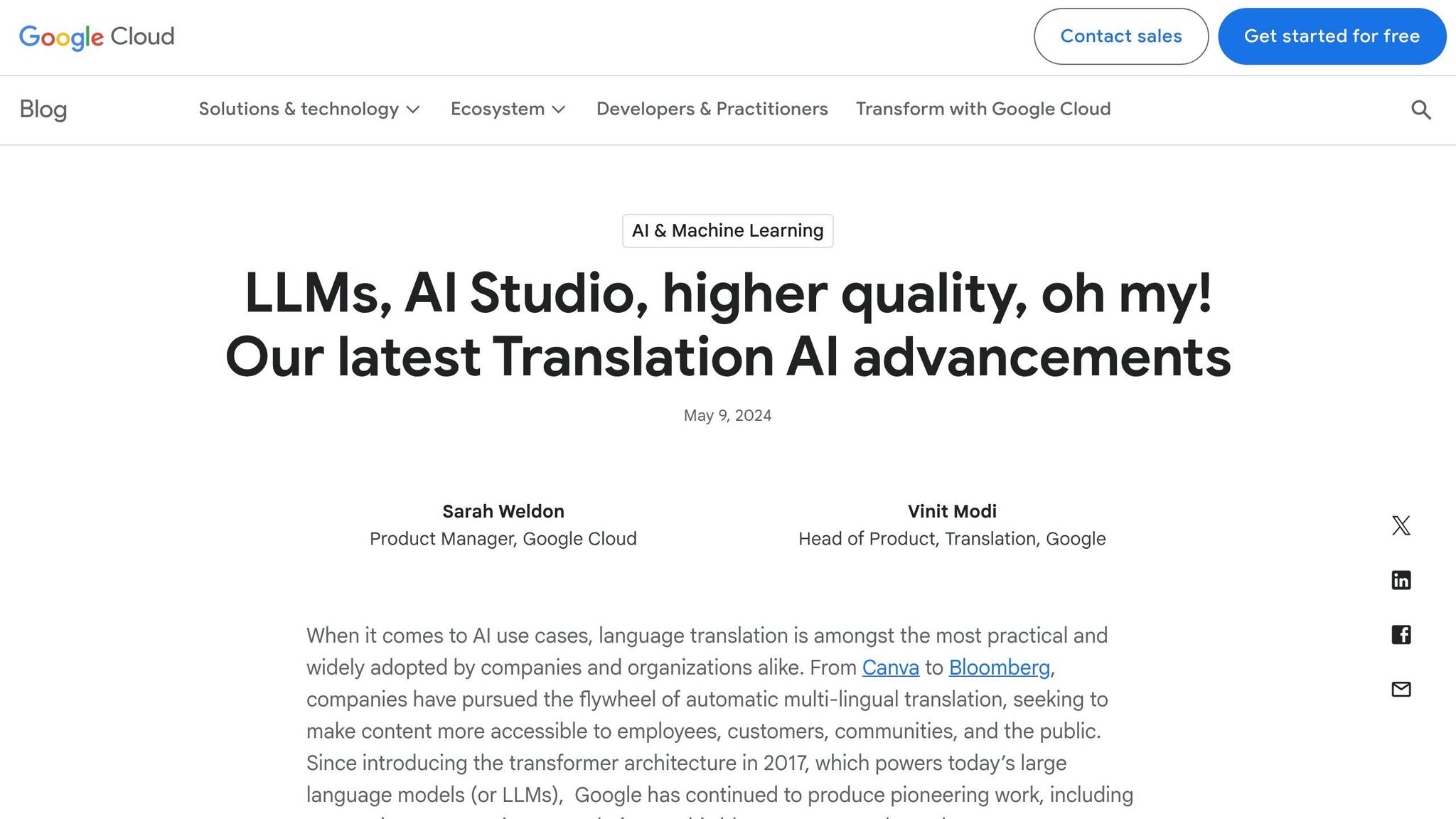
Google Cloud Translation AI is a versatile tool supporting 189 languages, capable of handling tasks ranging from website localization to video dubbing. Its Adaptive Translation, powered by Gemini large language models (LLMs), allows businesses to maintain their brand's tone with as few as five examples.
For businesses managing formatted documents, the Translation Hub offers a streamlined solution. It preserves layouts in Word files, PDFs, and PowerPoint presentations while supporting human-in-the-loop workflows. This means AI handles the initial translation, and human experts refine the content for accuracy.
For real-time applications, Google combines its Translation API with Speech-to-Text and Text-to-Speech technologies. This integration enables features like automated subtitling, video dubbing, and multilingual customer support. Uber, for example, uses Google Cloud Translation AI to facilitate communication between riders, drivers, and couriers worldwide. Megha Yethadka, Senior Director at Uber, explains:
"Operating in tens of thousands of cities worldwide, Uber prioritizes seamless communication... Misinterpretations can result in delays, frustration, and even safety concerns".
Avery Dennison also showcased the platform's efficiency. In 2025, they used Translation Hub and custom AutoML models to scale localization across 32 languages. The results? A 700% increase in translated pages and a 90% cost reduction in just three months. Murali Nathan, Digital Innovation and Employee Experience Lead, noted:
"In just 3 months of using Translation Hub and custom AutoML models, our translated page count went up 700% and cost reduced by 90%".
Pricing:
- First 500,000 characters per month: Free
- Neural Machine Translation: $20 per million characters
- Adaptive Translation: $25 per million characters
- Translation Hub: $0.15 per page for the Basic tier; $0.50 per page for the Advanced tier (with human review).
Next, let’s look at a tool that blends AI with human expertise for more complex localization needs.
Smartling AI Translation Platform
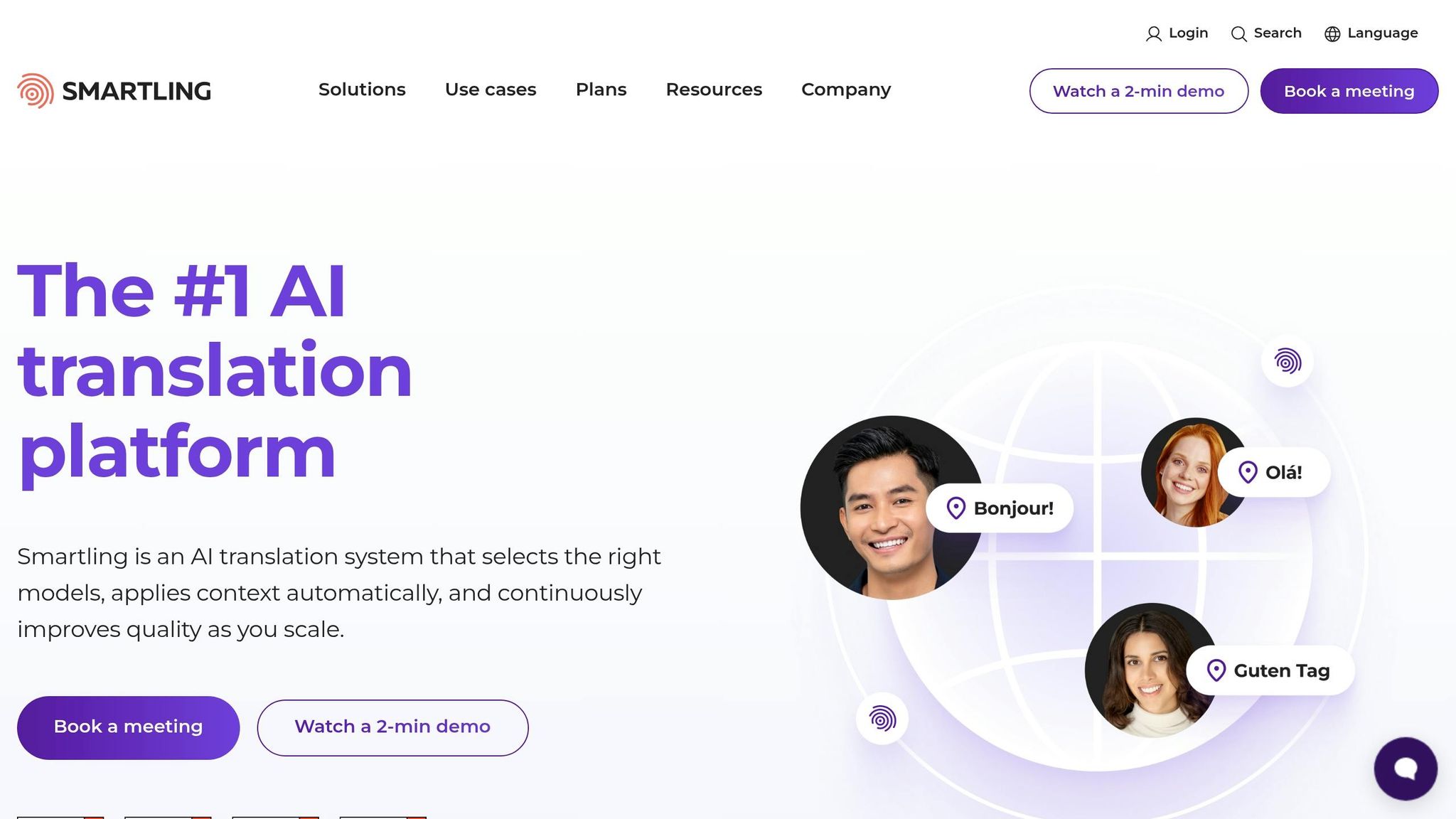
Smartling is designed for businesses requiring a balance of AI efficiency and human precision. It combines Neural Machine Translation with human workflows, making it ideal for intricate localization projects. The AI Hub gives users access to over 20 LLMs (including GPT) and multiple translation engines, allowing for tailored pre- and post-processing workflows. This setup ensures a balance between cost, speed, and quality.
Built-in automated quality checks and Machine Translation Post-Editing workflows help maintain consistency across all translations. Reagan White highlights the efficiency gains:
"Smartling's AI Translations can step in at any point in the translation process... reducing translation workload by up to 90%".
Pricing: Smartling offers custom pricing tailored to your business needs. Contact their sales team for a quote.
For organizations already integrated into enterprise ecosystems, the next option is worth exploring.
Microsoft Bing Translator
Microsoft Bing Translator, also known as Azure Translator, processes billions of translations daily. Its standout feature is seamless integration with Microsoft 365 tools like Word, Teams, Outlook, PowerPoint, and the Edge browser. This makes it an excellent choice for businesses already using Microsoft products.
The Custom Translator feature allows users to create domain-specific models for industry terminology without requiring machine learning expertise. Leveraging GPT-4o, it also enables customization for tone, style, and even gender preferences. Features like real-time conversation translation and offline mobile support add to its versatility.
Companies like Lexmark have used Azure Translator to enhance multilingual communication in education through their "Lexmark Translation Assistant." Similarly, Lionbridge, a leading localization provider, reduced project turnaround times by up to 30% using Azure Translator and Azure OpenAI.
Pricing:
- Free for up to 2 million characters per month
- Enterprise API plans start at $2,055 per month for 250 million characters
- Pay-as-you-go options offer flexibility for varying translation needs.
Below is a quick comparison of these tools:
| Feature | Google Cloud Translation AI | Smartling AI Platform | Microsoft Bing Translator |
|---|---|---|---|
| Language Support | 189 languages | 100+ languages | 100+ languages |
| Strength | Large-scale tasks and multimodal integration | Hybrid AI-human workflows | Microsoft 365 integration |
| Customization | Adaptive Translation and AutoML | AI Hub with 20+ LLMs | Custom Translator for industries |
| Best For | Apps, websites, and real-time support | Brand-consistent marketing | Corporate communication |
How to Set Up and Customize AI Translation Tools
Evaluating Business Needs and ROI
Start by analyzing your current translation process. Measure key metrics like cost per word, turnaround time, and productivity levels to establish a baseline for improvement. This helps you identify areas where AI translation can make a difference, similar to how AI agents automate logistics and other complex business workflows.
Next, categorize your content by its level of risk. For low-risk content like internal memos or support forums, AI-only translation may be sufficient. However, high-risk content like marketing campaigns or legal documents requires human oversight. Tools like Google Analytics can help pinpoint high-traffic or high-engagement markets, which should guide your language priorities.
The numbers back this approach: 96% of companies using AI translation report positive ROI, with 65% of B2B leaders seeing at least a 3x return on localization investments. To calculate your ROI, use this formula: (Added Value from Localization / Localization Costs) × 100. Be sure to include costs like LLM tokens, translation fees, and human editing in your calculation.
Here's a handy framework for aligning workflows with content types:
| Content Type | Risk Level | Recommended Workflow |
|---|---|---|
| Internal Memos / Team Chats | Low | AI-only (Direct output) |
| Support Documentation / Forums | Low/Medium | AI-first with occasional spot-checks |
| Marketing Copy / Brand Campaigns | High | AI-drafted + Professional human edit |
| Legal Agreements / Privacy Policies | High | AI-drafted + Expert legal review |
| UI Strings / App Microcopy | Medium | AI-first + Contextual QA |
Begin testing with low-risk content to refine your workflow before applying it to public-facing materials. This method not only reduces risk but also allows you to fine-tune processes for maximum efficiency. Once you've defined your business needs, focus on standardizing terminology with custom glossaries and translation memories.
Using Custom Glossaries and Translation Memories
Custom glossaries and translation memories are essential for maintaining consistency across languages. Start by identifying 5–20 key terms, such as product names, taglines, and industry-specific jargon, that must remain consistent. These terms should be integrated into your AI prompts as fixed references to ensure uniformity.
Translation Memory (TM) works differently. It stores pairs of "source and target" translations from previously approved content. Modern systems use "fuzzy matching" to compare new translations against the TM. If there's an 80% or higher match, the system uses the TM entry instead of generating a new translation.
For example, in April 2026, PowerLabs Cloud studied 5,000 UI strings for a SaaS product targeting Spanish (Mexico). By combining TM pre-checks with glossary injection, they reduced human post-editing time by 38% and boosted glossary compliance from 57% to 98%.
To get the best results, place your most critical glossary terms at the beginning of your AI prompt. Large Language Models (LLMs) prioritize the start of a prompt, so including 3–5 examples of "source → target" translations can help teach the AI your preferred style and terminology.
For technical or legal content, where precision is crucial, set the AI's "temperature" to a low level (0.1–0.2) to ensure consistent outputs. Additionally, create an automated QA pipeline to verify that the AI output adheres to your glossary terms before human review. Feed any human edits back into your TM to improve future translations.
With well-designed prompts and glossaries, you can achieve translation accuracy rates of 90–95%, compared to 75–85% with basic prompts. Once your glossaries are in place, prompt engineering can further refine your translation results.
Using Prompt Engineering Resources
Prompt engineering plays a key role in improving AI translation accuracy. The right prompts can elevate results from 75–85% accuracy to 90–95%.
Platforms like God of Prompt offer over 30,000 prompts, guides, and tools tailored to popular AI models like ChatGPT, Claude, and Gemini. These resources include categorized prompt bundles for translation workflows, business communication, and multilingual content creation. These pre-built prompts incorporate techniques like contextual hierarchy, few-shot examples, and glossary injection.
For more specific needs, the platform also provides custom prompt generator tools. These help you create tailored instructions that reflect your industry terminology and brand voice. You'll find guides on managing elements like temperature settings, preserving markup in HTML or JSON, and building automated QA pipelines. If you're using no-code platforms, there are n8n workflows to integrate AI translation seamlessly into your existing systems.
To improve consistency, separate system rules from task instructions. For example, keep overarching rules (like "preserve HTML tags" or "use formal tone") in a persistent system role, while placing task-specific details (like "translate this product description") in the user prompt. This structure ensures consistency across multiple requests and makes it easier to update prompts as your needs evolve.
Conclusion
Key Takeaways
AI translation tools are reshaping how businesses expand globally. An impressive 96% of companies using automated translation report a positive ROI, with 65% of B2B leaders experiencing at least a 3x return. These tools can reduce localization costs by 60–80% compared to traditional methods.
The key to success lies in aligning workflows with content risk levels. For example, AI-only translation works well for internal documents and support workflows, while marketing campaigns and legal materials benefit from human oversight. To avoid costly fixes later, start by building a glossary with 200–500 essential brand and technical terms before beginning your first translation project. Additionally, integrating translation tools into platforms like GitHub, Contentful, and Figma ensures seamless localization without the hassle of manual file exports.
AI translation also speeds up workflows. About 73% of businesses report faster product releases thanks to these tools. Companies like Polhus have saved $80,000 annually by using Translation Memory alongside custom glossaries, all while maintaining 100% human review. Suitsupply, another standout example, slashed its translation turnaround time from three days to just a few hours - a staggering 95% improvement.
To stay ahead, focus on early glossary development and system integration. These foundational steps will remain critical as translation technology continues to evolve.
Future Trends in AI Translation
The industry has shifted from questioning AI translation's effectiveness to figuring out how to use it safely, predictably, and at scale. A recent Crowdin Blog survey highlights that 47.4% of businesses now use multi-provider setups, routing content to specific AI models based on language pairs or content types.
Emerging capabilities are pushing boundaries. Multimodal translation tools are being designed to handle text within images, videos, and UI screenshots, preserving visual context. Real-time adaptive machine translation (MT) systems are also advancing, learning from human corrections within a single session to improve their suggestions. Quality estimation algorithms are gaining traction, offering real-time confidence scores. This means high-confidence translations can be published instantly, while uncertain ones are flagged for human review - allowing 75% of content in highly automated workflows to be ready for immediate publication.
Data security is another growing priority. Around 88.8% of enterprise teams now prefer "bring-your-own" API keys to ensure their data is not used for training public models. The rise of AI agents is another game-changer. These tools are designed to understand brand voice, maintain consistency across large-scale projects, and even catch errors in the source text before translation begins. Moving forward, the most successful localization platforms will stand out not just for their AI models but for their overall platform capabilities.
FAQs
When should I use human review vs AI-only translation?
The right choice often depends on the type of content, the level of quality required, and the specific context. AI-only translation is a great fit for straightforward tasks like business emails or technical documents where precision and creativity are less critical. However, for materials that demand a deeper understanding - such as legal texts, creative projects, or content with cultural nuances - human review becomes essential to ensure both accuracy and appropriateness.
Many businesses are finding success with a hybrid approach: using AI to generate initial drafts and relying on human experts to polish sensitive or high-stakes content. This method strikes a balance between quality, speed, and cost, making it a practical solution for diverse needs.
How can I ensure brand terms stay consistent across languages?
Creating a detailed glossary or termbase is essential for maintaining consistency in your organization's communication. This serves as the go-to resource for defining key terms, ensuring translators have clear guidelines for usage. It’s also a powerful way to uphold your brand’s voice and identity on a global scale.
Work closely with your team to keep this glossary current, applying quality checks to ensure accuracy. By revisiting and refining your terminology regularly, you can maintain uniformity across all markets and avoid miscommunication.
How do I integrate AI translation into my CMS or product workflow?
To bring AI translation into your CMS or workflow, here’s how you can get started:
- Pick an API-based AI translation platform: This allows for automation and ensures your system can handle growth without hiccups.
- Establish API connections or webhooks: Automate updates so that every time content changes, translations are triggered seamlessly.
- Leverage translation memory and glossaries: These tools help maintain consistent terminology across all your content.
- Sync translations directly to your CMS: Automate the process of pushing translated content back into your system to save time.
- Prepare for smooth operation: Implement error-handling measures and ensure your setup can scale as your needs grow.
By following these steps, you can streamline your translation process while keeping everything efficient and reliable.
Related Blog Posts

Loved by Business Owners


Based on 1K reviews
Get smarter on AI every week.
Ready to transform your business?