Top 7 AI Tools for Task Scheduling 2026




In 2025, AI task scheduling tools are transforming how professionals manage their time, with productivity boosts of up to 40% using AI productivity tools. These tools automate task prioritization, protect focus time, and streamline meeting coordination, making them essential for reducing stress and improving efficiency. Here’s a quick look at the top seven options:
- Motion: Creates detailed, dynamic schedules with AI-driven prioritization. Starts at $19/month.
- Reclaim AI: Syncs with tools like Asana and Jira, offering flexible focus time management. Free plan available; paid plans from $8/user/month.
- Clockwise: Focuses on uninterrupted work blocks by rearranging meetings. Free and paid plans starting at $6.75/user/month.
- Morgen: Suggests schedule adjustments while keeping user control. Starts at $15/month.
- Akiflow: Centralizes tasks from multiple platforms into one inbox. Pricing starts at $19/month.
- Scheduler AI: Operates via email and Slack for seamless group scheduling. Costs $34/month for individuals.
- Trevor AI: Time-blocks tasks for freelancers and solopreneurs. Free plan or $5/month for Pro.
These tools cater to various needs, from solo professionals to large teams. Each offers unique features like integration with calendars, task prioritization, and automation. Choose one based on your workflow and budget to reclaim your time and reduce scheduling headaches.
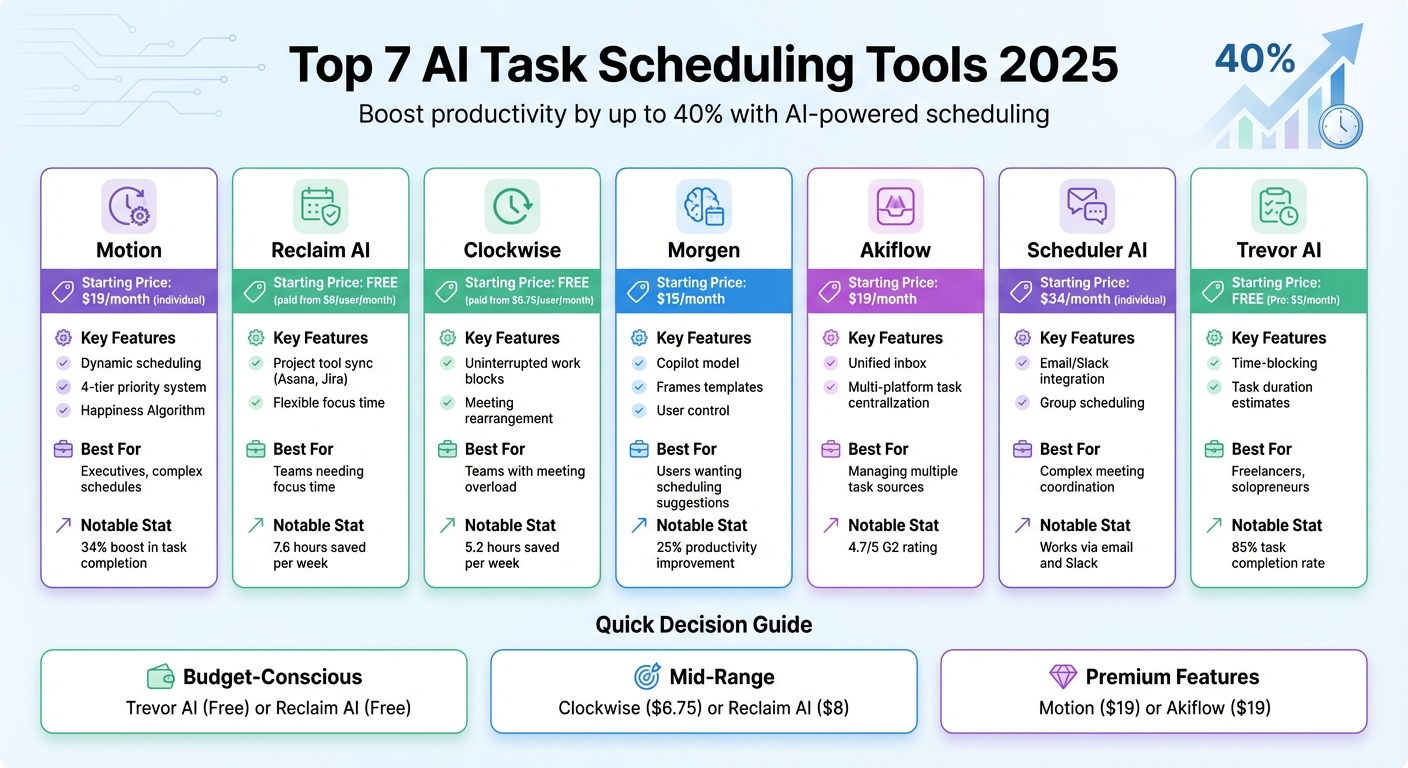
AI Task Scheduling Tools 2025: Features and Pricing Comparison
5 Best AI Scheduling Assistant Tools 2025 (AI Calendar App)
sbb-itb-58f115e
1. Motion
Motion is an AI-powered scheduling platform designed to simplify daily task management. Instead of just listing tasks, Motion’s AI creates a detailed, time-based schedule by evaluating deadlines, priorities, and task dependencies to fit everything into your calendar seamlessly.
AI-driven task prioritization
Motion uses a four-tier priority system - Urgent, High, Medium, and Low - to guide its scheduling decisions. At the heart of this system is the "Happiness Algorithm", which goes beyond just finding open time slots.
"The magic happens in Motion's proprietary 'Happiness Algorithm.' Unlike other tools that simply find available time slots, Motion analyzes your task priorities, deadlines, energy levels, and meeting patterns." - Axis Intelligence
Motion also differentiates between a task's "Do Date" (when it should ideally be done) and its "Due Date" (final deadline). It proactively alerts users weeks in advance if a task is at risk of missing its deadline. The AI constantly re-optimizes schedules throughout the day, adapting to shifting priorities. For example, during a 90-day trial, a 12-person team saw a 34% boost in task completion rates and an 89% drop in meeting conflicts. Additionally, the AI’s time estimation accuracy improved significantly - from a 23% variance in the first week to just 8% by the fourth week.
Integration with third-party tools
Motion works seamlessly with major calendar platforms like Google Calendar and Microsoft 365/Outlook Calendar. It also integrates with tools such as Slack, Jira, and GitHub through native connections and APIs. Popular workflow extensions include syncing with Figma and Microsoft To Do.
Automation features
Motion’s dynamic rescheduling feature automatically updates schedules and redistributes resources across projects when priorities change, removing the need for manual calendar adjustments.
"Motion's AI project manager automates resource allocation and capacity planning... saving hours a week wasted on manual coordination while ensuring client projects meet deadlines." - Joel Peeples, CEO, Ally Advantage
These automation capabilities have tangible benefits. For example, MP Cloud eliminated the need for daily scrum meetings, allowing managers to reclaim time previously spent on manual oversight. However, if you want to prevent the AI from moving a specific task, you’ll need to manually "lock" it in place.
Pricing and affordability
Motion’s Individual Plan starts at $19/month (billed annually), while the Team Plan ranges from $12 to $20 per user/month (annual billing). A 7-day free trial is also available. For solo professionals charging $50+ per hour, saving 3–5 hours a week could mean reclaiming about $600 per month in value. Teams often see a return on investment within 45 to 60 days of adopting the platform.
It’s worth noting that some features come with additional costs: syncing more than three calendars adds $5/month, advanced reporting costs $10 per user/month, and API access is priced at $50/month.
2. Reclaim AI
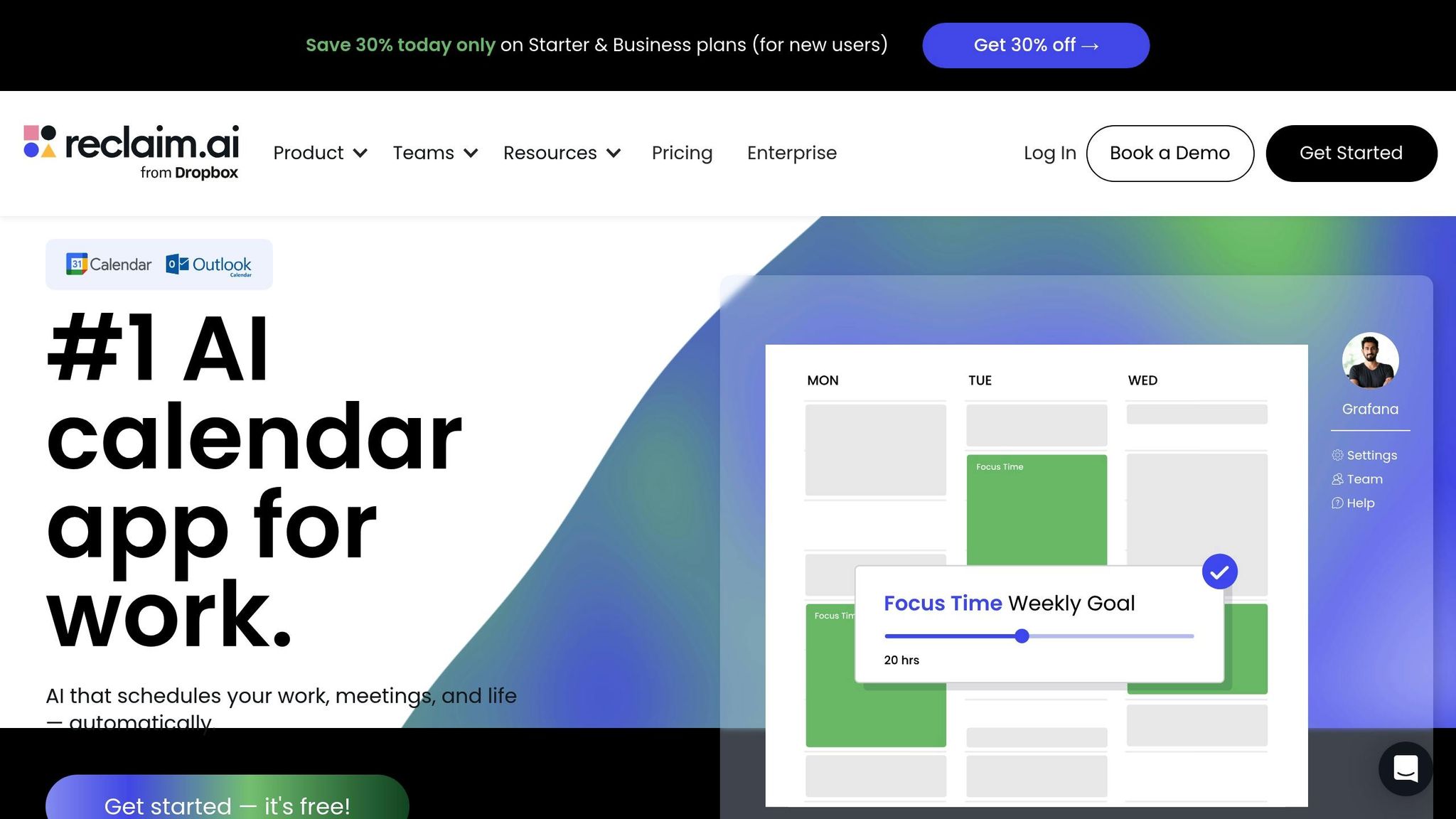
Reclaim AI takes task scheduling to the next level by syncing seamlessly with popular project management tools like Asana, Jira, ClickUp, and Todoist. Instead of requiring users to switch platforms, Reclaim integrates directly, pulling tasks into your calendar automatically. By late 2025, the platform was already serving 320,000 users across 60,000 companies. This smooth integration streamlines task management and business automation like never before.
AI-driven task prioritization
Reclaim organizes tasks using a four-tier priority system, from P1 (Critical) to P4 (Low). When a high-priority task needs attention, the AI instantly adjusts your schedule by rescheduling lower-priority events.
"Reclaim's core value lies in its ability to dynamically schedule and reschedule tasks, habits, and meetings. Its AI analyzes your priorities and calendar in real-time, finding the optimal time for every commitment." – Best AI Project Hub
The numbers speak for themselves: over 880 million scheduling conflicts resolved and 186 million focus hours preserved. On average, users report saving 7.6 hours per week, experiencing a 40% boost in productive time, and a 56% drop in burnout.
Integration with third-party tools
Reclaim's "Status Sync" feature updates task completion statuses directly in your project management tool, eliminating the need for duplicate data entry. For Slack users, tasks can be created with simple chat commands, while the Zoom integration automatically adds video conferencing links to meetings. It also bridges personal and work calendars by marking personal time as "Busy" on work schedules without showing private details.
Automation features
Reclaim offers two modes for managing focus time:
- Proactive Mode: Automatically fills your calendar in advance to help you hit weekly deep work goals.
- Reactive Mode: Blocks time only when you're at risk of missing your minimum focus time threshold.
Tasks are displayed as flexible blocks, shifting between free and busy depending on your schedule.
"Reclaim is the top AI assistant for team focus time as it allows you to design your ideal workweek by defining when and how focus time appears on your calendar." – Marianne Sison, Technology Analyst, TechnologyAdvice
Reclaim prioritizes security with certifications like SOC 2 Type II, GDPR, and ISO 27001, making it a reliable option for professionals who need secure tools. However, as of late 2025, it lacks a dedicated mobile app for iOS or Android. Even so, its features make it a strong contender for teams looking to simplify calendar management.
Pricing and affordability
Reclaim offers a free Lite Plan, while paid plans start at $8 per user/month (billed annually). Enterprise plans, starting at $18 per user/month, include advanced features like SSO, SCIM, and HIPAA compliance. With an average employee cost of $50 per hour, the estimated net annual ROI per user is around $19,616. For users switching from competitors, Reclaim provides a 20% discount for the first six months. It has also earned a stellar 4.8/5 rating on G2, based on feedback from over 120 verified reviews.
3. Clockwise
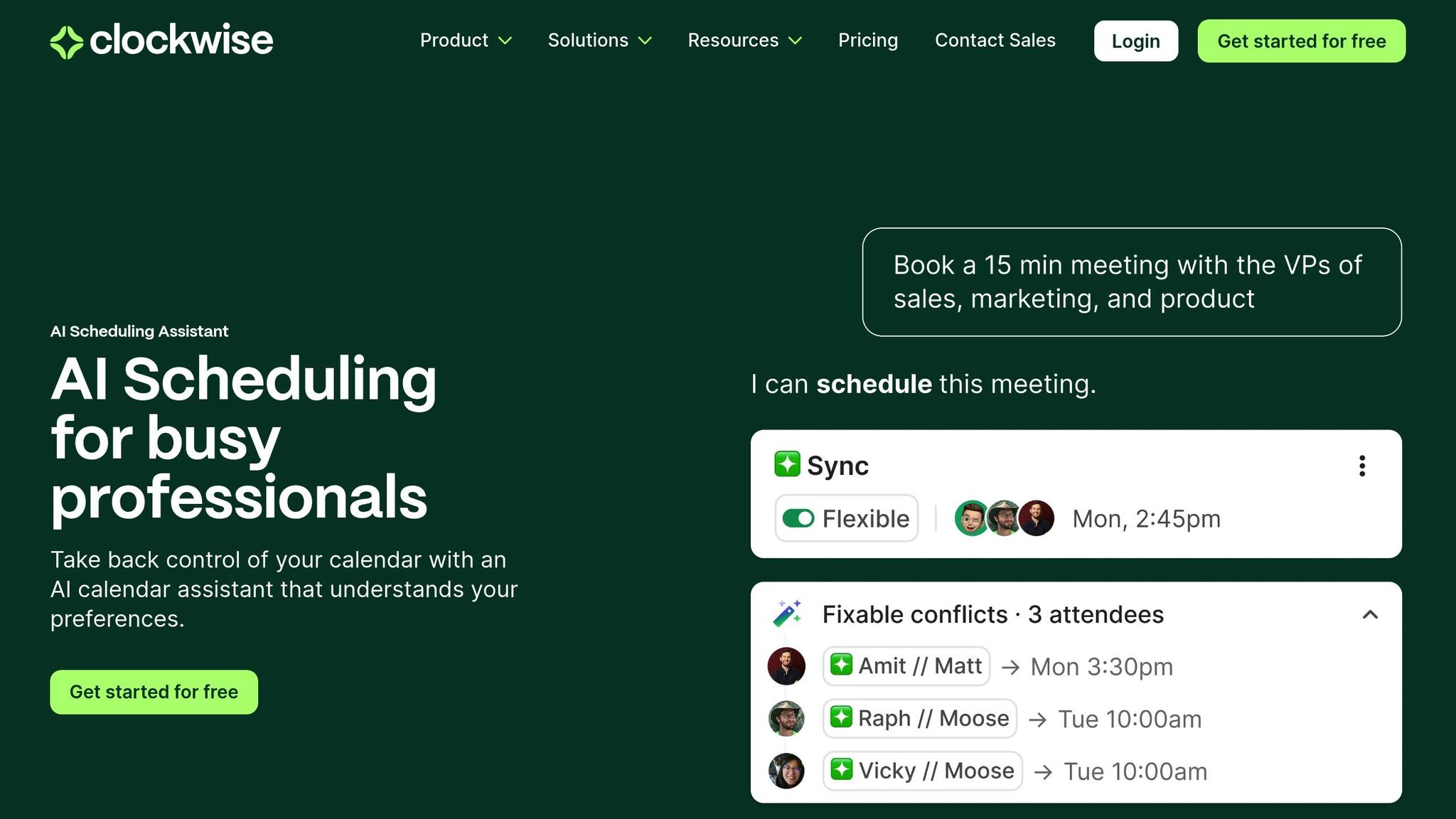
Clockwise takes calendar management to the next level by prioritizing uninterrupted blocks of time for deep, focused work. Its AI continuously evaluates schedules to rearrange meetings and carve out "Focus Time" – periods of at least two hours without interruptions. Instead of leaving you to manually adjust your calendar, Clockwise shifts flexible meetings to create these essential focus blocks [2, 18]. Let’s dive into how this tool stands out in the world of intelligent scheduling.
AI-driven task prioritization
Clockwise uses a feature called Flexible Holds to automatically reschedule tasks when conflicts arise. It also employs a "Focus Time cost" system, analyzing participants' schedules to suggest meeting times that minimize disruptions. This thoughtful approach earned Clockwise an expert score of 4.74/5 for its scheduling capabilities.
"Clockwise's mission is simple: give teams back time by orchestrating everyone's calendars simultaneously." – Miguel Rebelo, Zapier
The AI behind Clockwise is powerful, analyzing up to one million scheduling options daily to find the most efficient meeting times for all participants [6, 5]. On average, users save 5.2 hours per week, which adds up to over 270 hours annually.
Integration with third-party tools
Clockwise integrates seamlessly with Google Calendar (Workspace accounts only) and Outlook, while also updating Slack statuses during focus periods. It connects with tools like Asana, Jira, and Zoom to streamline task and meeting management [1, 2, 20, 6, 21]. However, it’s worth noting that Clockwise doesn’t currently support personal Google accounts. The tool is most effective when used by entire teams rather than individual users.
Automation features
Clockwise simplifies scheduling with Natural Language Processing, allowing users to set up meetings using straightforward text commands. Features like Smart 1:1s, Buffer Time, and Lunch Holds automate meeting setups and break planning [2, 20, 1, 21]. Its Scheduling Links let external collaborators book time on your calendar while the AI ensures your focus time remains intact [2, 20]. For managers, an analytics dashboard provides insights into how much time team members spend in meetings versus focused work, helping to predict workload capacity.
Pricing and affordability
Clockwise offers several pricing tiers to suit different needs.
- Free plan: Includes scheduling links and basic automatic scheduling [1, 20].
- Teams plan: Costs $6.75 per user/month (billed annually) and adds features like focus time holds, flexible meeting times, and smart coordination [1, 20].
- Business plan: Priced at $11.50 per user/month (billed annually), it includes meeting load reports and company-wide no-meeting days [1, 20].
- Enterprise plan: Custom pricing with advanced security and centralized user provisioning.
Clockwise has been well-received, earning a 4.6/5 rating on G2 and a perfect 5/5 expert score for ease of use [20, 21].
4. Morgen
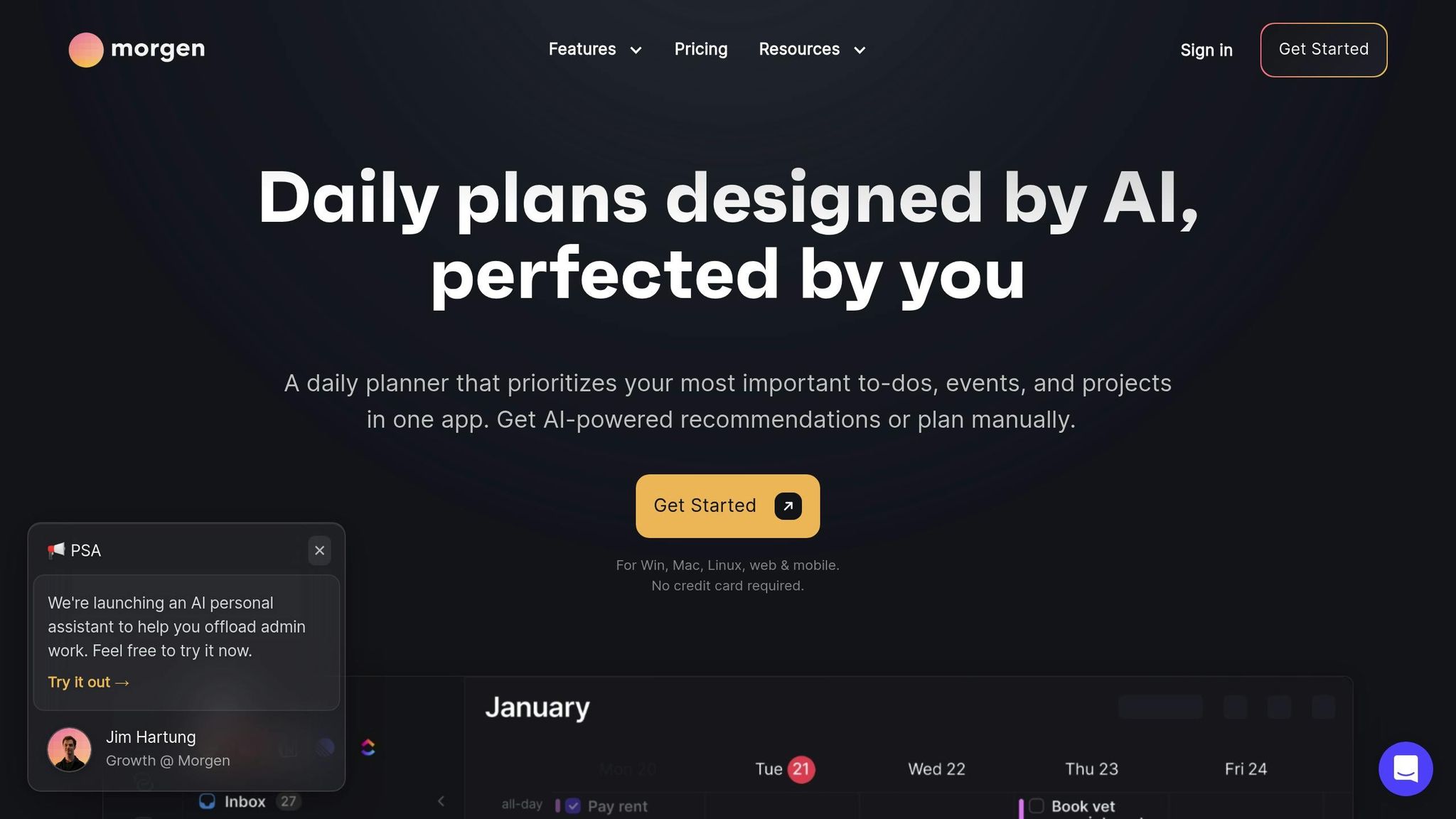
Morgen takes a fresh approach to AI-assisted scheduling with its copilot model, giving you control over your schedule. Instead of automatically reshuffling tasks, Morgen suggests changes that you review and approve, blending intelligent scheduling with a human touch. This strikes a balance between automation and user control, making it a standout option compared to fully automated tools.
One of its key features is "Frames" - recurring templates designed to organize your ideal week. For example, you might set aside a "Deep Work" block from 9:00–11:00 AM or dedicate Friday afternoons to "Admin" tasks. Morgen’s AI Planner evaluates your tasks from connected tools like Notion, ClickUp, and Todoist, then uses its Morgen Priority Factor to assign high-priority work to the best time slots. Studies suggest that time-blocking methods like these can improve productivity by up to 25% (you can further optimize your output with ChatGPT prompts for productivity).
"The ability to create 'frames' – time blocks where either the AI planner or I can place different types of tasks... This is hands down the best feature, and I haven't seen it done like this in any other app." – Vojtech Mikula
Integration with Third-Party Tools
Morgen simplifies scheduling by combining calendars from Google, Outlook, iCloud, Fastmail, and Office 365 into one platform. It also syncs seamlessly with productivity tools like Notion, Todoist, Obsidian, Linear, ClickUp, Microsoft To Do, Google Tasks, and Apple Reminders. Its two-way sync ensures that when you complete a task in Morgen, it updates in your original app - and vice versa. You can drag tasks from an integrated sidebar directly into your calendar or use natural language commands like "Finish report tomorrow at 2:00 PM" to schedule tasks effortlessly.
Automation Features
Morgen addresses common scheduling challenges with smart automation. For instance, it combats the "planning fallacy" by automatically increasing time estimates by 20% to better reflect reality. It also suggests breaks based on the intensity levels you set, helping you maintain a balanced and sustainable routine. Overdue tasks? No problem - Morgen offers one-click rescheduling to slot them into your next available window. Additionally, its color-coded Frames make it easier to manage time and stay on track.
Pricing and Affordability
Morgen offers flexible pricing options with discounts for specific groups. The Individual Plan costs $15/month when billed annually or $30/month if billed monthly. The Teams Plan is priced at $10 per seat per month (billed annually) or $25 per seat per month (billed monthly). Students, educators, and nonprofits can take advantage of a 25% discount, while those switching from competing platforms enjoy 15% off their first year. A 14-day free trial lets you explore the platform risk-free. With stellar user ratings - 4.8/5 on G2 and 5.0/5 on Capterra - Morgen has earned praise for its innovative Frames feature and thoughtful approach to AI scheduling.
5. Akiflow
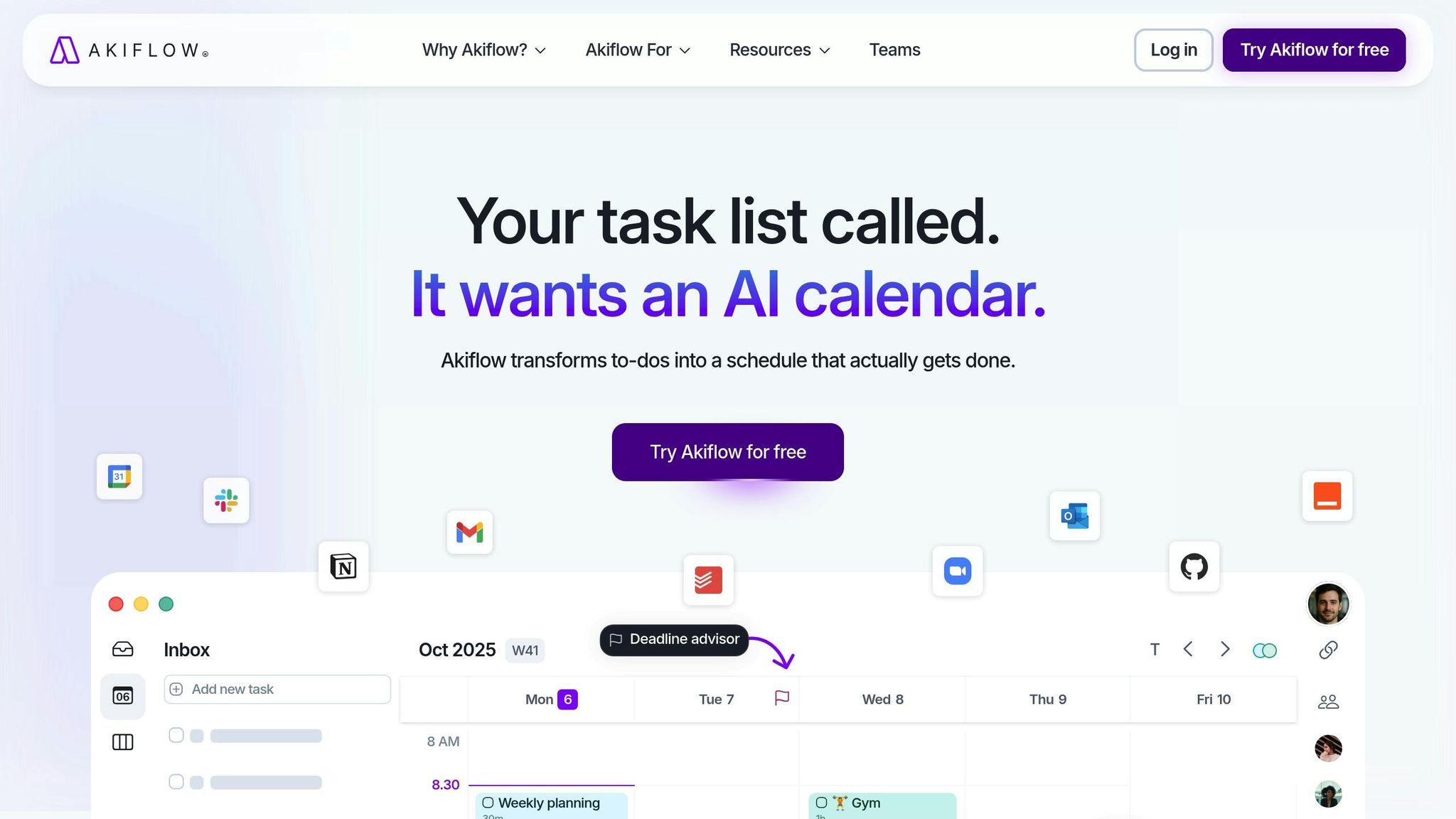
Akiflow simplifies task management by bringing everything into one place. Instead of toggling between Gmail, Slack, Notion, and Asana, Akiflow gathers all your tasks into a single inbox. Its AI automatically categorizes tasks - labeling them as work, personal, or admin - so you can easily see how your workload is distributed.
AI-Driven Task Prioritization
Akiflow's AI evaluates tasks based on urgency, effort, and deadlines, suggesting the best time slots for each one. However, you still have the final say in how your schedule shapes up. This system helps balance meetings and focus time, ensuring you don’t lose productivity. You can also use a chat interface to issue natural language commands like "reschedule events" or "add overdue tasks to my calendar". Studies show that professionals waste about 1 hour and 15 minutes daily on low-priority tasks, making tools like Akiflow particularly useful.
"Akiflow pipes all digital chatter into a single channel and lines everything up so you can bat it out of the park consistently." – Miguel Rebelo, Tech Writer, Zapier
Integration with Third-Party Tools
Akiflow works seamlessly with Google Calendar, Outlook, and iCloud through two-way syncing, ensuring all updates are reflected across your devices. It also connects directly with apps like Slack and Gmail, as well as project management tools such as Notion, Asana, Trello, and Jira. For even more functionality, it integrates with Zapier, unlocking connections to thousands of other apps. By setting up these integrations, the AI gains better insights to help you prioritize effectively.
Automation Features
Akiflow includes features like snoozing and focus time rules to protect your most productive hours from being filled with meetings. You’ll also get daily reports and pie charts that break down how you’re spending your time. Tools like keyboard shortcuts and a command bar make it easy to capture and schedule tasks without interrupting your workflow. These automation tools are part of Akiflow's flexible pricing plans.
Pricing and Affordability
Akiflow's pricing starts at $19 per month when billed annually or $34 on a month-to-month basis. A 7-day free trial allows you to explore the platform before committing. With a G2 rating of 4.7/5, users frequently highlight its unified inbox and smooth integrations. Its pricing reflects the value of its comprehensive features.
6. Scheduler AI
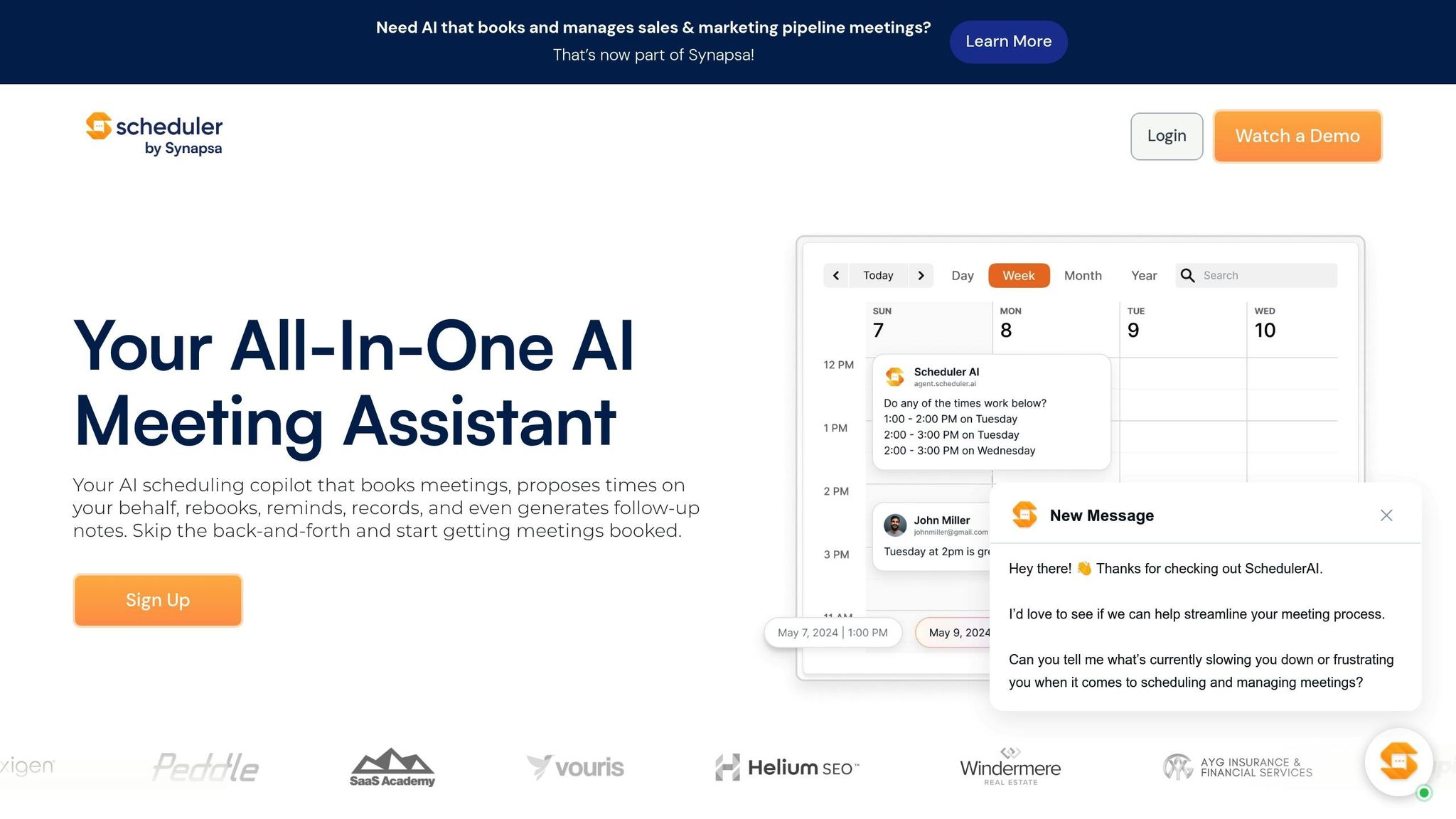
Scheduler AI stands out among task scheduling tools for its unique focus on email and Slack integration. Instead of requiring users to navigate a separate dashboard, it operates directly within these platforms. By simply CCing its dedicated email address or tagging it in Slack, Scheduler AI processes natural language commands like “find us 30 minutes to chat next week.” From there, it automatically scans participants’ calendars to suggest suitable meeting times, making scheduling a breeze . Its AI-powered prioritization adds another layer of efficiency to meeting coordination.
AI-Driven Task Prioritization
This tool doesn’t just find open slots - it analyzes multiple calendars to pinpoint times that work for everyone, even across different time zones . It also uses keyword routing to assign meeting requests to the right person or department. For example, a sales demo request can be routed directly to an available sales team member. Another handy feature is pooled availability, which scans team calendars to find the best match for specific appointments. This is especially helpful for teams managing a high volume of sales or support requests.
Integration with Third-Party Tools
Scheduler AI connects with widely-used platforms like Google Calendar, Microsoft Outlook, Gmail, Slack, and Zoom . For teams on the Team Plan, CRM integrations further streamline sales processes. By leveraging tools users already rely on, such as email and Slack, or automating Gmail with Zapier, Scheduler AI avoids the steep learning curve that comes with standalone interfaces. However, for the system to function seamlessly, all participants’ calendars need to be connected, which can sometimes be a limitation.
Automation Features
The tool’s automation capabilities are designed to save time and reduce manual effort. Its auto-rescheduling engine detects conflicts in calendars and automatically suggests new meeting times, updating all participants without any extra steps. It also sends follow-up messages after meetings to ensure nothing gets overlooked. For teams juggling multiple leads, keyword routing ensures high-priority requests are assigned to the right calendars quickly. These features significantly cut down the hours typically spent on coordinating schedules via email.
Pricing and Affordability
Scheduler AI’s pricing starts at $34 per month for the Individual Plan, while the Team Plan costs $20 per user/month. Some sources, however, report pricing beginning at $50 per month . While it is on the higher end compared to other scheduling tools , many users value its ability to handle complex group scheduling across time zones. The main drawback is its reliance on integrations - if even one participant’s calendar isn’t connected, scheduling can hit a snag.
7. Trevor AI
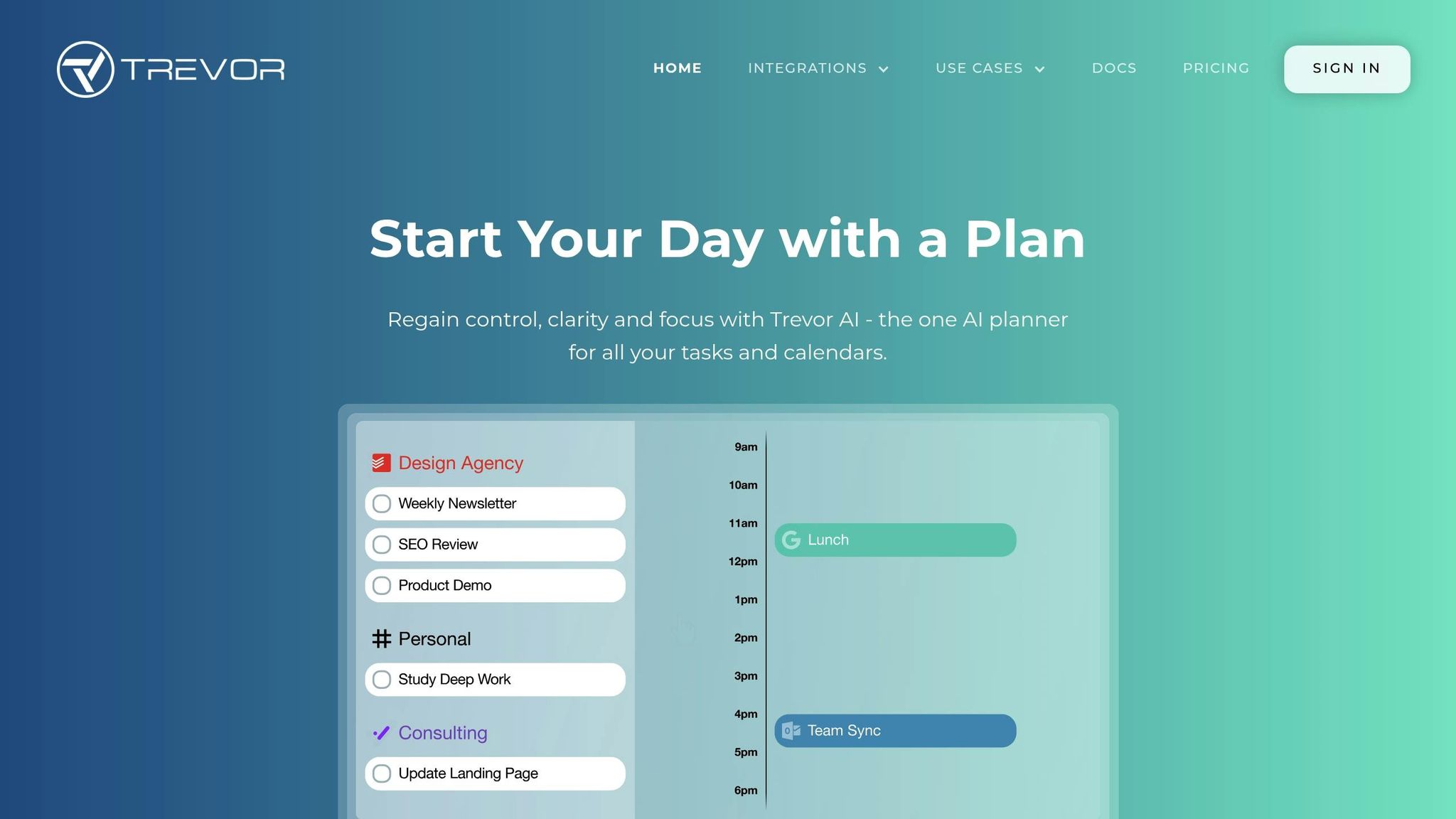
Trevor AI stands out in the world of AI-powered scheduling tools, specifically designed for freelancers, solopreneurs, and professionals seeking a simple yet effective way to manage their time. Unlike traditional to-do lists that often leave you wondering when to start tasks, Trevor AI takes the guesswork out by automatically time-blocking your calendar and estimating task durations. With its "Plan My Day" widget, it creates a full schedule by analyzing your task list and calendar constraints with the help of Plan GPT. This combination of smart scheduling and automated adjustments makes Trevor AI a valuable tool for modern task management.
AI-Driven Task Prioritization
Trevor AI’s adaptive scheduling system evaluates priorities, deadlines, and your calendar to determine the best time for each task. Its Smart Scheduling Queue allows you to set which tasks or lists should take precedence when planning your day. Over time, the AI learns your workflow habits, leading to an impressive 85% task completion rate - compared to just 40% with traditional to-do lists.
Seamless Integration with Popular Tools
Trevor AI integrates effortlessly with major calendar services like Google Calendar, Microsoft Outlook/Office 365, and Apple iCloud Calendar. It also works with task management platforms such as Todoist, Google Tasks, and Microsoft To Do. For example, the Todoist integration can read labels like "30min" to automatically assign task durations and sync deadlines. The Pro plan even supports multiple calendar connections, giving you a comprehensive view of your availability.
Automation Features That Simplify Scheduling
Trevor AI takes automation to the next level with features designed to save time and reduce effort. The "Ask Trevor" assistant lets you use natural language commands to handle bulk actions, such as "Schedule my top 3 tasks for this afternoon." If conflicts arise, the system suggests alternative time slots to keep your day running smoothly. Focus Mode helps you tackle complex tasks by breaking them into five smaller steps and includes a deep-work timer to maintain focus.
"Ask Trevor is the future of personal productivity and the culmination of ~10 years of our work." – George & Dmitry, Co-founders, Trevor AI
Pricing Options
Trevor AI offers a free plan that includes basic task management and integration with one calendar account. For those looking for more features, the Pro Plan is available at $5/month (billed annually) or $6/month (billed monthly). This plan includes multiple calendar connections, recurring tasks, access to the full personal AI model, and advanced analytics. A 7-day free trial and a 30-day money-back guarantee make it easy to try. Many users appreciate its drag-and-drop interface and accurate task duration estimates.
Feature and Price Comparison
This breakdown highlights the key features and pricing structures of several scheduling tools, helping you identify which one fits your needs and budget.
Motion offers real-time task rescheduling, starting at $19/month for individuals and $29/user/month for teams. It’s ideal for executives and sales professionals managing intricate schedules. However, it does not currently have SOC 2 or ISO 27001 certification.
Reclaim AI is designed to safeguard time for habits and focused work. It includes a free plan, with paid options beginning at $8/user/month.
Clockwise focuses on creating uninterrupted focus time by reorganizing flexible meetings across multiple calendars. It’s particularly effective when used by several team members, as it thrives on a network effect. Pricing falls in the mid-budget range.
Akiflow integrates tasks from platforms like Slack, Asana, and Notion into a unified inbox. It supports both manual and AI-assisted time blocking. Meanwhile, Scheduler AI specializes in coordinating complex meetings, managing group bookings, and handling time zone differences using natural language processing via email or Slack.
Trevor AI provides a budget-friendly option for task-based scheduling. Its adaptive learning feature tracks user habits and suggests the best time slots for tasks.
When evaluating these tools, consider your workflow, explore AI productivity methods, and see how much automation suits your needs. For those dealing with sensitive data, it’s crucial to confirm SOC 2 Type II certification, as some newer tools may not meet this standard. These tools collectively address a variety of scheduling challenges, from automating tasks to managing meetings and time zones, catering to different professional requirements and budgets.
Conclusion
To tackle task overload and meeting conflicts, consider selecting an AI scheduling tool that fits your workflow, team size, and budget. For managing intricate projects with multiple stakeholders, Motion offers autonomous rescheduling at $19/month, which could be worth the cost. If your team values focus time but needs a budget-friendly option, Reclaim AI provides a free plan and a paid tier at $8/month. Smaller teams with tighter budgets might find Trevor AI's free plan or Pro Plan (priced at $5/month, billed annually) a practical choice.
Start by identifying your specific scheduling pain points - whether it's excessive meetings, difficulty prioritizing tasks, or a lack of integration with key tools. Match these challenges to the features offered by different platforms. It's also important to understand the difference between assistive AI (like Morgen, which suggests schedules for approval) and autonomous AI (like Motion, which automatically adjusts your day).
Security is another critical factor, particularly for industries with strict regulations. Tools such as Clockwise and Asana hold SOC 2 Type II certification, ensuring enterprise-level compliance. However, some newer autonomous tools may not meet these standards. Verify compliance requirements and test the tool with a small team before rolling it out more broadly. This step minimizes risks while allowing you to assess its effectiveness.
A 2–4 week pilot with a small cross-functional team (5–10 members) can help you measure improvements in focus hours and meeting conflicts. Many platforms offer free trials or freemium models, making it easy to test their capabilities without financial risk. With AI-driven task management potentially boosting productivity by up to 40%, the right tool could fundamentally change how your team operates.
FAQs
How can AI scheduling tools improve productivity by as much as 40%?
AI scheduling tools are a game-changer for managing your time effectively. They help you stay organized by prioritizing tasks, scheduling meetings seamlessly, and carving out dedicated focus periods. By taking over the tedious planning process, these tools free up your schedule so you can concentrate on what really matters - getting important work done.
What makes them even better? Features like real-time adjustments and personalized task suggestions. These ensure your day runs smoothly, helping you tackle your to-do list with less stress and more efficiency.
What’s the difference between assistive AI and autonomous AI in task scheduling?
The key difference between assistive AI and autonomous AI in task scheduling comes down to how much independence they have in making decisions.
Assistive AI works alongside users, offering suggestions, organizing tasks, or proposing schedules. However, it still depends on human input for final decisions. Think of it as a supportive tool that boosts productivity without taking full control.
On the other hand, autonomous AI operates on its own. It makes decisions, adapts to changes, and manages complex scheduling tasks without needing human involvement. This type of AI is great for handling intricate workflows, adjusting to shifting priorities, and cutting down on manual work - making it a game-changer for businesses looking to save time and simplify operations.
What’s the best AI scheduling tool for freelancers and solo professionals?
For freelancers and solo professionals, ChatGPT Task Scheduler Pro is a great tool to streamline task scheduling and automation. With its integration with ChatGPT, you can easily set tasks to run at any time or on a recurring basis. The best part? It comes with a one-time purchase price of just $27, offering an affordable way to keep your workflow organized and efficient.
Related Blog Posts

Loved by Business Owners


Based on 1K reviews
Get smarter on AI every week.
Ready to transform your business?