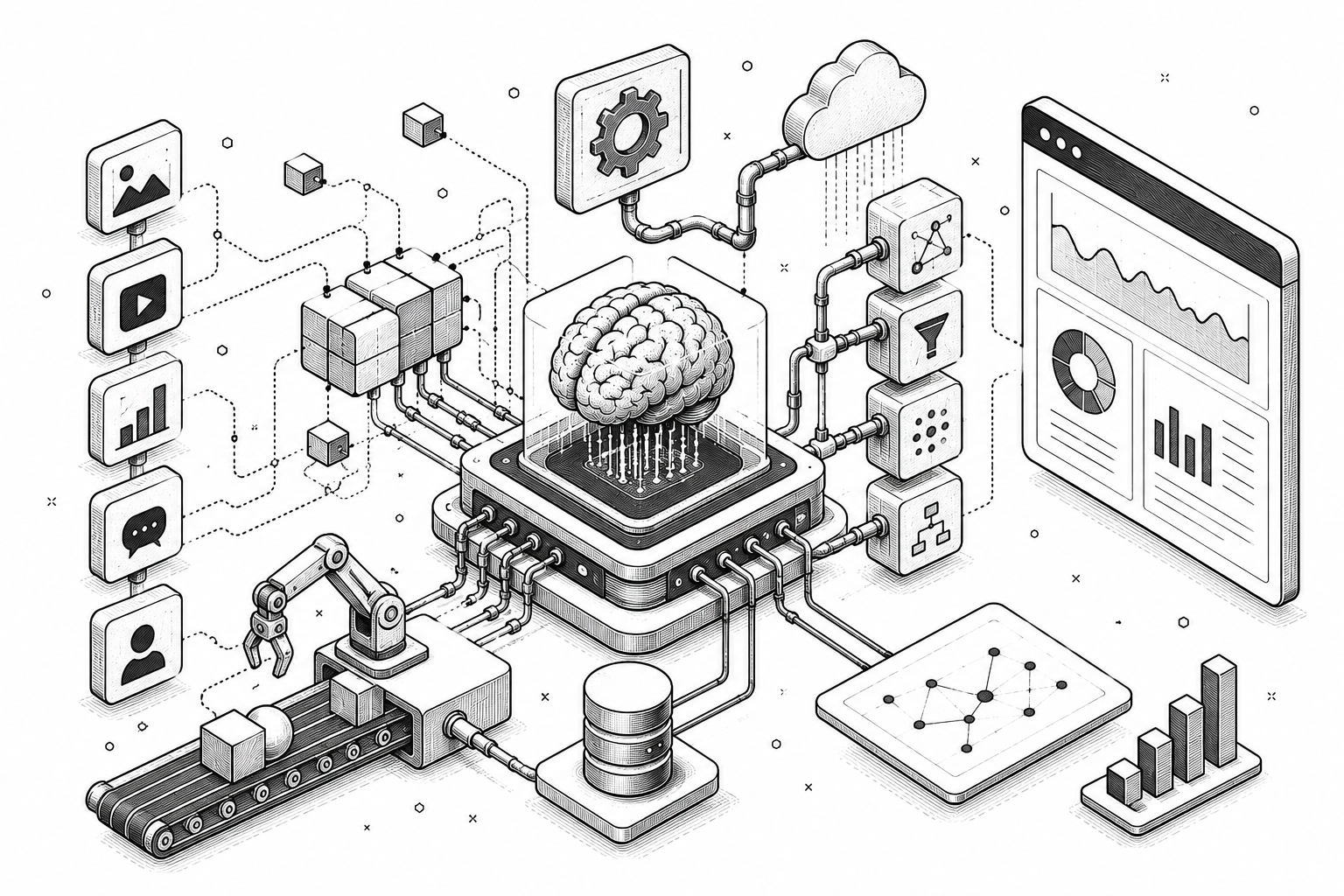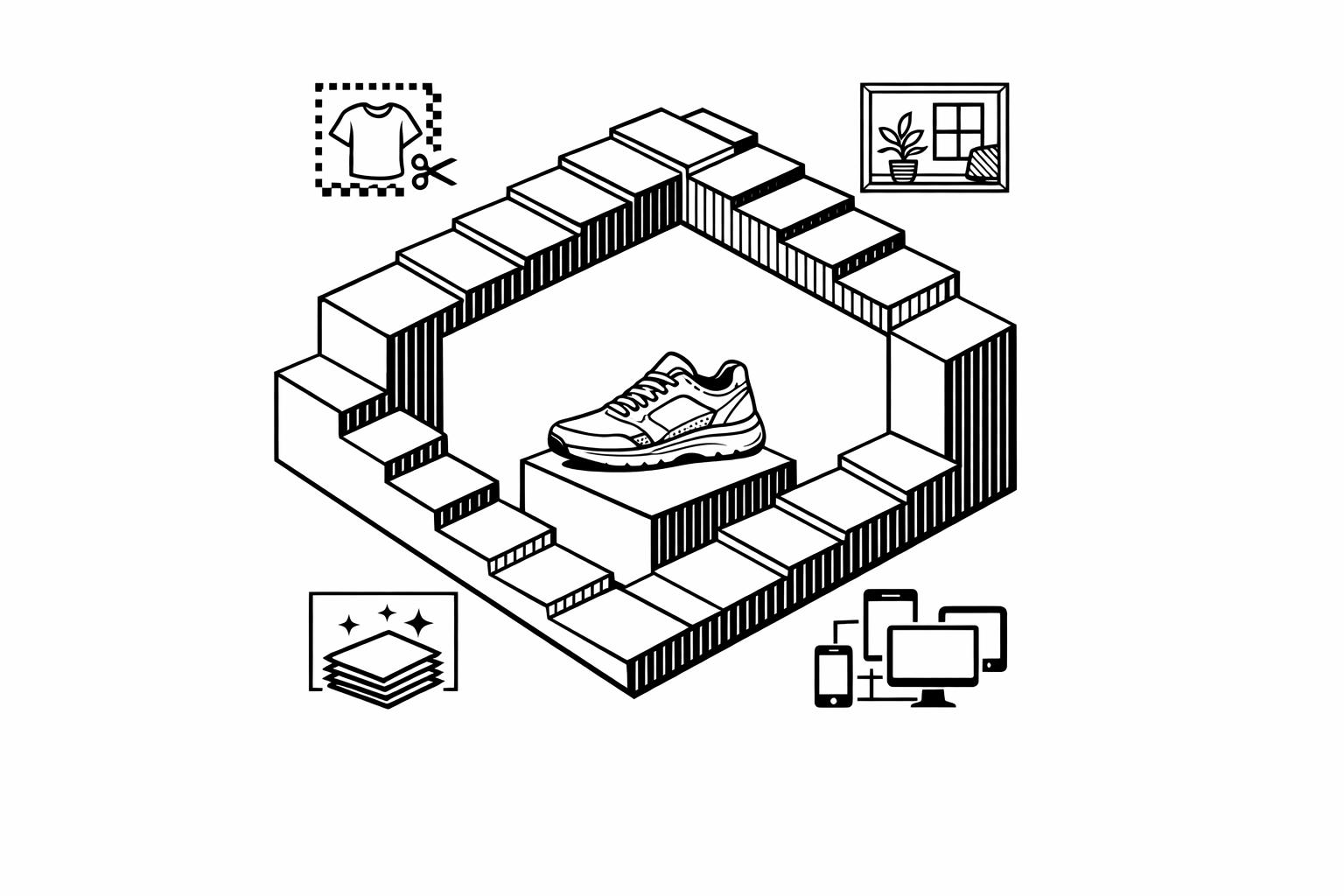
Creating product images used to be expensive and time-consuming. AI tools now let businesses generate high-quality visuals in seconds, cutting costs by up to 80%. These tools also boost efficiency, saving 42% of editing time and increasing ad performance with features like automatic resizing, background removal, and commercial photography and lifestyle scenes. Below are the top AI tools for product image ads:
- God of Prompt: A library of 30,000+ AI prompts for tools like Midjourney and DALL-E, with plans starting at $10/month.
- WizStudio: Bulk editing and 360° spins for large catalogs, starting at $250 for 20 credits.
- Pebblely: Simple background replacement and bulk generation, with plans from $19/month.
- Claid.ai: Advanced editing modes and API support for scaling large operations, starting at $9/month.
- Snapshot: Shopify-focused image generation with bulk uploads, starting at $10 for 15 credits.
- Caspa AI: Lifestyle scenes and A/B testing, starting at $39/month.
- Magic Studio: Easy-to-use tools like Magic Eraser and 4K upscaling, free or $14.99/month for PRO.
- Adobe Firefly: Advanced tools like Generative Fill and Photoshop integration, starting at $9.99/month.
- Photoroom: Mobile-friendly with marketplace templates, starting at $12.99/month.
- Flair.ai: Drag-and-drop design with custom models, starting at $8/month.
- CreatorKit: Template-based ad creation and AI video support, starting at $15/month.
These tools cater to different needs, from small startups to large enterprises. Whether you want to create lifestyle images, optimize for marketplaces, or scale operations, there’s a tool for you.
Quick Comparison:
| Tool | Best For | Starting Price | Key Features |
|---|---|---|---|
| God of Prompt | Prompt optimization | $10/month | 30,000+ prompts for various AI tools |
| WizStudio | Large catalogs | $250/20 credits | Bulk editing, 360° spins |
| Pebblely | Small businesses | $19/month | Background removal, bulk generation |
| Claid.ai | High-volume eCommerce | $9/month | API, advanced editing modes |
| Snapshot | Shopify stores | $10/15 credits | Shopify sync, bulk uploads |
| Caspa AI | All-in-one for beginners | $39/month | Lifestyle scenes, A/B testing |
| Magic Studio | Simple editing | Free/$14.99/mo | Magic Eraser, 4K upscaling |
| Adobe Firefly | Professionals | $9.99/month | Photoshop integration, Generative Fill |
| Photoroom | Mobile-first sellers | $12.99/month | Marketplace templates, batch edits |
| Flair.ai | Custom design studio | $8/month | Drag-and-drop, custom models |
| CreatorKit | Template-based workflows | $15/month | AI videos, ad templates |
Choose the tool that aligns with your business size, workflow, and ad goals to save costs, improve efficiency, and enhance ad performance.
1. God of Prompt
Image Generation Prompts and Resources
God of Prompt isn’t an image generator itself – it’s a treasure trove of over 30,000 curated AI prompts designed to help you create stunning visuals using tools like Midjourney, DALL-E 3, and Stable Diffusion. Think of it as your go-to toolkit for crafting advertising visuals. It offers specialized bundles tailored for tasks like lifestyle product shots, background removal, or high-resolution ad creatives.
For example, you could use a template like: “Photorealistic lifestyle image of wireless earbuds on a modern desk with soft lighting for Instagram ad, high resolution” in Midjourney. Or, if you’re working with DALL-E 3, you can generate multiple ad variations by tweaking product colors to align with seasonal campaigns. These ready-to-use prompts ensure your visuals stay consistent by specifying brand colors, lighting, and templates, making it easy to produce thousands of channel-optimized ad visuals in bulk.
Multi-Platform AI Model Support
One of the standout features of God of Prompt is its compatibility with several leading AI models. It supports tools like ChatGPT, Claude, Midjourney, and Gemini AI, allowing you to use a single prompt library across different platforms. Midjourney prompts are perfect for creating artistic ad visuals, while Stable Diffusion excels at placing products in realistic scenes. This flexibility simplifies workflows, ensuring your ads remain consistent across various channels.
Prompt Collections for Marketing and Advertising
God of Prompt also organizes its library into categorized bundles tailored for marketing and advertising needs. You’ll find prompts designed for SEO-friendly ad visuals, social media graphics, and e-commerce banners. Whether you need minimalist white backgrounds, lifestyle and seasonal shots, bold color themes, Instagram-ready layouts, or interactive 360° product images, these collections help you maintain brand consistency – even if you’re not a design expert.
Pricing Plans
God of Prompt offers flexible pricing options to suit different needs, ensuring marketers can create cohesive, impactful visuals across all platforms. Here’s a breakdown of the plans:
- Free Plan ($0): Access to over 10,000 premium text and image AI prompts with monthly updates.
- Pro Plan ($15/month, or $10/month billed annually): Adds priority support and weekly updates.
- Premium Plan ($25/month, or $17/month billed annually): Includes everything – marketing automation tools, unlimited access to the prompt generator, all add-ons, and Notion integration.
To help you decide, the Premium plan comes with a 7-day free trial, giving you a chance to explore its full feature set without any commitment.
sbb-itb-58f115e
2. WizStudio by WizCommerce
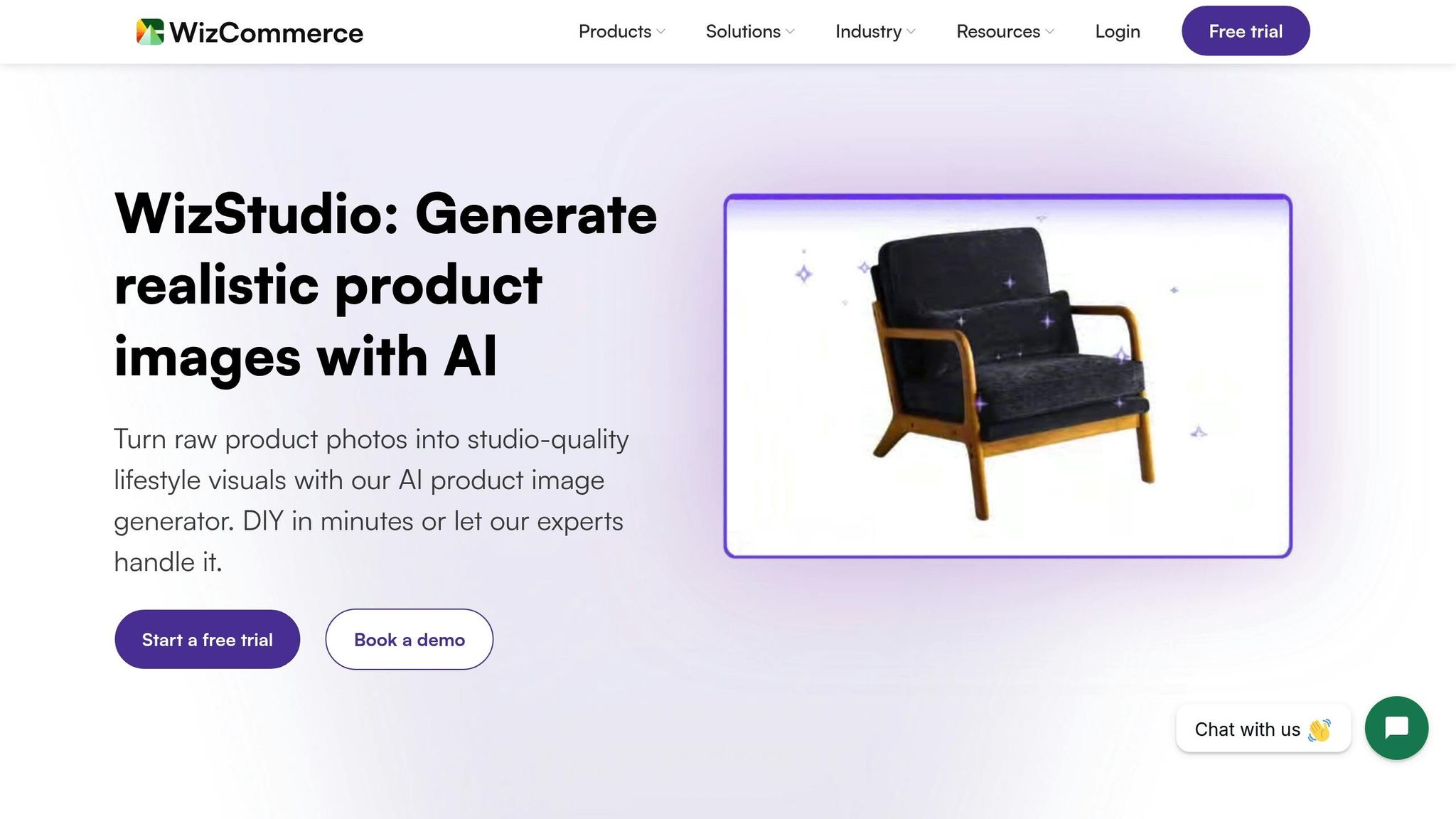
Image Customization Options
WizStudio transforms plain photos into polished lifestyle imagery with just a few product photography prompts. Whether you need to add props, tweak lighting, or create shadows, the platform offers tools like AI Shadows, Relighting, Generative Fill, Multiproduct Staging, AI Image Extender, and Scene to Video. These features let you refine lighting, remove distractions, arrange multiple products for catalogs or bundle ads, extend image frames, and even create 360° videos. Impressively, users achieve their desired results 80% of the time. These adjustments are easily tailored for use across multiple platforms.
Multi-Channel Export Capabilities
WizStudio delivers studio-quality images ready for catalogs, eCommerce websites, and online marketplaces. It supports bulk editing, allowing you to process thousands of products in just minutes, with exports available in resolutions up to 4K.
"We launched our collection on Wayfair in just a few days, and it’s become our go-to tool for scaling across thousands of SKUs. WizStudio is fast, affordable, and always high-quality." – Michael Pyle, VP of Ecommerce
Businesses using WizStudio have reported up to a 33% increase in conversion rates on their websites and marketplaces.
AI-Driven Features for Ad Optimization
Beyond image exports, WizStudio leverages AI to enhance ad performance. By maintaining realistic lighting and textures, the platform significantly reduces production costs – up to 20 times cheaper – and accelerates market entry by 10 times faster.
"We got 300+ lifestyle images in just a few days at a fraction of the cost. No endless back-and-forths like with agencies." – Meredith Fingarson, Director of Marketing
For those who prefer a hands-off approach, the "Done-for-you" service includes expert reviews and revisions, all completed within 24 to 48 hours.
Pricing Plans
WizStudio uses a credit-based system: create unlimited images for free, and only spend credits when downloading finalized assets. Here’s a breakdown of the pricing:
- Free Trial: Includes 5 credits to explore features.
- Starter Plan: $250 for 20 credits (valid for 2 months).
- Pro Plan: $500 for 50 credits (valid for 4 months).
- Studio Plan: $1,125 for 150 credits (valid for 6 months).
Each download costs:
- 1 credit for 1K/2K resolution
- 2 credits for 4K resolution
- 5 credits for videos
All paid plans also include unlimited access to free tools like background removal, AI shadows, and magic erase.
3. Pebblely
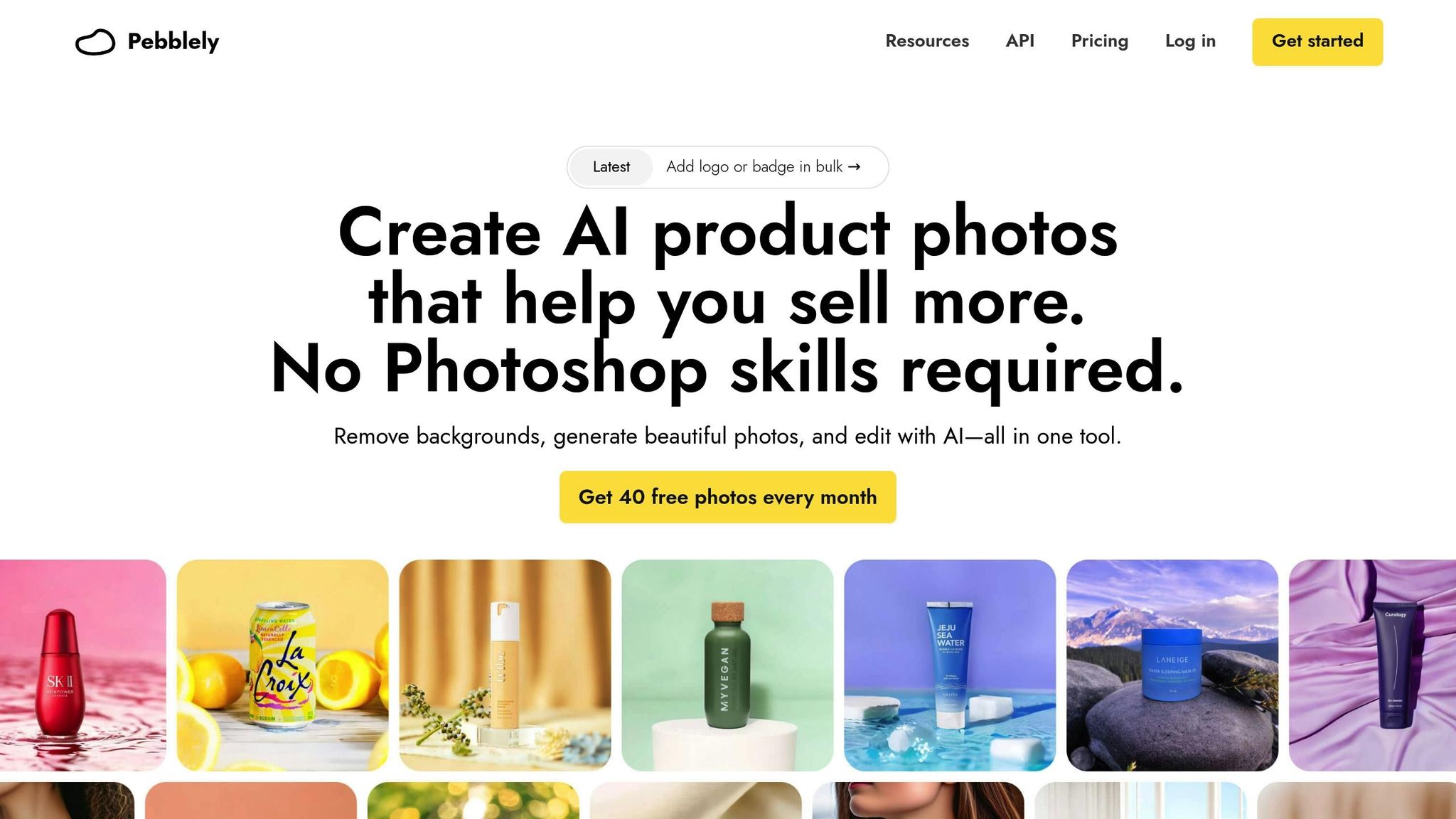
Image Customization Options
Pebblely simplifies product photography by automatically removing backgrounds and replacing them with over 40 preset themes or custom text descriptions. You can resize and rotate products, with the AI generating realistic shadows and reflections based on their positioning. The platform also supports multi-product compositions, allowing you to arrange multiple items, packaging, and props on a single canvas using a layer-based system. This level of control ensures that every ad image meets your campaign’s standards.
The editing toolkit includes an "Edit" mode for removing unwanted objects and an "Extend" feature to expand images. To maintain brand consistency, you can upload reference images to align with specific brand colors and styles or bulk-add logos and badges. Custom canvas sizes up to 2048×2048 pixels and negative prompts allow you to exclude specific elements from generated images. These features make Pebblely a strong choice for creating visuals tailored to multi-channel advertising needs.
Multi-Channel Export Capabilities
Pebblely’s customization options are backed by its ability to scale. With over 25,000,000 images generated worldwide, it’s designed for everything from marketplace listings to social media content. Its bulk generation feature can create up to 25 images at once, while the API supports up to 200,000 images daily. High-resolution downloads at 2048×2048 pixels ensure compatibility with major platforms.
"We now also use Pebblely-generated images for our Facebook ads and can quickly test different motifs for their impact and conversion."
- Bernfried Warning, Duckshop
In 2023, Sebastian from Enzo Signature Co. shared that using Pebblely-generated creatives for Instagram ads led to "skyrocketed" engagement rates and significantly outperformed tools like Canva.
Pricing Plans
| Plan | Monthly Price | Annual Price | Key Features |
|---|---|---|---|
| Free | $0 | $0 | 40 images/month, 1024×1024 resolution, 40+ themes |
| Basic | $19 | $179 ($15/month) | 1,000 images/month, 2048×2048 resolution, custom backgrounds, bulk generation |
| Pro | $39 | $379 ($32/month) | Unlimited images, priority support, all Basic features |
Source:
4. Claid.ai
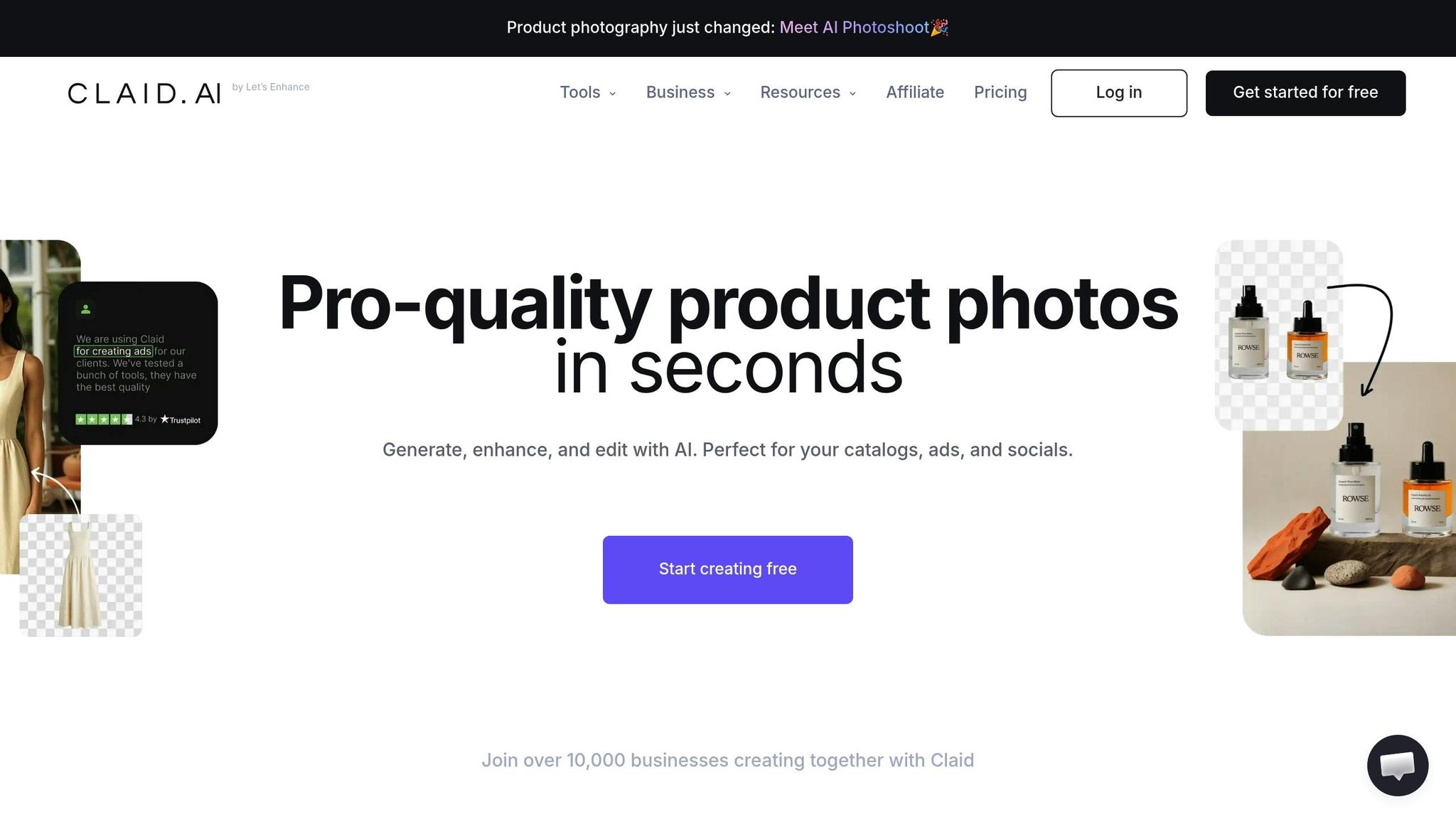
Image Customization Options
Claid.ai offers a suite of tools to refine and enhance product images, tailored to meet diverse advertising needs. It includes five AI Photoshoot modes, each designed for specific purposes:
- Precise Mode: Ensures consistent product angles and placement, perfect for catalog shots.
- Creative Mode: Allows AI to experiment with angles and placement, ideal for lifestyle imagery.
- Inspiration Mode: Matches a particular style using a reference image.
- Backgrounds Mode: Changes the backdrop while keeping the original product intact.
- Mockups Mode: Inserts your product into existing scenes, making it great for testing packaging designs.
For fashion brands, the AI Fashion Models feature transforms flat-lay or ghost mannequin shots into polished on-model images, retaining garment details like textures and logos. Additional enhancements include 16MP upscaling, noise reduction, and an HDR filter that adjusts lighting and white balance automatically. Claid.ai also offers an AI Outpainting tool, which adapts images to fit various aspect ratios without cropping the product.
Multi-Channel Export Capabilities
Claid.ai simplifies exporting images for multiple platforms, ensuring compatibility and optimization. With over 200 million images processed for more than 10,000 businesses, it handles large-scale operations with ease. Its API supports batch processing, optimizing images for fast loading and meeting marketplace standards for platforms like Amazon and Shopify.
In 2026, Alain Abud, Rappi’s Operations Manager, highlighted that Claid’s automated editing increased the number of restaurants on their platform by 33% and reduced image editing time by 42%.
"Using Claid API, we’ve basically taken a shortcut. We don’t have to worry about image quality."
- Ido Grosberg, Engineering Team Lead, Mixtiles
Arturo Diaz, CTO at Caranty, also shared how Claid standardized automotive imagery, showcasing vehicles "in their best light, giving us a competitive edge in the market."
These features, combined with detailed customization options, ensure images meet the standards for various advertising environments.
AI-Driven Features for Ad Optimization
AI-generated product photos have been shown to boost conversion rates by up to 94% compared to lower-quality visuals. Claid.ai’s automation can also cut editing costs by 80% when compared to traditional methods. Beyond still images, the platform includes an AI Video feature, which turns static photos into short, engaging clips for social media. This feature can be customized to follow specific brand guidelines, ensuring consistent aesthetics across campaigns.
Pricing Plans
| Plan | Price | Key Features |
|---|---|---|
| Free Trial | $0 | 50 credits to explore all features |
| Essentials | Starting at $9/mo | 150 generations/month, core editing tools |
| Professional | $39-$49/mo | 500 generations/month, advanced features |
| Enterprise | Custom | API access, high-volume processing |
Source:,,,
5. Snapshot
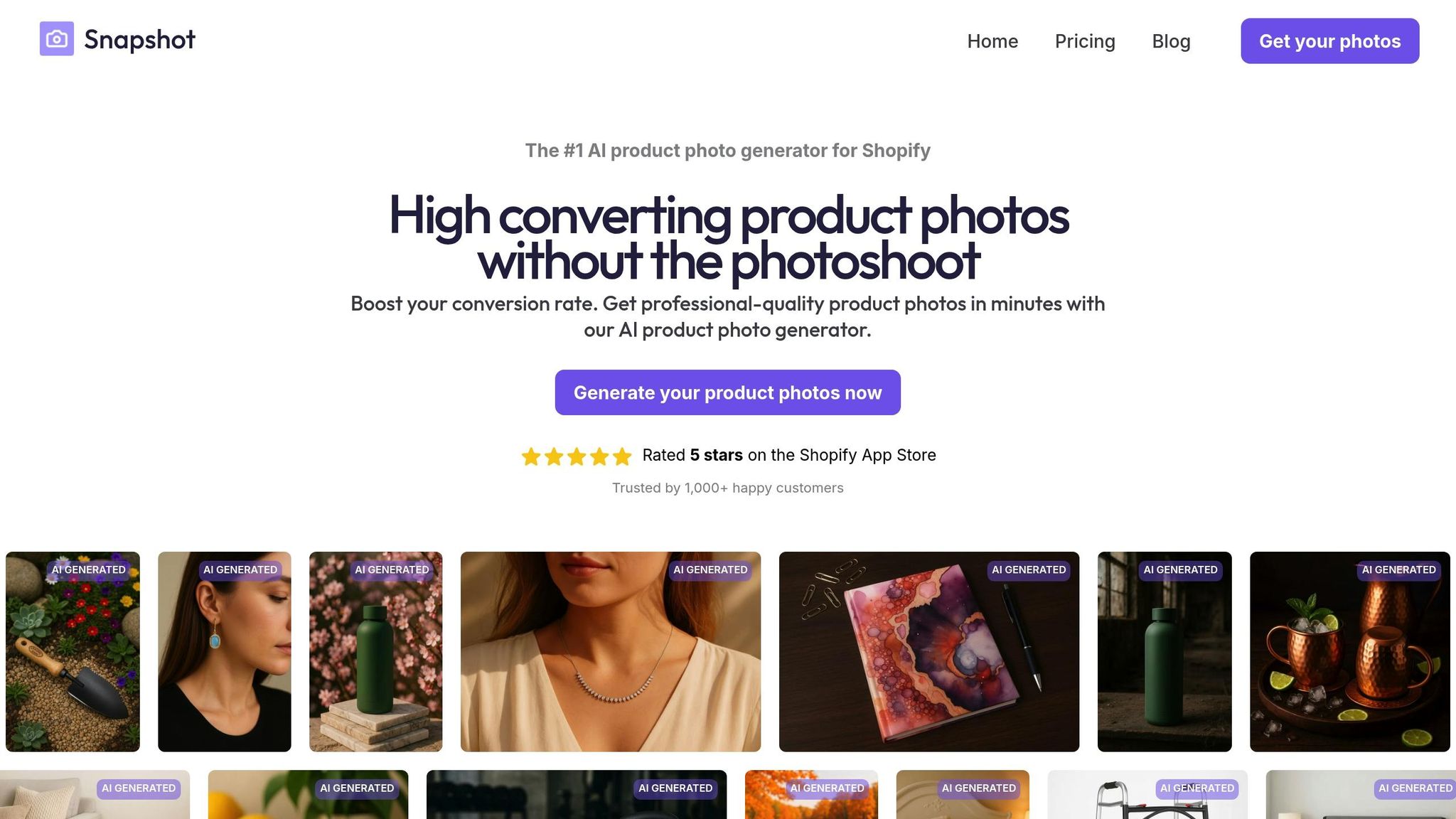
Image Customization Options
Snapshot simplifies the process of creating professional product images with its curated themes. These themes can instantly place your products in stunning environments – whether it’s a beach, a studio, or a lifestyle setting – without the need for manual editing .
For more control, the Advanced tab allows users to fine-tune images by setting positive or negative prompts and adjusting sampling steps for greater accuracy . You can also manipulate the subject by repositioning or resizing products to achieve unique compositions.
Need to handle bulk tasks? The bulk editor is a game-changer, enabling teams to generate hundreds of images with a single click. This feature is ideal for scaling ad campaigns, and each generation creates four image variations at no extra credit cost . These tools make it easier than ever to produce high-quality visuals efficiently and affordably.
AI-Driven Features for Ad Optimization
Snapshot boasts the ability to deliver professional-grade product photos at a fraction of the cost of traditional photoshoots – up to 86 times cheaper, to be precise. It also speeds up the process, generating retail-ready images up to five times faster than conventional methods . For comparison, while the average cost of a professional product photo in the U.S. is about $39, Snapshot’s pricing starts as low as $0.45 per photo.
"The app is incredibly versatile and allows us to render retail-ready product images across our lineup in at least 5X shorter timelines than previously — at a fraction of a fraction (of a fraction!!) of the cost."
- Garrett, Owner, BULLDOG SNACKS
The platform also includes automated background removal and generative fill, which can enhance specific areas of your images. Snapshot supports multiple perspective options, such as 3D views and bird’s-eye angles, ensuring that the background matches the original photo’s angle. For optimal results, align the perspective of your uploaded photo with the selected theme in the app.
Pricing Plans
| Plan | Price | Credits | Cost Per Photo |
|---|---|---|---|
| Free Plan | $0 | 5 credits (or 80 images via Shopify app) | Free |
| Starter Pack | $10 (one-time) | 15 credits | $0.67/credit |
| Growth Pack | $50 (one-time) | 100 credits | $0.50/credit |
| Scale Pack | $225 (one-time) | 500 credits | $0.45/credit |
Note: 1 credit equals 1 generation, which produces 4 image variations .
Snapshot has received a 4.1/5 rating on the Shopify App Store from six reviews. Users have praised its quick rendering and the developer’s responsiveness to creating custom themes . However, some have noted occasional application errors and inconsistent image quality.
6. Caspa AI
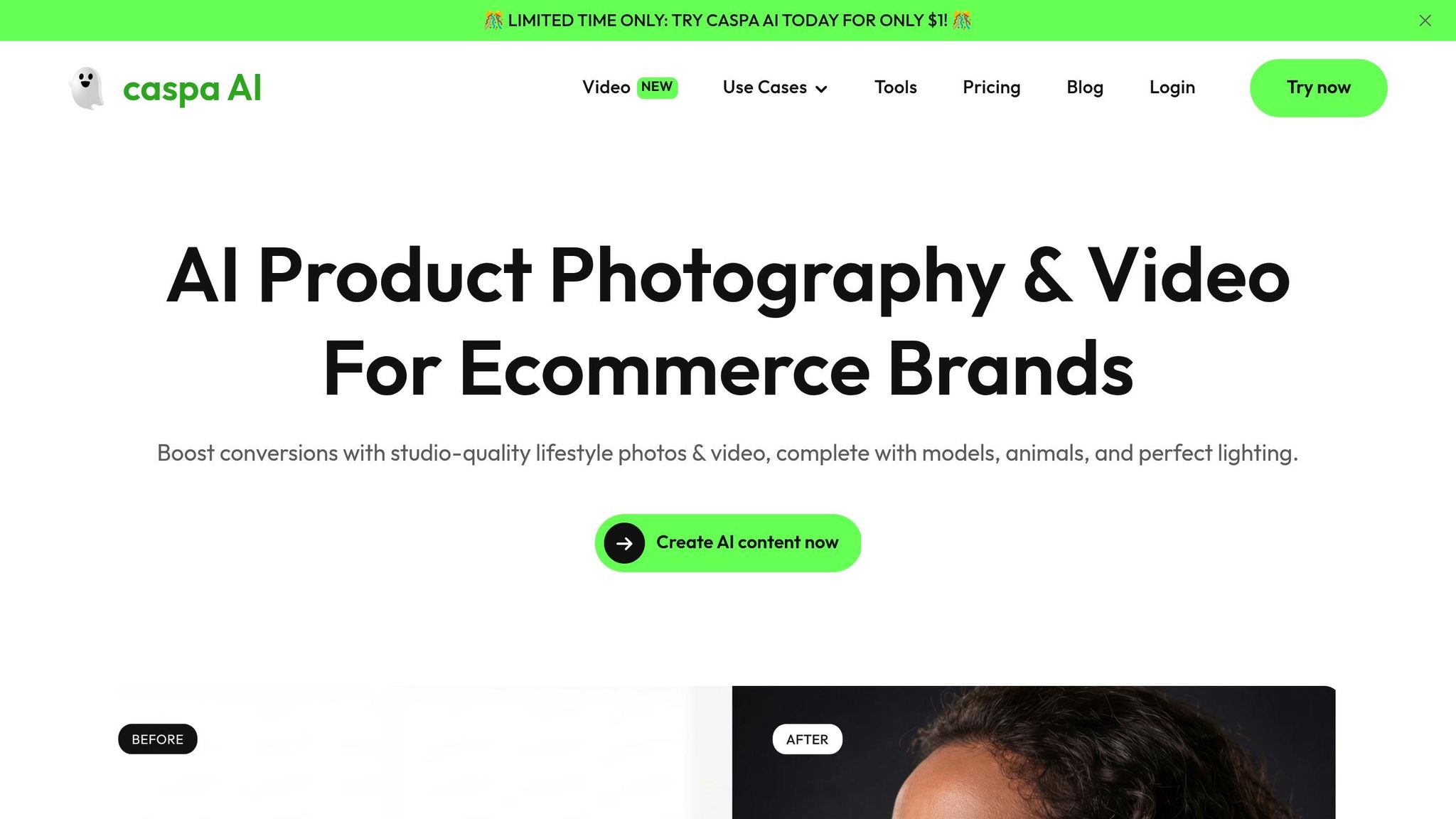
Image Customization Options
Caspa AI’s Studio Editor simplifies the creative process, offering tools that make image customization a breeze. With one-click background swaps, users can quickly transform product photos using preset themes like beach, kitchen, or holiday settings – perfect for aligning with seasonal campaigns.
The Generative Fill feature takes customization further by enabling the addition or removal of elements such as props, textures, and shadows, helping refine each scene. Need lifestyle shots? Caspa AI can integrate realistic AI-generated human and animal models into your images, eliminating the need for expensive photoshoots. Plus, its advanced tools let you fine-tune lighting, angles, colors, and brightness to maintain a consistent brand aesthetic.
For e-commerce sellers, the platform includes an Infographic Builder tailored for creating Amazon A+ content and marketing visuals. Features like background removal, high-resolution upscaling, and branding overlays streamline production, cutting down on traditional costs.
Multi-Channel Export Capabilities
Caspa AI goes beyond customization by making it easy to optimize visuals for multiple platforms. You can export images tailored to Facebook, Instagram, Amazon, Shopify, and more. The platform supports various aspect ratios, such as 16:9 for widescreen and 1:1 for social media, ensuring your visuals meet each platform’s requirements.
But Caspa AI isn’t limited to static images – it also creates AI-powered product videos designed for social media ads. With its built-in A/B testing feature, you can generate multiple ad variations to identify which ones deliver the best results. These cross-platform capabilities make it a powerful tool for launching cohesive, budget-friendly ad campaigns.
Pricing Plans
Caspa AI offers flexible pricing options designed to suit businesses of all sizes.
| Plan | Price (Monthly) | Credits | Key Features | Best For |
|---|---|---|---|---|
| Starter | $39 | 500 | Images only, 4K upscaling, Infographics, A+ Content, Commercial license | Individual sellers & small startups |
| Growth | $66 | 1,000 | Everything in Starter + Video generation, Priority support, Feature requests | Growing brands & content creators |
| Scale | $166 | 2,500 | Everything in Growth + Up to 3 users, API access, Custom integrations, Premium support | Large enterprises & agencies |
All plans come with a $1 trial for 3 days, a commercial use license, and a 100% money-back guarantee. Opting for annual billing saves users 33% compared to monthly payments.
"Started to test Caspa and I’m blown away! Very simple flow to edit and generate high quality realistic images."
- Eddie, Marketer at eCom
Users frequently highlight the platform’s easy-to-use interface and efficient editing tools.
7. Magic Studio
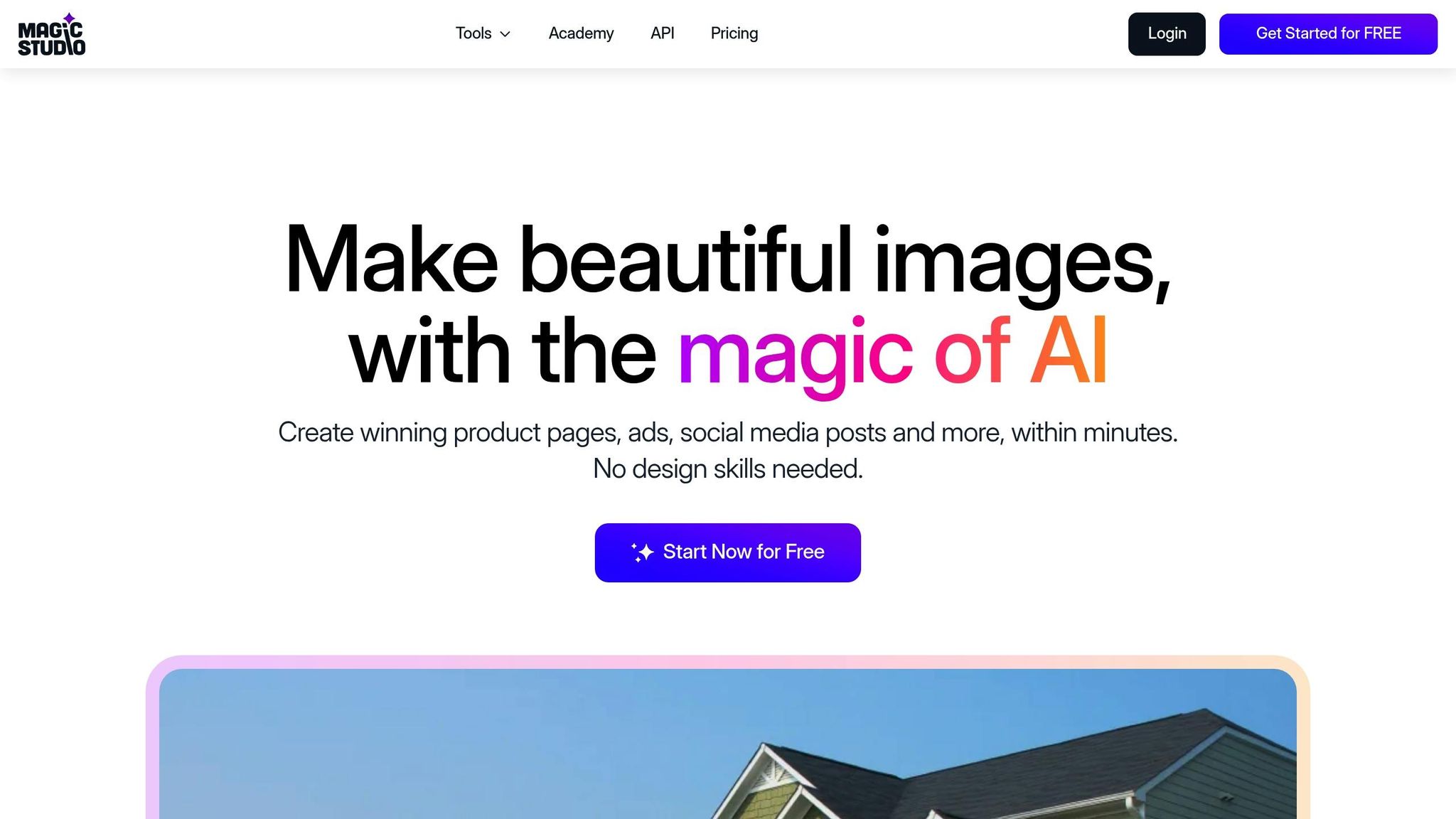
Image Customization Options
Magic Studio leverages AI to transform basic product photos into polished, ad-ready visuals. Its Magic Eraser tool can easily remove unwanted elements like objects, people, or text, while the Background Remover isolates the subject, allowing you to replace or enhance the background with either a solid color or a completely new, AI-generated scene.
The Describe Scenes feature takes customization a step further, enabling you to create ad backgrounds simply by typing a description. With built-in style presets and support for square, landscape, and portrait ratios, Magic Studio ensures your visuals stay consistent with your brand’s identity.
Other tools include the AI Image Upscaler, which enhances resolution up to 4K, and the Background Blur, which adds depth-of-field effects for a professional touch. For businesses focused on eCommerce, the Product Photos mode offers pre-made templates tailored for online product staging.
"Thank you for creating Magic Eraser. You’ve made the majority of photo editing requests self-service; and that’s the sign of an amazing application."
- Adam Mashinchi, Director OpenSource, Red Canary
These tools make it easy to produce high-quality visuals that are ready for use across various platforms.
Multi-Channel Export Capabilities
Magic Studio is designed to meet the fast-paced needs of modern advertising. It supports multiple file formats, including JPG, JPEG, PNG, HEIC, and WEBP, making it versatile for different platforms. With dedicated apps for both iOS and Android, you can create and edit visuals on the go.
While it doesn’t yet offer one-click publishing to ad managers, the platform provides marketing templates and social media tools that simplify adapting your visuals for specific platforms. The three aspect ratio options – square, landscape, and portrait – ensure your images are perfectly sized for different placements without requiring manual adjustments.
Pricing Plans
Magic Studio offers a range of pricing options, making it accessible for everyone from solo entrepreneurs to large-scale businesses. With over 18 million users and more than 120 million images edited or generated, it’s a trusted platform for visual content creation.
| Plan | Price | Key Features | Best For |
|---|---|---|---|
| Free | $0 | 20 images with Magic Studio logo | Testing the platform |
| PRO (Monthly) | $14.99/month | Unlimited images, no logo, access to all tools, no ads | Month-to-month flexibility |
| PRO (6-Month) | $12.49/month | Billed as $74.99 every 6 months; includes all PRO features | Mid-term commitment |
| PRO (Yearly) | $4.99/month | Billed as $59.99 annually; includes all PRO features | Maximum savings (67% off) |
The free plan requires no credit card, allowing you to explore the platform risk-free. All PRO plans include unlimited image generation and full access to Magic Studio’s suite of tools, with the yearly plan offering the best value.
"My brain is breaking 🤯 This looks so simple! I use the Adobe suite, but know a lot of people at startups/independent companies who are short on cash who could use this."
- Matthew Ritchie, Writer, Nook Calendar
8. Adobe Firefly
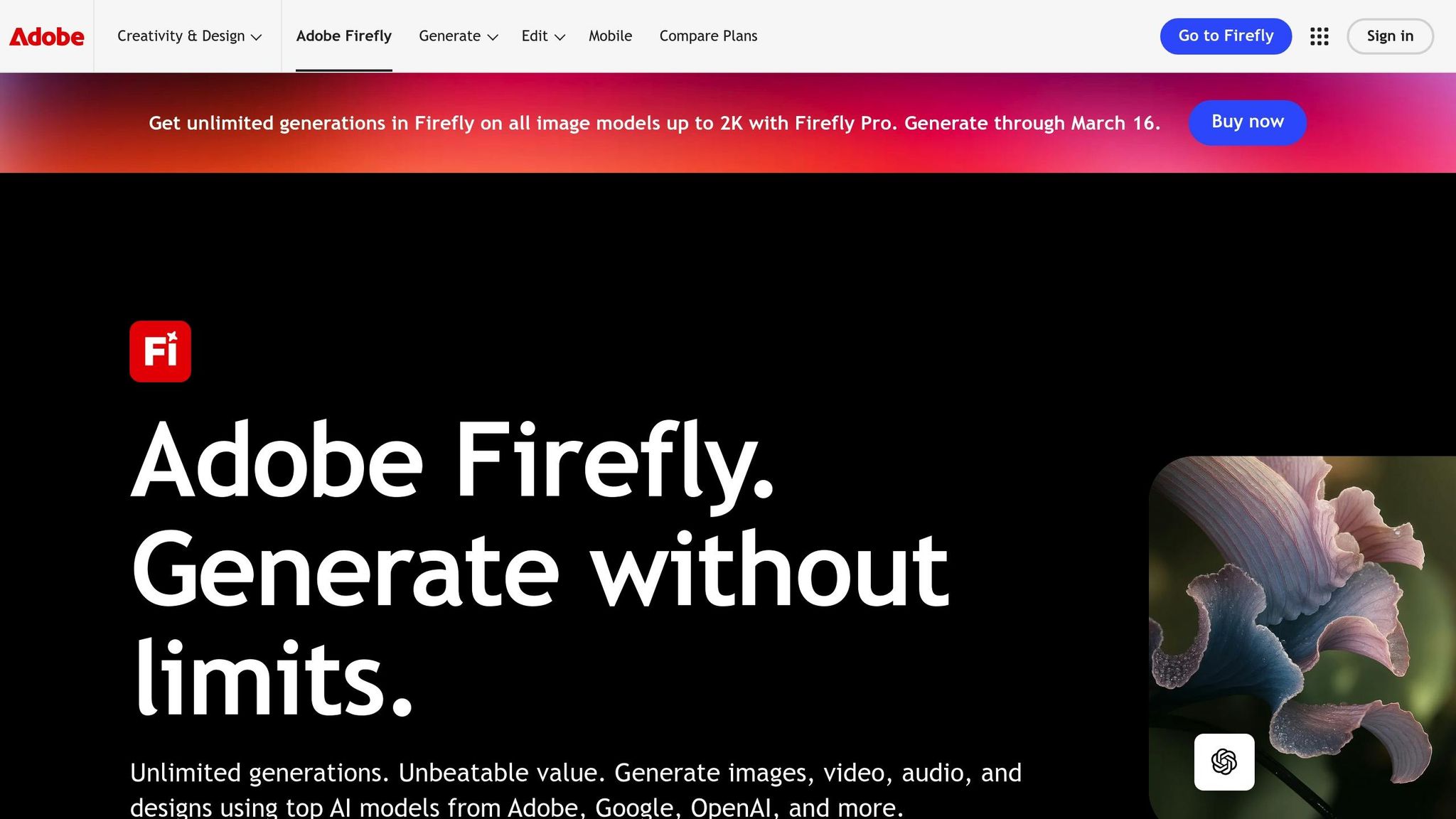
Image Customization Options
Adobe Firefly brings a fresh approach to product ad creation, offering advanced tools that blend precision with creativity. Its Generative Fill & Expand feature is a game-changer, allowing users to add, remove, or replace objects with simple text prompts. Need to adjust an image’s aspect ratio? This tool can seamlessly extend borders while filling in the extra space, ensuring the visuals remain cohesive. For those aiming for specific layouts or aesthetics, the Reference Images feature lets you upload examples to guide the AI. Add to that the Object Composite API, which places product shots into realistic environments by automatically adjusting lighting, shadows, and colors – perfect for creating polished, professional ads.
If you’re after unique styles, Firefly integrates Partner Models like FLUX, Gemini, and GPT Image, which provide diverse AI engines for tasks like precise text rendering or creating AI images. Adobe also suggests using positional prompting for better results. You can also use an AI prompt generator to refine these instructions. For example, phrases like "on a rustic wooden table, overhead view" can help position products accurately, while texture-specific words like "marble" or "knotty pine" help the AI generate realistic surfaces.
Multi-Channel Export Capabilities
Firefly simplifies multi-channel advertising with its Firefly Services APIs and integration with Adobe GenStudio for Performance Marketing. It offers a variety of aspect ratio presets – 16:9, 9:16, 1:1, 3:4, 4:3, and 21:9 – making it easy to adapt a single image for platforms like Instagram, TikTok, or web banners. The Generative Expand feature ensures these adjustments don’t compromise the key visuals.
The platform’s efficiency speaks for itself: one enterprise reported a 70% faster time to market, producing 270 variations in just a single day. Developers can also leverage the API to automate workflows, generating images in multiple sizes and translating text for regional markets. Plus, Firefly integrates seamlessly with Adobe Express, allowing users to apply social media templates, graphics, and text to their generated images. These features make it simple to maintain consistent branding across all campaigns.
AI-Driven Features for Ad Optimization
Firefly stands out by combining creative freedom with brand consistency. Its Custom Models let businesses train the AI using their own brand assets, ensuring every piece of content aligns perfectly with their identity. For example, one enterprise used Firefly to pre-generate 200,000 assets, while others reported a fivefold increase in content production.
Built on Adobe Stock and public domain content, Firefly ensures all generated assets are commercially safe. Each creation includes Content Credentials, a vital feature for enterprise-level advertising. Additionally, Photoshop’s Harmonize feature helps unify colors and lighting across elements, producing polished and cohesive visuals.
"Adobe Firefly unleashed our creativity. It’s a magic machine that helps us play, explore, and innovate, without compromising speed or safety." – Michael Meurer, Global Design Lead
Pricing Plans
| Plan | Monthly Price | Generative Credits | Key Features | Best For |
|---|---|---|---|---|
| Firefly Free | $0.00 | Limited | Basic image features and mood boards | Testing the platform |
| Firefly Standard | $9.99 | 2,000 | Unlimited standard image features; access to premium/partner models | Small businesses |
| Firefly Pro | $19.99 | 4,000 | Includes Adobe Express Premium and Photoshop Web/Mobile | Professional marketers |
| Firefly Premium | $199.99 | 50,000 | Unlimited access to Firefly Video Model; designed for content at scale | Enterprise teams |
The Firefly Free plan is perfect for exploring the platform without a credit card, while the paid plans cater to a range of needs. The Standard and Pro tiers are ideal for smaller teams and professionals, while the Premium plan is tailored for enterprises handling large-scale content production.
AI PRODUCT IMAGE PROMPTS (PROFESSIONAL RESULTS)
9. Photoroom
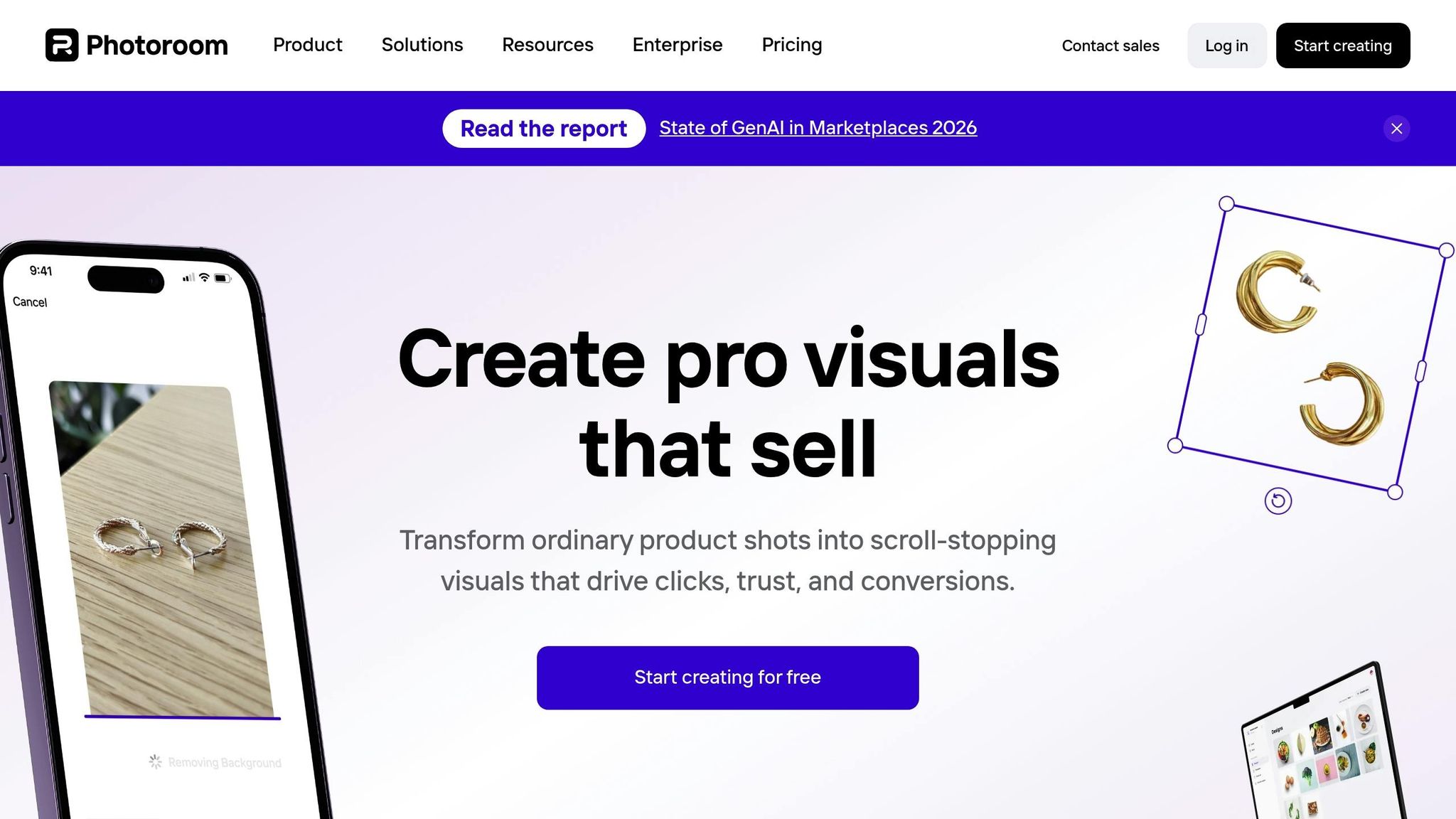
Photoroom streamlines the process of turning raw product photos into polished visuals, ready for use across various advertising platforms.
Image Customization Options
Photoroom makes it easy to transform raw images into professional-grade visuals. Its advanced background removal tool excels at handling even tricky transparent and reflective objects. Need seasonal or lifestyle-themed backdrops? The platform’s AI can generate them instantly. Plus, the AI shadow generation feature adds realistic shadows, making products stand out naturally.
The Product Beautifier tool enhances images with studio-quality lighting and sharpness in just one click, cutting down on the need for expensive photo shoots. For apparel brands, the Virtual Model feature displays clothing on AI-generated models, while the Magic Retouch tool removes unwanted elements from images. Want to tweak specifics? The Describe a Change feature allows text-based edits like “change the shirt color to navy blue,” with the AI making the adjustments automatically. This capability can reduce professional photography expenses by as much as 90%.
Once the images are finalized, they can be seamlessly adapted for use across various digital platforms.
Multi-Channel Export Capabilities
Photoroom’s AI Resize and Expand tools simplify creating platform-specific content. A single master image can be converted into formats optimized for Meta, Google, stories, reels, and carousels. The platform also offers pre-set templates tailored for Amazon (meeting the strict RGB 255,255,255 white background requirement), Etsy, eBay, and Shopify. Batch Mode further enhances efficiency by processing hundreds of images at once, ensuring consistency across entire catalogs.
For larger operations, API integration automates high-volume processing while maintaining brand consistency. For instance, Smartly used Photoroom’s API to increase return on ad spend by 18% and click-through rates by 73%, all while saving 20 hours of manual work. The Brand Kit feature stores logos, fonts, and colors, ensuring every image aligns with brand guidelines.
AI-Driven Features for Ad Optimization
Photoroom’s features are designed to directly improve ad performance. Businesses using the platform have reported a 60% reduction in cost per acquisition and a twofold decrease in cost per click. The AI Shadows feature enhances trust and click-through rates by adding realistic depth to product images. Additionally, the Animate tool transforms static photos into short video loops, which are perfect for boosting engagement on social media.
"My biggest win is that my listings show up on Google… Just adding white backgrounds has made my sales jump by 500%." – Alexandra Mahl, Founder, APM FINDS, LLC
One small business owner saw a 500% increase in sales after applying crisp white backgrounds to her product listings, improving their visibility on Google search results. With over 100 million product images processed monthly, 96% of brands using Photoroom report higher conversion rates thanks to improved image quality.
Pricing Plans
| Plan | Annual Billing | Monthly Billing | Key Features | Best For |
|---|---|---|---|---|
| Free | $0.00 | $0.00 | 250 non-watermarked exports/month, basic background removal | Testing the platform |
| Pro | $7.50/month | $12.99/month | 500 batch exports/month, 10× AI credits, high-res exports | Solopreneurs listing <30 products/month |
| Max | $20.99/month | $34.99/month | 1,500 batch exports/month, better AI models, priority support | Small brands listing ~100 products/month |
| Ultra | $82.50/month | $99.00/month | 5,000 batch exports/month, best AI models, advanced workflows | High-volume sellers with large catalogs |
| Enterprise | Contact Sales | Contact Sales | 200K+ images/year, API access, SOC 2 Type 2 security | Businesses processing at scale |
The Free plan offers 250 exports per month, making it ideal for beginners. Paid plans scale to meet the needs of growing businesses. For example, Wolt saw a 60% drop in cost per acquisition by leveraging Photoroom’s API for large-scale image automation. The platform is available on web, iOS, and Android, enabling seamless editing across devices.
10. Flair.ai
Flair.ai brings a design-first approach to product advertising, offering a user-friendly drag-and-drop interface to create complete ad scenes. One standout feature is its Human Builder, which allows users to craft custom AI models by selecting specific characteristics like hair color, body type, and even age (ranging from baby to senior). This makes it especially useful for fashion and jewelry brands that need consistent model representation across their campaigns. Let’s dive into the platform’s key features.
Image Customization Options
Flair.ai’s 3D scene staging lets users construct digital scenes using props and elements that are enhanced with AI. For brands in clothing and accessories, a specialized tool places products on AI-generated models, ensuring patterns and logos remain intact. This eliminates the need for frequent photoshoots to refresh catalogs.
Beyond staging, advanced tools like Magic Paint, Magic Erase, and Scene Outpainting provide powerful editing capabilities. With these, users can make precise adjustments, remove unwanted objects, or extend image dimensions naturally. The platform also lets you tweak camera angles, modify model poses, and adjust product colors directly. To maintain brand consistency, Flair.ai includes an asset management system where you can store logos, fonts, and colors, ensuring every image aligns with your branding.
Multi-Channel Export Capabilities
Designed for multi-channel advertising, Flair.ai integrates seamlessly into existing workflows through API access, allowing businesses to generate images directly within their marketing systems. This integration helps teams automate marketing tasks more efficiently. The platform also offers an AI Ad Generation tool, complete with a library of templates for creating content tailored to various platforms.
According to AcquireConvert, Flair.ai scored an 8.1/10 for its creative output and excellent control over ad layouts. However, reviewers noted that it functions more like a design tool, requiring a bit of a learning curve – especially for users seeking quick, marketplace-compliant white-background images.
Pricing Plans
| Plan | Price | Key Features | Best For |
|---|---|---|---|
| Free | $0/month | 1 custom model, 5 images, 1 video generation | Testing core features |
| Pro | $8/month | 2 video generations, faster rendering, upscales/variations | Individual creators |
| Pro+ | $26/month | 8 custom models, 80 images, 3 videos, team collaboration, commercial license | Small teams and growing brands |
| Scale | $38/month | 15 custom models, 150 images, 5 videos, API access, private by default | Agencies and high-volume businesses |
| Enterprise | Custom | Unlimited API, SAML-based SSO, dedicated success manager | Large corporations |
Flair.ai provides discounts for annual billing compared to monthly payments. Training options include a standard process (approximately 3 hours for high accuracy) and a faster alternative that takes just minutes. Keep in mind, unused credits don’t roll over, and instant image generation uses up four times the standard quota. For the best experience, the web app is optimized for desktop use on Chrome and Safari browsers.
11. CreatorKit
CreatorKit is a tool tailored specifically for ecommerce marketers, with more than 35,000 businesses already leveraging its capabilities. Unlike general design platforms, CreatorKit focuses on transforming product ads for various digital platforms while maintaining consistent product representation. This is especially valuable for brands experimenting with multiple ad variations.
Image Customization Options
CreatorKit simplifies image editing with features like AI Fill, which allows you to modify images by simply typing a description. Want to tweak a background or add a festive touch? Just type it out, and the AI does the rest. The Magic Erase tool lets you clean up any imperfections or remove unwanted objects from AI-generated backgrounds. Meanwhile, the Drag & Drop Blending feature creates natural-looking reflections and shadows for added elements, ensuring your product remains the star of the image. This focus on Product Preservation ensures that your product stays undistorted during edits, which is crucial for maintaining brand integrity.
"AI Photos helped us generate high performing static creatives at a fraction of the time and cost."
– Roni Trocki, Founder & CEO, Polonio Group
These advanced editing tools also play a key role in optimizing ad performance, as explained below.
AI-Driven Features for Ad Optimization
CreatorKit’s AI capabilities streamline the ad creation process. With its ability to generate multiple ad variations from a single image, brands can conduct A/B testing without the hassle of new photoshoots. The Ads in One Click feature creates high-performing creatives tailored to your brand’s tone and style automatically. For those diving into video content, the platform offers AI Clones and AI Actors, which can produce hyperrealistic UGC-style videos. Using just a photo and voice recording, these tools generate videos with perfect lip-sync, offering a cost-effective way to create engaging content.
With its free access to the AI Image Editor and advanced tools, CreatorKit stands out as a budget-friendly option for brands looking to experiment with new ad creatives.
Pricing Plans
CreatorKit provides free access to its AI Image Editor, making it a low-risk option for businesses wanting to test new ad concepts without upfront costs. Many users have praised its ability to deliver high-quality ad content at an affordable price, a major draw for ecommerce brands.
Comparison Table
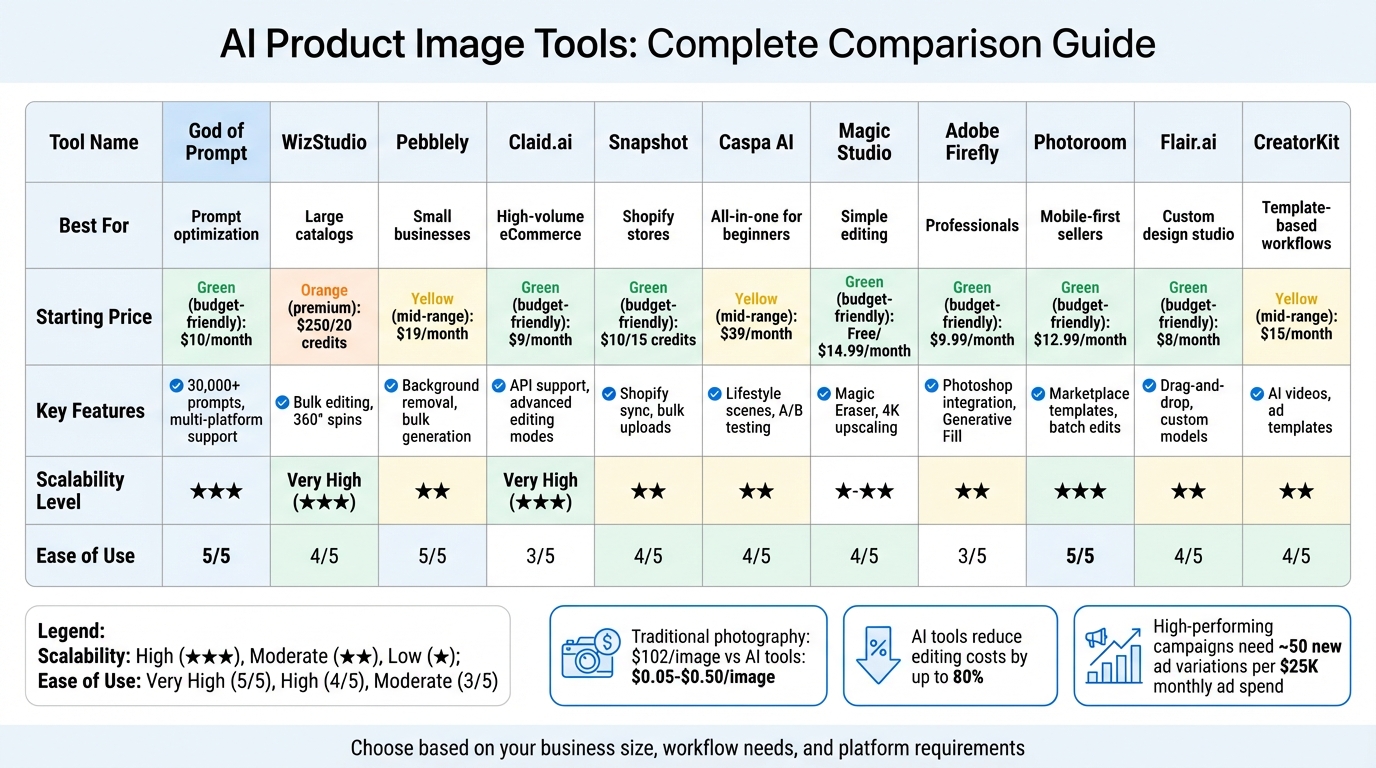
AI Product Image Tools Comparison: Features, Pricing & Best Use Cases
Choosing the right AI tool for your business depends on factors like company size, workflow, and preferred marketing channels. The table below outlines how various platforms perform across key areas important for e-commerce brands.
| Tool | Best Use Case | Key Features | Starting Price | Multi‑Channel Support | Scalability | Ease of Use |
|---|---|---|---|---|---|---|
| God of Prompt | Prompt optimization for all AI tools | 30,000+ AI prompts, custom prompt generator, guides for Midjourney/ChatGPT/Claude | $10/mo (annual) | Universal compatibility | High (unlimited prompts) | Very High |
| WizStudio | Wholesalers & large B2B catalogs | Lifestyle generation, 360° spins, AI shadows, bulk workflows | $250 for 20 credits | High (WizShop, API) | Very High (Bulk/API) | High (Automated) |
| Pebblely | Small DTC brands & beginners | 40+ themes, background removal, multi‑product scenes | Free / $19/mo | Social, Web, Ads | Moderate | Very High |
| Claid.ai | High‑volume e‑commerce | AI Photoshoot, fashion models, 16MP upscaler, API | $9‑$19/mo | Marketplaces, API | Very High (API‑driven) | Moderate |
| Snapshot | Shopify‑specific stores | Native Shopify sync, bulk uploads, optimized formatting | $29/mo | Shopify‑native | Moderate | High |
| Caspa AI | All‑in‑one for beginners | Lifestyle scenes, human/animal models, A/B testing | $24.50/mo | Facebook, Instagram | Moderate | High |
| Magic Studio | Simple lifestyle scenes | Magic Eraser, background removal, 4K upscaling | Free / $49.99/mo | Social, Web | Low to Moderate | High |
| Adobe Firefly | Creative professionals | Generative Fill, Photoshop integration, commercial safety | Free / $9.99/mo | Multi‑platform | Moderate | Moderate (Learning curve) |
| Photoroom | Mobile‑first sellers | Mobile app, batch edits, marketplace templates | Free / $12.99/mo | Amazon, Etsy, Shopify | High (Batch/API) | Very High |
| Flair.ai | Custom design studio | Drag‑and‑drop, 3D assets, team collaboration | Free / $10/mo | Social, Ads | Moderate | High |
| CreatorKit | Template‑heavy workflows | Large template library, AI video support, product preservation | $15/mo | E‑commerce, Social | Moderate | High |
Key Takeaways for Choosing the Right Tool
For businesses managing large product catalogs, scalability is a top priority. Platforms like Claid.ai and WizStudio excel here, offering API integrations and bulk workflows that streamline the process. Considering traditional photography costs around $102 per image, these tools can reduce costs to as low as $0.05–$0.50 per image.
Smaller brands or those just starting out might find Pebblely and Photoroom more appealing. Both offer free plans, making them ideal for experimenting with ad concepts. Photoroom is particularly strong for mobile-first sellers, providing templates tailored for marketplaces like Amazon and Etsy. Meanwhile, Adobe Firefly integrates seamlessly with Creative Cloud, and Snapshot stands out for Shopify-specific stores with native syncing.
Ease of use is another critical factor. Tools like Pebblely, Photoroom, and Caspa AI feature user-friendly interfaces with pre-built themes and one-click functions. On the other hand, advanced platforms such as Adobe Firefly and Claid.ai offer more sophisticated controls but may require a steeper learning curve. For businesses without design expertise, starting with simpler tools can help speed up onboarding and production.
One standout option is God of Prompt, which enhances results across all platforms. With over 30,000 categorized prompts for tools like Midjourney, ChatGPT, and Claude, it’s a valuable resource for generating consistent, high-quality outputs. This is especially important given that 67% of consumers prioritize image quality over product descriptions when shopping online. At just $10/month (billed annually), it’s an affordable way to maximize the performance of any AI image tool.
Conclusion
Creative quality accounts for a striking 56% of purchase intent, far surpassing factors like targeting or placement decisions. Companies like AstraZeneca have demonstrated the power of automation by cutting ad production time from a month to a single day, while Vivo Life managed to multiply its output tenfold while reducing costs. These examples highlight how automation is reshaping advertising standards for forward-thinking brands.
AI’s true strength lies in its ability to scale. Tasks like resizing images for platforms such as Instagram, TikTok, Google Ads, and Amazon can now be handled instantly. This is a game-changer, especially since high-performing campaigns require constant updates. Experts suggest testing around 50 new ad variations for every $25,000 in monthly ad spend. Without AI, achieving this level of output would require massive design teams and significantly higher budgets.
Cost savings are another undeniable advantage. AI-driven tools can cut editing expenses by up to 80% and reduce turnaround times by more than 75%. For businesses managing extensive product catalogs, AI simplifies batch processing for hundreds of SKUs, ensuring consistent lighting and backgrounds in minutes rather than months.
To harness these benefits, start small by testing a few AI tools. Use 5–10 real assets – such as a hero banner, product shots, and social media posts – to evaluate which platform aligns best with your needs. Whether you require Shopify integration, bulk operations via API, or mobile-friendly templates for marketplaces, a hands-on trial will help identify the right fit. For added efficiency, platforms like God of Prompt (https://godofprompt.ai) offer over 30,000 categorized prompts for tools like Midjourney, ChatGPT, and Claude for just $10/month (billed annually). Experimenting with different tools can unlock the automation, scalability, and cost efficiency essential for modern advertising.
The move toward AI-powered product imagery is already underway. Brands that embrace this shift gain unmatched speed, consistency, and performance. From improving creative quality to enabling rapid scaling, AI is revolutionizing product image advertising and setting new benchmarks for success.
FAQs
How do AI tools help save time and money when creating product image ads?
AI tools are transforming how businesses create product image ads, saving both time and money in the process. With just a simple text prompt, these tools can produce high-quality visuals, cutting out the need for expensive photoshoots or lengthy graphic design projects. Plus, they make it easy for marketers to generate multiple image variations, which is a huge advantage when testing and fine-tuning ad campaigns.
On top of that, features like background removal, image upscaling, and scene generation take only minutes to complete. This speed allows businesses to craft custom, brand-aligned visuals quickly, adapt to market shifts, and boost campaign performance without the usual production delays.
What should I look for in an AI tool to create product images for ads?
When you’re picking an AI tool for creating product images, it’s all about finding features that make your work faster and more polished. One key feature to look for is background removal, which helps you create clean, professional images. Another is the capability to generate high-resolution images, ensuring your visuals look sharp and polished across different platforms. Some tools even let you customize scenes using text prompts, making it easier to craft eye-catching visuals for social media or ad campaigns.
Ease of use and speed are also game-changers. Many tools now produce results in seconds, cutting down on time you’d otherwise spend on manual edits. If you’re running a business, check whether the tool offers integration options or API support, as these can simplify workflows and help you scale production efficiently. And, of course, pricing matters – look for a tool that fits your budget. Some platforms offer affordable plans or even free tiers, which can be a big help for high-volume projects. The right AI tool can make creating standout product images a breeze.
How can AI tools improve ad performance and help businesses scale?
AI tools are transforming advertising by automating the creation of high-quality, personalized ad assets. They enable businesses to quickly produce tailored visuals, videos, and copy that align with their branding, eliminating the need for large creative teams. Plus, AI can generate multiple ad variations to help combat ad fatigue, boost click-through rates (CTR), and improve return on ad spend (ROAS), making campaigns more effective overall.
These tools also simplify workflows by automating tasks like creating templates, running A/B tests, and ensuring consistent styles across campaigns. This allows businesses to efficiently manage large product catalogs and multiple advertising channels while staying agile with market trends, seasonal promotions, and product launches. By cutting costs and production time, AI tools give businesses the ability to scale their advertising efforts and maintain an edge in the fast-moving digital landscape.
Related Blog Posts
- Midjourney vs. Stable Diffusion For Marketing: Which One’s Better?
- 10 AI Image Generators to Create Professional Marketing Materials
- Best AI Image Generation Resources for Marketing Teams
- Top 7 AI Tools for Real-Time Image Editing
Next step: turn this article into output with AI design prompts, or go deeper with Midjourney prompts.