10 No-Code AI Tools for Business Efficiency




No-code AI tools are transforming business efficiency by making advanced technology accessible to everyone, regardless of technical skills. These platforms help businesses automate tasks, build apps, and simplify workflows, saving time and money. From marketing teams to operations staff, no-code AI tools empower employees to focus on growth-driven activities instead of repetitive work.
Key Highlights:
- 84% of organizations use low- or no-code tools in 2026.
- Development cycles are 90% faster compared to traditional methods.
- Productivity gains of 66% and cost savings of $50,000–$150,000 annually are common.
- The no-code AI market is growing 31–38% annually, projected to reach $25 billion by 2030.
Top Tools:
- God of Prompt: Pre-built AI prompts for marketing, automation, and SEO.
- Zapier: Connects 8,000+ apps for seamless automation.
- Airtable AI: Combines databases with intelligent automation.
- Akkio: Predictive analytics made simple for non-technical users.
- Appy Pie: Affordable app building and workflow automation for SMBs.
- Levity: Automates high-volume email and phone workflows.
- Bubble: Visual app creation with advanced integrations.
- Knack: Custom web apps and workflows with an intuitive interface.
- Glide: Turns spreadsheets into mobile and desktop apps.
- ClickUp AI: Project management with AI-powered automations.
Quick Comparison:
| Tool | Focus Area | Pricing (Starting) | Key Features |
|---|---|---|---|
| God of Prompt | AI prompts & workflows | Free/$15 monthly | Pre-built prompts, custom automation |
| Zapier | Integration & automation | Free/$19.99 monthly | 8,000+ app connections, AI orchestration |
| Airtable AI | Databases & automation | Free/$20 per seat | AI Field Agents, Omni Builder |
| Akkio | Predictive analytics | Free/$99 monthly | AutoML, real-time workflows |
| Appy Pie | App building & workflows | Free/$20 monthly | Drag-and-drop, AI app generator |
| Levity | Email/phone automation | Free/Custom pricing | AI Flows, multi-lingual capabilities |
| Bubble | App creation | Free/$29 monthly | Visual workflows, API integrations |
| Knack | Custom apps & workflows | $59 monthly | AI builder, unlimited users |
| Glide | Mobile/desktop apps | Free/$199 monthly | Spreadsheet-based apps, AI features |
| ClickUp AI | Project management | $7 per user/month | AI automations, task summaries |
These tools make it easier than ever to automate processes, create apps, and boost productivity - all without coding. Whether you're a small business or a large enterprise, no-code AI can help you save time, cut costs, and focus on what matters most.
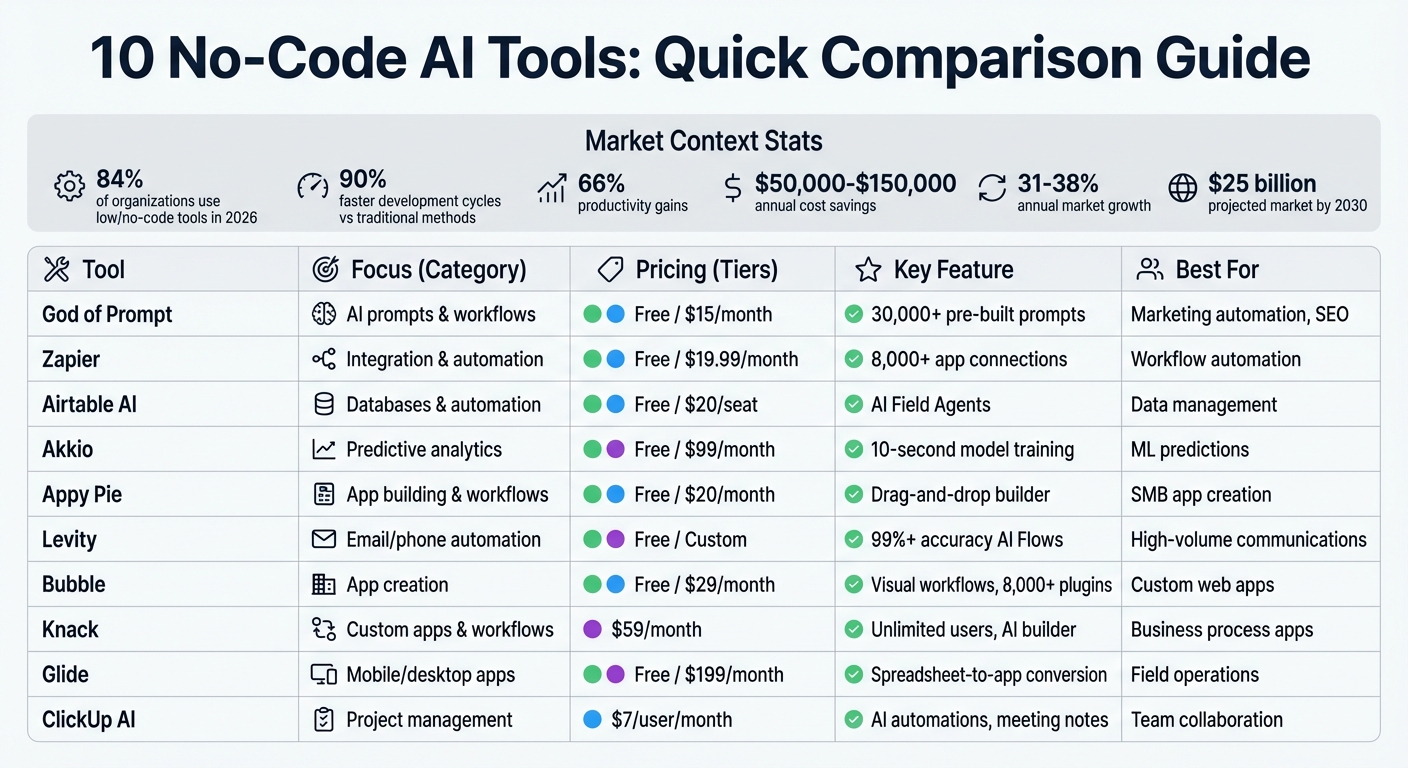
10 No-Code AI Tools Comparison: Features, Pricing, and Best Use Cases
6 No-Code AI Tools I Use To Make $30,000+/Month
sbb-itb-58f115e
1. God of Prompt
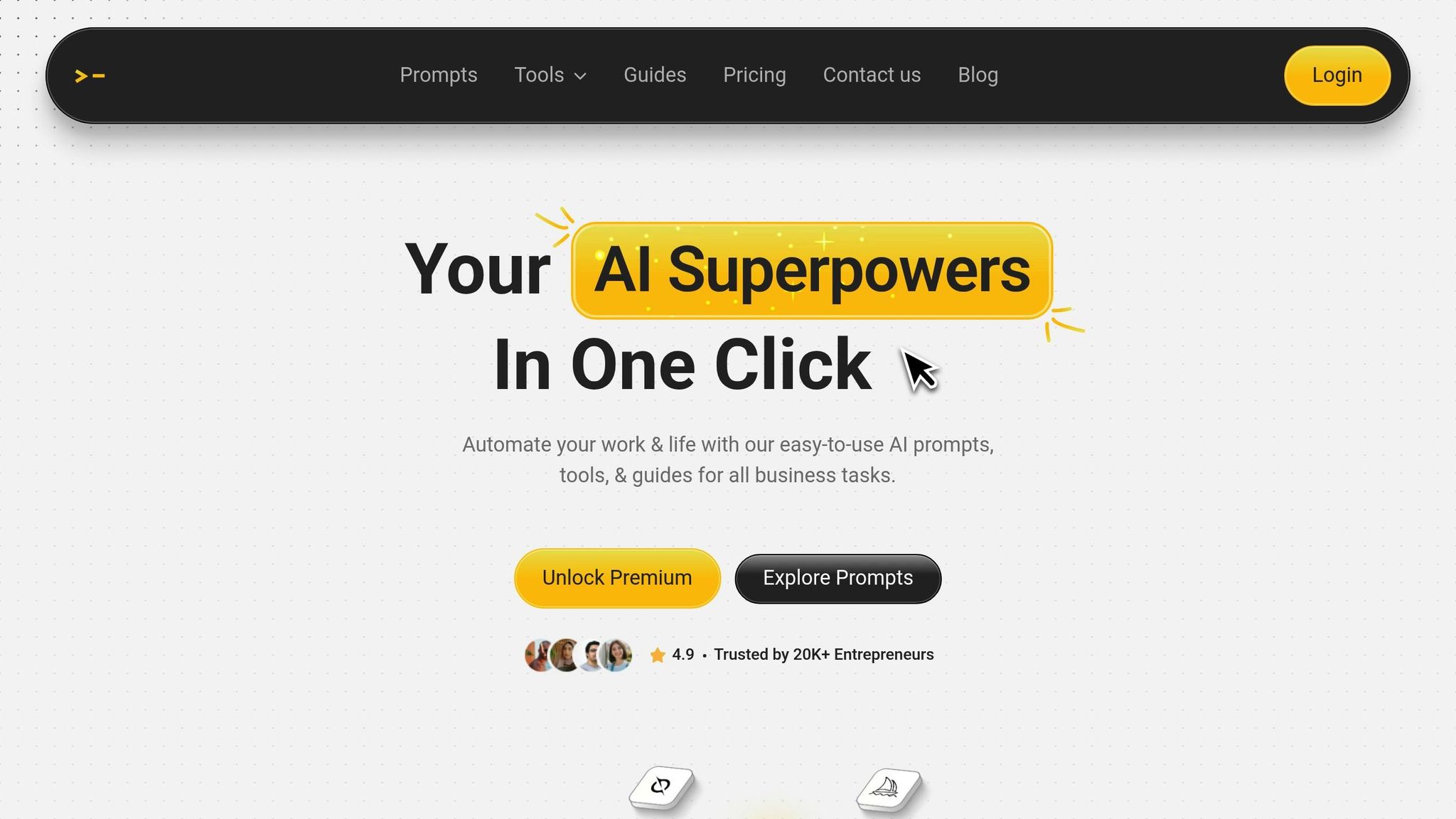
God of Prompt has carved out a niche in the world of no-code AI tools by offering an extensive library of resources that make AI integration a breeze for businesses. With over 30,000 pre-built AI prompts, guides, and toolkits tailored for platforms like ChatGPT, it simplifies the process of implementing AI-driven workflows. These resources are neatly organized into categories like marketing, SEO, productivity, and no-code automation. Delivered through Notion, a widely-used workspace, the platform ensures users can dive in without needing any specialized training.
Making AI Accessible for Everyone
One of the standout features of God of Prompt is its simplicity. Users don’t need technical expertise to get started. The platform’s "copy-and-paste" approach allows marketing teams, operations staff, and even solo entrepreneurs to quickly find and apply the right prompt bundles. Within minutes, they can integrate these tools into their preferred AI platforms. To make things even easier, video tutorials and step-by-step guides cover the basics of AI usage. For more specific needs, the support team provides custom prompts within 24 hours, which has earned the platform a stellar 4.9/5 rating from over 20,000 users.
"The user interface is clean and intuitive, making it easy to navigate through the vast library of prompts."
- Ole happYYzen A.I.mighty
Automating Workflows with Ease
The platform’s automation capabilities truly shine. For instance, the n8n Automations Bundle includes over 10 pre-built workflows designed for tasks in operations, marketing, sales, and content creation. These workflows integrate effortlessly with tools like Zapier and Airtable, allowing businesses to streamline processes like SEO content creation or social media scheduling. Tasks that once took hours can now be completed in minutes. Additionally, the Custom GPTs Toolkit provides over 100 "mega-instructions" for automating specific tasks using custom AI agents. One user reported a 26% boost in LinkedIn profile traffic after employing a 4-week content strategy powered by these advanced prompts.
Flexible Pricing Options
God of Prompt offers pricing plans to suit a variety of needs:
| Plan | Monthly | Yearly (per month) | Key Features |
|---|---|---|---|
| Free | $0 | $0 | Access to 10,000+ text/image prompts and monthly updates |
| Plus | $15 | $10 | Includes Free features, plus weekly updates and priority support |
| Premium | $25 | $17 | Everything in Plus, plus no-code automation bundles, a prompt generator, and all add-ons |
Lifetime Add-ons (included in the Premium plan):
- AI Tools Directory: $17
- Custom Instructions Pack: $27
- Custom GPTs Toolkit: $67
- n8n Automations Bundle: $150
All paid plans come with a 7-day money-back guarantee. The Premium plan also provides unlimited access to the prompt generator, enabling businesses to create custom instructions as their needs evolve.
Real-World Applications for Businesses
God of Prompt has proven to be a game-changer for many businesses. For example, its SEO bundles enable companies to churn out over 100 optimized articles every week, dramatically improving content workflows. Remote teams have used its productivity toolkits to automate meeting preparation, with some reporting a 25% reduction in prep time. The no-code automation prompts integrate seamlessly with tools like ClickUp AI, helping teams summarize tasks and deliver results faster.
"A complete AI bundle with nothing left out. Detailed instructions, exact prompts to use and multiple categories of prompts make this the AI tool I turn to the most."
- Bill Gluth
Small businesses have also seen impressive results, including a 40% reduction in workflow completion times for email campaigns. Meanwhile, the platform’s image prompts allow marketing teams to use AI image generators to create visual content effortlessly, even without any design background.
2. Zapier
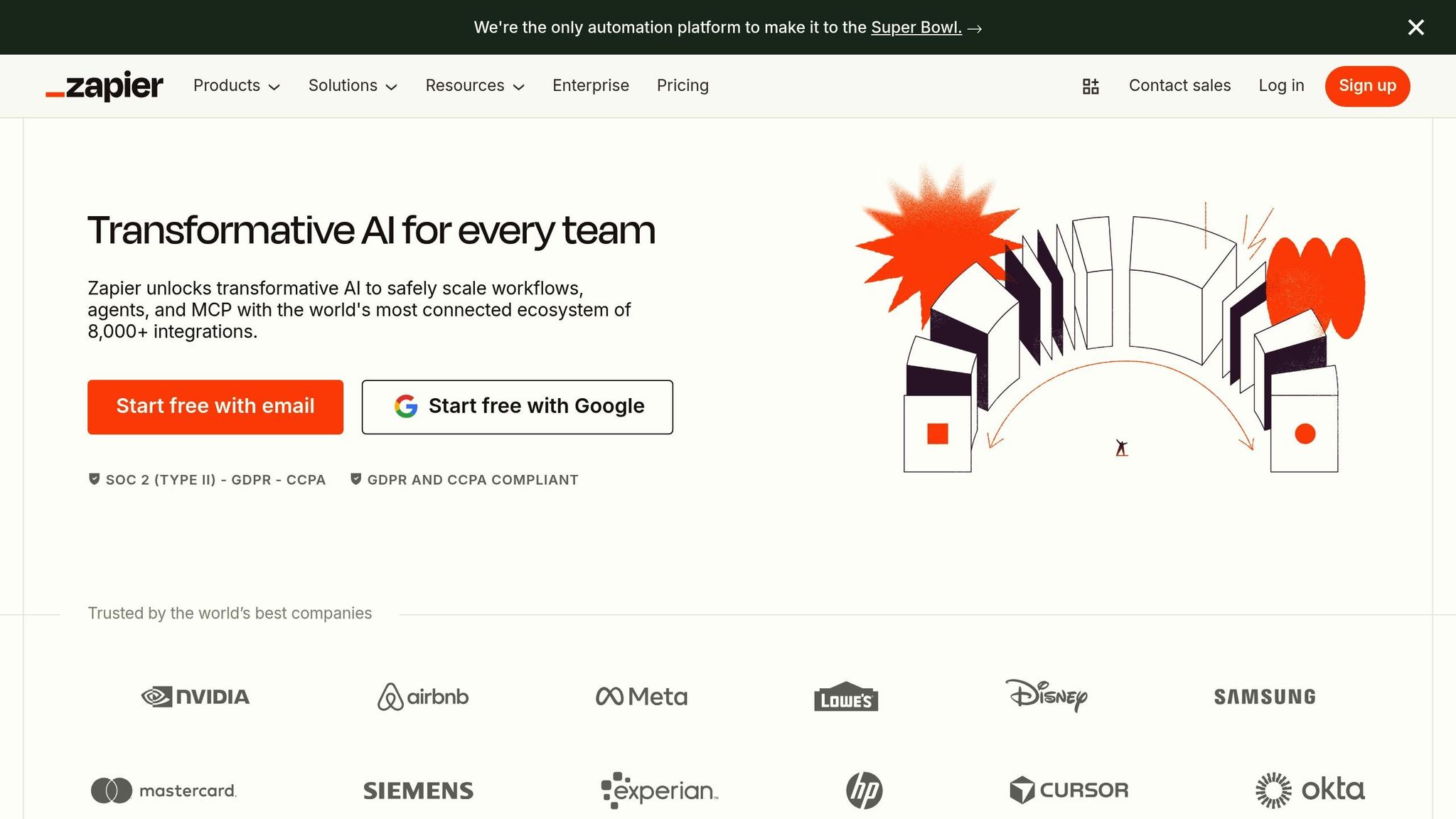
After diving into God of Prompt, Zapier shows how integration and automation can take business efficiency to the next level.
Automation and Integration Capabilities
Zapier connects with over 8,000 apps, making it one of the most versatile automation platforms available. This broad compatibility allows businesses to link almost any part of their tech stack - from tools like Google Workspace to platforms like Salesforce - without needing a developer's help. To date, Zapier has facilitated over 350 million AI-powered tasks for more than 1 million companies, handling everything from simple data transfers to intricate workflows. This extensive integration capability enables businesses to streamline operations with ease.
Beyond basic automations, Zapier has stepped up its game with an AI orchestration layer. This includes AI Agents, AI Chatbots, and a Model Context Protocol, which enables tools like ChatGPT to perform over 30,000 actions. For more complex processes, Zapier offers advanced features like conditional paths, filters, and scheduling, letting users manage sophisticated workflows without writing a single line of code.
Ease of Use for All Skill Levels
One standout feature is Zapier Copilot, an AI assistant designed to simplify workflow creation for users of all technical backgrounds. With this tool, users can describe what they need in plain language, and Copilot handles the setup and troubleshooting, saving countless hours.
For example, Spencer Siviglia, Director of Operations at Toyota of Orlando, implemented 580 active Zaps to manage over 30,000 lead records in 2025. The system not only flagged data discrepancies but also answered operational questions in plain language, saving the team more than 20 hours each week.
"With Agents, I'm getting insights I didn't even know to look for. They flag when something's off, answer questions in plain language, and save me hours every week." - Spencer Siviglia, Director of Operations, Toyota of Orlando
Flexible Pricing and Scalability
Zapier’s task-based pricing model ensures you only pay for completed actions, keeping costs tied to actual usage. Triggers and built-in logic tools don’t count against your monthly task limits, making it easier to scale without unexpected charges. All plans include unlimited Zaps, Tables, and Forms, which means businesses can expand their workflows as they grow.
| Plan | Price (Annual) | Monthly Tasks | Best For |
|---|---|---|---|
| Free | $0 | 100 | Testing and individuals |
| Professional | $19.99/mo | 750+ | Small teams and power users |
| Team | $69/mo | 2,000+ | Collaborating teams (up to 25 users) |
| Enterprise | Custom | Custom | Large organizations |
Real-World Success Stories
Zapier's impact is evident in its practical applications. Marcus Saito, Head of IT and AI Automation at Remote, implemented 580 active Zaps in 2024 to support 1,700 employees. His setup automated 11 million tasks and resolved 28% of IT requests without human intervention.
Similarly, Jacob Sirrs, Marketing Operations Specialist at Vendasta, used Zapier to automate administrative tasks, reclaiming $1 million in potential pipeline revenue and eliminating 282 days of manual work annually. Over at Contractor Appointments, CTO Ben Leone leveraged Zapier to automate 80–90% of top-of-funnel leads, driving a $300,000 increase in yearly revenue.
These examples highlight how Zapier can transform business operations, making it a go-to tool for companies looking to save time and boost productivity.
3. Airtable AI
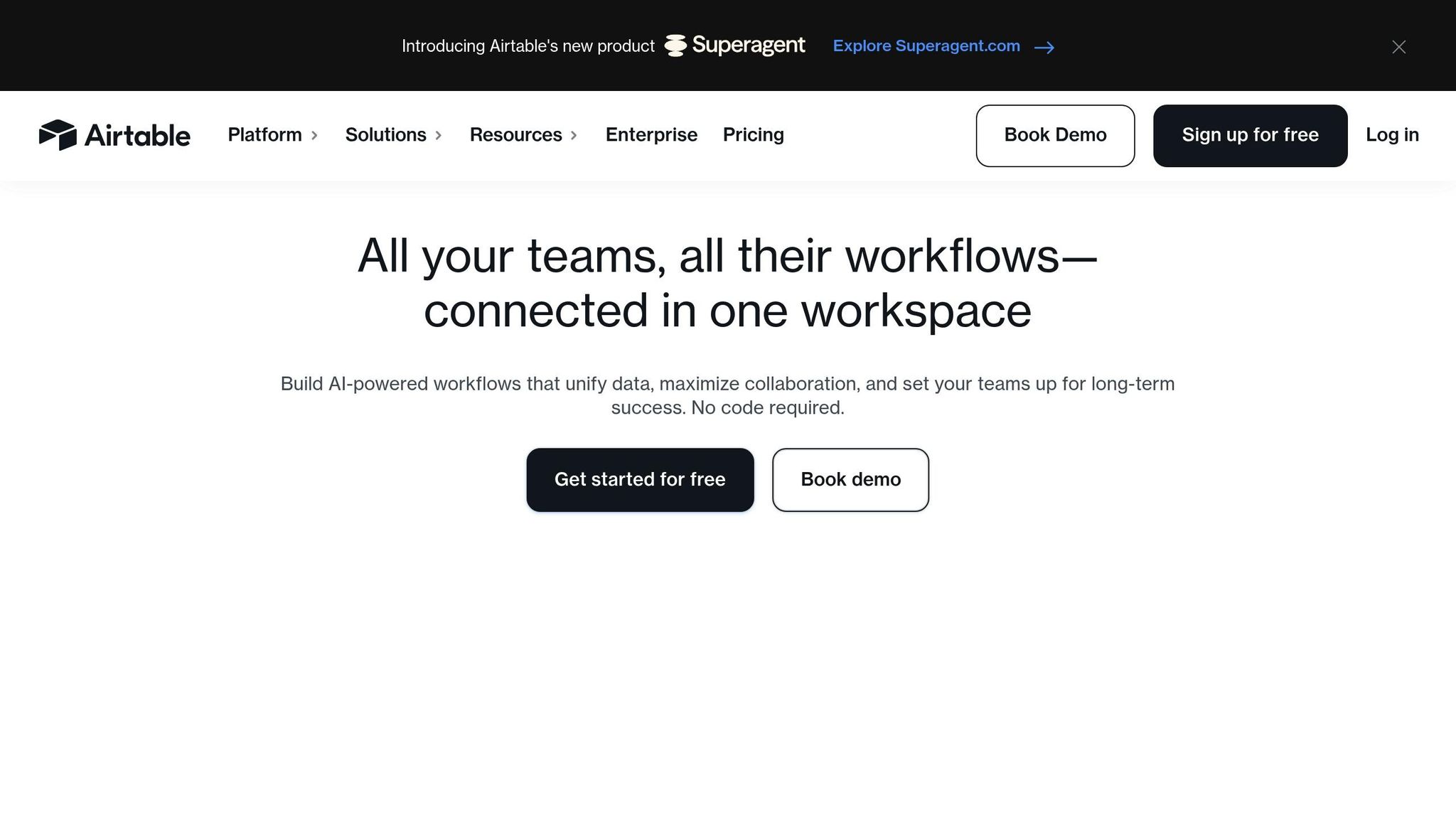
In the evolving world of no-code tools, Airtable AI has carved a niche by blending powerful database capabilities with intelligent automation. This platform offers businesses a dynamic solution that adapts to their needs. It's no surprise that over 500,000 organizations, including 80% of the Fortune 100, trust Airtable to optimize their workflows.
Automation and Integration Capabilities
The Omni Conversational Builder simplifies app creation by letting users describe what they need. For instance, typing “Create a customer feedback tracker that categorizes responses by sentiment” prompts Omni to set up the tool automatically.
AI Field Agents take automation to the next level by handling tasks across thousands of records. They can enrich leads, categorize feedback, and even generate content without manual intervention. Additionally, the platform’s AI-powered web research keeps certain fields updated by continuously pulling in external data, such as company size or recent news.
Airtable also integrates effortlessly with tools like Slack, Salesforce, Zendesk, Jira, Google Drive, and GitHub. Enterprise users benefit from a choice of language models, including OpenAI, Anthropic (Claude), Meta (Llama), and Google (Gemini). Plus, Airtable ensures that none of the model providers retain data for training purposes.
Ease of Implementation for Non-Technical Users
Josh Curry of Code and Theory highlights Airtable AI's accessibility:
"I bring Airtable and Airtable AI into every inefficient process I can find. It's become essential to how we drive smarter, faster production".
The platform’s drag-and-drop interface makes it easy for users to tweak logic and design without coding. For added convenience, AI Plays offer prebuilt templates for tasks like campaign planning and feedback analysis, saving users from building workflows from scratch. While traditional AI app development can cost anywhere from $20,000 to $200,000, Airtable allows users to deploy solutions in just minutes.
Pricing Plans and Scalability
Airtable AI uses a credit-based system. Building and testing workflows with Omni is free, but credits are required for running AI actions like Field Agents, automations, or document analysis.
| Plan | Price (Annual) | AI Credits (Per User/Month) | Record Limit (Per Base) |
|---|---|---|---|
| Free | $0 | 500 | 1,000 |
| Team | $20/seat | 15,000 | 50,000 |
| Business | $45/seat | 20,000 | 125,000 |
| Enterprise Scale | Custom | 25,000 | 500,000 |
For businesses needing more, additional AI credit packs start at $40/month for 20,000 credits. With the ability to manage hundreds of millions of records, Airtable AI is designed to scale with businesses of any size.
Specific Use Cases for Business Efficiency
For document analysis, processing a 10-page contract requires 200 credits, while sentiment analysis on a single review uses just 1 credit. The Generate Structured Data feature can turn unorganized meeting notes or customer feedback into categorized fields that update records automatically.
The AI Formula Generator eliminates the need to learn complex formula languages by converting plain language descriptions into Airtable’s formula syntax. With predictions that AI will manage 80% of project management tasks within the next five years, Airtable positions itself as a critical tool for businesses ready to embrace this shift.
4. Akkio
Akkio is a no-code AI platform designed to streamline predictive analytics. Its AutoML system can train machine learning models in as little as 10 seconds to 1 minute, making it one of the fastest options on the market [44,45]. Unlike platforms like Google AutoML or Amazon SageMaker, which require technical setup with IAM roles and data buckets, Akkio allows non-technical teams to deploy models in just minutes.
Automation and Integration Capabilities
Akkio integrates seamlessly with popular tools like Salesforce, Google Sheets, Snowflake, HubSpot, BigQuery, and Zapier [42,44,10]. This makes it easy for users to deploy models through a web app, directly within Salesforce, or via an API for custom workflows. Its one-click activation feature enables audience segments and insights to be shared across platforms.
The platform simplifies data preparation using GPT-4 technology to automate tasks like cleaning, labeling, and clustering. With Zapier integration, Akkio supports real-time workflows, such as monitoring Twitter for negative sentiment and notifying teams on Slack. Its infrastructure can handle massive datasets, including hundreds of millions of records. By removing technical barriers, Akkio empowers non-technical teams to leverage machine learning efficiently.
Ease of Implementation for Non-Technical Users
Jonathon Reilly, Co-founder of Akkio, highlights the platform’s simplicity:
"Akkio is an end-to-end no-code AI platform. This means you can build, deploy, and integrate AI models, all in one place, without any technical expertise."
Its visual interface and AI workflows make coding unnecessary. Users can upload historical data - like CSV files or Salesforce records - and let the AutoML system identify the best model in about 30 seconds. With a 4.5/5 rating on G2, users praise features like automated model tuning, which ensures top performance with minimal effort.
Pricing Plans and Scalability
Akkio offers flexible pricing options to suit different business needs.
- Basic Plan: Free, includes chat exploration features and live generative BI dashboards.
- Pro Plan: $99 per user per month, adds AI model training and deployment-ready models.
- Build-On Plan: Starts at $999 per month, includes white-labeling and API access.
- Enterprise Plan: Custom pricing with dedicated infrastructure and custom LLMs.
Notably, Akkio doesn’t charge for model training.
Specific Use Cases for Business Efficiency
Akkio has proven its value in various industries. In 2024, Horizon Media incorporated Akkio into its "blu." data platform, helping the agency secure an $800 million account by showcasing advanced data-driven strategies. Similarly, LG Ad Solutions used Akkio to consolidate fragmented data silos, enabling faster campaign optimization.
Sales teams benefit from Akkio’s lead scoring capabilities, using historical data to identify high-potential prospects. Marketing teams rely on the platform for audience segmentation and sentiment analysis, classifying customer feedback from social media, emails, and review sites. Financial planners use Akkio for churn prediction and revenue forecasting, analyzing past trends to pinpoint at-risk customers and project future earnings [43,44].
These examples highlight how Akkio simplifies complex tasks, making it a valuable tool for driving business efficiency.
5. Appy Pie
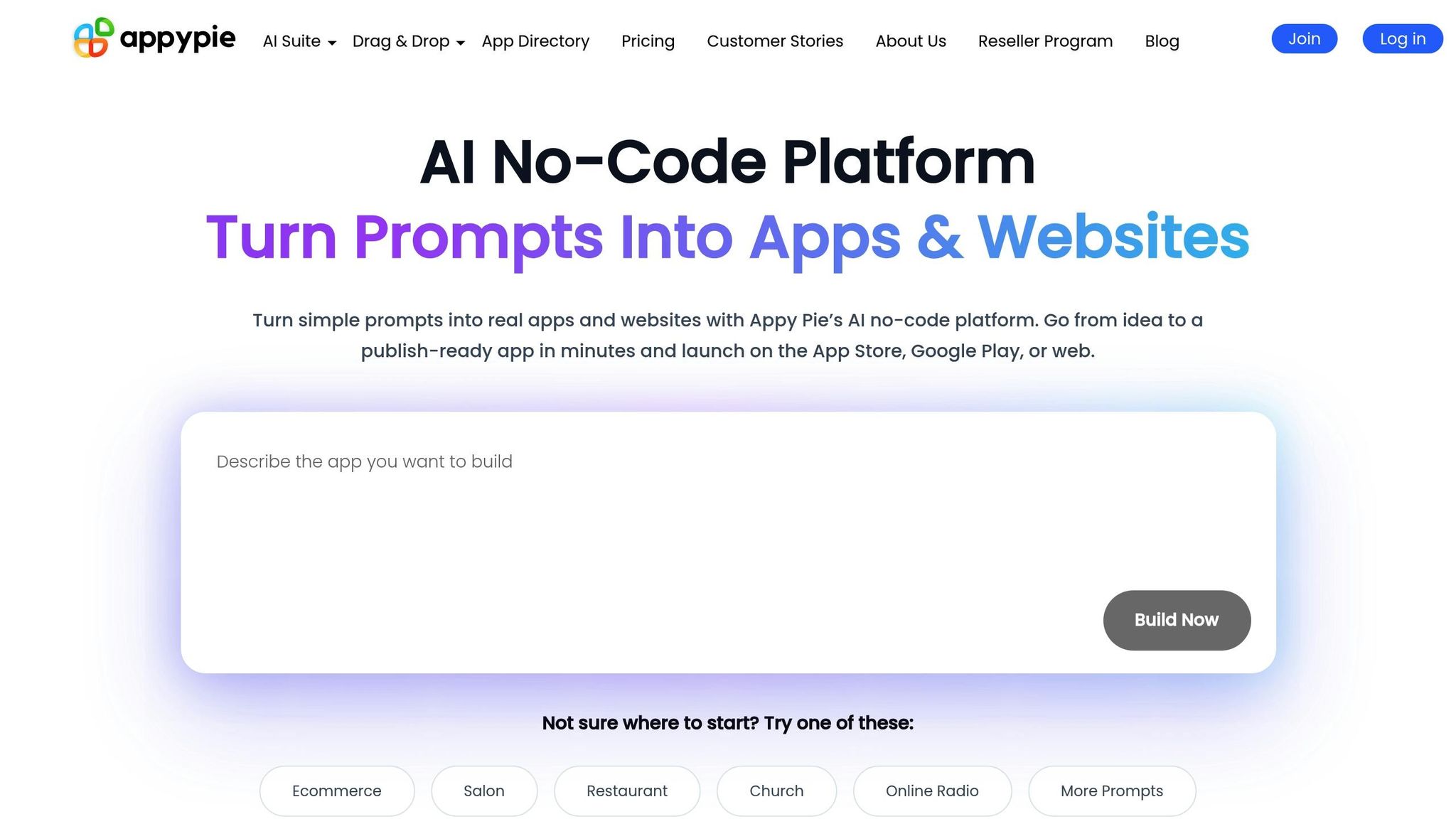
Appy Pie stands out as a no-code platform that combines app development with workflow automation, making it a go-to choice for small and medium-sized businesses (SMBs) looking for budget-friendly solutions. With over 10 million businesses worldwide using the platform, it offers tools that simplify processes and encourage innovation without the need for coding expertise.
Automation and Integration Capabilities
Appy Pie Automate supports integrations with over 1,000 apps, including widely used tools like Slack, Microsoft Teams, Salesforce, Jira, and Zendesk. Its AI-driven agents can handle complex, multi-step workflows independently, automating tasks such as lead generation, project management, and sales operations. Users can link apps through a trigger-action system and access over 300 tools for seamless data synchronization. Additionally, its one-click integration with Model Context Protocol (MCP) servers - such as Cursor, Windsurf, and Anthropic Claude - ensures smooth workflows across internal APIs and development environments.
User-Friendly Features for Non-Technical Users
Appy Pie's AI App Generator makes app creation incredibly accessible. Users simply describe their app idea in plain language, and the system generates the structure, workflows, and layouts within minutes. Its drag-and-drop interface allows full customization of features, colors, and layouts without requiring coding skills. Users can also choose from over 85 pre-built features, including push notifications, payment systems, and analytics, which can be added with just a few clicks.
Real-world examples highlight its ease of use. In 2026, Frank, owner of Woodloch Resort in the U.S., launched a guest engagement app in just three weeks. The app streamlined access to dining menus and resort updates, significantly reducing front-desk inquiries by directing guests to in-app resources. Similarly, Donald, who runs CPA Reviewer in the Philippines, developed a learning app in under a month to centralize exam prep materials for CPALE students, improving accessibility across iOS and Android platforms.
Pricing Plans and Scalability
Appy Pie offers a free trial for users to explore its features, with paid plans starting at $20 per month for AI-powered app and website building. The platform has earned a 4.7/5 rating on G2. Founder and CEO Abhinav Girdhar describes the platform as:
"a powerful no-code workflow automation platform built for small to medium-sized businesses (SMBs) that want to streamline processes affordably".
Higher-tier plans unlock advanced workflows, increased task capacities, and enhanced publishing options, making the platform scalable for growing SMBs. While larger enterprises might need more tailored solutions, Appy Pie’s pricing structure allows SMBs to scale efficiently and implement creative business solutions.
Real-World Applications for Business Efficiency
Appy Pie is a favorite among operations teams for syncing CRM data and automating social media posts using pre-built workflow templates. Marketing teams leverage AI agents for tasks like summarizing data or managing customer support inquiries, freeing up time for strategic planning. Its offline mode is another standout feature, supporting field operations in areas with limited connectivity.
In 2026, Wee, the owner of GO Meat-Free in Singapore, created a lifestyle app in about four weeks. The app featured recipes and wellness tips, driving repeat visits with regularly updated content. The platform’s real-time preview tool also ensures that users can test their app’s functionality before publishing, reducing errors at launch.
6. Levity
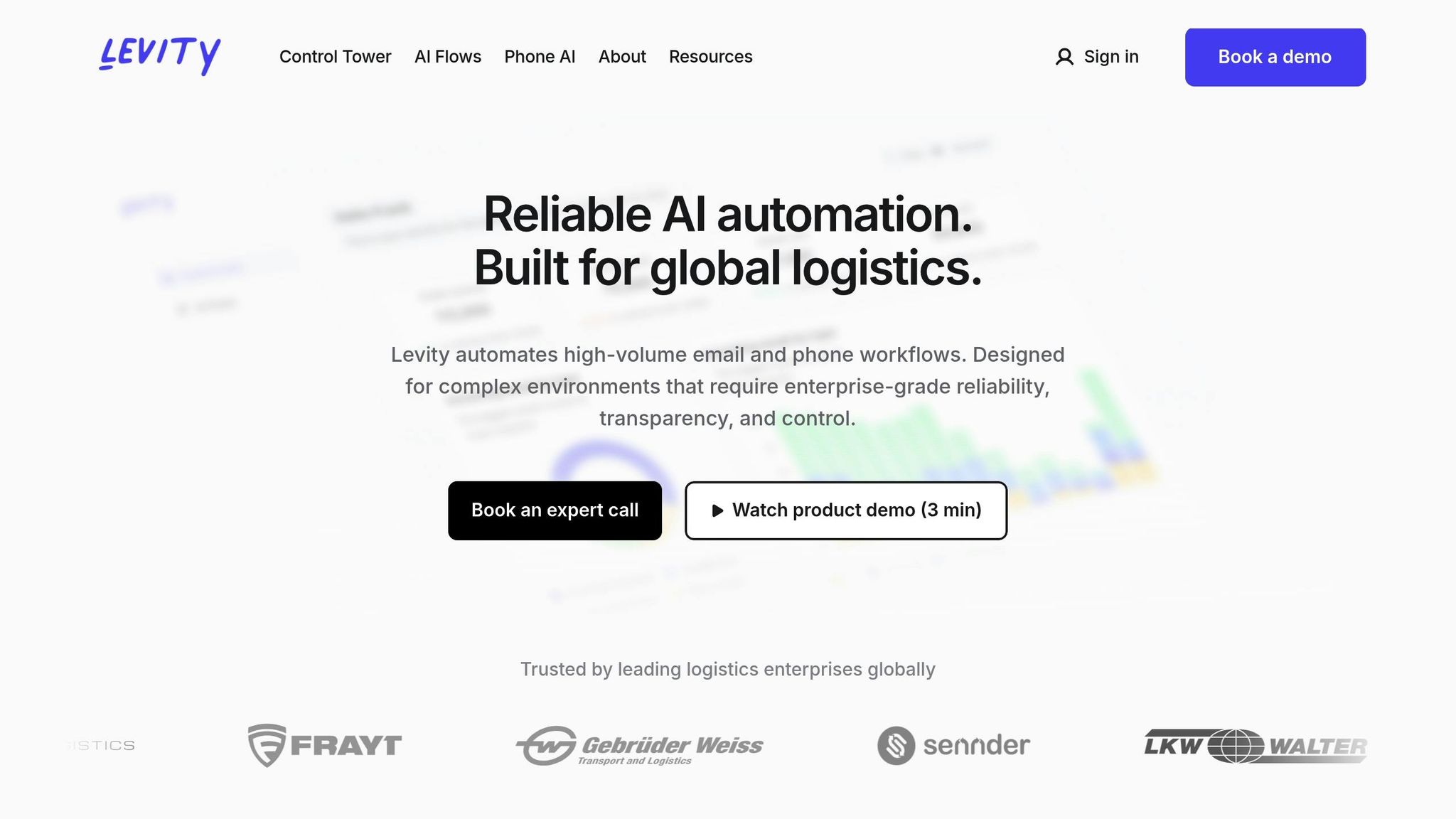
Levity simplifies high-volume email and phone workflows for logistics and enterprise operations. By combining AI reasoning with rule-based automation and fallback mechanisms, it increases accuracy from 80% to over 99%.
Automation and Integration Features
Levity's AI Flows are designed to handle complex, multi-lingual workflows with built-in fallback options. Its Phone AI takes care of tasks like load check-ups, tracking updates, invoice follow-ups, and call scheduling - all without human involvement. The Control Tower feature gives businesses a clear view of their operations, helping them pinpoint bottlenecks, calculate the costs of manual processes, and measure automation ROI.
The platform connects seamlessly with proprietary systems and thousands of apps through Zapier. Users can also create custom AI blocks to classify, summarize, or generate text, as well as extract specific data from unstructured documents.
Much like other no-code AI tools, Levity focuses on removing manual bottlenecks and improving efficiency. Its integration capabilities make it accessible for users without technical expertise.
Simplified Implementation for Non-Technical Users
Levity offers a visual workflow builder equipped with ready-made templates and custom model training, making it approachable for non-technical users to set up automated processes with no-code AI. For enterprise clients, Levity's team handles the entire integration process. Luke Denny, CEO of FRAYT, shared his experience:
"One thing that really stood out to me was how Levity fully owned the integration process. From the first conversation to going live, everything felt seamless. It moved faster than we expected, and my team didn't have to get caught up in the technical side - Levity just made it easy."
FRAYT adopted Levity's AI workflows in May 2025 to streamline their quoting process, cutting the time from 15 minutes to just 2 minutes - an 86% reduction. This allowed them to handle over 4,000 additional quote requests per month without adding staff. Similarly, in January 2026, Core Logistics used Levity to integrate their communication tool (Front) with their TMS (Turvo), eliminating manual data entry for 2,000 monthly orders.
Pricing and Scalability
Levity provides a free tier for users to test and build workflows. It also offers custom enterprise pricing, scaling from proof-of-concept stages to global rollouts. The platform meets enterprise security standards, including ISO 27001, SOC 2, and GDPR compliance. Levity has earned a 4.7/5 rating from 2,096 reviews.
Practical Applications for Business Operations
Operations teams rely on Levity to synchronize data across systems and automate document processing tasks. Its multi-lingual capabilities support automation for emails and phone interactions in all major languages. Kevin Mangold Arias, Head of Corporate Digital Services at Gebrüder Weiss, commented:
"Levity helps us uncover clarity in areas we previously couldn't measure and unlock automation where we never thought it was possible."
7. Bubble
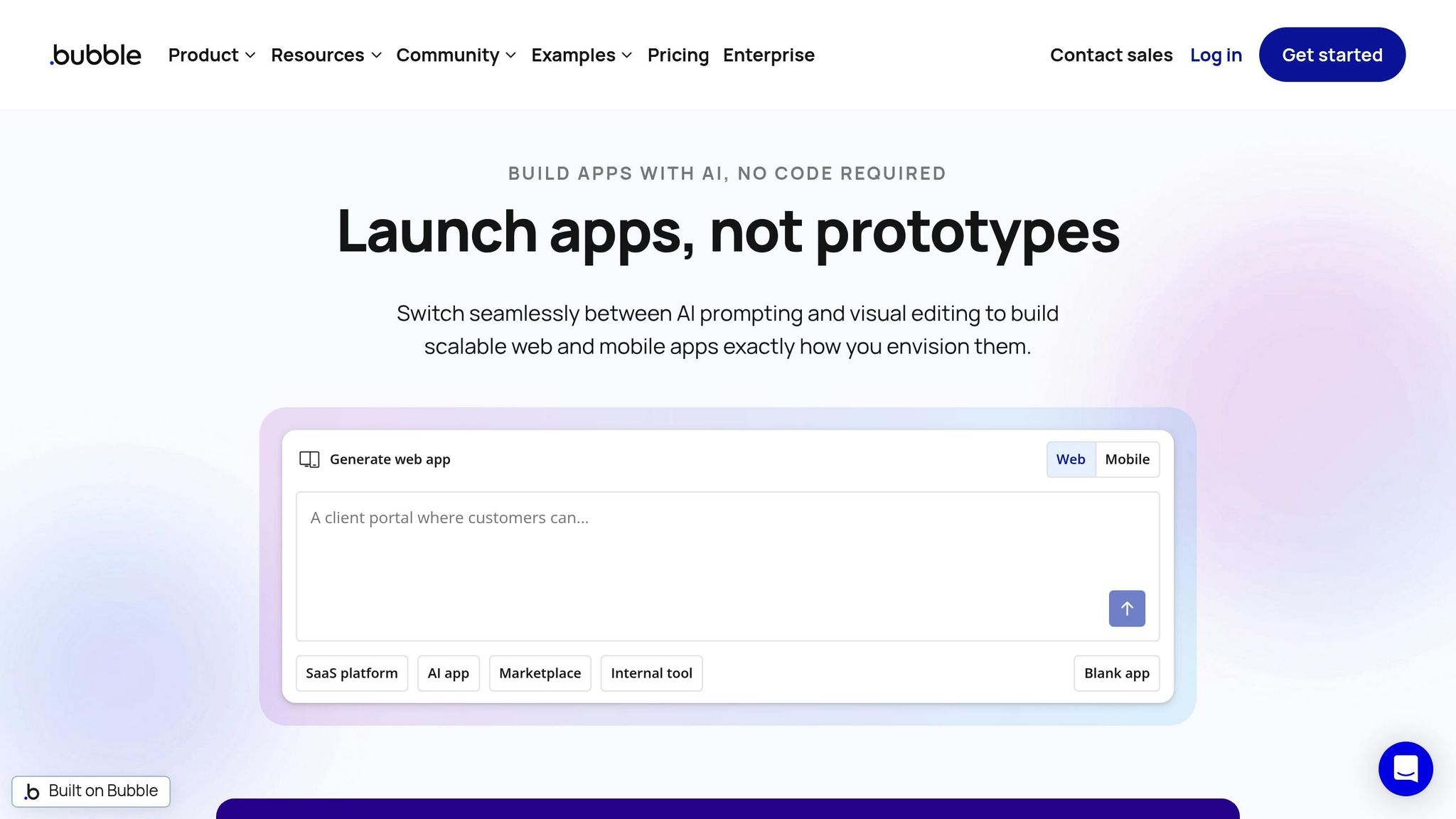
Bubble is a no-code platform that allows users without technical expertise to create business applications through a visual interface for design, data, and logic [65, 67]. By removing traditional development hurdles, Bubble empowers businesses to innovate more efficiently. Its AI App Builder takes natural language descriptions and transforms them into functional app structures - automatically generating pages, database schemas, and workflows [63, 69]. To date, over 5 million builders have created more than 6 million applications using the platform.
Automation and Integration Capabilities
Bubble includes a visual workflow system that simplifies business process automation. Users can set up "if/then" logic to handle tasks like payment processing, email notifications, and database updates [64, 65]. The platform also features an API Connector, enabling seamless integration with external services - no coding required. This is similar to how businesses use Zapier for no-code automation to connect disparate apps. With access to over 8,000 plugins, users can easily connect to tools like Stripe, Google Maps, and OpenAI [64, 66]. Additionally, scheduled workflows allow actions to be triggered by time or data changes.
Simplifying Development for Non-Technical Users
Bubble stands out for making app development accessible to non-technical users. Features like the built-in AI Agent provide real-time editing support through chat, while version control ensures safe testing of new features [64, 70]. Renee Jackson, founder of Dyspute.ai, shared how she managed to build an AI-powered mediation function in just eight weeks:
"The biggest surprise is that I was able to build this AI-led mediation function in eight weeks. In my head, that was going to be a year-long process, at least."
Another success story is My AskAI, which was developed by a two-person team using Bubble. As of August 2024, the platform supports 40,000 users and generates $25,000 in monthly revenue.
Pricing Plans and Scalability
Bubble offers a free plan for unlimited building and testing, with costs incurred only when an app is launched [67, 69]. Paid plans start at $29/month for the Starter tier, go up to $119/month for Growth, and $349/month for Team, with custom pricing available for Enterprise users. The platform uses a workload-based pricing model that adjusts with usage, and all AI features are included at no extra cost [67, 68]. Bubble prioritizes data security, being SOC 2 Type II compliant and utilizing AES-256 encryption [64, 65]. These features make it a reliable choice for businesses of all sizes.
Real-World Examples of Business Efficiency
Bubble has proven its value across various industries. Messly, a platform connecting temporary doctors with hospitals in the UK, was built on Bubble and grew to 25,000 registered doctors before being acquired by a global physician network. Seagate, a leader in data storage, uses Bubble to develop and manage internal business tools. Michael Ong, Product Manager at Seagate, praised the platform:
"Bubble is the best no-code platform, and it has the most capability of any platform I've ever tried. Trust me, I've tried all of them."
HelloPrenup also turned to Bubble for its robust security features, which met the company's needs for handling sensitive legal documents without requiring a dedicated security team.
8. Knack
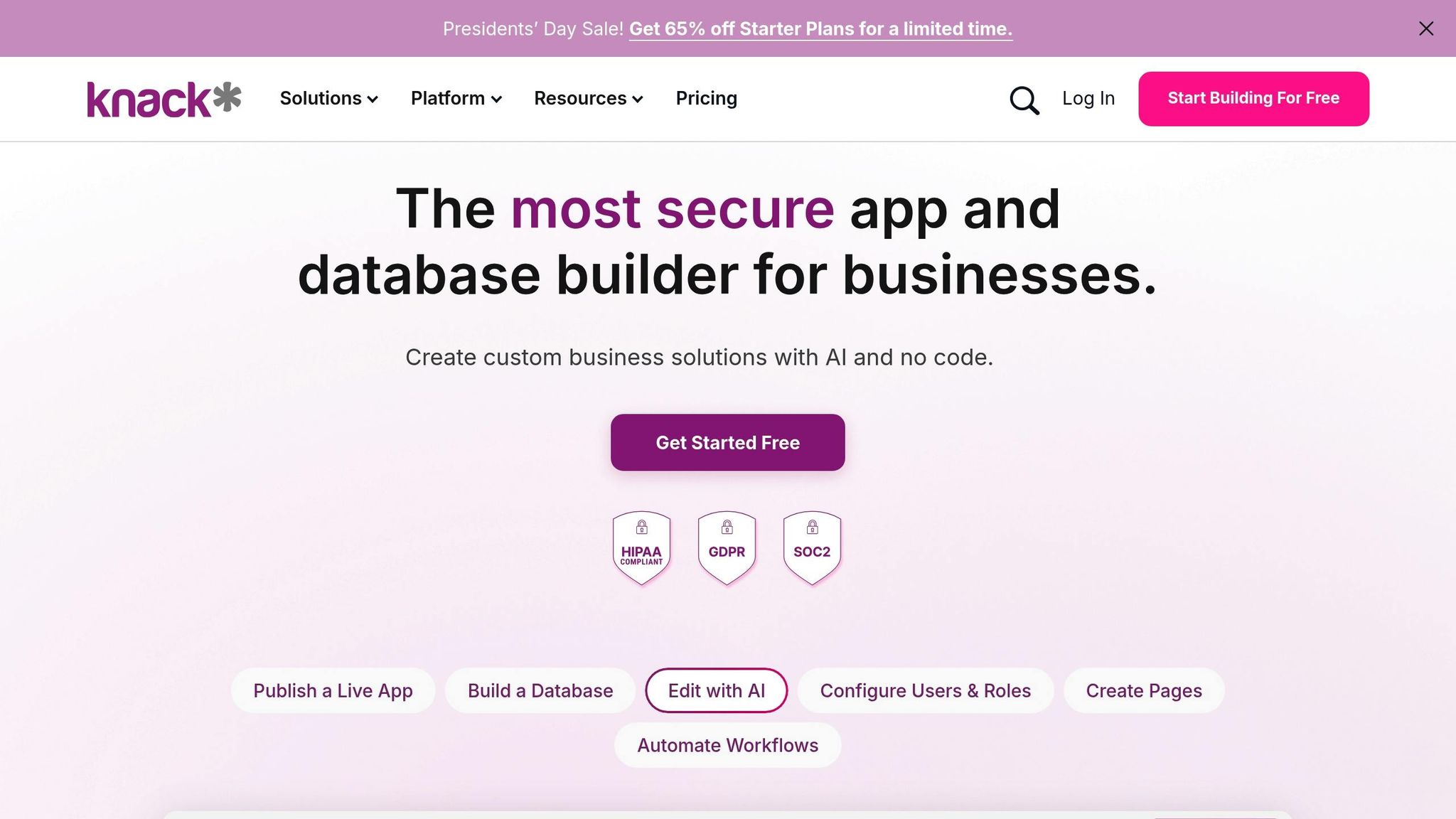
Knack is a standout among AI tools for small business operations that combines custom app development with powerful automation features. Designed for businesses looking to streamline operations, Knack enables users to create custom web applications through a visual interface and an AI-powered app builder. With over 100,000 users and a 92% customer retention rate, it has become a trusted solution for simplifying workflows. Its AI app builder can turn plain English instructions into fully functional applications, automatically generating databases, relationships, and workflows - cutting prototyping time from six hours to just one.
Automation and Integration Capabilities
Knack’s built-in automation engine, Knack Flows, allows users to set up multi-step workflows that trigger actions in real time. These workflows can handle tasks like approvals, status updates, and notifications, all without requiring any coding [77,78]. It integrates with over 500 tools, including Mailchimp, QuickBooks, Slack, Google Drive, and Google Sheets, and works seamlessly with Zapier and Make [73,75]. Pre-built templates make it easy to sync records and set up notifications, while the Flow Logs feature helps monitor automation processes.
User-Friendly for Non-Technical Teams
One of Knack’s most impressive features is its ability to cater to non-technical users. By simply describing their needs in plain English (e.g., "invoice generator with approval workflow"), users can rely on the AI builder to create the database structure, forms, and user interface automatically [75,76]. The platform handles 70% of the setup - covering entities, relationships, and navigation - reducing manual steps from about 25 to fewer than 10 compared to traditional no-code tools. This efficiency is further enhanced when paired with prompt bundles for business automation to refine app logic. After the initial setup, users can tweak layouts, fields, and logic with an intuitive drag-and-drop editor.
JD Worley, CEO of Curetech, described how Knack transformed his workflow:
"In the beginning, it probably took me three or four days to build out a new section. Now I can build something new in under an hour".
By consolidating its operations into Knack in 2026, Curetech saved over $250,000 annually. Knack’s ability to integrate with popular tools further extends its automation potential.
Pricing Plans and Scalability
Knack offers flat-rate subscription pricing, allowing unlimited users on all plans - making it an excellent choice for scaling businesses. Here’s a quick breakdown of the pricing:
- Starter Plan: $59/month ($49/month with annual billing) for 20,000 records, three apps, and 2 GB storage.
- Pro Plan: $119/month ($99/month annually) for 50,000 records, unlimited apps, and 10 GB storage.
- Corporate Plan: $269/month ($224/month annually) for 125,000 records, 50 GB storage, and 10,000 API calls per day.
For larger organizations, Knack can scale to handle up to 1.5 million records without performance issues. Custom Enterprise pricing is available for businesses needing HIPAA compliance or GovCloud environments [79,81]. All plans include access to integrations and AI credits for the app builder.
Real-World Success Stories
Knack has proven its value across various industries. For example, El Camino College used Knack to manage program administration, achieving a tenfold increase in efficiency. Eldon Davidson, Director of Advanced Customized Training Solutions at the college, shared:
"The speed of development with Knack was really critical for what we needed... you could accomplish the same thing with fewer clicks".
Another success story comes from Verified Athletics, which uses Knack to reduce operational overhead. Damir Makic, Co-Founder and COO, explained:
"We don't need a full support team or stack of engineers. For some issues, if someone comes to us and has a problem, Knack takes care of it, and that's it".
Knack’s relational database engine and compliance features make it particularly well-suited for industries managing sensitive data. Its unlimited user model ensures it can accommodate teams of any size [79,80].
9. Glide
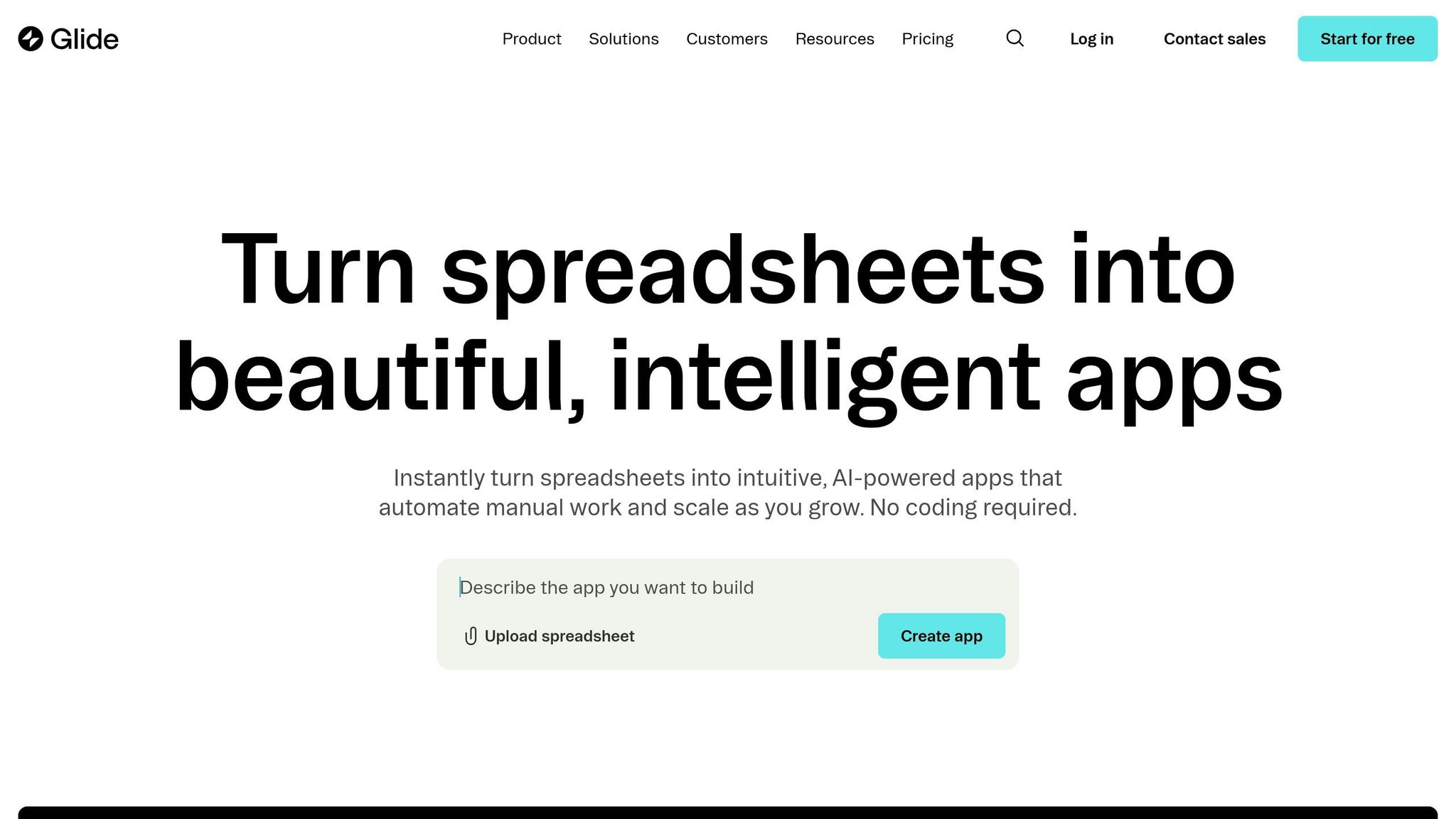
Glide is a no-code platform that turns spreadsheets and databases into mobile and desktop apps. Trusted by over 100,000 companies, it transforms data from tools like Google Sheets, Excel, Airtable, or SQL databases into polished apps in just minutes. Its Glide Agent feature allows users to describe their needs in plain English, instantly generating custom apps with structured data and layouts.
Ease of Use for Non-Technical Users
Glide's spreadsheet-like interface makes it approachable for users of all skill levels. By simply dragging and dropping components, users can design app layouts, while Glide automatically optimizes them for mobile and desktop devices with professional themes. For those who prefer not to build apps themselves, Glide Solutions connects users with vetted agencies that can deliver custom apps in approximately four weeks.
One standout example of Glide in action is from William Schonbrun, COO and Co-founder of CarboNet. His team implemented Glide's AI voice-to-text feature for field operations in the West Texas desert. This feature enabled hands-free note-taking that auto-summarized into bullet points, cutting operational costs by a factor of 30. Beyond its intuitive design, Glide also supports advanced automation to simplify workflow management.
Automation and Integration Features
Glide's Workflow Editor provides a visual way to automate processes triggered by app events, such as form submissions or status changes. The platform includes ten AI-powered features, like Audio to Text, Document to Text, and tools for transforming unstructured text into formats like Boolean, Date, Number, or JSON data. It integrates seamlessly with services like Slack, Stripe, and Gmail, and extends capabilities further via Zapier and Make automations. These automation tools help businesses save time and boost efficiency.
For example, Centerline Business Services, led by President Trey Heath, used Glide to create an AI-powered investor portal. This portal automated the process of generating and distributing monthly financial summaries, replacing a labor-intensive system. Heath shared:
"Before Glide AI, a financial analyst would write three paragraphs for every investment update. Then, we would need to manually email hundreds of investors a PDF of that month's financial performance. Glide has automated this entire process for us."
This automation saved the company 80 hours per week, showcasing Glide's ability to streamline complex workflows.
Pricing and Growth Potential
Glide offers pricing plans tailored to businesses at various stages of growth. The Free plan supports up to 10 personal users with 25,000 rows of data. The Business plan, at $199/month (billed annually), includes 30 users, 5,000 monthly updates, and 100,000 rows. For larger enterprises, custom-priced plans provide support for up to 10 million rows per app using Big Tables, along with SQL database connections, SSO, and priority support.
With a 4.7/5 star rating on G2 from over 785 reviews, Glide has proven its value to businesses. Companies like YetiPay reported a 750% revenue boost for field representatives using Glide apps, while Lonestar saw a 15x improvement in field technician efficiency after deploying the platform for over 100 technicians. These results highlight Glide's potential to deliver scalable and cost-efficient solutions.
10. ClickUp AI
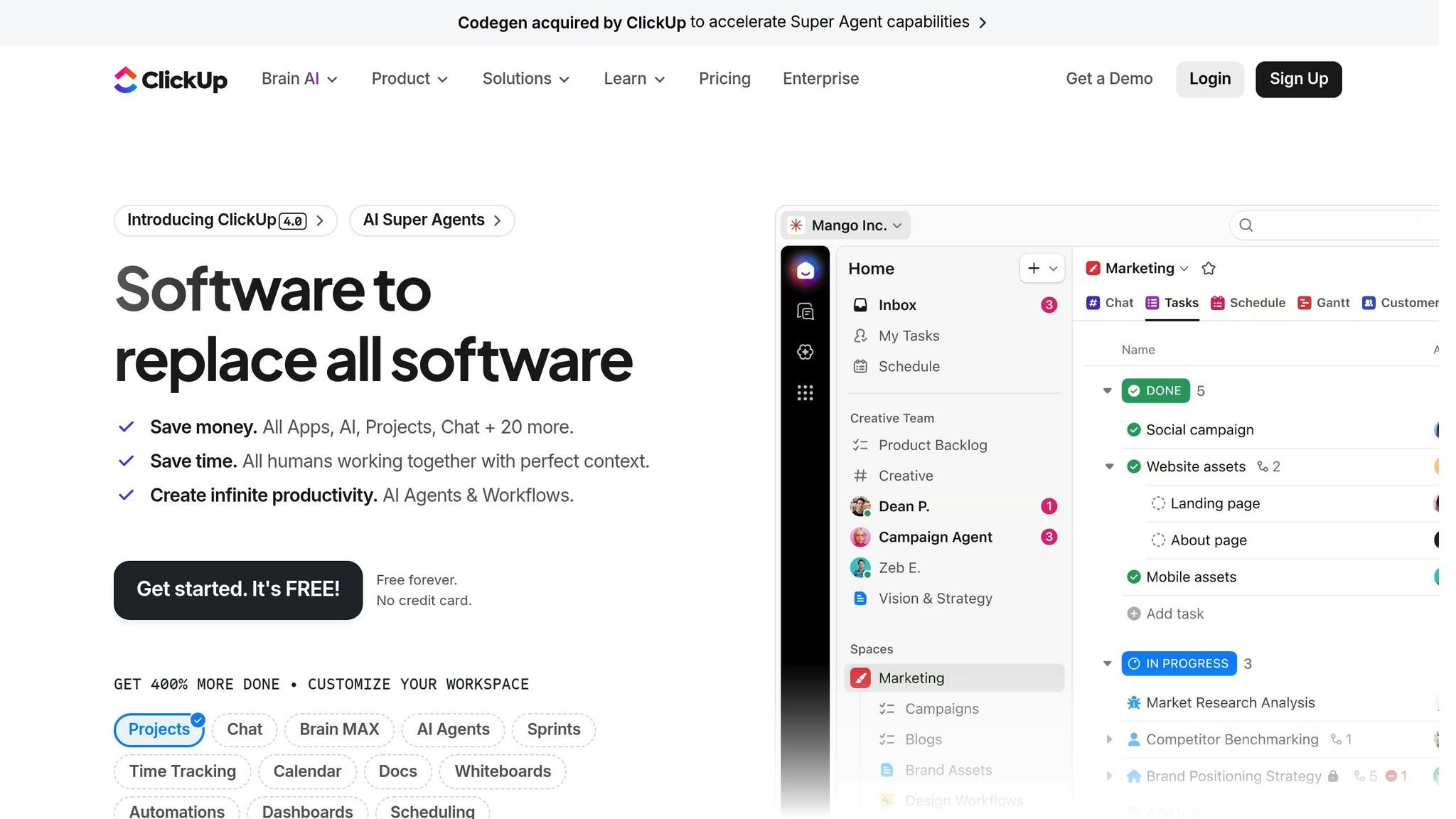
ClickUp AI, also known as ClickUp Brain, simplifies project management by automating tasks like meeting notes and multi-step workflows. With over 10,000 reviews on G2 and an impressive 4.7/5-star rating, it’s become a favorite for businesses aiming to streamline operations without diving into complex coding.
User-Friendly Tools for Non-Technical Teams
ClickUp Brain stands out for its ease of use, especially for non-technical users. Its Natural Language Processing (NLP) Automation Builder allows teams to create workflows simply by describing what they need in plain English. You explain the task, and the system builds the automation for you.
The AI Agent Builder takes it a step further, letting teams design and deploy AI agents through a conversational interface. Another feature, Brain Max, supports voice dictation, instantly organizing tasks and automations.
Oscar Aguilar, Marketing Operations Manager at CEMEX, shared his experience:
"We tried other platforms, but none of them offered the level of customization and automation we needed. ClickUp allows us to run a transparent operation".
These tools make automation accessible and efficient for teams of all sizes.
Advanced Automation and Integrations
ClickUp AI offers powerful automation features designed to save time and increase productivity. Super Agents and Autopilot Agents handle complex, multi-step workflows across various workspace areas. The AI Notetaker automatically records meeting discussions, turning them into searchable summaries and actionable tasks.
Another standout feature is Connected Search, which lets users find information stored in external tools like Google Drive, Salesforce, GitHub, Figma, and Slack - right from ClickUp.
These features translate into measurable results: users report saving an average of 1.1 days per week, with AI-assisted tasks completed up to three times faster than manual processes. Some organizations have even cut costs by up to 88% by consolidating AI and productivity tools into ClickUp.
Flexible Pricing and Scalable Options
ClickUp AI offers pricing plans designed to fit teams of all sizes, with add-ons tailored for advanced AI functionality.
- The Brain AI add-on costs $9/user/month (billed annually) and includes unlimited Brain Assistant, AI Writing, and 1,500 Super Credits.
- The Everything AI add-on is $28/user/month and adds unlimited Notetaker, AI Automations, and 5,000 Super Credits.
- For tasks requiring high computing power, AI Super Credits are available for $10 per 10,000 credits.
Base plans start at $7/user/month for the Unlimited plan, $12/user/month for the Business plan, and custom pricing for Enterprise solutions.
ClickUp also offers a "Super Fair Billing" policy, allowing businesses to replace team members mid-cycle without extra AI charges for that seat. For larger teams, the savings can be substantial - a 500-person company could save up to $282,000 annually by consolidating their tools into ClickUp.
Conclusion
No-code AI tools are reshaping how businesses operate by giving marketers, project managers, analysts, and operations teams the ability to automate tasks, build custom apps, and make smarter decisions - all without needing a computer science degree or a hefty budget.
By 2025, 70% of new enterprise applications are projected to use no-code or low-code platforms. Companies adopting these tools can create solutions 56% faster compared to traditional development methods. Startups are slashing development costs by up to 70%, and small businesses are saving anywhere from $50,000 to $150,000 annually. On top of that, employees are seeing a 66% boost in productivity, and automation is reclaiming up to 30% of their time. While traditional AI app development can cost between $20,000 and $200,000, no-code platforms offer a much more affordable entry point, with plans often starting as low as $20 to $99 per month.
The benefits are clear. Whether your challenge is streamlining repetitive tasks, speeding up customer response times, or building apps faster, no-code AI tools offer a practical solution. For example, Zapier is ideal for integrations, Akkio excels in predictive analytics, Glide lets you create mobile apps, and God of Prompt provides over 30,000 AI prompts to optimize workflows. A great way to start? Launch a small, two-week pilot project in one department to test completion times, error rates, and adoption before rolling it out further.
The no-code AI market is growing at an annual rate of 31–38%, with projections to hit $25 billion by 2030. This isn’t just a passing trend - it’s becoming the new norm for how businesses innovate and operate. As Owen Williams, UX Manager at Shopify, aptly said:
"The future of coding is no-code".
The tools are here, the costs are manageable, and the results speak for themselves. Identify your needs, test the right solutions, and see how no-code AI can transform your team’s productivity. The future of work is already within reach.
FAQs
Which no-code AI tool should I start with for my business?
Knack is a solid choice if you're looking to build custom applications or manage complex data without diving into coding. It works well for tasks like project management, financial tracking, and creating customer portals. On the other hand, God of Prompt offers a vast library of over 30,000 AI prompts and toolkits designed to simplify workflows in areas like marketing, SEO, and automation. Both tools are excellent for boosting productivity and sparking creativity in your business operations.
How can I measure ROI from no-code AI in 2 weeks?
To see results from no-code AI in just two weeks, target processes that are high-volume and follow clear, repetitive rules - think tasks like email automation or data entry. Keep an eye on metrics that matter, such as time saved, cost reductions, or error rates. You can even use ROI calculators to quickly estimate the savings in both hours and dollars. Tie these results back to key performance indicators (KPIs) like boosts in productivity or improved customer satisfaction to showcase a fast and measurable impact.
What data-security risks should I check before using these tools?
When working with no-code AI tools, handling sensitive data requires extra care. Mishandling or improper storage can expose your business to data breaches, so it's essential to have strong security measures in place.
Start with encryption - both in transit and at rest - to safeguard data from unauthorized access. Combine this with strict access controls to ensure only authorized personnel can view or manage sensitive information.
It's also critical to confirm that your vendor complies with relevant regulations, such as GDPR or HIPAA, depending on your industry. Take time to review their data lifecycle policies, including how they store, process, and delete data. Transparency here is key.
To further minimize risks, conduct regular security audits to identify vulnerabilities. Pair this with ongoing employee training to ensure your team understands best practices for data protection. Together, these steps can help secure sensitive data and protect your business from potential threats.
Related Blog Posts

Loved by Business Owners


Based on 1K reviews
Get smarter on AI every week.
Ready to transform your business?