Top 7 No-Code Platforms for AI Customization




No-code platforms are making AI development faster, cheaper, and accessible to non-technical users. By 2026, 75% of new applications will rely on these tools, cutting costs by up to 90% compared to traditional development. Here's a quick look at the top AI platforms:
- Bubble: Advanced app creation with AI tools, integrations (e.g., OpenAI, Google Gemini), and a drag-and-drop editor. Plans start at $25/month.
- Glide: Transforms data into mobile-friendly apps with AI features like text/image processing. Great for teams, starting at $19/month.
- Adalo: Build native iOS/Android apps with AI integrations like ChatGPT. Paid plans begin at $60/month.
- Softr: Create client portals and CRMs from spreadsheets with AI Agents. Pricing starts at $49/month.
- Appy Pie: Generate apps using simple prompts and AI tools like UI designers. Plans start at $16/month.
- Momen: Focused on AI agents and BYOM (Bring Your Own Model). Free tier available; paid plans from $33/month.
- FlutterFlow: Build high-performance native apps with advanced AI customization. Starts at $25/month.
These platforms save time, reduce costs, and enable businesses to deploy AI solutions without coding. Below is a quick comparison to help you choose the right one.

No-Code AI Platform Comparison: Features, Pricing, and Best Use Cases
Top 10 No Code App Builder Tools 2026 | How To Create App Without Coding? | AI Tools | Simplilearn
Quick Comparison
| Platform | Best For | Starting Price | AI Features | Deployment Options |
|---|---|---|---|---|
| Bubble | Complex web apps | $25/month | GPT-4, DALL-E, Claude integrations | Web |
| Glide | Mobile-friendly apps | $19/month | AI tools for text/image processing | Mobile, Web |
| Adalo | Native iOS/Android apps | $60/month | ChatGPT integration, Custom Actions | iOS, Android |
| Softr | Internal tools, CRMs | $49/month | AI Agents, live data interaction | Web, PWAs |
| Appy Pie | Beginners, quick prototypes | $16/month | AI app generator, agent builder | iOS, Android |
| Momen | AI agent builders, BYOM | $33/month | GPT-4o, custom API integrations | Web |
| FlutterFlow | High-performance native apps | $25/month | Advanced AI tools, Firebase integration | iOS, Android, Web |
Choose based on your needs - whether it's building apps for mobile, web, or internal tools - and your team's technical expertise.
1. Bubble
AI Customization Features
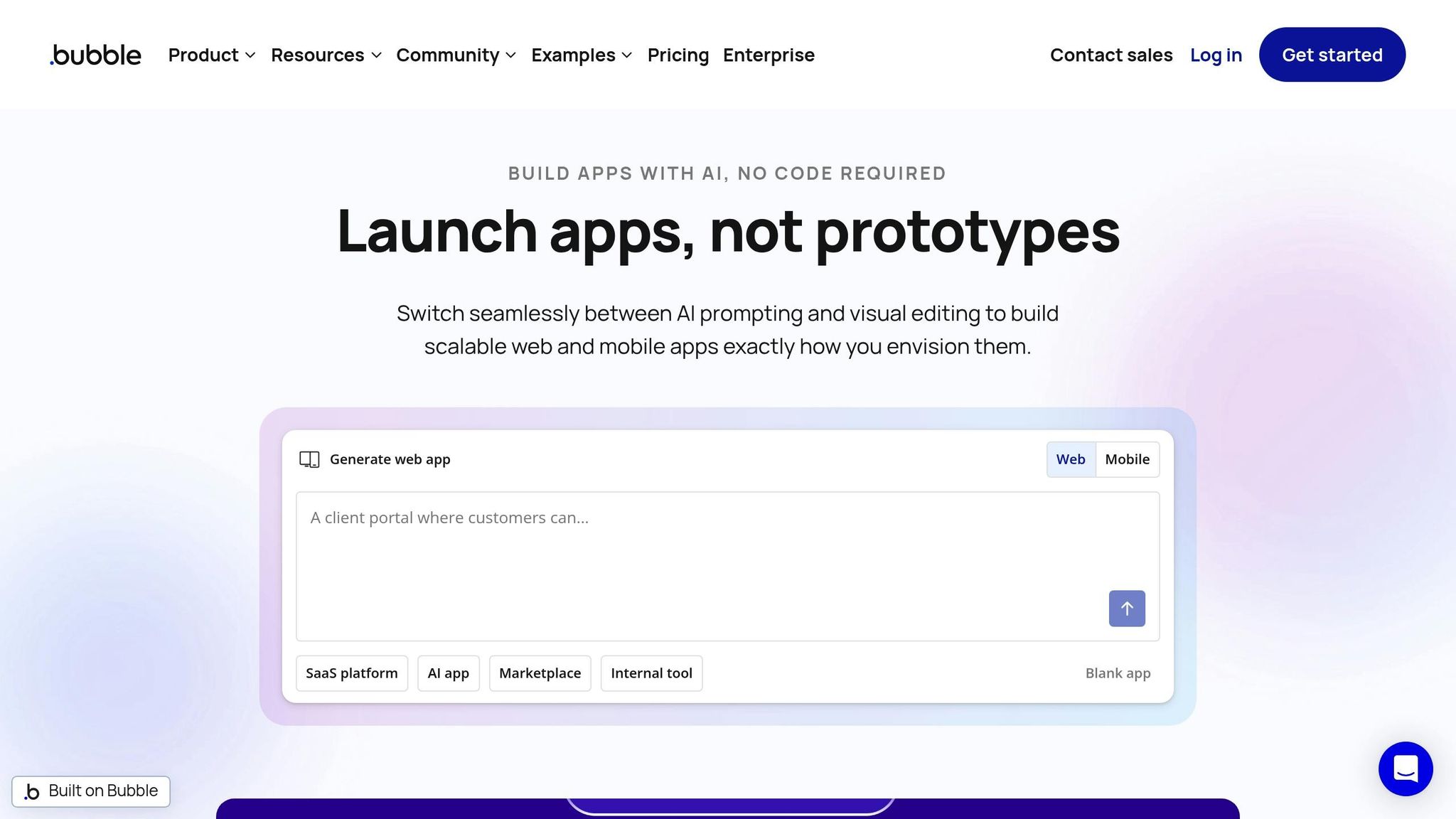
Bubble simplifies app creation with its AI-powered tools that can generate complete app structures, design UI layouts, and enable conversational editing - all from simple text prompts. It supports integration with advanced models like OpenAI's GPT-4 and DALL-E, Anthropic's Claude Sonnet 4.5, Google Gemini, Grok, and DeepSeek. These integrations allow users to control outputs through system and user prompts. Once the AI generates the initial design, Bubble’s drag-and-drop editor lets you fine-tune the app’s design and logic with precision.
These features make app development faster and more efficient, catering to both beginners and experienced developers.
Ease of Building and Deploying AI Solutions
Bubble combines AI generation with manual editing, making it easy to build and deploy fully functional AI solutions. The platform’s visual workflow editor ensures users can refine and finalize their projects without needing to write a single line of code.
This efficiency is evident in real-world use cases. For example, Faceless.video, an AI video generation platform built on Bubble, achieved $1 million ARR and attracted over 850,000 users in its first year. Similarly, Formula Bot reached 1 million users, and MyAskAI grew to 40,000 users, all leveraging Bubble's infrastructure. Another success story is NuShift's ELMR-T, an AI document analysis tool that was developed in just 4 weeks - a fraction of the 4–6 months it would have taken with traditional coding methods.
Integration Capabilities
Bubble’s API Connector gives users full control over external AI service requests without requiring any coding knowledge. Its plugin directory enhances functionality with integrations for tasks like text-to-speech, sentiment analysis, and real-time streaming outputs. Data synchronization is secure and reliable, featuring AES-256 encryption, TLS, SOC 2 Type II compliance, and GDPR readiness.
Pricing and Scalability
Bubble offers a free plan for development and testing, making it accessible to newcomers. Paid plans start at approximately $25 per month, providing custom domain support and advanced scaling options through workload-based pricing.
2. Glide
AI Customization Features
Glide comes equipped with 10 AI-powered tools to transform data, including features like Audio to Text, Document to Text, Generate Text, and Image to Text. It also supports structured data conversions such as Text to Boolean, Choice, Date, Number, JSON, and more. The platform uses a managed AI system that automatically selects and upgrades large language models tailored to specific tasks. Additionally, it handles backend integration and caching, minimizing update consumption.
Currently in beta, the AI Custom Component and Glide Agent allow users to design interactive UI elements and even auto-generate entire app structures - including data tables and layouts - using natural language prompts. Mastering prompt engineering is key to getting the best results from these tools. For more advanced needs, Enterprise customers gain access to Advanced Reasoning, which taps into sophisticated AI models for handling complex logic.
These features make it easier than ever to customize, create, and deploy apps with minimal effort.
Ease of Building and Deploying AI Solutions
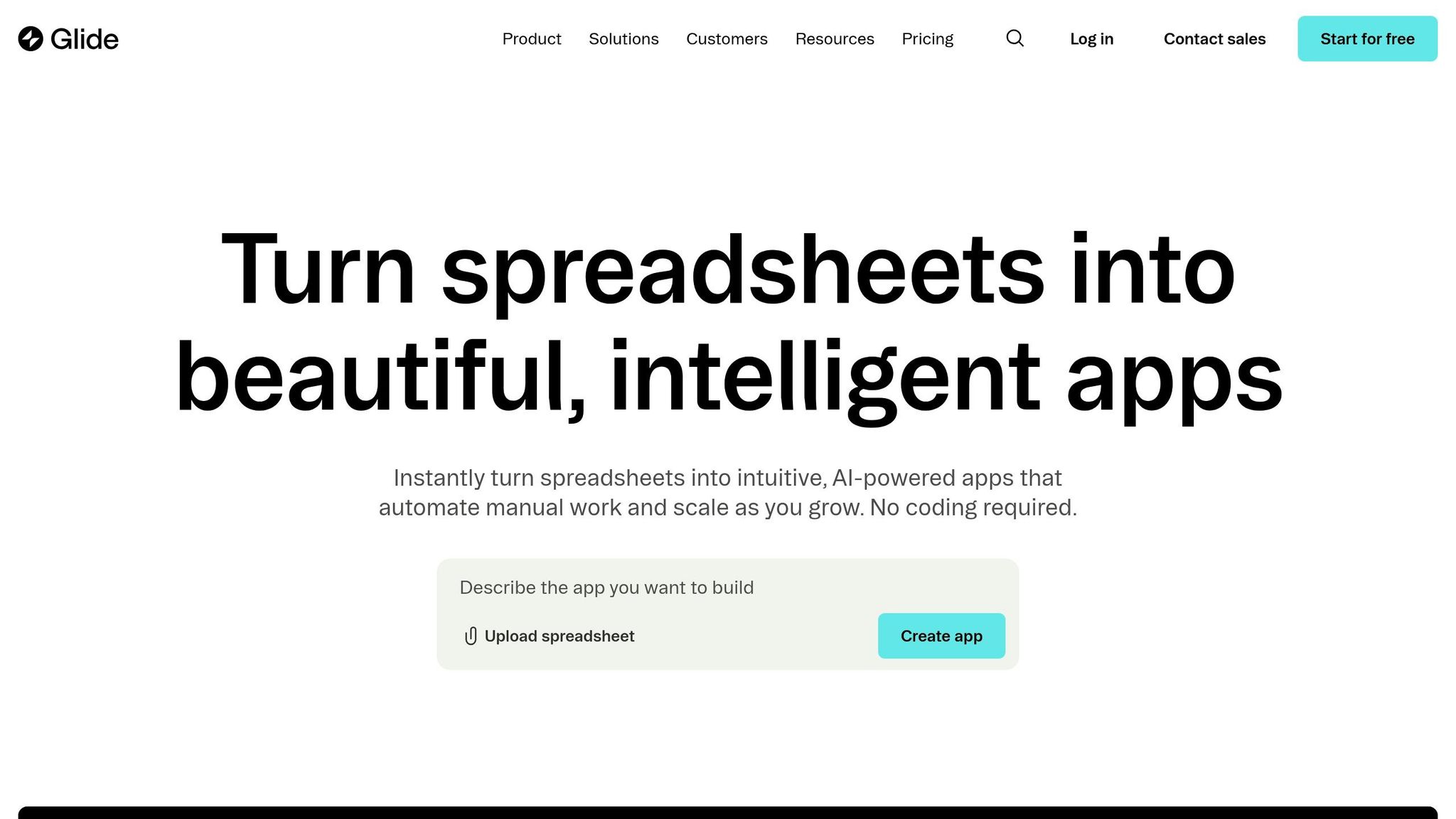
Glide simplifies app creation by transforming data from Google Sheets, Excel, or Airtable into fully functional apps - no coding required. Trusted by over 100,000 companies, Glide ensures that apps are automatically optimized for mobile, tablet, and desktop devices.
In April 2025, MintLeads used Glide to create an AI sales agent that integrated with HubSpot CRM. This agent could summarize leads before calls and draft proposal emails in Gmail, saving sales reps about 15 minutes per call and effectively doubling their call capacity. Another example is Lonestar, which implemented a Glide app for over 100 field technicians. This app provided instant access to on-site tools and data, boosting technician efficiency by an impressive 15x. Similarly, Manfield Paris developed an inventory management app using Glide, achieving productivity gains equivalent to hiring two additional full-time employees.
Integration Capabilities
Glide offers seamless integration with tools like Google Sheets, Airtable, MySQL, and PostgreSQL. It also supports Big Tables, which can handle up to 10 million rows per project. For AI capabilities, Glide directly connects to OpenAI's GPT models and Replicate, enabling users to expand their app's functionality. Other third-party integrations include Slack, Stripe, Gmail, and Salesforce.
CarboNet leveraged Glide to build an enterprise-grade suite of operational apps, reducing software development costs by a staggering 30x compared to traditional methods. Glide also prioritizes security, adhering to SOC II Type 2, GDPR, and CCPA standards. Importantly, the platform ensures that user data is not used to train its underlying AI models.
Pricing and Scalability
Glide offers a free plan alongside tiered paid options - Maker, Team, Business, and Enterprise - designed for different needs and scales. AI features are exclusive to paid plans and operate on a usage-based model, where each feature consumes "updates". For integrations with services like OpenAI and Replicate, users are billed separately based on API usage.
3. Adalo
AI Customization Features
Adalo integrates AI into your apps with its Ask ChatGPT Custom Action, a feature that connects directly to OpenAI's models, defaulting to GPT-3.5 turbo. This tool is pre-configured to handle tasks like text processing, translation, sentiment analysis, and content moderation - all without requiring you to write a single line of API code. For more advanced needs, Adalo allows connections to any service with a REST API through its Custom Actions. This opens up possibilities to integrate platforms like Anthropic, Hugging Face, or Amazon Rekognition for image recognition.
Adalo's Magic features take automation a step further by generating database structures and dynamically embedding data into app components - all from simple text prompts. The ChatGPT integration also includes an optional History field to maintain context, although it uses this feature sparingly to stay within token limits. Interestingly, 28% of OpenAI API usage comes from no-code and low-code platforms, showcasing how tools like Adalo are making AI development more accessible.
Ease of Building and Deploying AI Solutions
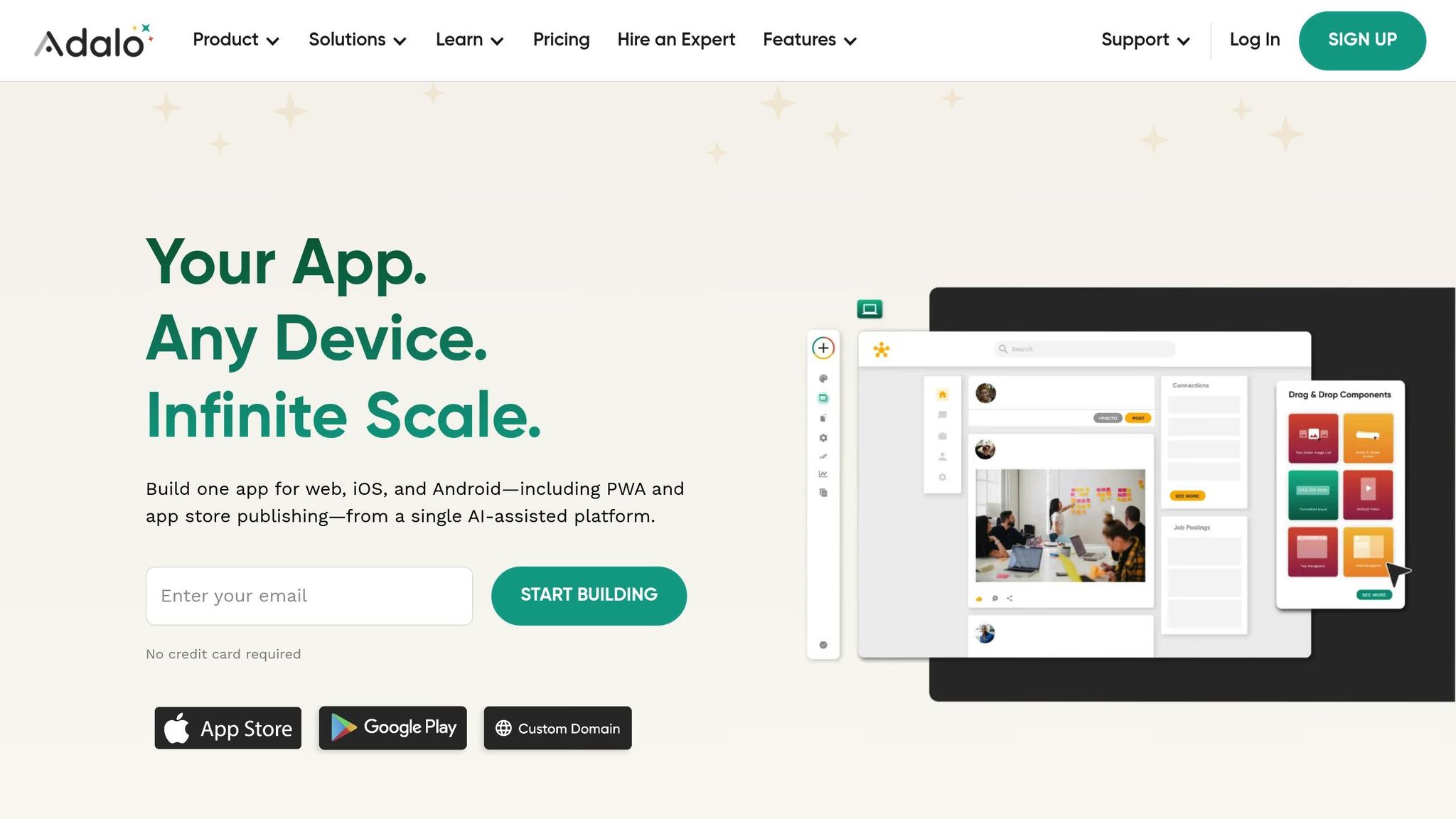
Adalo simplifies the process of prototyping and launching AI solutions, making it accessible even for users with no technical background. Its drag-and-drop interface is designed to be intuitive, enabling non-technical users to build apps with ease. In fact, 24% of no-code users report having no prior coding experience before using such platforms. With Adalo, non-technical founders can often create a working prototype in just 2–3 days and launch fully functional apps within 2–4 weeks.
Unlike some platforms that merely create web wrappers, Adalo builds genuine native iOS and Android applications from a single visual design. It also handles technical tasks like provisioning profiles automatically. The platform processes over 20 million daily data requests, maintains an average uptime of over 99%, and has been used to create more than 1 million apps. According to Adalo's research, organizations using no-code platforms save an average of $1.7 million annually.
Integration Capabilities
Adalo extends its AI functionality with seamless integration options. It connects to external databases like Xano, Airtable, and Google Sheets, and works with over 8,000 apps via Zapier. For workflow automation, it supports tools like Make. Additionally, the Component Marketplace offers pre-built tools tailored for specific AI use cases, such as image recognition and natural language processing.
For AI apps that require heavy data processing, pairing Adalo with Xano instead of relying solely on its built-in database can significantly improve performance. Features like Magic Text allow user inputs or database records to be dynamically inserted into AI prompts, ensuring responses are contextually relevant.
Pricing and Scalability
Adalo offers a Free plan that supports unlimited test apps and up to 200–500 records, making it a great option for testing AI logic before committing to a paid plan. The Professional plan, priced at $60 per month, is necessary for accessing Custom Actions, which are crucial for connecting to external AI APIs like OpenAI. For higher needs, the Team plan costs $200 per month, while the Business plan is available at $250 per month, allowing for up to 10 published apps.
Keep in mind that using AI models like OpenAI requires a separate API key and incurs usage-based fees. Publishing to app stores also involves additional costs, such as a $99 annual Apple Developer fee and a one-time $25 fee for Google Play. Adalo is built to scale, capable of handling over 1,000,000 monthly active users with ease.
sbb-itb-58f115e
4. Softr
AI Customization Features
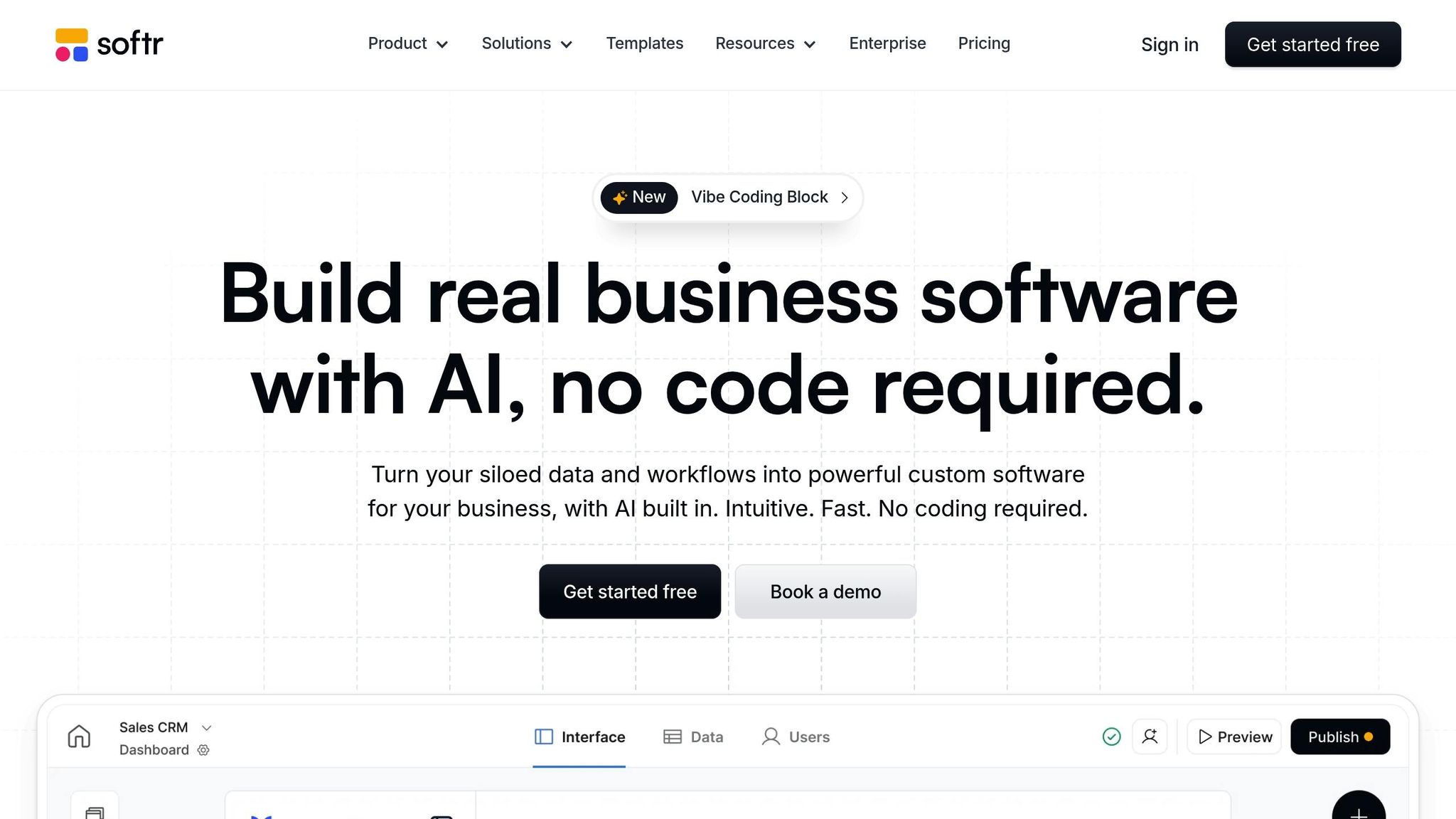
Softr's AI App Generator takes a simple text prompt and turns it into a fully functional application. This includes the user interface, business logic, user roles, and even a sample-backed database. Unlike basic template selectors, it lays the groundwork for client portals, CRMs, and internal tools in no time.
The platform also employs AI Agents to handle tasks like summarization, categorization, PDF analysis, and sentiment analysis without manual effort. Its Ask AI feature allows users to interact with live data using plain language - for instance, asking, "How many deals closed last month?" and getting immediate answers. Softr integrates directly with OpenAI and Anthropic models, and for Business and Enterprise users, it supports custom API keys, giving you more control over model configurations and costs.
"Softr is no longer just an interface tool - it's become a real engine of automation and internal AI."
– Simon Olivier, Co-founder, Bienfait
These tools make it incredibly easy to deploy AI-powered solutions without writing a single line of code.
Ease of Building and Deploying AI Solutions
Softr's drag-and-drop builder simplifies creating apps and automations. You can test your app in real-time across different user roles before publishing, thanks to its interactive preview feature. The apps are fully responsive and can be deployed as Progressive Web Apps (PWAs) for iOS and Android with just a few clicks. With over 1 million teams using the platform and access to nearly 100 pre-designed templates, Softr caters to a wide range of business needs.
"Softr enables us to build apps 10x faster than with custom code and at a much lower cost. That allows us to be an agile organization, test business concepts quickly, and keep our costs low without compromising quality."
– Erik Sandsmark, Co-Founder and Chief Design Officer
Integration Capabilities
Softr goes beyond app building by offering seamless integration with various data sources. It natively connects to over 15 platforms, including Airtable, Google Sheets, Notion, HubSpot, BigQuery, and SQL databases. Its built-in workflows eliminate the need for external automation tools, allowing you to automate tasks directly within the platform. These workflows can respond to in-app actions or database updates, and the platform also supports REST API calls and webhook triggers for external integrations. AI Agents further enhance efficiency by automatically classifying, summarizing, or validating records as they are created or updated.
Pricing and Scalability
Softr offers straightforward pricing to make scaling predictable. The Free plan accommodates up to 10 users and includes basic features with a 7-day run history. The Starter plan, priced at $49/month (billed annually), supports 20 users. The Professional plan, at $139/month, allows for 100 users and includes webhook and API access. For larger teams, the Business plan costs $269/month for 500 users and enables the use of custom AI API keys. Enterprise pricing is tailored and includes advanced features like SSO (SAML, OpenID) and priority support. AI features operate on "AI credits", while automation costs are based on action executions. With SOC 2 (Type II) and GDPR compliance, Softr ensures data security and reliability for businesses handling sensitive information.
5. Appy Pie
AI Customization Features
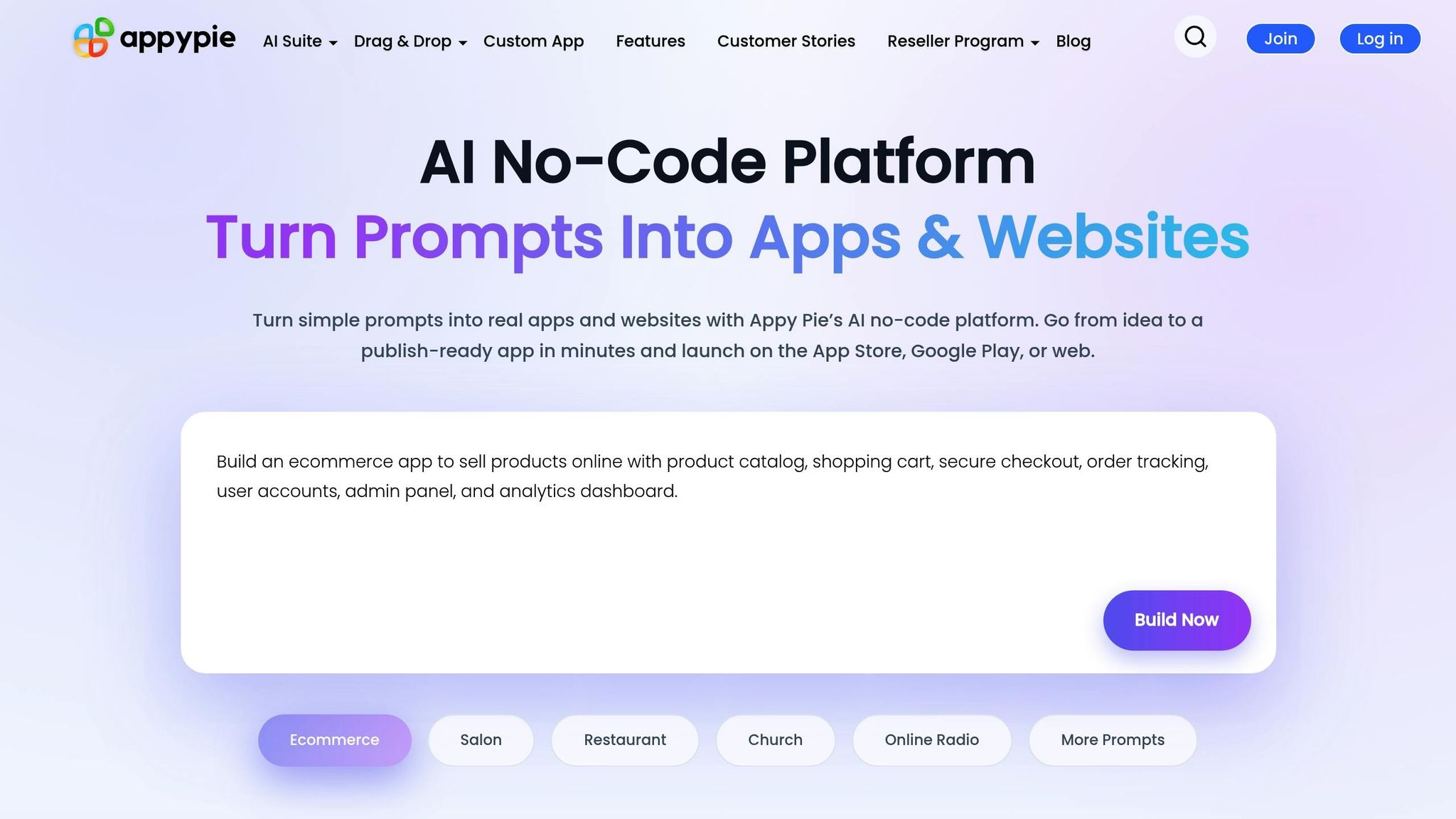
Appy Pie simplifies app creation by letting you describe your idea in plain English. Using GPT-4o-powered AI, the platform quickly generates screens, navigation, and core structures. For instance, you could type something like, "Inventory tracker for handmade candles that logs stock levels and includes barcode scanning", and within minutes, you'll have an initial draft ready to go.
The platform also includes an AI Agent Builder that crafts advanced agents through basic conversations. These agents can browse the web, send emails, create documents, store data, and even collect customer preferences during onboarding, all without requiring any coding. Additionally, specialized tools like the AI UI Design Generator, App Icon and Background Generators, and an AI Quiz Maker help transform various types of content into interactive formats.
"Your agent truly represents your methodology, personality, and approach. It's not generic AI - it's your expertise, available 24/7." – AppyAI
Once the AI generates the initial version of your app, you can refine it further by adjusting layouts, tweaking features, and updating sections directly in the no-code editor. This combination of automated generation with manual customization gives you full creative control, no technical expertise required.
Ease of Building and Deploying AI Solutions
Appy Pie makes app development accessible with its simple three-step process: describe your idea, let the AI create a structured draft, and visually customize the app to your liking. This approach enables anyone, even without technical knowledge, to build and launch apps without worrying about coding or server setups. With over 10 million users globally and more than 10 million installs on Google Play, the platform has proven its effectiveness across a wide range of projects. For those exploring more options, you can find similar solutions in our AI tools directory.
"I created my first mobile app without hiring developers. The AI setup was simple and fast." – Audrey B.
The platform also provides a guided publishing process and submission assistant, making it easy to launch apps on the Apple App Store and Google Play Store. Apps are hosted on AWS and meet GDPR, HIPAA, PCI, and SOC compliance standards. For quicker results, using specific prompts - like "two-step checkout flow with Apple Pay" - can help streamline the process. Plus, the built-in analytics dashboard lets you track session lengths and identify drop-off points, ensuring a seamless user experience.
Integration Capabilities
Appy Pie supports seamless one-click integrations with tools like Stripe, HubSpot, Zapier's no-code automation, Google Sheets, and various CRMs. The platform can also process and convert third-party content - such as YouTube videos, PDFs, Word documents, and audio files - into functional app components. Monetization is another strong point, with features for subscriptions, Google AdMob ads, and in-app purchases, all without Appy Pie taking a revenue share.
Pricing and Scalability
Appy Pie provides a free trial for users to test prototypes. Paid plans start at $16 per app/month for the Basic plan (ad-free), $36/month for the Gold plan (which includes premium features), and $60/month for the Platinum plan (which adds iOS support). With a 4.7/5 rating from over 4,309 reviews, users frequently highlight the platform's ability to speed up development and launch timelines.
"This saved us weeks of development time. We launched much faster than expected." – David B.
6. Momen
AI Customization Features
Momen takes a BYOM (Bring Your Own Model) approach, letting you integrate your own API keys from providers like OpenAI, Gemini, Claude, and DeepSeek. This gives you direct control over costs and the AI models you use. If you prefer, you can also use Momen's built-in access to GPT-4o, GPT-4o mini, and GPT-5, which operate through an internal AI points system.
Through the visual AI Agent Builder, you can assign specific task roles and incorporate real-time business data. This data can come from Momen's database, third-party APIs, or even local files like PDFs, Word documents, or Markdown files. The platform's agents utilize pre-configured Actionflows, external APIs, or AI chaining to perform tasks like retrieving data or generating images. For output, you can choose between structured JSON - ideal for programmatic database updates - or streaming outputs for real-time chat interfaces.
"Momen changes the game: everything's integrated, and the built-in AI Agents sealed the deal. In just two weeks, we launched a full client site and expanded from a design agency into web development." – Pete Gosling, Founder, Gosling Media
Pro Tip: To conserve AI points, use GPT-4o mini for text-based tasks and switch to GPT-4o for image processing. You can also apply filters to your database context data to use AI points more efficiently.
Ease of Building and Deploying AI Solutions
Momen simplifies AI solution deployment with its five-step process: design, database setup (with AI guidance), visual logic creation using Actionflows, real-time preview, and one-click publishing. This streamlined flow allows for both frontend and backend deployment in under 30 seconds.
With over 300,000 business founders and 10 million end users, Momen supports scalability for up to 1 million daily active users. For example, in 2024, Leon Petrou launched the Futurise platform in just two months while working part-time. The platform, featuring a RAG-based AI search assistant, gained over 1,000 active members and began monetizing within its first week. Similarly, Anthony Xu created Minicollector, a card collection app managing more than 4 million SKUs. This app now generates over $400,000 in annual revenue.
"I switched to Momen after years of building with Bubble - and I couldn't be happier. Momen is more affordable, easier to use, and the support is the best I've experienced." – Leon Petrou, Founder, Futurise
The efficiency of Momen's deployment process is complemented by its robust integration features. For those looking to extend these capabilities further, business process automation with Make.com offers additional ways to sync data across platforms.
Integration Capabilities
Momen stands out by connecting seamlessly with various knowledge sources, including internal databases, external APIs, and local file uploads. Its Actionflows and AI chaining streamline external calls and automate updates. AI outputs can be formatted as structured JSON objects, enabling automatic database updates or triggering workflows based on AI responses.
Each month, Momen provides 100,000 free AI points, giving users a strong start. For customer-facing chat interfaces, enabling streaming output can reduce perceived latency and improve user experience. However, note that AI request timeouts are capped at 60 seconds.
Pricing and Scalability
Momen offers flexible pricing plans to fit various needs:
- Free tier: Includes 1 AI agent, 1 Actionflow, 1 API, and 100,000 AI points per month.
- Basic plan: Costs $33 per project per month (billed annually) and includes unlimited AI agents, BYOM, custom domains, and 1,000,000 AI points per month.
- Pro plan: Priced at $85 per project per month (billed annually), it adds SSO, Stripe payment integration, and 5,000,000 AI points per month. Additional points (6,000,000) can be purchased for $10.
7. FlutterFlow
AI Customization Features
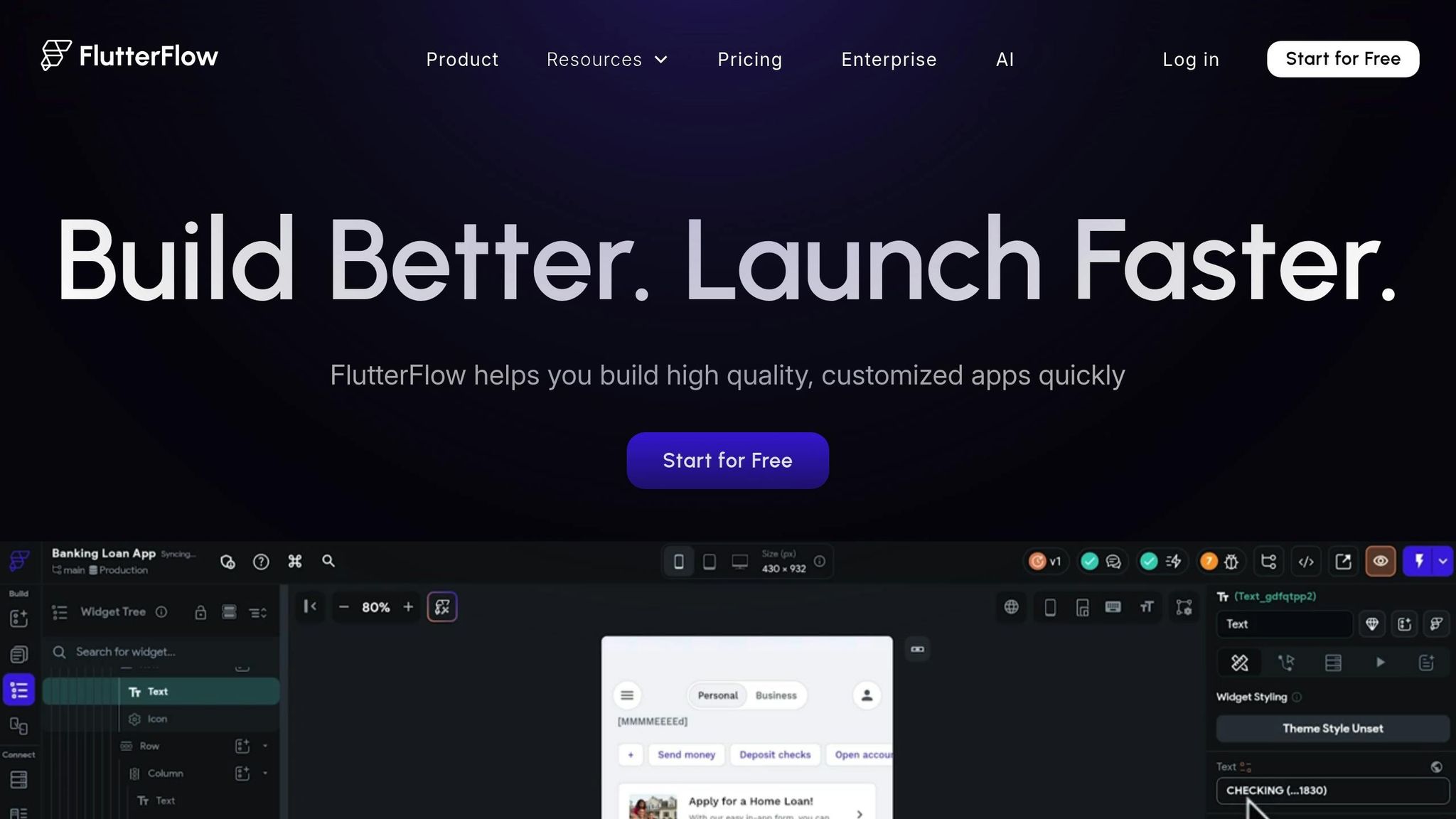
FlutterFlow's AI Agent Builder leverages top-tier AI models from OpenAI, Google, and Anthropic to craft highly configurable AI services. By defining roles with system and preloaded messages, you can fine-tune how these models respond using few-shot prompting. The platform gives you precise control over AI behavior with adjustable parameters like:
- Temperature: Balances creativity and factual accuracy.
- Max Tokens: Limits response length to manage API costs.
- Top P: Influences the diversity of generated responses.
Your agents can handle various input types, including text, images, PDFs, audio, and video, while delivering outputs in formats like plain text, Markdown, or structured JSON.
FlutterFlow also includes AI Gen Tools to speed up development. Features like "Prompt to Page" and "Prompt to Component" let you generate UI elements directly from text descriptions, while "AI Schema Gen" automates database structure creation. The visual Action Flow Editor further simplifies the process, enabling you to trigger AI responses and maintain conversation context using unique Conversation IDs.
Pro Tip: If you're building dynamic data apps, like restaurant finders, set AI responses to JSON for seamless UI integration. To keep API costs down, adjust the "Max Tokens" parameter to ensure concise responses.
These tools make it easy to create and deploy AI-powered features without writing a single line of code.
Ease of Building and Deploying AI Solutions
With a user base exceeding 2.9 million and access to over 200 configurable UI elements, FlutterFlow offers a visual, no-code interface for app development. Setting up AI functionality is straightforward - just link your Firebase (Blaze plan) and enter your API keys for OpenAI or Anthropic.
Deploying your app is equally simple. With just a few clicks, you can launch it on the App Store, Play Store, or the web. FlutterFlow also allows you to export full Flutter/Dart code, ensuring you're not tied to the platform. For those seeking advanced customization, you can extend functionality using custom Dart functions, Flutter widgets, or Google Cloud Functions.
Integration Capabilities
FlutterFlow’s integration options are robust. It connects seamlessly with Google AI through Vertex AI and Firebase Authentication, and it automates Firebase Cloud Functions for managing OpenAI and Anthropic API keys.
The platform also supports connections to any AI service with an API, such as Groq, Stability AI, or Dall-E, via its RESTful API capabilities. Native integrations with Firebase and Supabase enable real-time data connections for AI workflows. For custom REST APIs, the "Response & Test" feature helps you define JSON paths (e.g., $.choices[:].message.content) to bind AI-generated responses directly to UI components.
Pricing and Scalability
FlutterFlow offers flexible pricing to meet different needs. The Basic plan supports one AI Agent, while the Growth plan and higher tiers provide unlimited agents. Paid plans start at around $25 per month. To deploy AI Agents, you'll need a Firebase Blaze plan, and costs for using language models depend on their respective providers.
The platform easily scales from small projects to enterprise-level applications. For apps with heavy traffic, you can optimize response times by setting "Min Instances" in Deployment Settings to a value greater than zero - though this may increase Firebase costs. This feature prevents cold starts and ensures faster performance for high-demand scenarios.
Conclusion
The platforms we've explored each bring something distinct to the table, catering to a variety of business needs. Bubble stands out with its robust logic control for building complex web apps, starting at around $29/month. Momen, on the other hand, specializes in AI agent builders for $33/month, while FlutterFlow shines in delivering high-performance native mobile apps at $30/month.
For businesses looking to create internal tools quickly, Softr and Glide are excellent choices. These platforms transform existing spreadsheets into functional apps in mere hours, not weeks. Glide, starting at $19/month, is particularly appealing for budget-conscious projects requiring simple, mobile-friendly web apps. If deploying truly native apps to the App Store and Google Play is a priority, Adalo is a strong contender. Meanwhile, Appy Pie offers an easy starting point for beginners with its custom versions of ChatGPT and app generation tools.
The no-code AI space is growing rapidly, with development cycles becoming faster than ever. Some organizations have reported build times that are 90% quicker than traditional methods, with MVPs being launched in as little as seven days instead of the usual three to four months.
"Development speed is collapsing to near real time." – Nicolas Zeeb, Vellum AI
When choosing a platform, consider your team's technical expertise and take advantage of free tiers to test the waters. Platforms like Softr are great for non-technical users, while tools like Bubble and FlutterFlow offer the flexibility to integrate custom code as your project grows. The increasing adoption of no-code solutions highlights their effectiveness, especially as the demand for traditional AI development outpaces the available talent pool. Picking the right no-code platform tailored to your project's needs and technical capabilities is key to unlocking the potential of AI-driven innovation.
FAQs
How do no-code platforms make AI development easier for everyone?
No-code platforms make AI development straightforward by eliminating the need for complex programming skills. With features like visual interfaces, drag-and-drop tools, and guided workflows, they allow anyone - from marketers to entrepreneurs and small business owners - to build and customize AI-powered applications without breaking a sweat.
These platforms often come packed with pre-designed templates, seamless integrations with popular AI services, and flexible pricing models. This combination not only saves time but also cuts down on expenses. By simplifying the entire process, no-code platforms shorten development cycles, enabling users to transform ideas into working AI solutions in just a matter of hours or days. This approach opens the door for more people to leverage advanced AI tools, regardless of their technical background.
What should I look for when selecting a no-code platform for AI customization?
When selecting a no-code platform for customizing AI, it’s important to keep a few key aspects in mind to make sure it aligns with your goals. Start with ease of use - prioritize platforms that offer user-friendly interfaces, drag-and-drop functionality, and pre-built templates. These features make it simpler for those without technical expertise to get started.
Next, examine the platform’s AI features and integrations. It should either include strong built-in AI capabilities or work seamlessly with leading tools like ChatGPT or Google Vertex AI. This ensures you have the flexibility to design intelligent solutions.
Don't overlook scalability and deployment options, especially if you’re planning to create applications for business or production use. A platform that grows with your needs is invaluable. Finally, review the pricing, security, and customer support. Make sure it fits your budget, protects your data, and provides dependable support when you need it.
By weighing these factors - usability, functionality, and cost - you can choose a platform that makes AI development straightforward, even without coding knowledge.
Can no-code platforms integrate advanced AI models like GPT-4 and DALL-E?
Yes, plenty of no-code platforms support integration with advanced AI models like GPT-4 and DALL-E. These platforms typically offer built-in features or API options that let users connect with these powerful tools, making it possible to develop AI-driven applications - think chatbots, content creators, or image generators - without needing any coding skills.
For instance, many platforms simplify the process of integrating large language models (LLMs) and image generation tools. This allows businesses to easily design AI workflows tailored to tasks like marketing campaigns, process automation, or customer support. The goal is to make cutting-edge AI tools more approachable, enabling users to create advanced solutions without requiring technical expertise.
Related Blog Posts

Loved by Business Owners


Based on 1K reviews
Get smarter on AI every week.
Ready to transform your business?