5 Steps to Build Reusable Prompt Templates



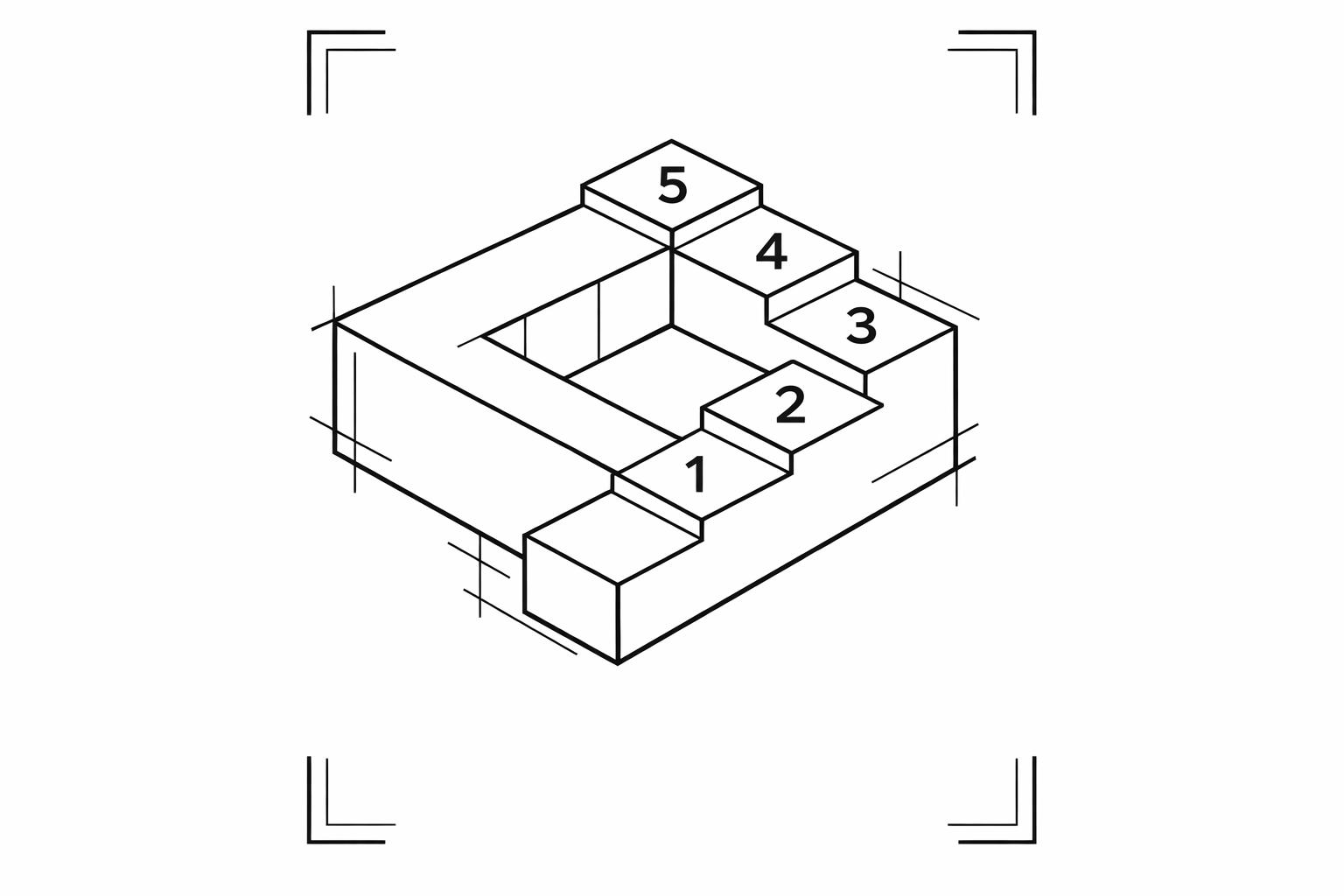
Rewriting prompts repeatedly wastes time. Reusable templates solve this by creating flexible frameworks with placeholders like {topic} or {audience}. These templates ensure consistency, save effort, and can be shared or scaled across teams. Here's how to create them:
- Define Goals and Variables: Identify your task's purpose and variables (e.g.,
{tone},{platform}). - Assign Roles and Context: Specify the AI's role and provide clear background details.
- Structure Requests: Break tasks into steps and include examples to guide the AI.
- Set Output Formats: Define the structure, like bullet points or tables, and set constraints.
- Test and Refine: Test with sample inputs, tweak as needed, and store templates for reuse.
Reusable templates streamline workflows, ensure quality, and reduce repetitive effort. Tools like God of Prompt offer libraries and frameworks to further simplify the process.
Step 1: Set Your Goal and Choose Variables
Determine What You Want to Achieve
Before you start writing, pin down exactly what you're trying to accomplish. Are you crafting blog outlines? Drafting email replies? Designing Facebook ad copy? The more specific your goal, the easier it is to distinguish between what remains constant (fixed logic) and what changes with each use (variables). This distinction is key to turning a one-time prompt into a system you can reuse.
"The difference between a prompt and a template is variables." - FlashPrompt
A vague goal often leads to inconsistent results. A clear objective, on the other hand, helps you decide which parts of your prompt should be flexible and which should stay locked in place. For instance, if you're creating a product description template, your brand voice might remain fixed while the product name, features, and audience vary. By clearly defining this structure, you can build a system that's both reliable and reusable.
Select Variables for Customization
Next, identify 2–4 key variables that will make your template adaptable. Common examples include {topic}, {audience}, {tone}, {platform}, and {output_length}. Use clear, descriptive names for these variables - skip vague placeholders like {x1} or {stuff}. Make them easy to spot by wrapping them in consistent markers, such as curly braces {variable} or square brackets [variable].
Keep your dynamic inputs (like {topic}) separate from fixed constraints (like "No jargon" or "Max 300 words"). This ensures you don’t accidentally alter rules or formatting when you’re just updating content specifics. Start with a few variables and add more only if repeated use shows a need for greater flexibility.
"Variables turn a single prompt into a reusable workflow. Instead of storing fifty versions of the same instruction, you store one template and swap dynamic fields at runtime." - FlashPrompt
Once your goals and variables are set, you'll be ready to assign roles and provide context in the next step.
sbb-itb-58f115e
Step 2: Assign a Role and Add Context
Define the AI's Role
To get the most precise and relevant responses, assign the AI a specific role that shapes its tone, vocabulary, and reasoning. A great way to do this is by using a three-part formula: Persona, Credentials, and Niche. For example, instead of saying, "You are a copywriter", try something like, "You are a senior B2B SaaS copywriter with over 10 years of experience, specializing in email campaigns for tech startups." This approach ensures the output is more structured and tailored.
As Silvia O'Dwyer, Founder of Nova Prompts, puts it:
"The gap between 'meh' and 'wow' AI responses usually comes down to how you ask - not how clever the bot is."
For efficiency, you can use placeholders like {role} or [ROLE] in templates, making it easy to switch personas as needed. For instance, you could quickly shift from "data analyst" to "memoir editor" or even combine roles, such as "developmental psychologist AND gamification designer".
Once the role is clear, the next step is to establish context to refine the AI's responses further.
Add Background Information
Context is key to helping the AI deliver grounded and relevant output. Be specific about the task's purpose and audience. For example, include details like your industry, audience demographics, brand voice (e.g., "professional but approachable"), and any constraints, such as budget limitations or seasonal trends. The more detailed the input - such as current revenue, team size, or past campaign results - the more realistic and actionable the AI's output will be.
To streamline the process, incorporate placeholders such as {company_name}, {audience_type}, or {product_features} into your prompts. Position critical context at either the beginning or end of the prompt for clarity. Additionally, give the AI clear instructions on how to handle missing information, like: "If data is incomplete, specify what is needed." This reduces the risk of vague or irrelevant responses.
Step 3: Structure Your Request and Define Actions
Break the Task into Smaller Steps
Once you've assigned a role and established context, the next step is to break your AI task into clear, actionable steps. Use direct action verbs to start each instruction, such as "Write a Facebook post" or "Summarize these notes". For tasks with multiple layers, numbered steps work well to guide the process. For example, instead of saying something vague like "improve our marketing", try: "1. Analyze current email open rates. 2. Identify three high-performing patterns. 3. Recommend subject line changes." This logical progression, known as the Chain-of-Thought method, helps the AI handle tasks that involve planning, calculations, or decision-making.
The team at PromptBuilder.cc offers this advice:
"Write prompts like instructions to a smart coworker. Say what you want, what to use, and what the output should look like."
For more complex workflows, try prompt chaining - a method where the output from one prompt feeds into the next. For instance, you might go from "Analyze data → Brainstorm ideas → Estimate effort → Prioritize". To keep everything organized, you can use section variables like [INSTRUCTIONS], [CONTEXT], or [OUTPUT]. These variables help structure your prompts clearly and make it easier to swap in new information as needed.
With your steps laid out, the next move is to provide examples to clarify expectations.
Add Examples to Guide the AI
Once your task is broken into steps, examples can help set the standard for the output. Instead of explaining the format you want, demonstrate it. This approach, called few-shot prompting, involves offering two or three examples to show the desired tone, structure, or format. It's especially helpful when you're aiming for a specific style.
For example, if you're creating a social media post template, include a sample post that reflects your preferred length, emoji usage, and placement of calls-to-action. Use placeholders like {topic} or {audience} in your examples to show where variable information should go. You can also add a simple instruction like: "If any required input is missing, ask up to three clarifying questions before starting" to ensure the AI has everything it needs.
To make your templates reusable and easy to follow, stick to consistent placeholder markers like square brackets [VARIABLE_NAME] or curly braces {variable_name} to indicate where the AI should fill in details. Combine this with explicit output instructions, such as "Return Markdown", "Include a two-column table", or "Keep it under 50 words". These clear guidelines help ensure your templates consistently produce the results you’re looking for.
Step 4: Set Output Format and Constraints
Choose the Output Structure
Once you've outlined your steps and examples, it's time to define how the AI should deliver its response. Think of this as creating a detailed blueprint. The format you pick should align with your specific needs. For instance:
- Bullet points are perfect for quick, scannable insights or actionable steps.
- Markdown tables work well for comparisons or structured data summaries.
- JSON schema is ideal if you need machine-readable output for automation tasks.
Be precise about the limits. For example, instead of saying "keep it brief", specify something like: "Provide exactly 5 bullet points, each with no more than 14 words." Using concrete examples instead of vague terms removes ambiguity. You can also add flexibility with format variables like [FORMAT], which allow users to toggle between lists, tables, or paragraphs as needed.
Set Limits and Guidelines
After deciding on the structure, apply clear constraints for things like length, tone, and style. Avoid subjective terms like "short" or "concise." Instead, set specific rules, such as "limit to 100 words", "write in 3 sentences max", or "use 5 bullets."
Separate these constraints visually with headers like ## OUTPUT FORMAT to make them easy to follow. Also, include guidelines for handling uncertainty. For instance, you might specify: "If information is missing, state explicitly and follow up with one clarifying question."
As the Prompt Builder team wisely notes:
"Prompt engineering didn't become 'writing longer prompts' in 2026. It became writing clearer specs." - Prompt Builder
Focusing on clarity over length ensures templates are dependable and adaptable for a wide range of tasks.
Step 5: Test, Refine, and Scale
Test with Sample Inputs
When testing your template, use a variety of inputs to cover all bases. This includes common scenarios, edge cases, and even inputs with typos or complex jargon. The goal? To see how well your variables - like [ROLE] or [FORMAT] - hold up across different contexts without causing errors or inconsistencies.
Pay close attention to how the AI responds. Does it adapt smoothly when you swap out roles? Does it stick to your defined constraints? Testing like this helps uncover unexpected issues and ensures your template is flexible and reliable.
Improve Based on Results
This is where refinement transforms a decent template into an exceptional one. Follow a simple cycle: hypothesize, test, analyze, and refine. A good rule of thumb is to tweak one variable at a time - such as persona or format - to clearly identify what impacts performance.
"Systematic prompt iteration is the professional's answer to unlocking consistent, high-quality AI performance." - PromptAgent
Set clear success metrics before diving into refinements. Metrics like factual accuracy, tone adherence (using a 1–5 scale), word count for conciseness, and overall format compliance help you measure progress effectively. Once you've fine-tuned your template, it’s ready for broader application.
Use Tools to Scale Your Templates
To keep things organized, store your refined templates in tools like Airtable, Notion, or shared documents. Include essential details such as the prompt name, its purpose, key variables, and an example of successful input/output. This ensures consistency and makes it easier for others to use.
For scaling on a larger level, platforms like God of Prompt can be invaluable. They offer a robust library of over 30,000 ready-to-use prompts, advanced workflows through their Mega Prompt Library, and a comprehensive Prompt Engineering Guide & Toolbox. These resources are designed to help you think like an AI expert and build better templates. With lifetime access and regular updates, it’s a resource that evolves alongside AI advancements.
"The simple framework has taught me how to create my own prompts and GPTs and think like an AI expert. I am a better AI user because of God of Prompt." - Alison Martin Simmons
Unlock the Power of Reusable Prompts: Prompt Engineering Course (P2)
Benefits of Reusable Prompt Templates

One-Off Prompts vs Reusable Templates Comparison
Reusable templates change the game when it comes to working with AI. They let you take a single, well-crafted prompt and use it across various projects, teams, or platforms. Think of templates as efficiency boosters - tasks that used to take hours can now be completed in minutes by switching from manual rewriting to a variable-based approach. This method not only saves time but also ensures outputs remain consistent, scalable, and easy to manage.
But it’s not just about speed. Templates also lock in a uniform tone and structure. By embedding roles, constraints, and formatting rules directly into the template, you can ensure every AI output aligns with your standards. This is especially crucial for customer-facing materials or machine-readable data, where consistency is non-negotiable. Instead of relying on the AI to "remember" your preferences, templates make those preferences part of the process.
Scalability is another major advantage. One-off prompts often create knowledge silos and cluttered libraries filled with redundant instructions. Templates solve this by separating fixed logic from dynamic inputs. This means your prompt library can grow from 20 to 200 entries without becoming chaotic. You can integrate templates into automated workflows, share them across teams, or embed them into forms - turning a simple productivity tool into a powerful, team-wide resource.
Templates also simplify quality control. Instead of tweaking dozens of individual prompts, you can refine a single template and instantly improve all future outputs. New team members can hit the ground running with proven templates, even if they lack effective prompt engineering techniques. These benefits make templates a clear winner over one-off prompts in almost every scenario.
Comparison Table: One-Off Prompts vs. Reusable Templates
| Factor | One-Off Prompts | Reusable Templates |
|---|---|---|
| Efficiency | High manual effort; requires rewriting for every task. | High speed; uses one-click execution or variable swapping. |
| Consistency | Low; results vary based on wording changes. | High; maintains consistent tone and structure. |
| Scalability | Difficult; knowledge trapped with individual users. | Highly scalable; shareable across teams and workflows. |
| Quality Control | Difficult; improvements don't transfer. | Easy; template updates improve all outputs. |
| Practical Examples | Quick questions or one-time brainstorming. | SEO meta descriptions, SQL queries, support responses. |
If you’re looking to expand beyond individual templates, God of Prompt offers over 30,000 ready-to-use prompts organized by category. Their Mega Prompt Library and Prompt Engineering Guide & Toolbox provide frameworks to help you create better templates and refine your AI strategies. These resources are regularly updated to keep pace with advancements in AI, ensuring you stay ahead of the curve.
Conclusion
Reusable prompt templates make AI tasks more efficient. By following five steps - setting goals and variables, assigning roles and context, structuring requests, defining output formats, and testing - you can turn one-off tasks into a repeatable, streamlined system. Using placeholders like {topic} or [ROLE] ensures flexibility, allowing templates to be adapted across various projects.
"The biggest productivity unlock in 2026 isn't 'better prompts.' It's reusable prompts -- saved as templates, inserted by keyword, and customized with variables in seconds." - FlashPrompt
These modular templates can be chained together or integrated into automated workflows, cutting down on repetitive tasks and minimizing token usage by reducing the need for multiple retries. Instead of relying on memory or digging through documents, you can create a library of templates that scales your expertise and benefits your entire team.
To get started, focus on a single recurring task and convert it into a template. Use clear variable names and include prompts to handle missing inputs. Save your templates in accessible tools like Notion or Airtable for quick retrieval. For inspiration or ready-to-use frameworks, check out God of Prompt, which offers over 30,000 categorized prompts, a Prompt Engineering Guide & Toolbox, and custom generators designed for AI models like ChatGPT, Claude, and Gemini. Their regularly updated resources ensure you stay aligned with the latest AI developments.
Revisit the five steps periodically to maintain high-quality templates. shifting from prompt engineering individual prompts to managing reusable ones is a game-changer. With a well-organized library of tested templates, you'll spend less time on instructions and more time achieving meaningful results.
FAQs
What variables should I include in a prompt template?
Including variables like {{role}}, {{task}}, {{audience}}, {{tone}}, and {{topic}} allows for a flexible and customizable approach. These placeholders act as dynamic elements within a framework, separating the fixed instructions from adaptable components. This setup makes templates reusable across various scenarios and projects.
A well-structured framework typically defines key elements such as roles, tasks, constraints, and output formats. By integrating variable placeholders, it becomes easier to tailor the content to specific needs, ensuring efficiency and relevance in diverse applications.
How can I get AI to ask clarifying questions when information is missing?
To get better results from AI and encourage it to ask clarifying questions, try crafting prompts with clear, explicit instructions. For instance, you can include a directive like: "If the provided information is unclear or incomplete, ask clarifying questions before continuing."
Adding structured guidelines and defining variables in your prompts can also make a big difference. These practices help the AI focus on getting the right details instead of making assumptions, leading to more accurate and useful responses.
What’s the best output format to standardize results?
The best way to standardize results is by using a clear and consistent output format. A structured template including context, instruction, input, and output format ensures uniformity and predictability. This method not only improves quality but also makes automation smoother and allows for easier scaling across various tasks.
Related Blog Posts

Loved by Business Owners


Based on 1K reviews
Get smarter on AI every week.
Ready to transform your business?